
Old servers rarely leave a San Francisco office the day they’re retired. They sit in a server closet, under a desk, or in a storage room behind spare monitors and old networking gear. The hardware is out of production, the migration is done, and yet nobody wants to be the person who guesses wrong about what to do next.
That hesitation is rational. A retired server still carries risk. It may hold customer records, internal financial data, employee files, archived email, or application credentials. It also takes up expensive space in a city where every square foot matters. For many small and mid-sized businesses, the problem gets worse during an office cleanout, a lease transition, or a data center decommissioning project because the hardware pile grows faster than the disposal plan.
The right way to handle this isn’t “recycle it later.” It’s a documented IT asset disposition (ITAD) process that protects data, satisfies California e-waste rules, and gives the business a chance to recover value where it still exists. That’s how businesses in San Francisco dispose of old servers without turning a cleanup project into a compliance problem.
The Server Closet Dilemma for San Francisco Businesses
A common San Francisco scenario looks like this. A company refreshes infrastructure, moves several workloads to the cloud, keeps a few systems on-prem, and suddenly has a stack of retired Dell PowerEdge or HPE ProLiant servers waiting for a decision. The systems are no longer useful in production, but nobody wants to put them in general trash, hand them to an unknown hauler, or donate them without knowing what remains on the drives.
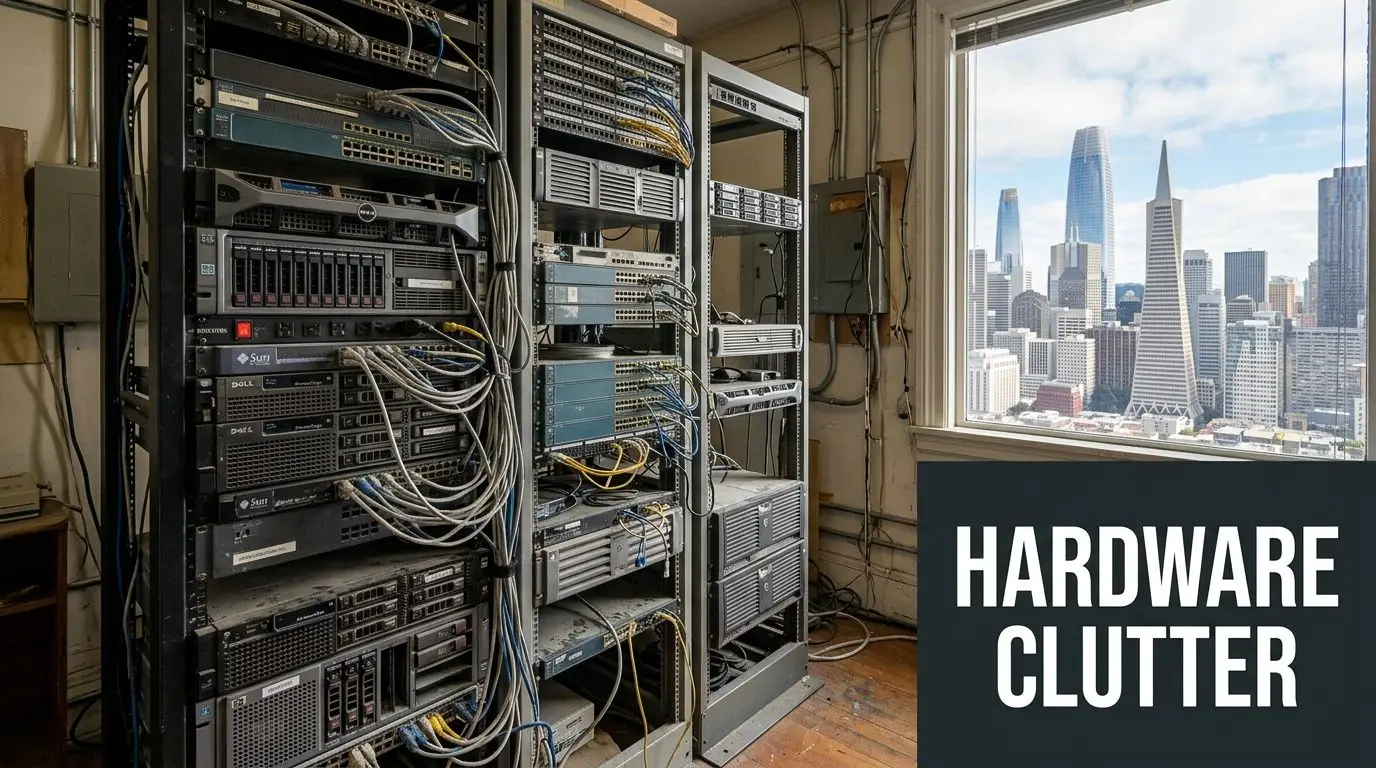
In this city, the disposal problem feels sharper because the operating environment is tighter. Offices are smaller. Buildings often have freight elevator rules, loading dock restrictions, and narrow pickup windows. Many companies also have sustainability commitments, customer security requirements, and internal procurement policies that make ad hoc disposal a bad idea.
The gap between intention and execution is bigger than many teams expect. In the Bay Area, only 55% of businesses engage in e-recycling for devices like computers and servers, and just 17% have established written guidelines for electronics recycling, according to the Bay Area business e-waste study on eScholarship. The same research notes that businesses buy two of every three computers, which means business disposal habits shape the region’s e-waste outcome in a major way.
Why old servers become a business problem fast
A retired server creates three separate issues at the same time:
- Data risk. Even if the machine is unplugged, the storage media may still contain recoverable information.
- Compliance risk. California doesn’t treat electronics like ordinary trash.
- Operational drag. Stored equipment ties up space, complicates inventory, and delays office or facility cleanout work.
Those issues don’t stay isolated. Facilities teams need the room back. IT needs closure on the asset record. Finance wants to know whether there’s residual value. Legal and compliance want proof of secure data destruction. If the process is vague, every department ends up waiting on someone else.
What works and what usually fails
What works is a planned disposition project with a named owner, an asset list, and a certified downstream path. What fails is the informal approach. That includes leaving retired units in storage indefinitely, giving them to a general junk hauler, or asking staff to “wipe them and list them somewhere.”
Practical rule: If your business can’t document where each server went, how the data was destroyed, and whether the hardware was reused or recycled, the job isn’t finished.
Many organizations assume this is only an enterprise problem. It isn’t. Small and mid-sized businesses often face the same exposure with fewer internal controls. A five-server cleanup can be mishandled just as easily as a fifty-server retirement. The difference is that SMBs often have less room for error, less staff time to manage logistics, and less tolerance for unexpected disposal costs.
That’s why a proper server recycling or donation-based recycling plan isn’t just housekeeping. It’s part of risk management.
Navigating California's Strict E-Waste Regulations
California’s e-waste rules matter because a server isn’t ordinary office junk. It’s electronic equipment that can contain hazardous components and sensitive data. For a San Francisco business, that changes everything about disposal. You’re not deciding whether to clear out storage. You’re deciding how to handle regulated material and business records at the same time.
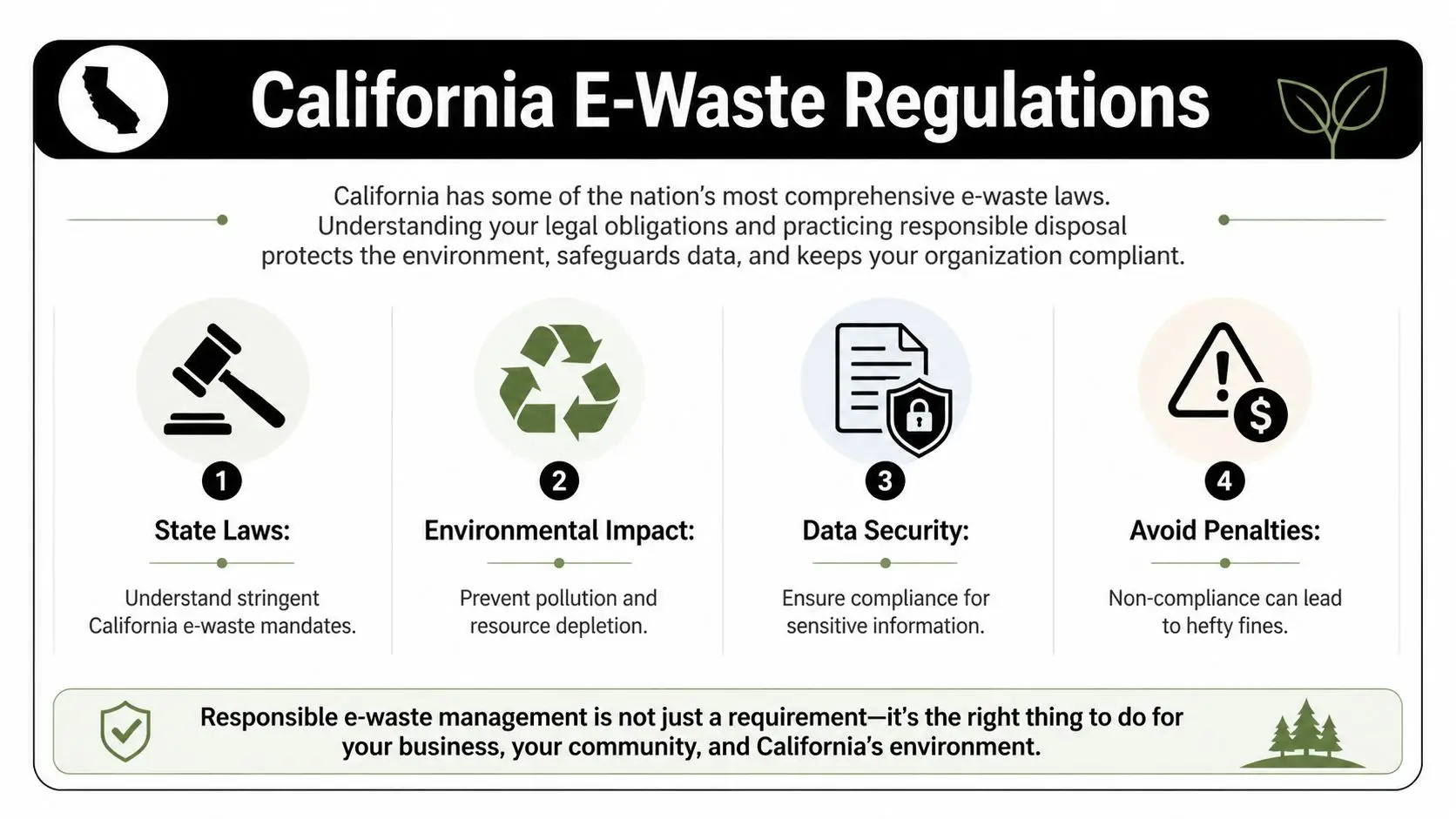
California’s regulatory posture is strict for a reason. E-waste volumes are already enormous, and they’re still rising. Global e-waste is projected to reach 74 million metric tons by 2030, and in the U.S. only 15 to 20% of all e-waste is recycled, according to First America’s e-waste statistics summary. That’s the backdrop behind the state’s insistence on controlled disposal pathways instead of casual dumping or undocumented hauling.
What this means in practice for San Francisco companies
For businesses, the practical takeaway is simple. Old servers should not go into regular trash streams. They need to move through a compliant electronics recycling or IT equipment disposal process that accounts for environmental handling and secure data destruction.
That often affects more than the IT team. A facilities manager arranging an office cleanout may discover that a general cleanout vendor isn’t the right party for retired servers. A sustainability leader may find that “recycling” isn’t enough unless the provider can also document chain of custody and destruction. A finance team may want asset recovery, while legal may insist on audit-ready records.
The answer is usually a specialized ITAD process, not a standard junk removal job.
Why compliance and reputation are linked
In San Francisco, environmental performance and security hygiene both affect reputation. Clients expect businesses to protect data. Employees expect equipment retirement to align with sustainability commitments. Investors and partners increasingly ask harder questions about disposal practices, especially after an infrastructure refresh or location closure.
A weak disposal process tends to fail in recognizable ways:
- Untracked pickups that leave no reliable chain of custody
- Unclear downstream handling where nobody can say whether the server was reused, exported, dismantled, or dumped
- Missing destruction records when auditors, customers, or internal stakeholders ask for proof
- Mixed loads in a larger office cleanout where servers get treated like low-value scrap
A server disposal project should end with records, not assumptions.
For many organizations, a statewide electronics recycling partner becomes useful. Businesses that need a compliant path for servers, laptops, networking gear, and related equipment can review options through California electronics recycling services from Reworx Recycling, especially when they need coordinated pickup support rather than ad hoc drop-off.
Local logistics make compliance harder than it sounds
San Francisco adds a layer of practical complexity. Many buildings require scheduled dock access. Some office towers restrict pickup times. Multi-floor removals may involve service elevators, loading permits, or after-hours coordination. Data center work can add rack removal, staged packing, and asset verification before anything leaves the room.
That’s why businesses should treat old server disposal as a controlled project with a logistics plan, not a last-minute errand. The firms that handle it best usually decide early who owns the process, what proof they need at the end, and whether the equipment has reuse value before transportation begins.
Your Step-by-Step Server Disposition Playbook
A sound server disposition process is repeatable. It shouldn’t depend on memory, good intentions, or one experienced employee who knows where the old hardware is stored. The strongest process uses a checklist, documented custody, and a clear decision on whether each asset will be wiped, shredded, resold, donated, or recycled.
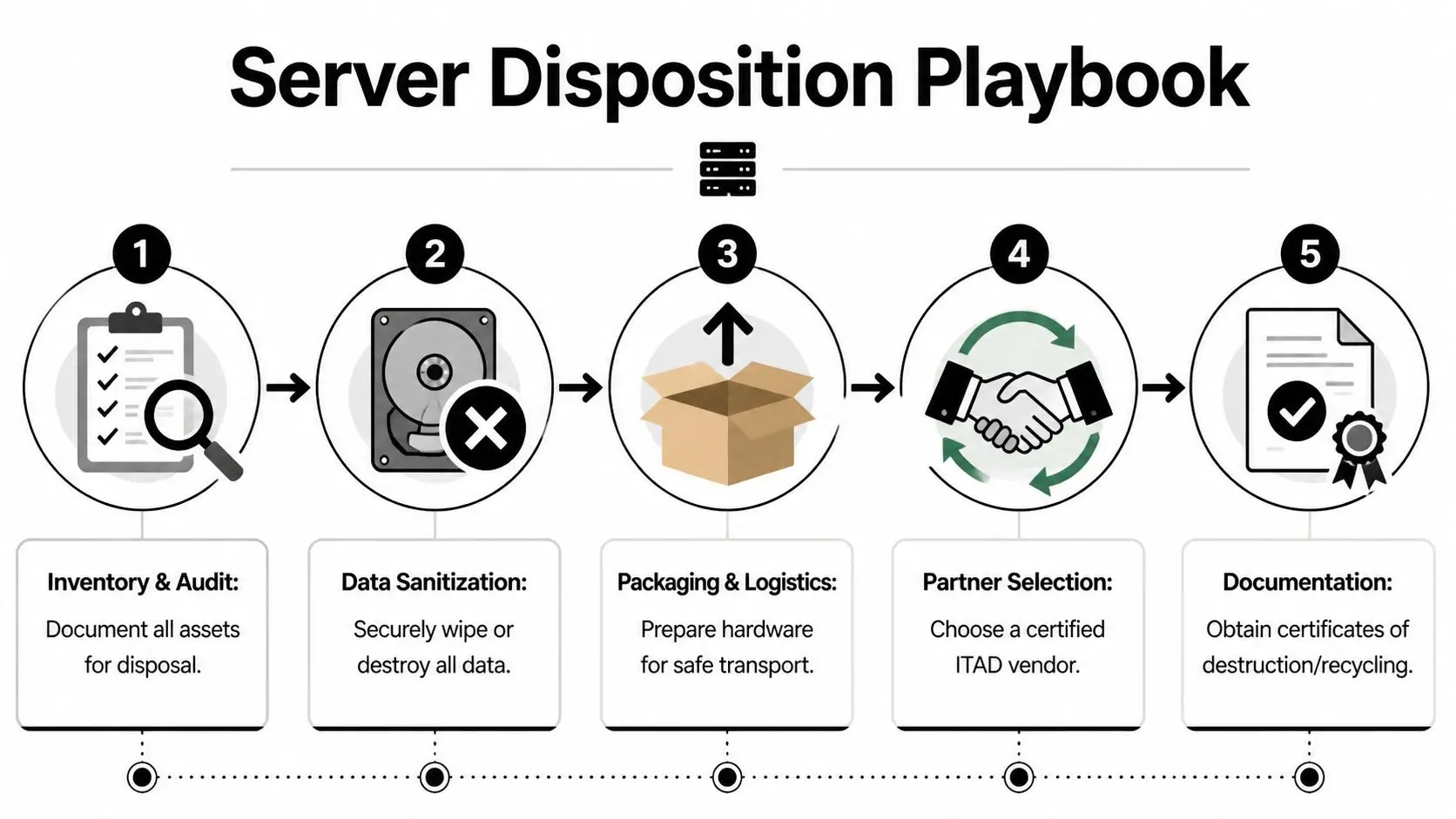
The technical core of the process is essential. A compliant ITAD workflow uses NIST-aligned data wiping or physical shredding, because simple deletion can leave 75 to 90% of data recoverable, and certified providers issue Certificates of Destruction verifying 100% data irrecoverability. The same source notes that 40% of businesses risk major fines by skipping full chain-of-custody audits, as described in this California ITAD process reference.
Start with inventory and asset control
Before a single server leaves the building, create an inventory. That means make, model, serial number, asset tag, rack location, and the business owner or department tied to the system. If drives were swapped, note that too. If rails, UPS units, PDUs, or network appliances are included in the project, list them separately.
This step sounds administrative, but it’s where most avoidable problems are prevented. Without a reliable asset list, the team can’t prove what left the facility or match final destruction records back to internal assets.
Use a standard checklist. Businesses that need a planning framework can adapt an internal process around a server decommissioning checklist so IT, facilities, and compliance are working from the same record.
Decide how data will be destroyed
Not every storage device should be treated the same way. Some drives can be sanitized for reuse. Others should be physically destroyed because of device type, policy requirements, or the sensitivity of the data involved.
A practical approach looks like this:
- Confirm media type. HDDs, SSDs, and embedded storage may require different handling.
- Match the method to the risk. Use NIST-aligned wiping for equipment that may be reused. Use shredding or degaussing where policy or technical limits make wiping insufficient.
- Require documentation. If a provider says the drives were destroyed, ask for the certificate and the serialized record.
A common mistake is assuming that deleting files, reformatting a drive, or resetting a system is enough. It often isn’t.
Field advice: If the asset held regulated, confidential, or customer-facing data, default to documented sanitization or destruction you can defend in an audit.
Control packing and pickup
The handoff from your building to the downstream processor is one of the highest-risk moments in the whole project. Servers are bulky, heavy, and easy to mishandle if the pickup crew isn’t used to enterprise equipment.
For San Francisco offices and data centers, the pickup plan should account for:
- Building access requirements such as dock reservations, COI paperwork, or elevator windows
- Proper removal tools for rack-mounted hardware
- Secure staging so decommissioned servers aren’t left unattended in a hallway or open loading area
- Signed transfer records when the equipment changes hands
At this stage, chain of custody becomes real. If there’s a gap between internal sign-off and vendor receipt, that gap is your exposure.
Choose the downstream path before the truck arrives
Businesses often wait too long to decide what they want from the disposition project. By pickup day, they should already know the priority order. Usually it’s some version of data security first, then compliance, then value recovery, then recycling.
That decision affects how assets are handled:
- Potential reuse assets need assessment and testing.
- Donation candidates need a partner that can accept the equipment and process it responsibly.
- Scrap-only equipment should move directly into electronics recycling with documented handling.
If your organization supports corporate donation programs or donation-based recycling, make sure the donation path still includes proper data destruction and asset documentation. Donation is not a shortcut around ITAD. It’s one possible endpoint inside it.
Close the loop with final reporting
A server disposal job is only complete when the paperwork matches the physical outcome. That means the asset list, pickup manifest, destruction certificates, and recycling or resale summary should align.
A clean closeout packet usually includes:
- Asset inventory reconciliation
- Certificate of Destruction where applicable
- Recycling or remarketing summary
- Chain-of-custody records
- Internal sign-off for audit files
That final packet is what protects the business months later when a customer questionnaire, internal audit, insurance review, or compliance check asks what happened to old equipment.
ITAD Resale or Recycling Which Path Is Right for You
Once the servers are identified and secured, the next decision is strategic. Should the company use a full-service ITAD partner, try direct resale, or send the equipment to a basic electronics recycling provider? The right answer depends on asset age, internal resources, risk tolerance, and how much documentation the business needs.
For servers, age matters. Hardware less than 3 years old may be resellable at up to 40% of its original value, while servers older than 5 years are often recycling-only assets, according to this server decommissioning reference from Armstrong. The same source notes that a certified ITAD partner can manage the process while achieving up to 97% e-waste diversion from landfills.
Server Disposal Options Compared
| Option | Best For | Data Security | Compliance | Value Recovery | Effort Level |
|---|---|---|---|---|---|
| Full-service ITAD | Businesses that need audit trails, secure data destruction, and coordinated pickups | Strong when the provider offers documented wiping or shredding | Stronger fit for regulated or policy-driven environments | Good when equipment still has secondary market value | Moderate for the client because the vendor handles most steps |
| Direct resale | Companies with newer hardware and internal staff who can test, list, pack, and manage buyers | Depends on the company’s own controls | Harder to manage consistently | Highest upside when the gear is desirable and cleanly documented | High |
| Basic electronics recycling | Older, low-value servers with no realistic resale path | Varies widely by recycler | Can be weak if custody and reporting are limited | Minimal | Low at the front end, but can create back-end risk |
What works for most San Francisco businesses
For SMBs and mid-market firms, direct resale often sounds more attractive than it is in practice. The idea of getting maximum return is appealing, but the internal work adds up fast. Someone has to verify specs, confirm drive removal or wiping, photograph units, answer buyer questions, manage packaging, and deal with failed transactions or partial lots.
Basic recycling is the opposite. It’s simple, but simplicity can hide weak documentation. If the recycler can’t provide strong chain-of-custody records and secure data destruction, the lower-friction option may create more risk than it removes.
That’s why many companies land in the middle and use a specialized asset recovery path. They want a partner who can determine whether the hardware should be resold, donated, or dismantled while preserving records and protecting data. Businesses evaluating that route often look for services built around IT asset recovery and remarketing rather than choosing resale or scrap too early.
The best disposal path isn’t the one with the highest theoretical return. It’s the one your team can execute cleanly, document completely, and defend later.
A practical decision rule
If the servers are newer, branded enterprise equipment with usable market life, assess them for remarketing. If they’re older, incomplete, damaged, or costly to test, move them into secure recycling. If the business lacks internal bandwidth, don’t build a disposal project around DIY resale.
That trade-off matters more in San Francisco, where labor time, office coordination, and storage delays all carry real cost even when they don’t appear on an ITAD invoice.
How to Vet and Select a San Francisco ITAD Partner
Choosing an ITAD vendor is where many server disposal projects either become orderly or start to drift. A provider may talk about recycling, pickups, and sustainability, but the real test is whether they can document the chain of custody, explain exactly how data is destroyed, and show clear pricing before your equipment moves.
For San Francisco businesses, this matters even more during office relocations, branch closures, and facility cleanouts. Logistics can be complicated, and a vague vendor creates expensive confusion fast.

Start with the non-negotiables
A qualified provider should be able to answer operational questions without hand-waving. Ask how they track assets at pickup, where they process equipment, whether destruction is on-site or off-site, and what records you receive at project close. If the answers stay vague, move on.
The shortlist should include these checks:
- Certification and standards. Ask whether the provider works to recognized ITAD and electronics recycling standards and whether their handling process is documented end to end.
- Data destruction detail. Ask what they do for HDDs, SSDs, and embedded media. “We wipe everything” isn’t enough.
- Chain of custody. Confirm when custody starts, who signs at pickup, and how individual assets are reconciled in reporting.
- Insurance and liability transfer. Businesses should know when the vendor assumes responsibility.
- Downstream transparency. Ask where non-resellable equipment goes and whether the partner can explain the reuse versus recycling path.
A provider that can’t discuss these points clearly usually won’t improve under pressure.
The hidden cost issue for SMBs
One of the biggest blind spots in server disposal is pricing. Enterprise clients often have enough volume to negotiate favorable terms and absorb project complexity. SMBs usually don’t. The result is that smaller businesses can face more confusing invoices, more minimum charges, and more surprise line items for transport, dismantling, or specialty handling.
That problem is well established. A server recycling pricing overview notes that SMBs in California can pay 20 to 50% more per unit than enterprises, which is why fixed and transparent pricing matters so much for budgeting.
Questions that uncover hidden fees
When you review proposals, don’t just ask for the total. Ask what would change the total.
Use questions like these:
- Pickup scope. Does the quote include stairs, elevator moves, rack extraction, palletizing, or after-hours building access?
- Data destruction method. Is shredding priced differently from wiping? Are certificates included or billed separately?
- Weight and volume assumptions. If the actual load changes, how is the invoice adjusted?
- Packaging and labor. Are boxes, pallets, anti-static packing, or technician time separate charges?
- No-value equipment. What happens if the assets have no resale value? Does the pricing model still hold?
These questions matter because server projects often expand once closets are opened and back rooms are inventoried. A transparent vendor will explain how scope changes are handled before the truck is booked.
If a quote sounds simple but the scope is complex, expect a billing surprise unless every assumption is written down.
Why the social enterprise model appeals to some businesses
Many San Francisco organizations want more than compliant disposal. They also want the project to support broader sustainability and community goals. That’s where a social enterprise recycling model can fit. Instead of treating end-of-life hardware as a pure waste stream, the partner may support reuse, technology access, workforce development, or community benefit through donation-based recycling and corporate donation programs.
That doesn’t replace security or compliance. It sits on top of them. A social mission only matters if the operational basics are strong.
One option businesses consider is Reworx Recycling as an electronics recycling company, particularly when they want business pickup, secure data destruction, IT equipment disposal support, and a donation-oriented model that aligns with digital inclusion goals. The practical question isn’t whether a provider has a mission statement. It’s whether that mission is backed by a disciplined process.
What a strong partner relationship looks like
The best vendor relationships are predictable. The provider asks for an asset overview, building constraints, and timing early. They explain what equipment can move into remarketing, what should go straight to recycling, and what documentation you’ll receive. They don’t force the client to guess.
For San Francisco businesses, that predictability is worth a lot. It prevents disposal projects from turning into a patchwork of facilities tickets, IT spreadsheets, and missing certificates. It also gives sustainability leaders a better story to tell internally, because the outcome isn’t just “we got rid of the old servers.” It’s “we retired them securely, responsibly, and with documentation.”
Take Your First Step Toward Responsible IT Asset Disposal
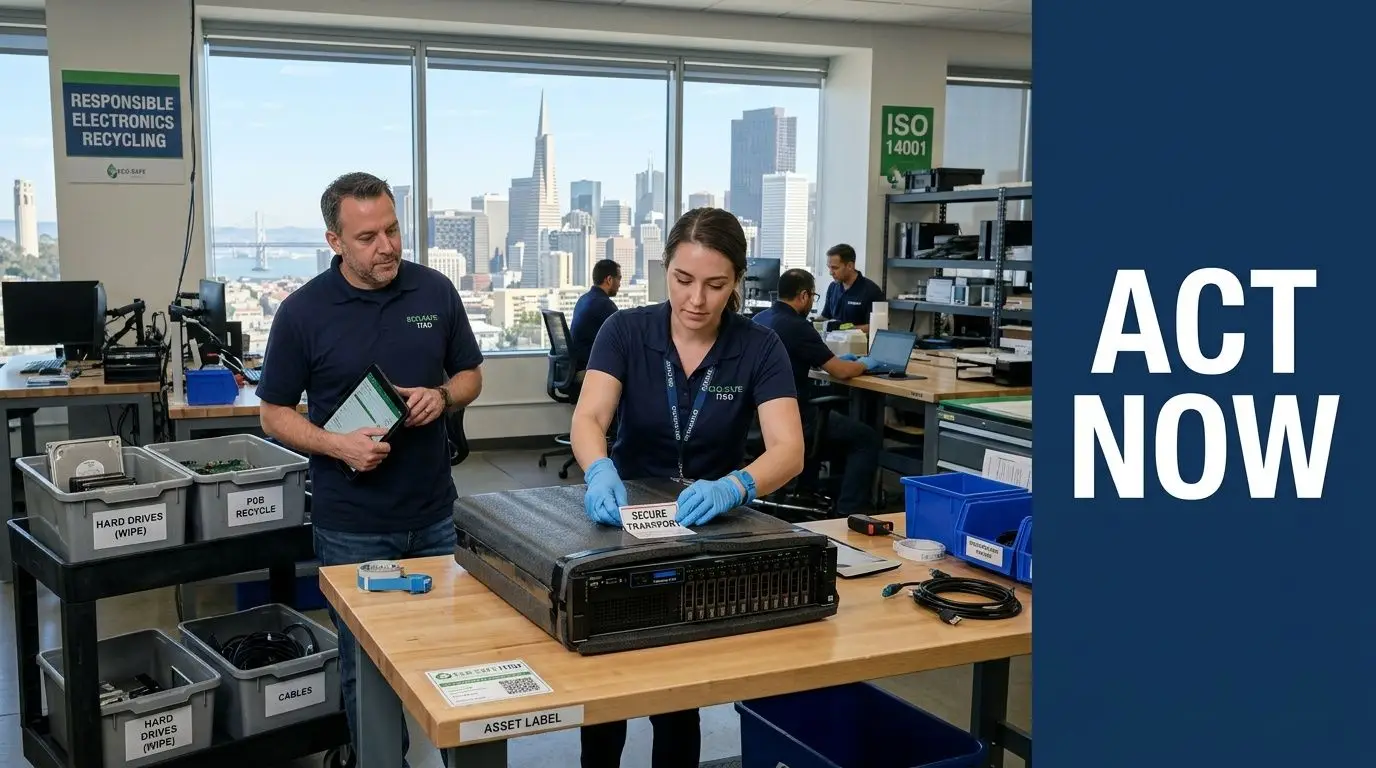
By the time old servers become visible, the underlying issue has usually been building for months. The hardware refresh is done. The cloud migration is complete. The office or data center team needs space back. What remains is the part that many businesses delay. Securely removing the equipment, documenting the handoff, and deciding whether each asset belongs in resale, donation, or certified recycling.
That decision carries more weight in San Francisco because the city combines high operating costs, tight logistics, and strong expectations around sustainability. Businesses need a process that protects data, satisfies e-waste obligations, and avoids turning a cleanup into an internal fire drill.
What the first move should be
Don’t start with the truck. Start with the asset list.
Then line up the essentials:
- Identify what’s being retired so IT, facilities, and finance are all looking at the same inventory.
- Choose the data destruction standard before any hardware leaves the building.
- Confirm the pickup scope including dock access, removal needs, and timing.
- Decide the downstream goal for each asset class, whether that’s asset recovery, donation-based recycling, or recycling-only handling.
- Require end-of-project records that close the loop.
That sequence keeps the project controlled. It also makes budgeting easier because the scope is defined before vendor pricing is finalized.
Why acting now is easier than waiting
Stored servers don’t become safer with time. They usually become harder to identify, harder to value, and easier to mishandle during a future office cleanout or lease event. The longer they sit, the more likely the business loses the institutional memory around what the systems were, what data they held, and whether they still have resale potential.
A scheduled pickup and a documented process solve that. Businesses that are ready to move can arrange equipment pickup scheduling with Reworx Recycling when they need support for server recycling, computer recycling, secure data destruction, or a broader facility cleanout involving other IT assets.
Old servers are only “disposed of” when the data is destroyed, the chain of custody is documented, and the final destination is known.
If your team has retired servers waiting in a closet, cage, rack, or storage room, this is the right time to convert that backlog into a managed ITAD project.
If your business is planning a server refresh, office cleanout, data center decommissioning, or broader IT equipment disposal project, Reworx Recycling offers a practical next step. You can use their resources to plan donation-based recycling, secure data destruction, computer recycling, and corporate donation programs, then schedule a pickup for equipment that’s ready to move out of storage and into a documented end-of-life process.


















