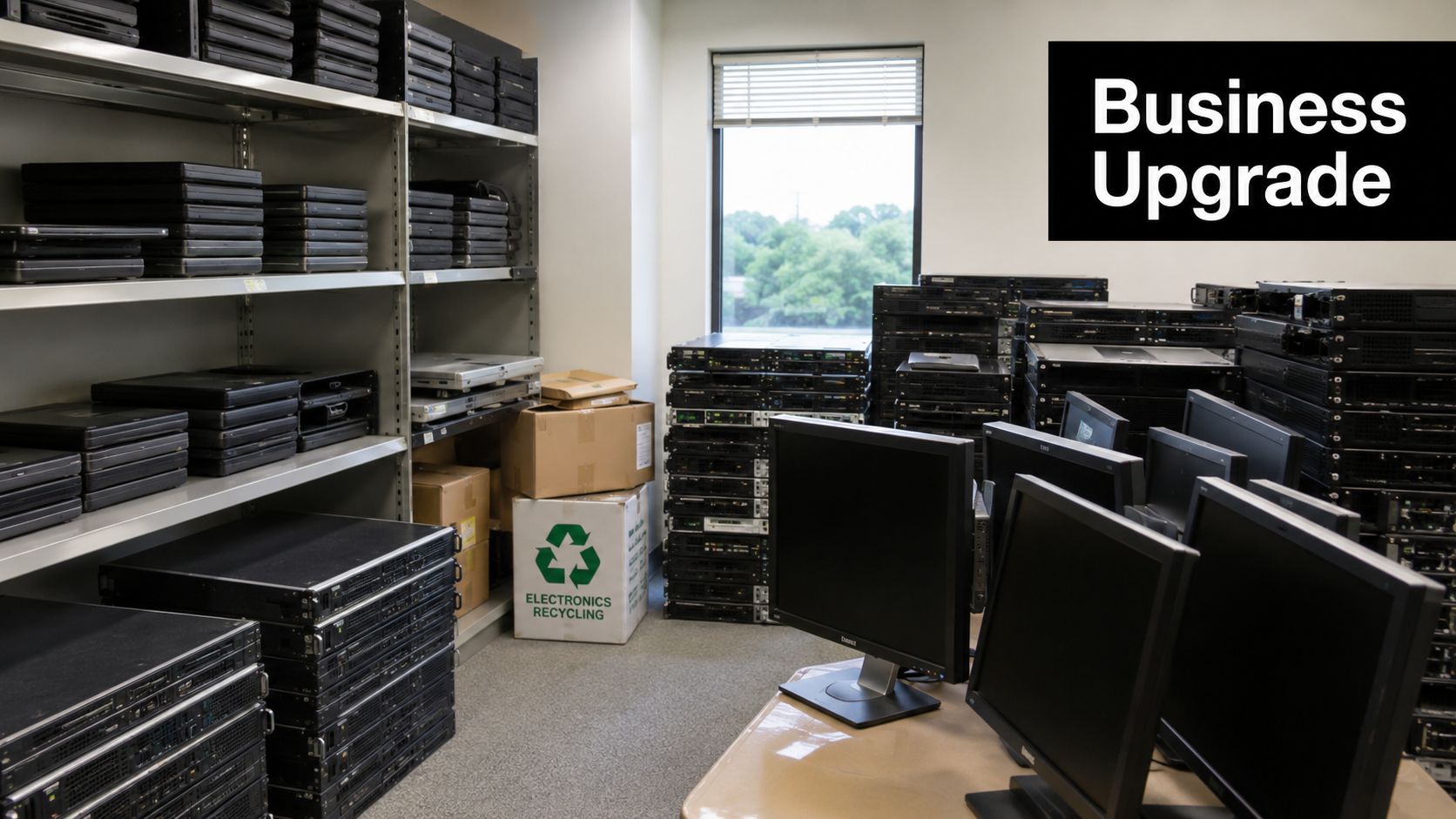
Your Green Bay team finishes a hardware refresh on Friday. By Monday, the spare room is packed with retired laptops, LCD monitors, printers, docking stations, and a few old servers nobody wants to claim. The equipment looks harmless sitting on a pallet, but it creates three immediate business problems: data exposure, compliance risk, and operational drag.
For most companies, electronics recycling isn't really about “junk removal.” It's part of IT asset disposition, records management, facilities planning, and sustainability reporting. If you treat it like a last-minute haul-away job, you usually get vague pricing, weak documentation, and too many assumptions about what happened to the devices after they left your building.
Why Smart Electronics Recycling Matters for Your Green Bay Business
A smart electronics recycling program starts with one simple idea. Old equipment is still an active business asset until it's documented, sanitized, and properly processed. That matters whether you're replacing ten employee laptops or clearing out a full server room after a consolidation.
The scale of the issue is bigger than most managers realize. By 2022, the Americas region generated 14.1 kg of e-waste per capita, with a formal collection and recycling rate of only 30% according to industry figures summarized here. That leaves a large share of retired electronics outside formal recycling channels, which is exactly why regulated, documented handling matters at the local level.
What old devices really cost you
A stack of unused hardware affects more than storage space.
- Security exposure: Laptops, desktops, and network gear often still hold user profiles, saved credentials, cached files, and internal documentation.
- Compliance risk: Covered electronics can't be handled like ordinary trash in Wisconsin.
- Workflow friction: Facilities teams lose space, finance loses asset visibility, and IT loses control over what's still on site.
- Reputation impact: Sustainability claims ring hollow when obsolete equipment sits idle or moves through unclear downstream channels.
Practical rule: If your company still tracks an item in an asset register, that device needs a retirement process, not a cleanup day.
Why strategy beats convenience
The wrong approach is common. A team boxes equipment, calls the nearest drop-off option, and assumes the problem is solved. That might work for a few low-risk items. It doesn't work well for larger office cleanouts, laptop disposal, product destruction, medical equipment disposal, or data center decommissioning.
The better approach ties electronics recycling in Green Bay to broader business controls: asset inventory, chain of custody, secure data destruction, and documented final disposition. That's where sustainable recycling becomes more than a compliance exercise. It becomes a repeatable operating process.
A well-run program also supports goals beyond disposal. Companies increasingly want computer recycling, donation-based recycling, and corporate donation programs to align with environmental responsibility and community benefit. For a useful overview of the broader operational value, see these benefits of e-waste recycling.
Understanding Wisconsin's E-Waste Regulations
Wisconsin doesn't leave this to guesswork. The Wisconsin Electronics Recycling Law makes it illegal for any business or institution in Green Bay to dispose of specified electronics like computers, monitors, and printers in landfills, mandating that they be handled by authorized collectors to ensure proper recycling, as outlined by the City of Green Bay e-cycling information page.
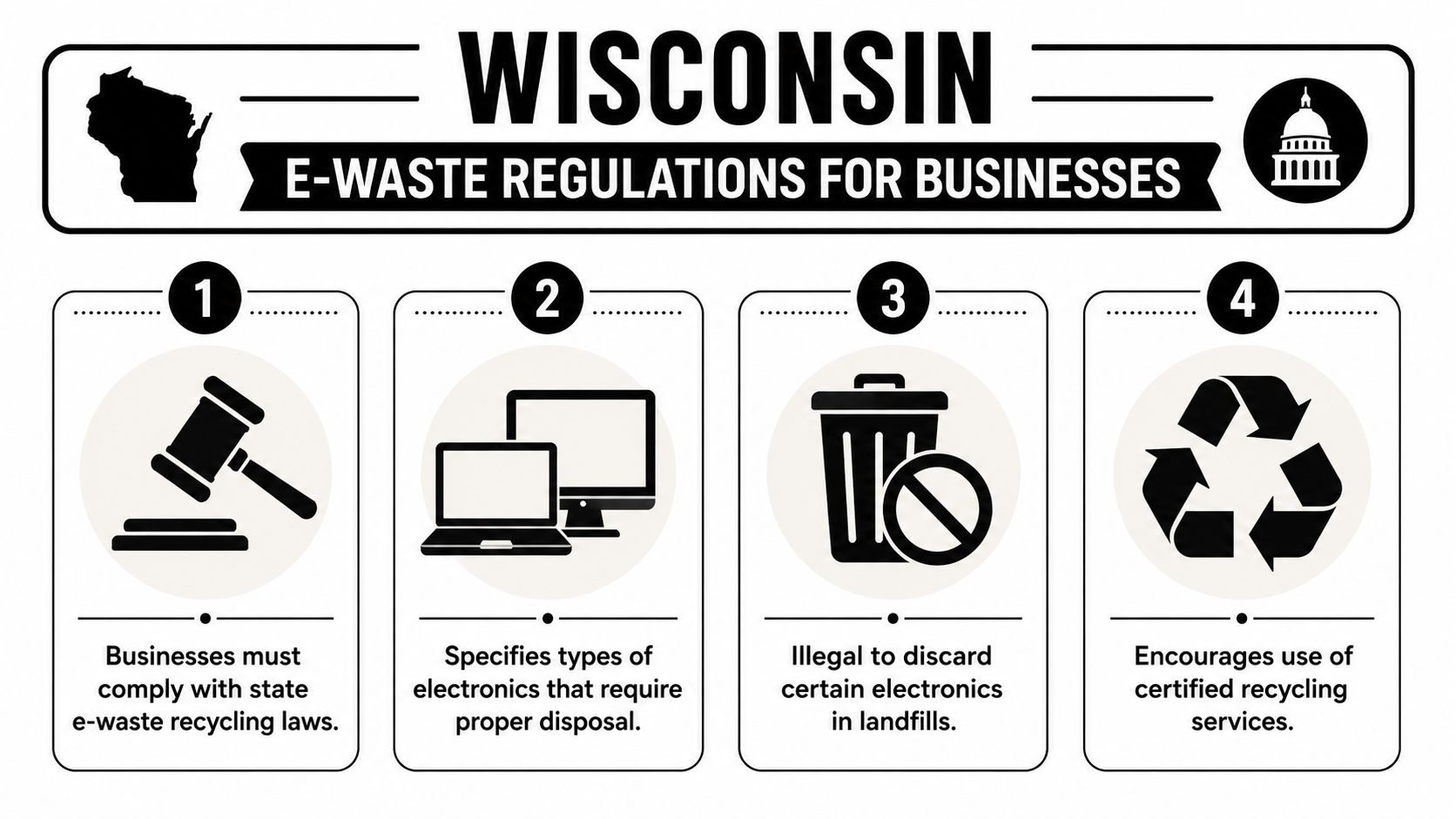
That applies to more than desktop towers. The statewide landfill and incinerator ban covers devices such as cell phones, computer monitors, desktop and laptop computers, tablets, printers, televisions, DVD players, and e-readers. For Green Bay businesses, the practical takeaway is clear. If it falls within the covered categories, it needs to go through an authorized recycling path.
What compliance looks like in practice
The businesses that stay out of trouble usually follow a short checklist:
- Identify covered devices early. Don't wait until move-out week to decide what counts as regulated e-waste.
- Separate e-waste from general surplus. Office furniture, scrap metal, and electronics shouldn't go into the same disposal stream.
- Use authorized collectors or recyclers. Registration and proper handling matter.
- Keep records. Even basic internal documentation helps if questions come up later.
Covered electronics should move through a documented process from internal collection to final handoff. That's the difference between disposal and compliance.
Common mistakes Green Bay companies make
Some companies assume the rules only affect households. Others assume a janitorial or building cleanout vendor can take everything in one load. That's where risk starts. A facilities vendor may be excellent at clearing office contents and still not be the right party to manage laptop disposal, secure data destruction, or IT equipment disposal.
Another mistake is relying on convenience without confirming scope. Some local sites accept residential items during specific hours, while business needs often involve pallets, serialized assets, and pickup coordination. If your team needs a city-specific example of business-focused computer recycling support elsewhere in Wisconsin, this Milwaukee electronics recycling page shows the kind of structured service model many companies look for.
Secure Data Destruction Before You Recycle
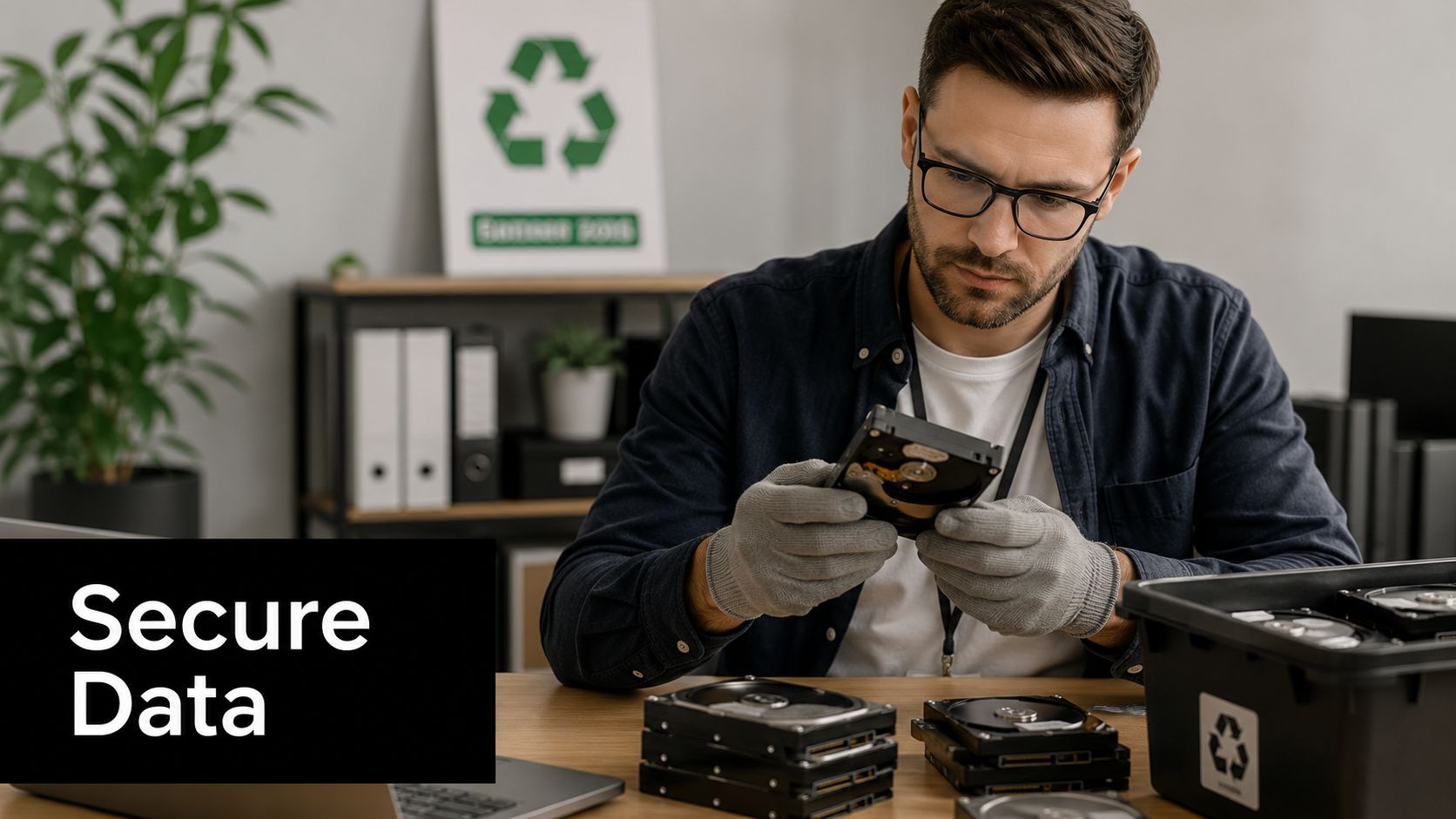
Deleting files isn't data destruction. Reformatting a drive isn't data destruction either. If a device held employee records, customer files, legal documents, financial spreadsheets, medical information, or internal emails, your company needs a media sanitization standard that's defensible.
Certified Green Bay recyclers follow strict protocols like NIST 800-88 Rev. 1, which involves electronically wiping hard drives before physically shredding them to ensure 100% data sanitization, according to Cyber Works' e-cycling process description.
What actually works
For most business environments, secure data destruction falls into three practical categories:
- Software wiping: Best for drives that can still be accessed and processed through approved sanitization workflows.
- Physical shredding: Best when drives are damaged, highly sensitive, or being retired with no remarketing value.
- Process documentation: Essential in every case, because a destroyed drive you can't account for is still a governance problem.
The strongest programs combine methods. A recycler wipes media when appropriate, then physically destroys drives that require irreversible destruction or fail sanitization steps. That layered approach is especially relevant in ITAD projects involving executive laptops, accounting workstations, engineering systems, and retired servers.
A preparation checklist for IT managers
Before any pickup or drop-off, have your team do the basics well:
- Pull an asset list: Include device type, tag number, user, and location if you have them.
- Separate data-bearing gear: Laptops, desktops, servers, storage arrays, copiers, and some multifunction devices need added scrutiny.
- Remove loose accessories: Power supplies, docks, keyboards, and cables can usually move in bulk, but they shouldn't obscure which assets contain storage media.
- Define destruction requirements: Some items can be wiped. Others should be physically shredded without exception.
- Request proof: Certificates, serialized reports, or destruction records matter for audits and internal signoff.
The weakest point in most disposal projects isn't the shredder. It's the handoff. If nobody can show who controlled the device from your office to final processing, the process isn't tight enough.
Where companies cut corners
Businesses usually slip in one of two places. They either assume in-house deletion is enough, or they send mixed loads out the door without identifying what contains data. Both decisions create avoidable exposure.
A better standard is to treat storage media separately from commodity scrap. If your company needs a more formal workflow for secure data destruction and hard drive shredding, review these secure data destruction services and compare them against your current process.
Beyond Drop-Offs Corporate ITAD and Facility Cleanouts
A few desktop monitors in a trunk can go to a drop-off site. A corporate refresh can't. Once you're dealing with cubicle banks, server closets, conference room displays, lab workstations, warehouse scanners, or a full office cleanout, you're in corporate ITAD territory.
That's where many Green Bay companies run into a predictable problem. A common issue for Wisconsin businesses is the lack of clarity on recycling costs, as many local collectors may charge fees for corporate e-waste, creating a 'hidden fee' gap that makes transparent partners essential for budget-conscious IT managers, as noted in this Wisconsin e-cycle coverage.
Why basic drop-off advice falls short
Generic local guides usually tell you where to bring electronics. They rarely answer the questions business managers ask:
| Business question | Why it matters |
|---|---|
| Will this service take bulk corporate loads? | Residential programs often don't match business volume. |
| Are there pickup options? | Loading, transport, and chain of custody affect labor and risk. |
| What items trigger fees? | Servers, monitors, printers, and mixed loads can change cost. |
| Will I get documentation? | Compliance and internal controls require proof. |
That's why IT equipment disposal needs planning, not just a destination.
What a business-ready project includes
A workable office cleanout or facility cleanout usually has these elements:
- Pickup logistics: Scheduled loading windows, site access instructions, and staging plans.
- Asset control: Inventorying what's leaving, especially for laptops, desktops, and network gear.
- Data handling: Defined instructions for wiping, shredding, or product destruction.
- Reporting: Clear records for sustainability, compliance, and finance teams.
- Special categories: Laboratory equipment disposal, medical equipment disposal, and data center decommissioning often need separate handling decisions.
For companies operating labs, repair depots, or warehouse tech stations, storage before pickup also matters. Organized staging reduces mix-ups and damage. Teams that need interim containment often use specialized cabinets for lab and warehouse electronics to separate reusable, data-bearing, and scrap-bound devices before transport.
If a vendor can't explain pickup, chain of custody, reporting, and pricing in plain language, they're not ready for a serious ITAD project.
What works better than “free”
Free service sounds good until the invoice arrives or the documentation doesn't. Transparent scopes work better. So do written intake rules, itemized service descriptions, and realistic discussions about what can be reused, donated, remarketed, or recycled.
For businesses comparing options, this is the benchmark to use. Ask whether the provider handles ongoing IT asset disposition, product destruction, and scheduled corporate pickups, not just one-time drop-offs. This overview of corporate e-waste solutions is a good reference point for what a fuller service model should include.
How to Choose a Certified Electronics Recycling Partner
Choosing a recycler is really a vendor risk decision. The right partner protects your data, supports your compliance posture, and gives your team a clean paper trail. The wrong one creates uncertainty you may not discover until an audit, a move, or a security review.
The Wisconsin DNR's guidance is direct on this point. The Wisconsin DNR emphasizes using recyclers with NAID (National Association for Information Destruction) certification to ensure secure data destruction and a clear chain of custody, which is vital for complying with data security laws, as outlined on the Wisconsin DNR electronics recycling guidance page.
A practical screening framework
Use these questions when evaluating any electronics recycling Green Bay provider:
- How is chain of custody maintained? You want a clear record from pickup through final disposition.
- What happens to data-bearing devices? Listen for specific answers, not vague references to “clearing” or “erasing.”
- What documentation will you receive? Certificates, inventory records, and disposition reporting should be standard.
- Can the vendor handle your environment? An office cleanout is different from a hospital department closure or laboratory shutdown.
- Who owns the process internally? Your vendor should be able to work with IT, facilities, compliance, and sustainability teams without confusion.
Signs you're talking to a collector and not a strategic partner
Some vendors can move material but can't support governance. You'll notice it quickly. They focus on drop-off convenience, avoid detailed questions about data destruction, and speak loosely about downstream handling. That may be enough for low-risk scrap. It isn't enough for enterprise laptops, network appliances, or regulated records environments.
A stronger partner treats pickup manifests, data sanitization, computer recycling, and sustainable recycling as connected responsibilities. That's especially important if your company manages corporate donation programs or wants social enterprise recycling options alongside standard disposition.
Ask for process details before you ask for a pickup date. Good recyclers can explain their controls without improvising.
Schedule Your Green Bay Electronics Recycling with Reworx
The best electronics recycling programs do more than clear space. They reduce legal exposure, tighten data handling, and give your company a cleaner story around sustainability and community responsibility. That matters in Green Bay, where manufacturers, healthcare groups, schools, logistics operators, and growing office-based businesses all cycle through large volumes of retired equipment over time.
Reworx Recycling is built for organizations that want more than a basic haul-away vendor. As a donation-based recycling and social enterprise recycling partner, Reworx supports IT equipment disposal, laptop disposal, office cleanout projects, facility cleanout work, product destruction, secure data destruction, and broader IT asset disposition needs. The model is practical for businesses and meaningful for communities, because responsible recycling can also support technology donations, digital inclusion, and workforce development.
If your team is planning a refresh, lease return, relocation, medical equipment disposal project, laboratory equipment disposal effort, or data center decommissioning event, now is the right time to set a process before equipment starts piling up. Early planning gives you cleaner inventories, fewer surprises, and a more defensible outcome.
For companies ready to move forward, use Reworx Recycling to build a repeatable process for electronics recycling in Green Bay, not just a one-time cleanup. You can coordinate recurring pickups, one-time corporate donation programs, or a structured ITAD engagement through the pickup scheduling page.
Ready to turn surplus electronics into a compliance win and a community benefit? Visit Reworx Recycling to donate old equipment, schedule a pickup, or explore a partnership for secure, sustainable electronics recycling.