Your office move is almost finished, but a stack of retired laptops and loose drives is still waiting beside the loading dock. Someone suggests recycling everything, someone else wants every drive shredded, and nobody is sure whether the old server contains records you still need.
Choosing data destruction services in San Diego, CA, starts with resolving those questions, not booking a truck. The right approach protects information, preserves records that must be kept, and leaves room to donate useful equipment after verified sanitization.
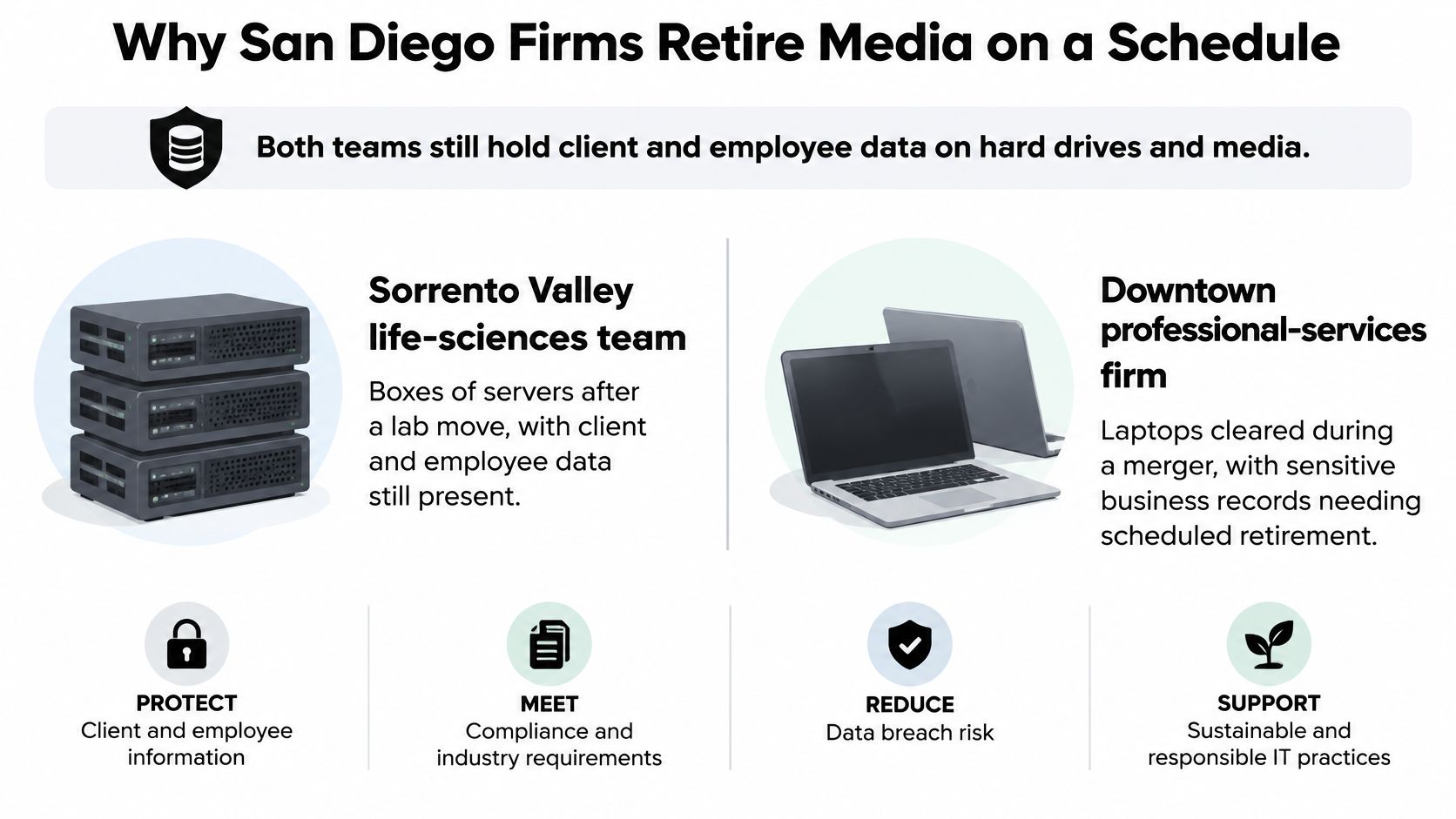
Why San Diego Firms Retire Media on a Schedule
Consider a Sorrento Valley life-sciences team boxing servers after a laboratory move. Across town, a downtown professional-services firm is collecting laptops after a merger. Both teams may have client and employee information on hard drives, SSDs, phones, backup disks, and multifunction-printer storage.
The equipment is retired, but the information hasn't necessarily gone anywhere. Moving a computer into a surplus closet changes its location, not its security status. Without an assigned owner and a disposition record, that closet can become a holding area for unresolved information risk.
Retirement is an operating process
San Diego County has 93,407 employer establishments and 309,797 nonemployer establishments, while county employers accounted for 1,391,721 jobs and approximately $106.22 billion in annual payroll in 2023, according to U.S. Census Bureau QuickFacts. That commercial base includes organizations with very different technology resources, from independent operators to employers with dedicated security teams.
Healthcare providers, defense contractors, universities, tourism businesses, and financial firms all have reasons to retire equipment. Their information differs, but the operational triggers are familiar:
- Equipment refreshes: Replacement laptops arrive before the old devices have an approved destination.
- Employee departures: Returned phones and computers need review before reassignment or disposal.
- Relocations and mergers: Teams consolidate equipment whose ownership and contents may be unclear.
- Office cleanouts: Facilities staff discover backup drives, printer disks, and forgotten removable media.
Smaller businesses may not have a dedicated IT asset disposition (ITAD) team. They still need someone to approve retirement, identify storage media, control access, and confirm completion.
Separate the device from its information
The practical goal of secure data destruction is to make recovery infeasible at the required level of effort. Deleting visible files isn't a reliable substitute for a media-specific sanitization process.
California recorded 512 victims of reported data-breach crimes and 9,068 victims of personal-data-breach crimes in 2025, according to the FBI Internet Crime Complaint Center. Those statewide figures don't identify retired equipment as the cause, but they provide context for treating information exposure as a governance issue rather than merely a recycling concern.
A device lifecycle management process gives each retirement an owner and a documented endpoint. That endpoint should account for the media method, California timing obligations, custody arrangements, screen recycling, and the evidence a vendor will deliver.
Choose a Sanitization Method for Each Device
Sanitization method by media and risk
| Media situation | NIST action | Reuse after | Proof to keep |
|---|---|---|---|
| Reusable HDD, moderate sensitivity | Purge with verified sanitize or secure erase | Yes, if verification passes | Command log plus serial |
| HDD leaving custody or high sensitivity | Destroy by shred, pulverize, or disintegrate under the approved risk policy | No | Destruction certificate by serial |
| SSD or other flash | Verified sanitize; never degauss | Only if sanitization is confirmed | Completion record; otherwise destroy |
| Failed, locked, or unverified drive | Destroy when an approved purge cannot be completed and verified | No | Exception log and destruction record |
| Properly encrypted drive | Cryptographic erase and permanent key zeroization | Yes, if prerequisites and verification pass | Encryption assessment and key-destruction record |
| Magnetic tape | Degauss, then destroy if reuse isn't allowed | Only where media and policy permit | Degauss log and media identifier |
| USB, optical disc, or copier disk | Purge if supported and reliable; otherwise physically destroy | Limited to media that supports verified sanitization | Inventory line and method note |
NIST Special Publication 800-88 Revision 2 organizes sanitization around clear, purge, and destroy, with the choice tied to confidentiality and the intended disposition. Clear addresses recovery through ordinary interfaces, purge provides a stronger recovery barrier, and destroy leaves the media unusable for storage.
Start with the reusable magnetic drive
For a working HDD approved for reuse, a supported firmware sanitize or secure-erase command may be appropriate. The operator must identify the drive, confirm that the command is suitable for that model, and record whether it completed successfully.
A progress bar alone isn't enough. Your acceptance criteria should explain what the tool must report, how failures are handled, and who approves release. A drive that stops responding halfway through the process belongs in an exception workflow, not the donation pile.
For confidential workloads or drives that cannot be safely released under organizational policy, shredding, pulverizing, or disintegration may be the appropriate endpoint. NIST's earlier media-sanitization guidance explains the distinction between purge and destruction and the importance of matching techniques to media.
Leaving organizational custody doesn't automatically mean every drive must be shredded. It means the approved sanitization outcome must be achieved before release. Some organizations require destruction for particular information categories; others permit verified purge before reuse.
Treat flash and encryption differently
SSDs don't behave like magnetic hard drives. Their controllers manage flash storage in ways that make a generic overwrite or visible-file deletion an unreliable basis for assuming complete sanitization. Specify a supported sanitize method and require a result that the vendor can verify.
Degaussing is a magnetic-media treatment. It isn't an SSD sanitization method.
Cryptographic erase requires more than finding an encryption setting. The organization must establish that the target information was appropriately encrypted, identify the relevant keys and copies, and permanently eliminate the keys needed for recovery. The NIST media-sanitization FAQ specifies algorithms with at least 128-bit security strength and permanent key zeroization.
Practical rule: If the vendor can't prove that the approved sanitization process finished, don't release the device for reuse.
Account for the less obvious media
Magnetic tapes need an approved degaussing or destruction process matched to the tape technology. Don't assume a degaussed cartridge remains usable. Optical discs generally need physical destruction, while USB devices require assessment of whether a trustworthy sanitization method is available.
Copier disks deserve their own inventory entries. A copier lease return shouldn't bypass the same approval process applied to a laptop containing business records.
Use a written data-sanitization specification that requires serialized intake, method compatibility, verification, and an asset-linked certificate. Maximum shredding isn't automatically the best outcome when a verified purge can make a working laptop suitable for donation.
Match California Timing Rules to the Job
A business that owns or licenses computerized personal information generally must notify affected California residents of a qualifying breach within 30 calendar days of discovery or notification, subject to permitted delays, and notification involving more than 500 California residents requires an electronic sample submission to the Attorney General under California Civil Code Section 1798.82. Certain encrypted information can also trigger notification when a compromised key or credential makes the information readable or usable.
Those are breach-response obligations, not a routine destruction deadline. Don't confuse the time allowed for notification with permission to hold retired equipment indefinitely or destroy potential evidence immediately.
California timing checks before media leaves
| Trigger | Required action | Timing |
|---|---|---|
| Qualifying breach of computerized personal information | Notify affected California residents | Within the statutory notification period, subject to permitted delays |
| Notice covering residents above the Attorney General reporting threshold | Submit an electronic sample to the Attorney General | For that same breach |
| Encrypted data with a compromised key or credential | Assess whether the information could become readable and whether notification is required | During the breach investigation |
| Personal information no longer retained | Shred, erase, or otherwise make it unreadable | At approved disposition after retention duties are resolved |
| Litigation, tax, employment, or public-records hold | Preserve the relevant records and devices where necessary | Until authorized release |
| Other copies in backups or at service providers | Identify remaining copies and their deletion process | Before approving the disposition scope |
| Delete Act and DROP | Assess applicable broker-deletion obligations, not an office-hardware shredding rule | Under the applicable broker process |
| HIPAA or GLBA customer information | Have the responsible compliance owner confirm sector-specific disposal controls | Before releasing media |
Destruction can be too early
California's customer-record disposal statute requires reasonable steps to make personal information unreadable or undecipherable when a business disposes of customer records. For an equipment project, that means looking beyond the obvious laptop fleet to spare disks, printer storage, and failed devices.
But an instruction to remove old hardware doesn't override a preservation obligation. A server may hold material needed for litigation, an employment dispute, tax documentation, or public-records responsibilities. Ask the records owner or counsel whether the information must be preserved and whether an approved migration is sufficient before authorizing destruction.
Destroying the storage device is irreversible. Confirm the authority to destroy before selecting the destruction tool.
Deletion extends beyond a single device
California retention and minimization principles also require attention to how long information is needed, as explained in Alston & Bird's discussion of secure disposal and data minimization. Keeping everything forever isn't a defensible substitute for a retention schedule.
Conversely, wiping a laptop doesn't finish an organization-wide deletion request if relevant copies remain in backups, shared storage, or service-provider systems. Identify those copies and document how their retention or deletion will be handled.
For clinics and financial businesses, HIPAA and GLBA responsibilities should be reviewed with the appropriate compliance owner rather than inferred from a generic recycling certificate. This is operational guidance, not a legal opinion.
Before arranging California electronics recycling, obtain approval that preservation holds are cleared, remaining copies are accounted for, and the selected sanitization outcome can be documented.
Compare On-Site Off-Site and Drop-Off Custody
Where San Diego destruction work can happen
| Option | Where work finishes | Custody exposure | Best fit | Certificate must show |
|---|---|---|---|---|
| On-site mobile shred or witnessed purge | Customer site in San Diego | Avoids transport of unsanitized media when completed before departure | Hospitals, defense-related operations, failed drives | Serial, method, date, outcome, witness where applicable |
| Sealed off-site processing | Processing facility after transport | Unsanitized media remains exposed to transport and storage controls | Large office cleanouts | Seal numbers, intake reconciliation, asset outcomes |
| Verified purge then donation or resale | Controlled processing bench | Continues until sanitization is verified and release approved | Reusable laptops and PCs | Sanitization log before transfer |
| Customer drop-off | Approved receiving location, with processing afterward unless arranged otherwise | Customer controls media until documented receipt | Small drive batches | Transfer receipt and later asset-level outcome |
The location changes who controls the equipment and when. It doesn't prove that the selected method works. An on-site process with poor inventory reconciliation can still leave an unprocessed drive behind, while a carefully controlled off-site project can provide a complete custody record.
On-site work removes a transport stage
A mobile shredder or witnessed purge station can finish the information-security task before media leaves the customer's premises. That can suit a hospital with strict release rules or a defense contractor whose internal policy limits movement of particular media.
Confirm practical requirements before arrival. A downtown loading dock may need an access reservation, while a secured campus may require advance personnel approval. Ask whether the customer's security representative, IT manager, or auditor may witness the work and sign the completion record.
Witnessing must be meaningful. Watching a container enter a truck isn't the same as confirming that the listed drives completed the approved process.
Off-site work depends on reconciled handoffs
For sealed transport, record the container identifiers, seal numbers, asset manifest, releasing employee, receiving employee, and transfer time. At the processing facility, the operator should reconcile the seal and contents before treatment.
- Seal discrepancy: Stop normal processing and escalate the mismatch.
- Missing serial: Investigate whether the asset was omitted, mislabeled, or transferred separately.
- Extra device: Identify its owner and authorization before processing it.
- Incomplete treatment: Keep the asset segregated until an approved exception is resolved.
A chain-of-custody documentation process should connect these events rather than leave them in unrelated emails. The final record needs to distinguish receipt, sanitization, and downstream release.
Customer drop-off follows the same principle. A receipt confirms transfer, not necessarily destruction. Agree on how and when the later outcome will be reported.
Build the quote from the actual workload
Don't rely on a citywide rate card for a mixed-media project. Give bidders the operational details they need:
- Drive and loose-media count: Include detached drives, tapes, USB devices, and copier disks.
- Pallet or bulk-container count: Describe how equipment is packed and accessible.
- Media mix: Separate HDDs, SSDs, tapes, and devices requiring disassembly.
- Witness requirements: Specify the staff availability and mobile-unit time needed.
- Collection stops: Identify locations across downtown, Kearny Mesa, Sorrento Valley, and North County.
Request separate pricing for purge-and-donate laptops and shred-only drives. Ask vendors to identify the processing location, any storage before treatment, and the documentary deliverables. Reject a proposal that assigns a single method to every serial number without considering media or approved disposition.
Route Screens and Cleanouts under California Rules
Settling the data question doesn't settle the recycling question. A sanitized laptop still has a screen, battery, circuit boards, and a physical destination that needs to be managed.
California's Covered Electronic Waste program covers video-display devices with screens larger than 4 inches that are classified as hazardous waste when discarded, including listed CRT, LCD, plasma, and OLED equipment. That makes screen type and size a useful inventory check during computer recycling or laptop disposal.
Sort hardware by its next required action
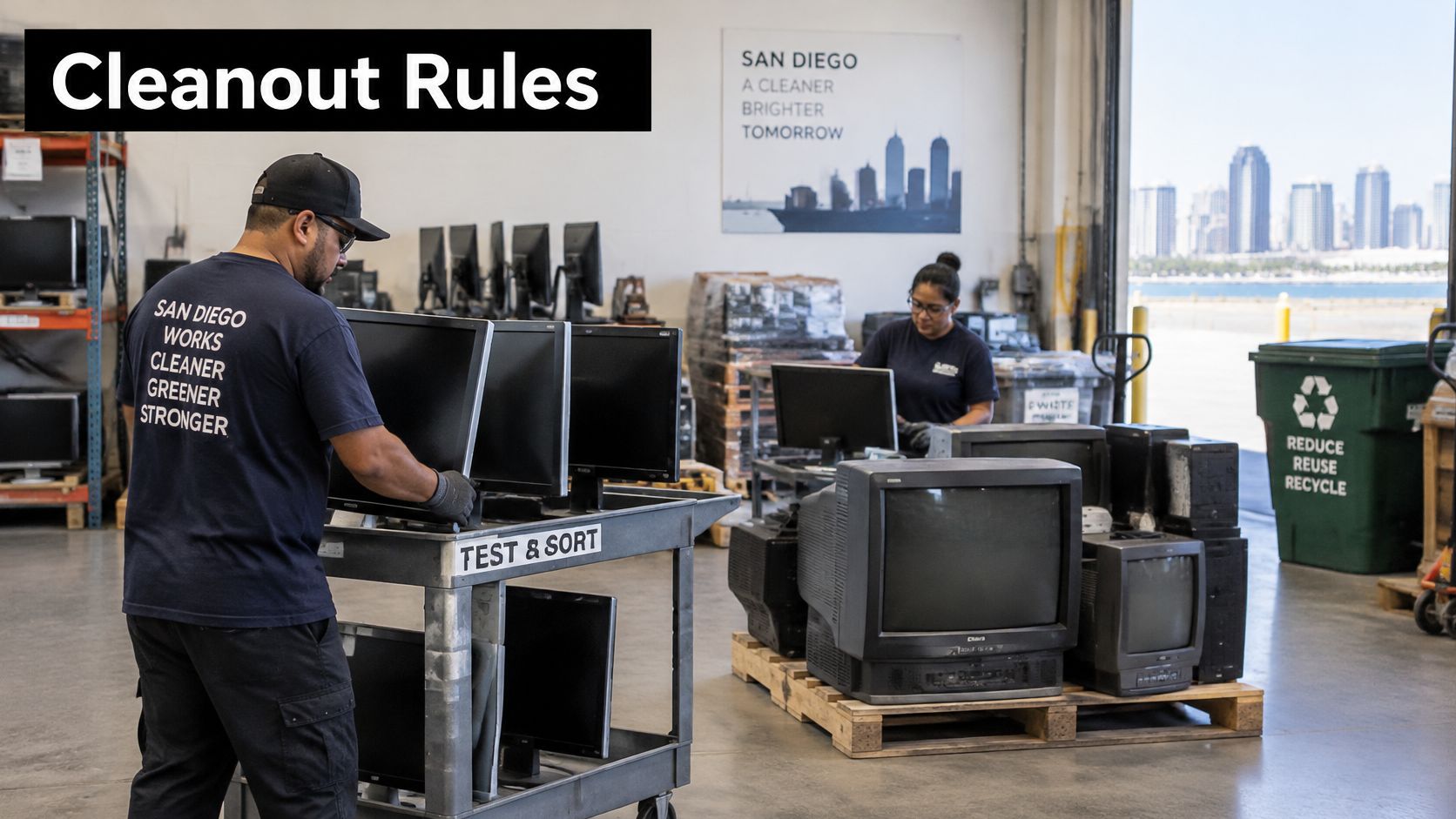
Build separate handling groups rather than treating an office cleanout as a single mixed load:
- Information-bearing equipment: Hold for approved purge or destruction.
- Covered screens and battery-embedded products: Identify the appropriate electronics-recycling route.
- Other surplus equipment: Assess for reuse, parts recovery, or an appropriate scrap stream.
- Specialized equipment: Review laboratory and medical devices for additional handling needs before collection.
California's Department of Toxic Substances Control guidance on covered electronic devices identifies unwanted covered devices as universal waste and prohibits placing them in household trash. A business should confirm the receiving recycler's acceptance and handling arrangements rather than assume ordinary waste collection is suitable.
The sorting work also prevents data-bearing equipment from disappearing into a general recycling container. Removing a desktop's drive doesn't mean every other device in the shipment is free of storage.
Match the cleanout to the workplace
A Sorrento Valley laboratory equipment disposal project might combine analytical instruments, control computers, and server hardware. Before pickup, the lab manager should confirm decontamination status and identify embedded storage. An electronics recycler shouldn't have to guess whether an instrument is safe to handle.
A Kearny Mesa defense-related office might need restricted-access staging for certain assets. A clinic planning medical equipment disposal may need clinical engineering approval before releasing diagnostic hardware or displays. Universities and downtown offices can use the same sorting approach for seasonal furniture and technology cleanouts.
Packing check: Label the assets, quarantine unprocessed media, and keep loose drives out of monitor containers.
A mobile destruction unit may finish drive processing at the site while displays continue through a separate recycling route. Ask for both outcomes to be documented; a drive-destruction certificate doesn't explain where the remaining equipment went.
Keep product destruction distinct
Product destruction is a separate scope from media sanitization. A company may want branded prototypes, recalled goods, or proprietary equipment physically rendered unusable even when those items don't contain storage.
State that requirement explicitly. Otherwise, a vendor may reasonably interpret the project as data removal followed by hardware reuse.
For a facility cleanout, assign a facilities contact and an IT contact. Facilities can manage loading access and container placement, while IT controls the release of information-bearing assets. Sustainability staff can then reconcile reuse and recycling destinations against the original inventory instead of relying on an undifferentiated collection receipt.
Questions to Ask before Hiring a Vendor
A vendor's promise matters less than the records and controls behind it. Once your organization has approved its disposition criteria, procurement should test whether the provider can carry them out consistently.
For healthcare administrators, the reasoning is similar to evaluating a billing company's denial management, as discussed by Happy Billing: ask how exceptions are handled and what evidence the customer receives, not just what service is advertised.
Request proof before signing
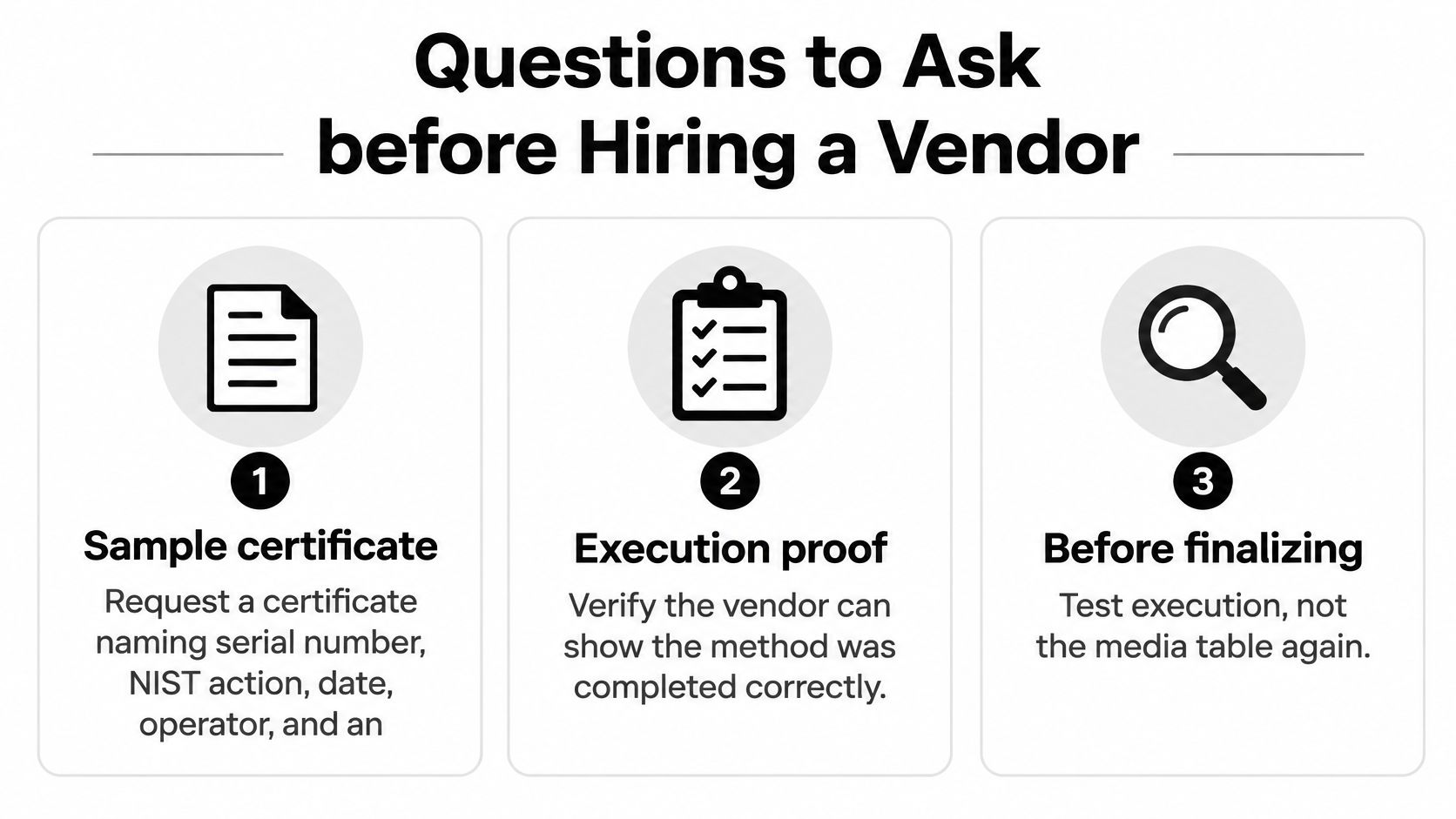
Ask for a redacted sample certificate. It should identify the asset, serial number or controlled identifier, sanitization action, method, completion date, responsible operator, and outcome. Failed sanitization should appear as an exception with its eventual resolution, not disappear from the final report.
Then test the custody workflow:
- Witness access: Who may observe work at your San Diego dock or processing location?
- Transport reconciliation: Who checks container seals, and where is that check recorded?
- Subcontractor involvement: Which organizations may transport, store, sanitize, or recycle the equipment?
- Incident escalation: What happens when a seal is broken or a serial number is missing?
- Record delivery: What contractual deadline applies to serialized documentation?
Request insurance information, personnel-screening practices, and the process for restricting access to stored media. Ask for the documentation turnaround in business days, but have the provider commit to its own actual service level rather than assuming an industry-wide deadline.
Test downstream handling and reuse
Ask which recycler receives covered displays and battery-embedded products, what acceptance conditions apply, and how the shipment is documented. A vendor should distinguish media processing from universal-waste handling without treating either as the other's substitute.
Use vendor-selection criteria to compare secure hard-drive shredding, verified sanitization, and donation-based recycling options. Reworx Recycling belongs in that comparison as a social enterprise offering electronics recycling and IT equipment disposal with a community-focused donation mission.
The broader deletion environment also rewards precise scope. California's DROP and Delete Act overview describes the Delete Act as effective January 1, 2026, with DROP launching in January 2026 to allow requests to more than 600 data brokers. Broker deletion isn't corporate hardware disposal, so a hardware certificate shouldn't be presented as proof of compliance with unrelated deletion obligations.
The same caution applies to sustainability claims. Require a clear distinction between equipment approved for donation, equipment selected for remarketing, and media destroyed because treatment failed or policy required it. Don't accept an environmental claim that obscures an unresolved sanitization exception.
Put the requirements into the RFP
A usable request for proposal can finish with these contract lines:
- Media-specific method by serial: Identify the authorized action and exception route for each media class.
- Certificate fields: Specify asset identification, method, operator, date, verification, and final outcome.
- Transport custody: Require documented transfers, seal reconciliation, and incident escalation.
- Covered-device downstream path: Name the receiving process and required recycling records.
- Reuse-versus-destroy criteria: State who approves donation or remarketing and what evidence must exist before release.
Book a Pickup or Donation with Reworx Recycling
A workable retirement project has a defined scope, an approved disposition decision, and someone responsible for closing the records. Choose the appropriate treatment, resolve preservation holds, agree on the processing location, and require serial-level outcomes before the project begins.
You don't need to empty every storage room to start. A manageable initial shipment might include retired laptops, loose drives, and copier disks, with covered screens listed separately. That gives IT, facilities, and procurement a practical opportunity to test the workflow before expanding it.
Prepare a shipment that can be reconciled
Create an intake spreadsheet with the asset tag, manufacturer, model, serial number, media type, condition, approved disposition, and responsible business owner. Mark devices that need disassembly, contain locked storage, or require special access.
Keep the asset's approval status separate from its physical condition. A working laptop may be subject to a hold, while a broken laptop may contain a reusable component but a drive that requires destruction.
Before requesting pickup, prepare:
- A collection address and access plan: Include loading restrictions, stairs, elevators, and the site contact.
- An inventory with exceptions: Flag unknown serials and unresolved ownership rather than concealing them in a total.
- A donation candidate list: Identify equipment that may remain useful after approved sanitization.
- A reporting owner: Assign someone to match the final documents to the shipment and investigate discrepancies.
Schools, clinics, and professional-services firms can use the same paperwork discipline as a larger data center decommissioning project. The scale changes; the need to know what left and what happened to it doesn't.
Connect equipment retirement to community use
Donation-based recycling is most useful when a company plans for reuse before equipment loses all practical value. That means identifying usable devices early, approving sanitization, and confirming the recipient program's acceptance criteria.
Reworx Recycling's social enterprise recycling mission connects responsible equipment retirement with technology donations, digital inclusion, and workforce development. For corporate sustainability leaders, that creates an opportunity to pair IT equipment disposal with community technology access rather than measuring success solely by the volume collected.
Keep those outcomes distinct in your reporting. Reuse, responsible material recovery, and secure destruction are different results, and each should have supporting records. Sustainable recycling starts with an honest account of where equipment went, not an assumption that everything collected was donated.
Corporate donation programs can make that process repeatable. Assign IT to approve information removal, facilities to coordinate collections, and a sustainability or community-relations lead to review donation outcomes. For a San Diego organization considering a provider based outside the region, confirm local pickup coverage, processing arrangements, and downstream partners before committing to a collection date.
Reworx Recycling offers secure data destruction, IT equipment disposal, and donation-based electronics recycling that can support responsible retirement and community technology access. Visit Reworx Recycling to discuss donating old equipment, scheduling a San Diego business pickup, or building an ongoing corporate donation program, with your inventory and custody requirements ready for review.