Your internet connection stops being a routine utility the moment a fiber cut delays payroll, a VoIP outage hits your front desk, or a failed install pushes back an office opening in Midtown. Atlanta businesses should buy internet the same way they buy any other operational dependency. By risk, recovery time, and contract terms.
Atlanta is a strong market for business connectivity, but it is not simple. Serviceability changes by address, carrier footprint, building access, and whether you need shared broadband, dedicated fiber, or a secondary wireless circuit. The FCC's broadband map for Atlanta is a better starting point than generic “best ISP” roundups because it shows how availability can shift block by block.
That is why smart buyers look past headline speed. The essential questions are practical. Which providers offer business SLAs that match your uptime target? Which ones can install on your timeline? Which ones give you symmetric capacity for cloud backups, large file transfers, and constant video traffic? Which options make sense as a primary circuit, and which are better kept as failover?
Atlanta SMBs usually need a fast primary connection with a realistic install window and an affordable backup plan. Enterprises, healthcare groups, logistics operators, and multi-site firms need more. They should evaluate path diversity, escalation support, static IP options, contract flexibility, and what happens when a building only has one viable wired carrier. If your internet upgrade is tied to a broader network refresh, Atlanta telecom services for business technology planning can help frame the full project, including voice, networking, and hardware changes.
If you need a practical framework before comparing providers, this guide on choosing the right business internet is useful. The same buying logic applies in Atlanta. Match the circuit type to the business consequence of downtime, then price the backup before you sign the primary.
1. AT&T Fiber
Your Atlanta office signs a new lease, the team is moving into cloud apps, and leadership expects phones, file sync, video calls, and backups to work on day one. In that situation, AT&T Fiber is the first provider I'd check. For many businesses, it hits the right middle ground between standard business internet and the cost of a dedicated enterprise circuit.
AT&T's business fiber offering stands out for symmetric speeds, which matter far more than many buyers expect. AT&T Business outlines fiber plans with equal upload and download capacity, a better fit for firms that push large files, run cloud backups, use hosted voice, or support heavy video traffic across multiple users (AT&T Business Fiber internet services). That makes AT&T a strong option for design firms, law offices, healthcare practices, logistics teams, and multi-site companies that need consistent upstream performance, not just fast downloads.
Where AT&T Fiber is the right choice
Choose AT&T Fiber when your business loses time or money from weak upload capacity. That usually shows up before people notice download issues. Nightly backups run long. Shared drives sync slowly. Video calls get choppy once several employees are sending video at the same time.
Practical rule: If your office depends on cloud storage, off-site backup, hosted phones, or frequent large uploads, start with fiber and negotiate around that baseline.
AT&T also makes sense for companies planning for growth. If your bandwidth demand is rising because of cloud migrations, larger media files, more remote collaboration, or added locations, symmetric fiber gives you room before the circuit becomes the problem. The buying framework in choosing the right business internet applies here. Match the connection type to the business cost of downtime, then price your backup path before you sign.
If the internet project also includes retiring old phones, routers, switches, or network hardware, Atlanta telecom equipment recycling support can help clean up the infrastructure side of the move without turning it into a separate project.
What Atlanta business buyers should verify first
AT&T Fiber is a good recommendation only if the address qualifies cleanly. That is the part many buyers get wrong. Serviceability can change at the building, floor, or suite level, and install timelines can stretch if the provider needs landlord approval, riser access, or new construction work.
Ask direct questions before you approve the order:
- Circuit type: Confirm the quoted service is true fiber to your suite, not a lower-tier fallback product.
- Install timeline: Get a realistic delivery date based on site conditions, not a generic estimate from the sales team.
- SLA terms: Ask for outage response targets, escalation paths, and what hardware support is included.
- Redundancy plan: If downtime is expensive, use AT&T as the primary only if you also have a secondary path from another carrier or fixed wireless provider.
- Static IP and routing needs: Confirm support for VPNs, firewalls, hosted voice, and any public-facing applications before deployment.
For Atlanta SMBs, AT&T Fiber is often the best primary connection if the building is already lit and the install path is simple. For larger organizations, I'd treat it as one piece of a wider design that includes failover, path diversity, and clear support escalation. The service is strong. The primary consideration is whether your address, timeline, and risk tolerance make it the right fit right now.
2. Xfinity Comcast Cable Internet
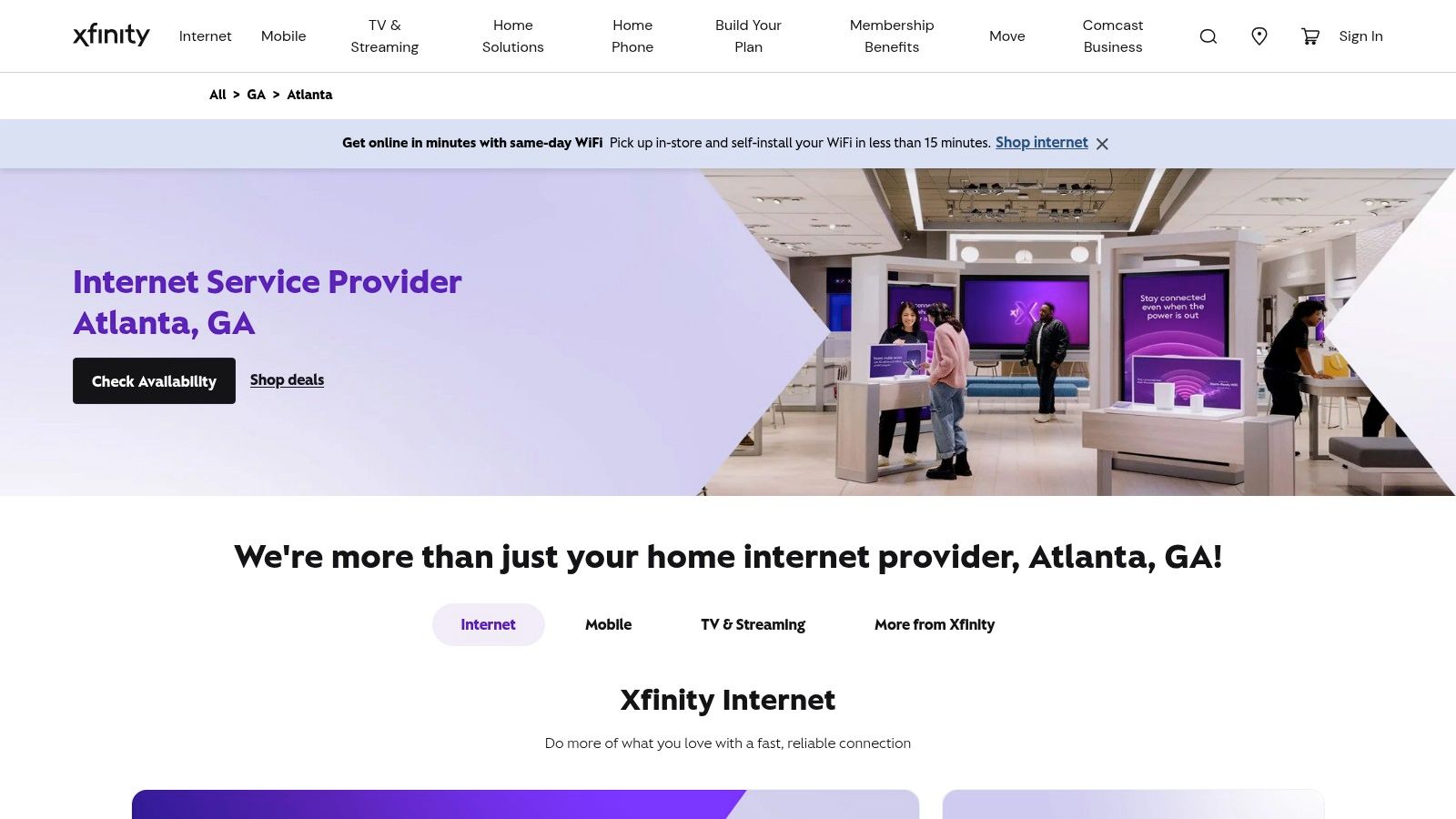
Your team signs a lease, move-in day is close, and the fiber order is still stuck in review with the landlord. That is the moment Xfinity becomes a serious business option in Atlanta.
Comcast wins on one practical advantage: coverage. In many Atlanta offices, retail suites, and small multi-tenant buildings, Xfinity is available where business fiber is delayed, too expensive, or not lit to the suite. For companies that need internet live this month, not after a construction project, that matters more than marketing language about peak speeds.
Where Xfinity makes sense for Atlanta businesses
I recommend Xfinity first for SMBs that need a workable primary connection fast, or a secondary wired circuit that does not depend on the same fiber provider as the primary. It fits branch offices, medical and legal practices, retail locations, property management offices, and small teams built around SaaS, VoIP, cloud productivity tools, and standard video meetings.
The installation path is usually simpler than a new dedicated fiber build. That lowers risk during office openings, relocations, and temporary expansions. If the business cannot absorb a long install timeline, cable is often the cleanest way to get the site operational while you decide whether to keep it long term or replace it later.
Comcast Business also gives buyers more room to match service to the site. You can start with broadband and, for larger locations, evaluate whether the building also supports higher-tier business services with stronger support terms and better uptime commitments. Check Comcast's Atlanta business internet availability and service options before you treat any quote as final.
For businesses replacing aging modems, firewalls, phones, or other network gear during the switch, local electronics recycling options in Atlanta can be part of the rollout plan. The existing mention of Atlanta telecom equipment recycling support from Reworx Recycling still applies if you are retiring older telecom hardware in bulk.
The tradeoff business buyers need to understand
Xfinity is easy to recommend only if the workload fits cable.
Download capacity is usually not the problem. Upload performance, shared-network behavior, and service-level expectations are the primary decision points. If your office pushes large files to the cloud, backs up camera footage offsite, hosts frequent multi-user video calls, or relies on constant VPN traffic to a data center, cable can become the bottleneck faster than buyers expect.
Use this rule. If downtime is expensive or upstream traffic is a daily requirement, do not treat Xfinity broadband as the final design without a backup plan.
Here is where I would be strict:
- SMBs under 25 users: Xfinity can work well as a primary circuit if the workload is mostly web, cloud apps, POS, and normal calling.
- Growing firms with heavier cloud use: Xfinity works better as an interim connection or as failover behind fiber.
- Enterprise sites and multi-floor offices: Use Comcast only after reviewing SLA language, support escalation, and whether a dedicated service option is available for that address.
- Business continuity planning: Pair it with a second provider if the office loses money when the circuit is down.
The smart way to buy Xfinity in Atlanta is to buy it for the right role. As a fast-turn primary for a small office, it is often a good call. As a secondary wired connection for redundancy, it is one of the more practical choices in the city. As the long-term foundation for a bandwidth-heavy or uptime-sensitive operation, it needs closer scrutiny on SLA terms, installation scope, and failover design before you sign.
3. Google Fiber
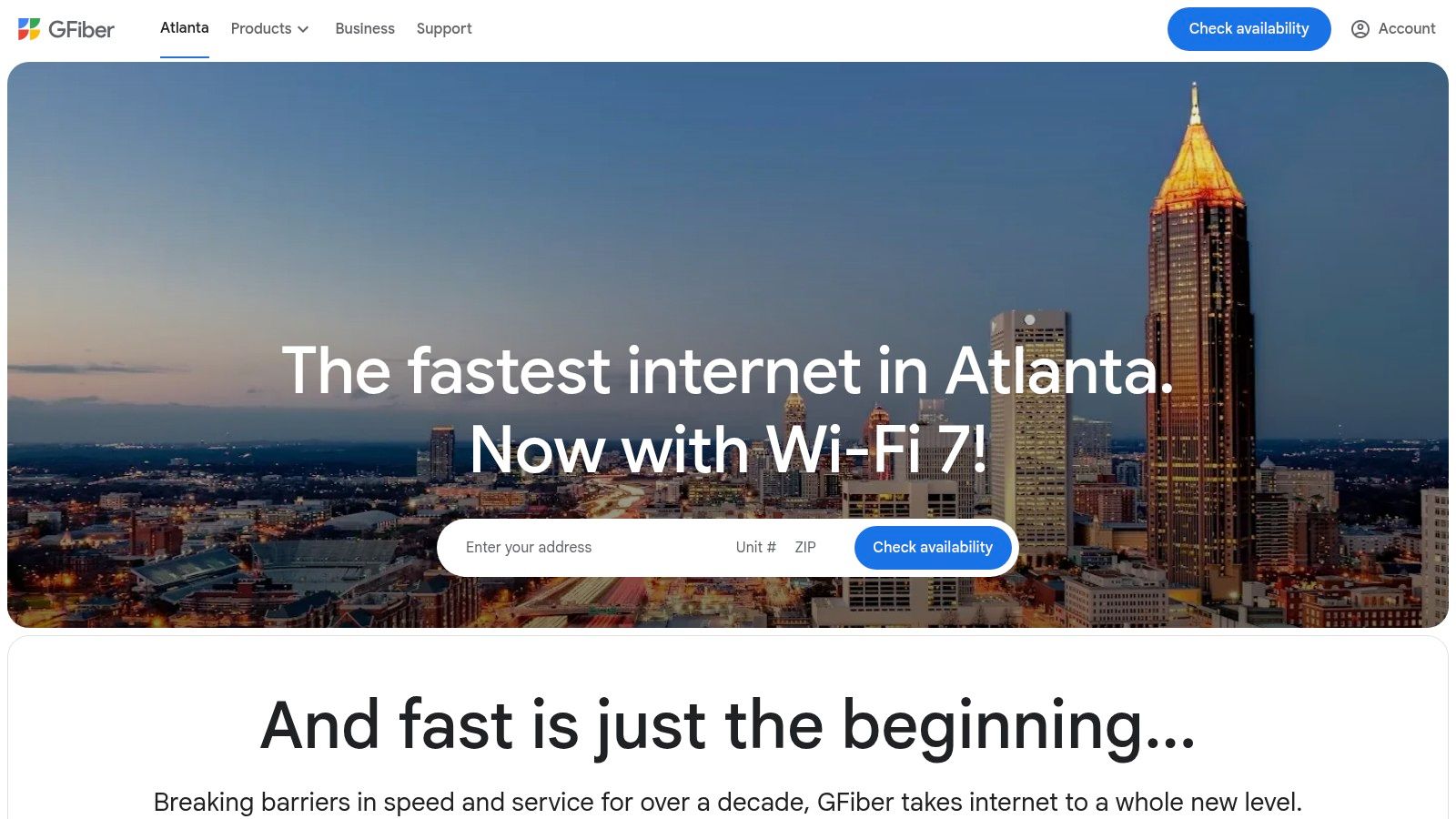
Your Atlanta team signs a lease, the office is nearly ready, and everyone assumes internet will be the easy part. With Google Fiber, that assumption is only safe after you verify the exact building and suite. If service is already lit, Google Fiber is one of the cleanest business internet buys in this market.
Google Fiber stands out for straightforward pricing, symmetric fiber performance, and a simpler buying experience than many business internet products. Google Fiber business internet details show multi-gig options in supported areas, including Google Fiber's business internet plan lineup. Speedtest's Atlanta market profile also notes Google Fiber availability in select parts of the city with symmetrical gig-class service (Speedtest's Atlanta fixed broadband profile).
That combination makes it a strong fit for small offices that care about predictable monthly costs and heavy cloud usage. Law firms syncing case files, design teams pushing large media assets, software companies living in GitHub and cloud infrastructure, and finance teams running constant video meetings will all benefit from symmetric throughput. Upload capacity matters in real business use, and Google Fiber usually makes that easier than cable-based options.
The bigger question is not speed. It is operational fit.
Google Fiber works best in Atlanta when the building is already provisioned and your business can live with standard support and standard service frameworks. For a 10-person agency, startup, clinic, or satellite office, that is often a smart trade. For a regional headquarters, a call center, or a site with revenue tied directly to uptime, I would push harder on support response, installation scope, escalation paths, and failover design before approving it as the only circuit.
Here is the practical way to evaluate Google Fiber for business use:
- Check serviceability at the suite level: Building-level availability is not enough.
- Ask how long install takes: A fast quote does not guarantee a fast turn-up.
- Review support and outage handling: SMB-friendly service is not the same as enterprise-grade restoration terms.
- Decide its role before you buy: Primary circuit for a small office is one decision. Core connectivity for a high-dependency site is another.
- Design redundancy separately: Pair it with a second provider if internet loss stops sales, phones, scheduling, or customer operations.
If the provider change is part of a larger office refresh, handle the old hardware at the same time. Teams planning router swaps, desktop retirements, or network closet cleanup can use IT asset disposition services in Atlanta for corporate IT teams to keep the move organized.
My recommendation is simple. Choose Google Fiber aggressively for smaller Atlanta businesses in buildings where it is already active and the company wants fast fiber without contract clutter. Treat it more cautiously for larger sites that need stricter SLA terms, tighter support accountability, or layered resilience. In the right building, Google Fiber is an excellent primary connection. In the wrong building, or for the wrong workload, it becomes a delay you should have screened out before signing anything.
4. Verizon 5G Home Internet
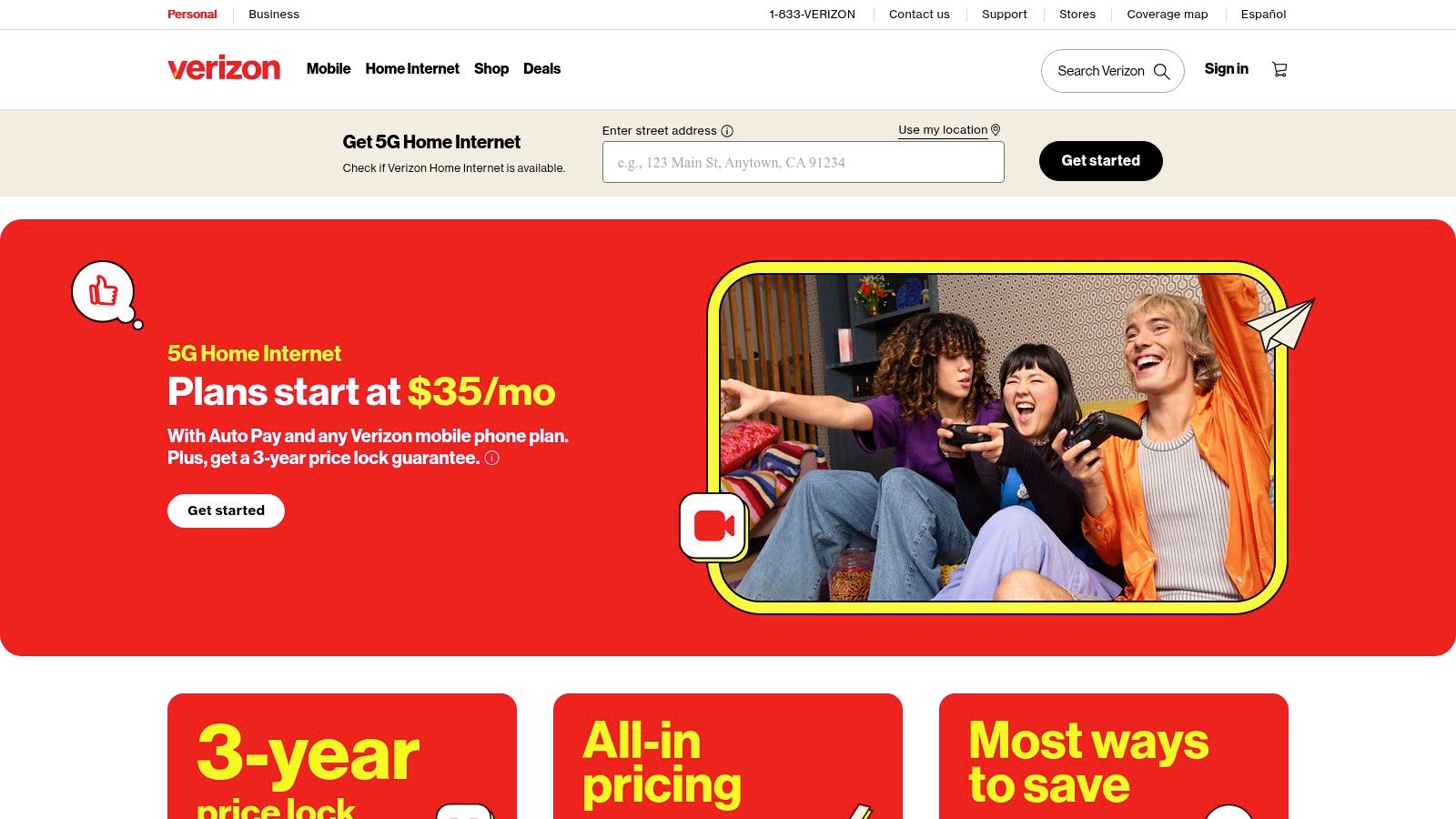
Your fiber install slips three weeks because the landlord has not approved riser access. The office still has to open, phones still have to ring, and card payments still have to clear. That is where Verizon 5G Home Internet earns a place on the shortlist for Atlanta businesses.
Verizon's 5G Home availability page for Atlanta addresses makes the practical point. Fixed wireless is available across many parts of the market, and its primary value is speed to service, not pretending it is a fiber replacement. For SMBs opening a new location, relocating a branch, or covering a gap during a delayed wired install, Verizon can solve a business problem fast.
Where Verizon makes business sense
Use Verizon when deployment time matters more than perfect consistency. That includes temporary offices, project sites, sales trailers, clinics in transition, and small branch locations that need internet this week, not next month. For these sites, a fast turn-up often matters more than squeezing out top-end performance.
It also fits well as a secondary connection. If your primary circuit runs through cable or fiber, a wireless failover path gives you carrier diversity without another construction project. That is the right move for retail stores, medical offices, and small professional firms that cannot afford to lose payments, VoIP, scheduling, or cloud app access during a wired outage.
Enterprise buyers should stay disciplined here. Ask Verizon how the service is supported for your location type, what installation involves, and whether the plan aligns with your firewall or SD-WAN failover design. Do not judge this option on download speed alone. Judge it on time-to-live, outage isolation, and whether it reduces operational risk.
If the rollout also includes retiring old routers, access points, or storage devices, add secure data destruction services in Atlanta for businesses to the project plan so network changes and hardware disposal happen in one pass.
Where Verizon falls short
Signal conditions decide everything. Building materials, window placement, floor level, nearby congestion, and tower conditions all affect stability. A site that performs well in one suite can disappoint a few doors down.
That makes Verizon a poor choice for high-dependency headquarters, larger offices with dense user loads, or teams pushing steady upstream traffic such as large file syncs, surveillance uploads, or constant video workflows. It can work in those environments as backup. It should not be your default primary circuit.
My advice is simple. Buy Verizon 5G Home Internet for speed of deployment or for redundancy. For a small Atlanta office with moderate demands, it can serve as a practical primary link. For anything more demanding, use it as a business continuity tool and keep your main production traffic on a wired service with stronger SLA options.
5. T-Mobile 5G Home Internet
Your Atlanta office lease starts Monday, your card terminal has to work on Tuesday, and the fiber install date is still weeks out. T-Mobile 5G Home Internet fits that situation well. I recommend it for fast turn-up, low-cost backup, and smaller sites that need connectivity without waiting on construction, building access approvals, or a full carrier project.
T-Mobile also belongs on the shortlist for Atlanta businesses operating in locations where wired options are limited or delayed. The FCC National Broadband Map listing for T-Mobile availability in Atlanta is a better starting point than generic provider roundups because it lets you verify service at the address level. For business buyers, that matters more than headline speed claims.
Where T-Mobile makes sense
T-Mobile is strongest as a timing and continuity play. A new branch. A pop-up retail site. A temporary project office. A small professional office that needs internet now, then plans to move production traffic to fiber later. It also works well as a secondary WAN link for firewall failover, especially for SMBs that want redundancy without adding a long provisioning cycle.
The business value is simple. You can get a site online quickly, reduce exposure during a carrier delay, and keep point-of-sale, VoIP, and cloud apps available during a wired outage.
If the project also includes replacing old routers, laptops, or storage devices, add secure data destruction services in Atlanta for businesses to the rollout so connectivity changes and hardware retirement happen in one controlled job.
What to verify before you trust it
Do not buy T-Mobile based on advertised availability alone. Test the actual suite, floor, and equipment location. Fixed wireless performance can change sharply inside the same building, and Atlanta businesses in older properties or dense commercial corridors will feel that first.
Use this screening process:
- Check installation speed: Confirm how fast the gateway can be delivered and whether your team can self-install or needs onsite IT help.
- Test during production hours: Measure performance when staff, tenants, and nearby users are active, not just early in the morning.
- Run business traffic: Validate VoIP, VPN, video meetings, payment systems, and any cloud app your team uses all day.
- Set the right role: Use it as primary only for lighter-demand sites. Use it as backup for offices that depend on stable uptime.
- Review support limits: Understand replacement timelines, support channels, and what recourse you have if signal quality drops.
My recommendation is straightforward. T-Mobile 5G Home Internet is a strong backup circuit and a practical temporary primary connection for small Atlanta locations. It is not the right anchor service for headquarters, multi-floor offices, or operations that need firm SLAs, predictable installation planning, and higher confidence under sustained load.
6. EarthLink
Your Atlanta team is opening a second office, the warehouse needs service before move-in, and the executive suite downtown has different building constraints than the branch in Cobb or Gwinnett. That is the kind of buying situation where EarthLink makes sense.
EarthLink's business value is choice. It can serve companies that need one provider relationship across mixed site types, especially when some addresses qualify for fiber and others do not. For SMBs with several small offices, remote-heavy teams, or fast-changing real estate plans, that simplifies procurement and billing.
I would not put EarthLink at the top of the list for a flagship headquarters that needs the shortest possible support chain and tight operational control. I would put it on the shortlist for organizations that care more about coverage flexibility, multi-site consistency, and having options when Atlanta addresses vary widely in serviceability. EarthLink's own internet offerings page shows the range of access options and speed tiers depends on address and service type (EarthLink internet plans).
Where EarthLink fits best for Atlanta businesses
EarthLink is a practical fit for companies with uneven infrastructure across locations. That includes professional services firms with small branch offices, healthcare groups adding clinics, franchise operators, and businesses that need to standardize vendor management even when their buildings cannot all take the same circuit type.
The advantage is operational, not marketing. Your team gets one commercial relationship while keeping more flexibility on how each site is served.
That matters when you are balancing installation timing, landlord restrictions, and the need to get a location online without rebuilding your vendor stack every time you sign a new lease.
What to verify before signing
Ask harder questions here than you would with a carrier that owns more of the network path. EarthLink may sell the service, but another provider may control the actual last mile. That changes how installs and trouble tickets get handled.
Use this checklist before you commit:
- Last-mile ownership: Confirm which carrier physically serves your address.
- SLA terms: Get the actual uptime commitment, response windows, and credit structure in writing.
- Installation responsibility: Ask who handles building access, demarc extension, inside wiring, and scheduling.
- Escalation path: Verify whether your team calls EarthLink only, or whether field repair depends on a third-party carrier.
- Redundancy design: If this circuit supports revenue, phones, cloud apps, or patient and payment systems, pair it with a completely separate backup path.
My recommendation is simple. Use EarthLink when your Atlanta business needs provider consolidation across different site conditions and you are willing to vet the service chain carefully. For a single fiber-ready office with high uptime requirements, buy direct from the underlying carrier if you can. For a distributed business that values flexibility, EarthLink is a smart quote to get.
7. One Ring Networks
One Ring Networks is the specialist pick on this list. It isn't aimed at ordinary residential users or businesses looking for the fastest self-install. It's aimed at organizations that think in terms of circuit diversity, dedicated access, temporary deployment, and rapid business turn-up.
That's why I recommend One Ring most often for multi-site companies, schools, healthcare environments, hospitality, government, event connectivity, and SMBs that have outgrown consumer-style internet. If your business needs dedicated fixed wireless, fiber, or a hybrid approach built around redundancy, this is the kind of provider you bring into the conversation early.
Why One Ring is different
Most mainstream providers sell broad-market connectivity. One Ring sells around business constraints. That's an important difference.
If a fiber build is delayed, if a site needs a rooftop path, if a temporary facility needs service quickly, or if your risk model requires a backup path separate from the incumbent cable or fiber provider, One Ring's model starts to make a lot of sense.
Don't compare One Ring to a standard home-internet offer. Compare it to the cost of downtime, delayed occupancy, and single-carrier risk.
This provider is particularly valuable for Atlanta organizations with nonstandard sites. Campuses, warehouses, healthcare buildings, municipal facilities, and event venues often have connectivity requirements that don't fit neatly into mass-market packages.
Who should buy it and who shouldn't
One Ring is a strong fit when business internet is part of a larger continuity or infrastructure plan. It's a weaker fit if you're just shopping for the cheapest connection for a basic office.
Use One Ring when you need:
- Dedicated business design: Not a repackaged residential product.
- Fast alternate-path deployment: Especially when wired construction drags.
- Hybrid redundancy: Fiber plus wireless, or wireless as a diverse backup route.
- Local business focus: A provider conversation centered on uptime, deployment, and path diversity.
Avoid it if your needs are simple and a standard fiber or cable product already solves them.
Among internet service providers Atlanta businesses can choose from, One Ring is the one to call when the project is operationally messy. That includes temporary sites, hard-to-serve buildings, and organizations that need a resilient network design instead of a low-friction consumer signup flow.
Top 7 Atlanta ISPs Comparison
| Provider | Implementation Complexity 🔄 | Resource Requirements ⚡ | Expected Outcomes 📊 | Ideal Use Cases 💡 | Key Advantages ⭐ |
|---|---|---|---|---|---|
| AT&T Fiber | Moderate, fiber drops may need permits and interior access, scheduling delays | High, fiber install, Wi‑Fi6/7 gateway on higher tiers, technician visits | Very high capacity and low latency; symmetrical up to 5 Gbps where available | Multi‑gig offices, large file transfers, cloud backup, primary circuit | ⭐ Broad Atlanta buildouts; competitive multi‑gig pricing; managed LTE/5G failover |
| Xfinity (Comcast) Cable Internet | Low, quick self‑install or in‑store pickup; standard coax installation | Moderate, DOCSIS gateway; typically no complex construction | High downstream speeds (gig tiers); lower upload vs fiber | Busy home offices and small offices needing high downstream throughput where fiber absent | ⭐ Very wide coverage; fast activation; nationwide hotspot network |
| Google Fiber | Moderate, FTTH requires building provisioning and installation scheduling | High, fiber install with included Wi‑Fi6E/7 hardware; simple setup | Excellent symmetric performance up to 5 Gbps with uptime credits | Users demanding transparent billing and top performance in covered areas | ⭐ Transparent flat pricing; high customer satisfaction and reliability focus |
| Verizon 5G Home Internet | Low, self‑install fixed‑wireless gateway; very fast turn‑up | Low‑Moderate, gateway; relies on strong 5G Ultra Wideband signal | Variable, strong speeds where 5G coverage is good; inconsistent otherwise | Quick primary where wired unavailable; temporary or backup circuit for small offices | ⭐ Rapid deployment; attractive mobile bundles and price‑lock options |
| T‑Mobile 5G Home Internet | Low, simple self‑install, plug‑and‑play | Low, gateway provided; dependent on local 5G signal quality | Variable, good value but throughput fluctuates with signal and congestion | Low‑cost backup, locations without fiber/cable, budget home‑office | ⭐ Predictable pricing, frequent promos, five‑year price guarantee |
| EarthLink | Low‑Moderate, reseller model; installs/repairs depend on underlying carrier | Varies, may require fiber, 5G, or satellite hardware depending on partner | Mixed, flexible access types but performance tied to chosen last‑mile provider | Customers who move often or want one vendor to manage multiple technologies | ⭐ One provider for multiple access types; local Atlanta presence |
| One Ring Networks | Moderate, rapid fixed‑wireless installs but may need rooftop/line‑of‑sight coordination | Moderate‑High, dedicated wireless gear or fiber; business SLAs possible | High for business‑grade DIA and redundancy; fast provisioning when feasible | SMBs, campuses, events, and sites needing rapid turn‑up or diverse backup paths | ⭐ Local business focus; fast deployment and hybrid redundancy options |
Your Checklist for Selecting an Atlanta ISP
Choosing a provider is less about finding the “best internet” and more about finding the right operational fit for your address, workflow, and tolerance for downtime. Atlanta gives you strong options, but it also punishes assumptions. A provider with excellent citywide reputation can still be the wrong answer for your suite, your building wiring, or your upload-heavy workload.
Start with your actual business use, not the headline speed tier. A law office with cloud document management, constant video meetings, and off-site backup needs a different circuit than a retail storefront processing transactions and browsing SaaS platforms. A production team, healthcare group, or education site should put symmetric fiber near the top of the list. A temporary branch or project office should prioritize deployment speed and backup options.
The second step is verifying on-site availability. Don't trust broad coverage claims alone. Atlanta's ISP market is segmented, and availability is often address-specific. Independent listings show major differences even within the city, including availability snapshots such as AT&T Fiber at about 65% coverage, Google Fiber at 7.4%, Xfinity at 89.6%, Spectrum at 10.8%, and AT&T Internet DSL at 79.8% in one city-specific comparison (InMyArea's Atlanta provider availability page). That's why site surveys and suite-level verification matter more than brand familiarity.
Then get into the parts many buyers skip. Read the SLA. Ask how outage response works. Clarify who owns the last mile, who dispatches repairs, and whether your service is built for business continuity or just sold under a business label. If you're moving into a new office, pin down the install process early. Building access, risers, conduit, rooftop rights, and landlord approvals can change your timeline more than the provider's marketing ever will.
For redundancy, don't overcomplicate the concept. Just avoid single points of failure. A fiber primary plus fixed wireless backup is often enough for a small or midsize business. A larger enterprise may need dedicated access and diverse physical paths. The right answer depends on how expensive an outage is for your organization.
Here's the buying pattern I'd recommend by organization type:
- SMBs: Start with business fiber if available. AT&T Fiber is often the first option to check. Xfinity is a strong fallback when fiber isn't ready. Add T-Mobile or Verizon fixed wireless if downtime would hurt.
- Enterprises and multi-site organizations: Move beyond consumer-style packages. Evaluate dedicated internet access, hybrid backup design, and diverse providers such as One Ring for sites with real uptime requirements.
- Education, healthcare, and government: Prioritize symmetric capacity and support terms over promotional pricing. User density, cloud platforms, telehealth, remote instruction, and security workloads reward stronger upstream performance.
- Temporary sites, branch launches, and relocations: Put turn-up speed first. Verizon or T-Mobile fixed wireless can bridge the gap while a permanent wired circuit is installed.
One more practical point. Connectivity changes often trigger hardware turnover. New circuits lead to new firewalls, switches, phones, access points, and retired endpoint devices. That's where Reworx Recycling can fit naturally into the project for Atlanta organizations managing electronics recycling, secure data destruction, IT equipment disposal, computer recycling, office cleanout, facility cleanout, and broader IT asset disposition planning.
A good ISP decision keeps your business running. A good infrastructure process also handles the old equipment responsibly once the new network goes live.
If your Atlanta business is upgrading connectivity, relocating offices, replacing telecom hardware, or planning a broader IT refresh, Reworx Recycling can help you handle the equipment side responsibly. Partner with Reworx Recycling for donation-based recycling, secure data destruction, IT equipment disposal, laptop disposal, product destruction, and sustainable recycling support, then schedule a pickup or explore options for retiring surplus devices without adding risk to your move or network transition.