A familiar scene plays out in offices across Islip. The new laptops are deployed, the old desktops are stacked in a back room, and someone from facilities or IT gets asked a simple question that isn't simple at all: “Can we just bring this to the Islip recycling center?”
That pile usually includes more than a few harmless keyboards. It's often old workstations, monitors, network gear, retired phones, maybe a server or two, all carrying some mix of business data, asset tags, and disposal risk. Once equipment leaves your office, the burden doesn't disappear. If anything, it becomes more important to know exactly where it's going, who's handling it, and whether the process fits business requirements.
For households and small resident drop-offs, the Town of Islip offers a real public resource. For businesses with security obligations, chain-of-custody concerns, or larger office cleanout projects, the decision gets more nuanced. That's the gap most companies run into when they start searching for an Islip recycling center and realize municipal recycling and business-grade IT asset disposition (ITAD) are not the same thing.
The Challenge of Outdated Tech for Islip Businesses
A growing company in Islip finishes a refresh cycle and suddenly the old equipment becomes a facilities problem. The storage room fills with towers, docking stations, monitors, and a few devices no one wants to claim responsibility for. Finance wants them removed. IT wants the drives handled correctly. Operations wants the room back.
That's where disposal decisions usually go sideways.
Some organizations treat old electronics like bulky trash with wires attached. That approach works right up until someone remembers the device once held employee records, customer files, saved credentials, or internal documents. Deleting folders or resetting a machine doesn't answer the real question: can anyone recover what was on it?
What usually causes the delay
Often, teams don't stall because they don't care. They stall because they're balancing competing concerns:
- Security risk. Laptops, desktops, and servers may still contain recoverable data.
- Logistics pressure. Someone has to pack, move, sort, and document the equipment.
- Policy questions. The business needs to know whether local disposal options are designed for commercial volumes and business records.
- Sustainability goals. Leadership wants responsible electronics recycling, not a shortcut that creates future liability.
Practical rule: If a device ever touched company data, treat it as a data-bearing asset first and a recycling item second.
In Islip, there are two different paths people often blend together by mistake. One path is public recycling for residents and small straightforward loads. The other is structured computer recycling, secure data destruction, and IT equipment disposal that can stand up to internal audits, legal review, and operational reality.
A facilities manager doesn't need theory here. They need a decision standard. If the load is light, the devices are simple, and there's no real business data exposure, municipal options may fit. If the project looks more like an office cleanout, facility cleanout, laptop disposal run, or part of a broader data center decommissioning effort, the disposal plan has to be tighter from the start.
Using the Islip Multi-Purpose Recycling Facility
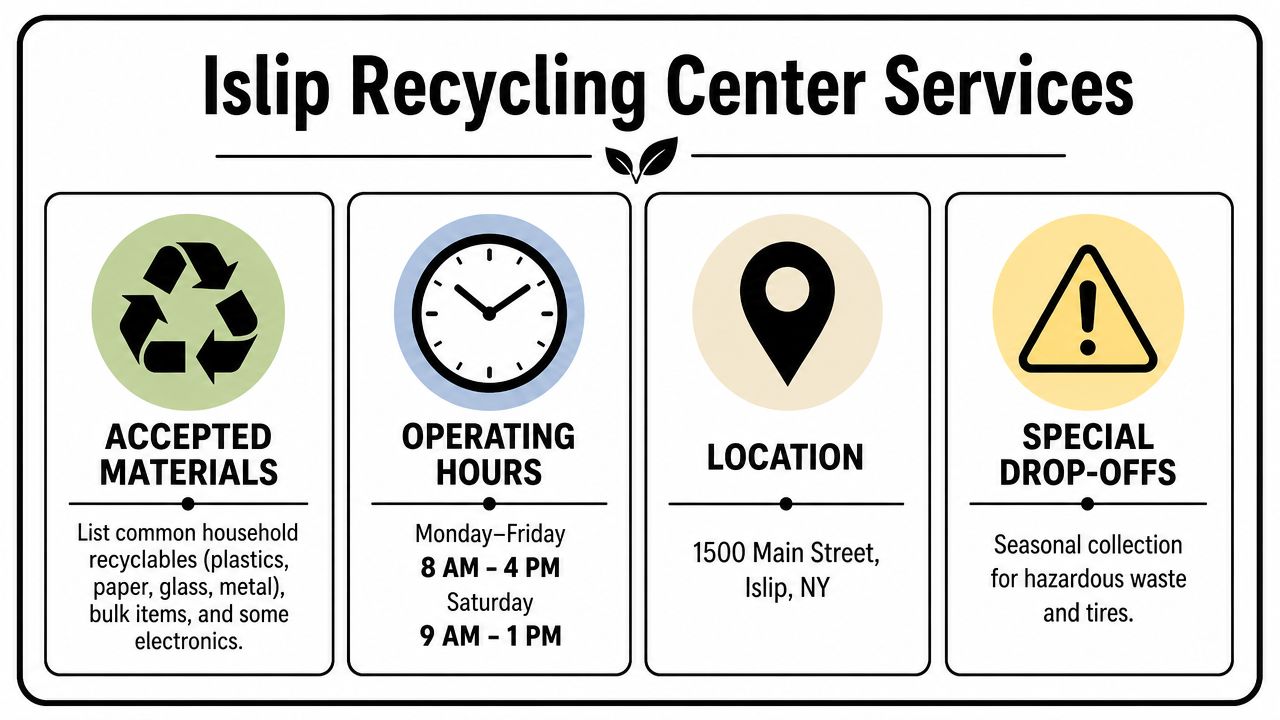
For local residents, the Town's recycling infrastructure is a useful starting point. The Islip Multi-Purpose Recycling Facility is located at 1155 Lincoln Ave in Holbrook (Bohemia), NY, according to the Town of Islip recycling facility page.
The same town page states that the facility offers free acceptance of E-Waste for all residents, operates Monday through Friday from 7:00 am to 2:30 pm, and hosts two annual free document shredding events in spring and fall. That combination makes it a practical community option for residents handling a few qualifying items and occasional paper security needs.
What the facility is built to do
The municipal model is broad by design. The town describes the site as the processing hub for recyclables collected throughout Islip, and it accepts critical categories such as E-Waste, Waste Oil up to 5 gallons, Auto/Marine Batteries, and Hazmat Materials for residents under the town's solid waste management framework on the official facility overview.
That matters because many public works sites don't provide one place for standard recyclables, electronics, and certain hazardous household materials. Islip does.
When it makes sense to use it
For a resident, or for a very small operation where an owner is dealing with a few items that fit resident access rules, the Islip recycling center can be the simplest route. It's local, established, and tied into the town's recycling system.
The town's pilot work also shows that focused local programs can move material. In West Islip, a targeted pilot led to a 24% increase in recycling volume within five weeks, with average weekly paper collection rising from 5.36 tons to 6.65 tons and the paper diversion rate moving from 2.8% to 3.5%, according to the Town of Islip press release.
Public recycling works best when the material stream is straightforward and the user fits the program it was designed to serve.
Where business users should pause
Facilities managers should read the municipal option strictly, not aspirationally. The town language is resident-focused. It doesn't promise business pickup logistics, serialized asset reporting, hard drive destruction records, or chain-of-custody documentation for a corporate ITAD project.
That doesn't make the facility inadequate. It just means you should use it for the job it was built to handle.
Preparing Your E-Waste for Safe Disposal
The most common mistake in electronics recycling isn't choosing the wrong building. It's assuming the device is safe because someone deleted files or ran a factory reset.
For business equipment, safe disposal starts before the truck is loaded. You need to know what you have, what data may still be present, and what level of sanitization the asset requires.
Start with the asset list
Before any electronics recycling or laptop disposal project, build a working inventory. That doesn't need to be fancy, but it does need to be useful. Record the device type, model, serial number if available, asset tag, user or department, and whether the device contains storage media.
A quick spreadsheet is better than a guess.
If the equipment has to move from one building to another before final processing, packing matters too. Teams that need a refresher on transport basics can use these essential tips for moving electronics safely to reduce avoidable damage while assets are in transit.
Deleting files isn't enough
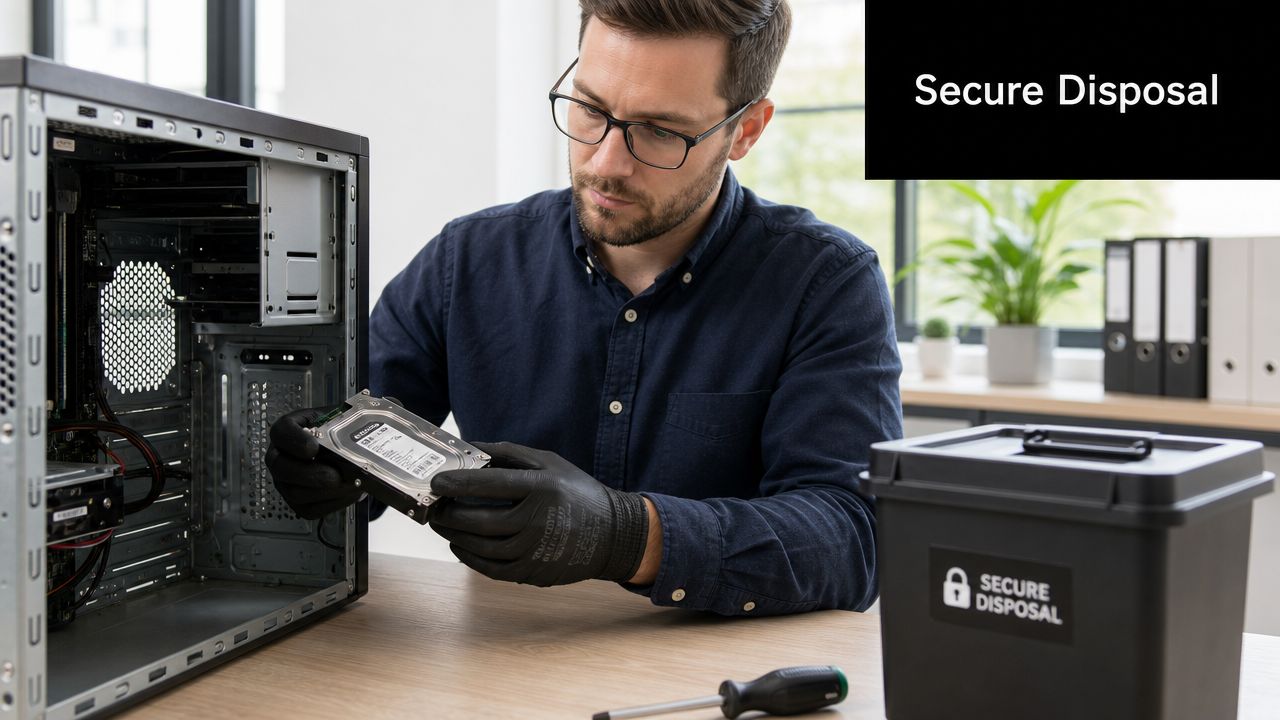
A desktop that “looks empty” may still hold recoverable data. Local accounts, cached credentials, email archives, browser sessions, saved PDFs, and drive partitions often survive casual cleanup. That's why business disposal usually requires one of two methods:
- Software-based data wiping for assets intended for reuse, redeployment, or donation.
- Physical destruction of storage media when the risk profile is higher or reuse isn't practical.
A recycle bin isn't a security control. Neither is a factory reset without verification.
The right choice depends on the device, the data sensitivity, and your internal policy. For some organizations, wiping is enough if it's documented and verified. For others, especially on older drives or mixed-condition hardware, shredding the storage media is the cleaner answer.
Pack for control, not just convenience
When teams rush a cleanout, they often mix power supplies, loose drives, and unlabeled machines into the same gaylord or cart. That creates confusion fast.
Use a simple handoff standard:
- Keep data-bearing devices separate from peripherals and scrap.
- Label exceptions clearly if a device must be retained, repaired, or held for legal review.
- Secure loose drives in a dedicated container so they don't disappear during staging.
- Document custody whenever equipment changes hands between departments or locations.
For a practical business checklist, this guide on preparing your company's electronics for recycling is a helpful reference.
Why Businesses Need More Than Municipal Recycling
Municipal recycling solves a public service problem. Business IT equipment disposal solves a risk management problem. Those are related, but they aren't interchangeable.
That difference becomes obvious as soon as volume, documentation, or regulated data enters the picture.
Scale changes the process
A few resident items fit a drop-off model. A company refresh doesn't.
If your team is retiring dozens of laptops, clearing out storage closets, removing equipment from a satellite office, or winding down a server room, the labor becomes the hidden cost. Someone has to palletize assets, separate reusable from scrap equipment, protect drives, coordinate transport, and keep the office running while that happens.
That's why municipal convenience can break down in a business setting. It asks your staff to become the logistics team.
Security and compliance don't stop at the loading dock
The stronger argument is documentation. Public recycling centers are not typically set up to deliver the level of proof many organizations need after disposal. A facilities manager may be comfortable with a drop-off receipt. Legal, compliance, and IT often are not.
Business disposal usually calls for some combination of:
| Need | Why it matters |
|---|---|
| Chain of custody | Shows who handled equipment from pickup through processing |
| Data destruction records | Supports internal policy and audit expectations |
| Serialized reporting | Helps reconcile retired assets against inventory lists |
| Project handling | Matters in office moves, closures, and multi-department cleanouts |
If your policy requires evidence after disposal, a public drop-off model usually won't close the loop.
The operating design of the Islip MRF reinforces that point. The facility operates under NYSDEC regulations (6 NYCRR Part 360) and charges $95/ton for non-recyclable residential rubbish, according to the WRAP Center facility overview. That setup reflects a regulated municipal waste and recyclables system. It is not a framework built around large-scale commercial secure data destruction, product destruction, or specialized medical equipment disposal and laboratory equipment disposal workflows.
Municipal recycling is useful, but it has a lane
This is a key trade-off. The Islip recycling center is valuable for community access and straightforward material streams. It isn't a complete answer for companies that need business-grade computer recycling, auditable IT asset disposition, or a structured process for a larger facility cleanout.
For a deeper look at the risk side, this article on why secure e-waste recycling matters for businesses lays out the business case well.
Reworx Your Partner for Compliant IT Equipment Disposal
When a business needs more than a drop-off option, the requirements become more specific. You need pickup coordination, sorting discipline, storage media handling, project management, and a process that can support both sustainability goals and legal defensibility.
That's where a specialized partner changes the outcome.
What a business-grade service should cover
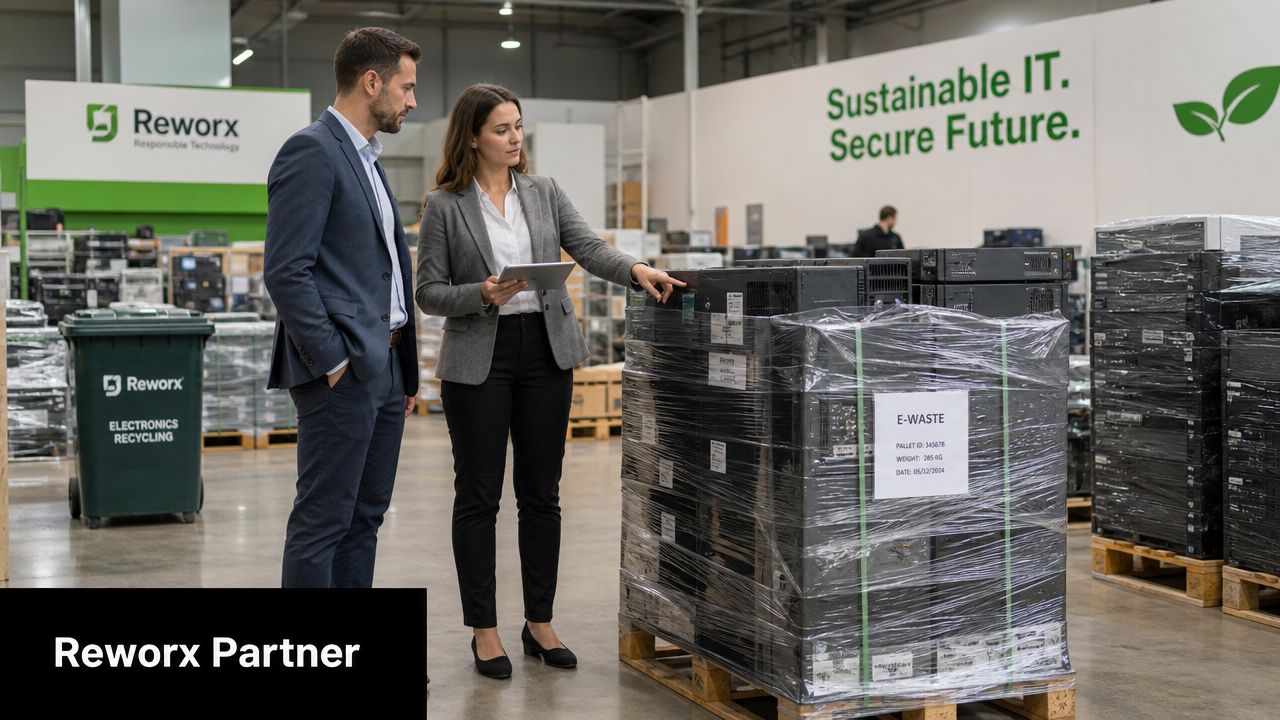
For over a decade, Reworx Recycling has provided Global ITAD, Secure Data Destruction, and Hard Drive Shredding, while operating as a donation-based social enterprise focused on environmental responsibility and community impact, according to its company profile on ScrapMonster.
For an Islip business, that kind of model matters because it addresses several needs at once:
- Office cleanout and pickup logistics for organizations that can't spare staff time to self-haul equipment
- Secure data destruction for data-bearing assets that shouldn't leave the chain of custody casually
- IT asset disposition for mixed loads that may include reusable hardware, obsolete equipment, and scrap
- Sustainable recycling and corporate donation programs that support reuse where appropriate
A municipal site can accept material. A specialized ITAD partner can manage the whole retirement process.
Where the fit is strongest
The companies that benefit most are usually dealing with one of these situations:
- A technology refresh that leaves behind pallets of laptops, monitors, docks, and accessories
- A relocation or closure where the removal schedule is tied to lease deadlines
- A data center decommissioning or server room reduction that includes storage media and infrastructure hardware
- A specialized equipment stream, such as medical equipment disposal or laboratory equipment disposal, where handling needs are less standard than office electronics
Not every retired asset should be treated the same way. Some equipment may be suitable for reuse or donation. Some belongs in a certified destruction path. Some may have residual value. The point is to sort deliberately instead of treating everything as generic junk.
The best ITAD projects are boring in the right way. Assets are tracked, drives are handled correctly, pickups happen on schedule, and no one has to guess what happened afterward.
Why the social enterprise model stands out
There's also a CSR angle that many sustainability leaders care about. A donation-based recycling partner helps companies connect end-of-life equipment management with community impact. That's different from disposal for disposal's sake.
For organizations trying to align social enterprise recycling, environmental responsibility, and internal governance, that combination is often stronger than a purely transactional scrap outlet. You're not just clearing space. You're retiring assets in a way that supports data protection, material recovery, and community benefit together.
If you're comparing vendors, this checklist on selecting a reliable e-waste recycling partner is worth using before you sign off on any pickup or disposition agreement.
Making the Right Choice for Your Islip Business
For Islip organizations, the decision is usually simpler once the job is defined correctly.
If you're dealing with a resident-scale load and straightforward accepted materials, the municipal path has clear value. The town facility gives the community a practical way to handle e-waste and other approved categories without turning every disposal task into a private vendor project.
If you're handling business assets, use a stricter filter. Ask whether the project needs asset tracking, secure media handling, department coordination, pickup support, or documentation after the fact. If the answer is yes, you're no longer choosing between “recycle” and “don't recycle.” You're choosing between a public drop-off model and a process built for business risk.
A quick decision framework
- Use the Islip recycling center when the load is small, simple, and clearly fits resident-oriented public recycling.
- Use a specialized ITAD partner when the project involves company data, larger volumes, office transitions, or internal compliance requirements.
- Don't blur the two just because both involve old electronics.
That distinction saves time. It also prevents the common mistake of solving a business disposal problem with a resident recycling workflow.
For procurement and facilities teams, vendor review should stay disciplined. This guide to vendor selection criteria for e-waste and ITAD decisions is a useful final check before you move assets offsite.
If your Islip business is planning an office cleanout, laptop disposal project, data center decommissioning effort, or broader electronics recycling program, Reworx Recycling is worth contacting for a practical next step. Businesses can explore donation-based recycling, schedule a pickup, or discuss a partnership that supports secure IT equipment disposal, community technology donation, digital inclusion, and workforce development.