In today's interconnected world, a reliable computer is not a luxury; it's essential for education, employment, and accessing critical services. However, for many low-income families, this fundamental tool remains out of reach. This digital divide creates significant barriers to opportunity and economic mobility. For business owners, IT managers, and corporate sustainability leaders, this challenge presents a unique opportunity for impactful social responsibility. By responsibly recycling outdated IT assets through a social enterprise like Reworx Recycling, companies can do more than just meet environmental compliance; they can directly fuel the missions of nonprofits dedicated to providing free and low-cost technology.
This guide provides a comprehensive list of 12 verified national and local organizations that offer free computers for low income individuals. We will explore each program's eligibility requirements, application process, and specific focus, demonstrating the tangible community impact that begins when a business chooses donation-based IT equipment disposal. Many of these programs also help families connect to low-cost internet, complementing federal initiatives. For instance, following the success of earlier initiatives, the current efforts to ensure digital equity for low-income families are largely supported by the Affordable Connectivity Program (ACP), which provides discounts on internet service.
Your company's retired laptops and desktops are not just e-waste; they are potential lifelines for students, job seekers, and families striving for a better future. This listicle will help your business understand the downstream impact of sustainable IT asset disposition (ITAD) and identify potential community partners. Each entry provides a clear overview, direct links, and actionable details to connect your electronics recycling efforts with a new purpose.
1. PCs for People
PCs for People stands out as a leading national nonprofit dedicated to bridging the digital divide. It operates a hybrid model, offering both truly free computers for low income households through a network of partner organizations and maintaining an online store with deeply discounted, professionally refurbished devices for direct purchase. This dual approach makes it an accessible and reliable first stop for many.
Unlike some programs with vague or localized rules, PCs for People offers transparent, nationwide eligibility criteria. Applicants typically qualify if their income is below 200% of the federal poverty level or 60% of the area median income, or if they are enrolled in a government assistance program like SNAP, Medicaid, or SSI.
Key Features and Offerings
- Online Store: A primary feature is their e-commerce platform where eligible individuals can browse and purchase desktops, laptops, and accessories. Prices are exceptionally low, often starting under $100 for a complete desktop system.
- Warranty & Support: All computers come with a one-year hardware warranty and 30-day money-back guarantee, providing a level of security uncommon in the low-cost tech space.
- Low-Cost Internet: The organization is also a qualified internet service provider, offering affordable LTE internet plans with no credit check required.
How to Apply
The process is straightforward but requires documentation. Users must first create an account on the PCs for People website and upload proof of eligibility, such as a recent tax return or an award letter from an assistance program. Once approved, you gain access to the online store. Organizations that, like PCs for People, rely on corporate donation programs to fuel their mission can find more information on how to donate a laptop and support digital inclusion.
- Pros: Clear eligibility rules, nationwide shipping, and a hardware warranty.
- Cons: Requires uploading sensitive documents, popular models can sell out quickly, and shipping to AK/HI/PR may have extra fees.
Website: https://www.pcsforpeople.org
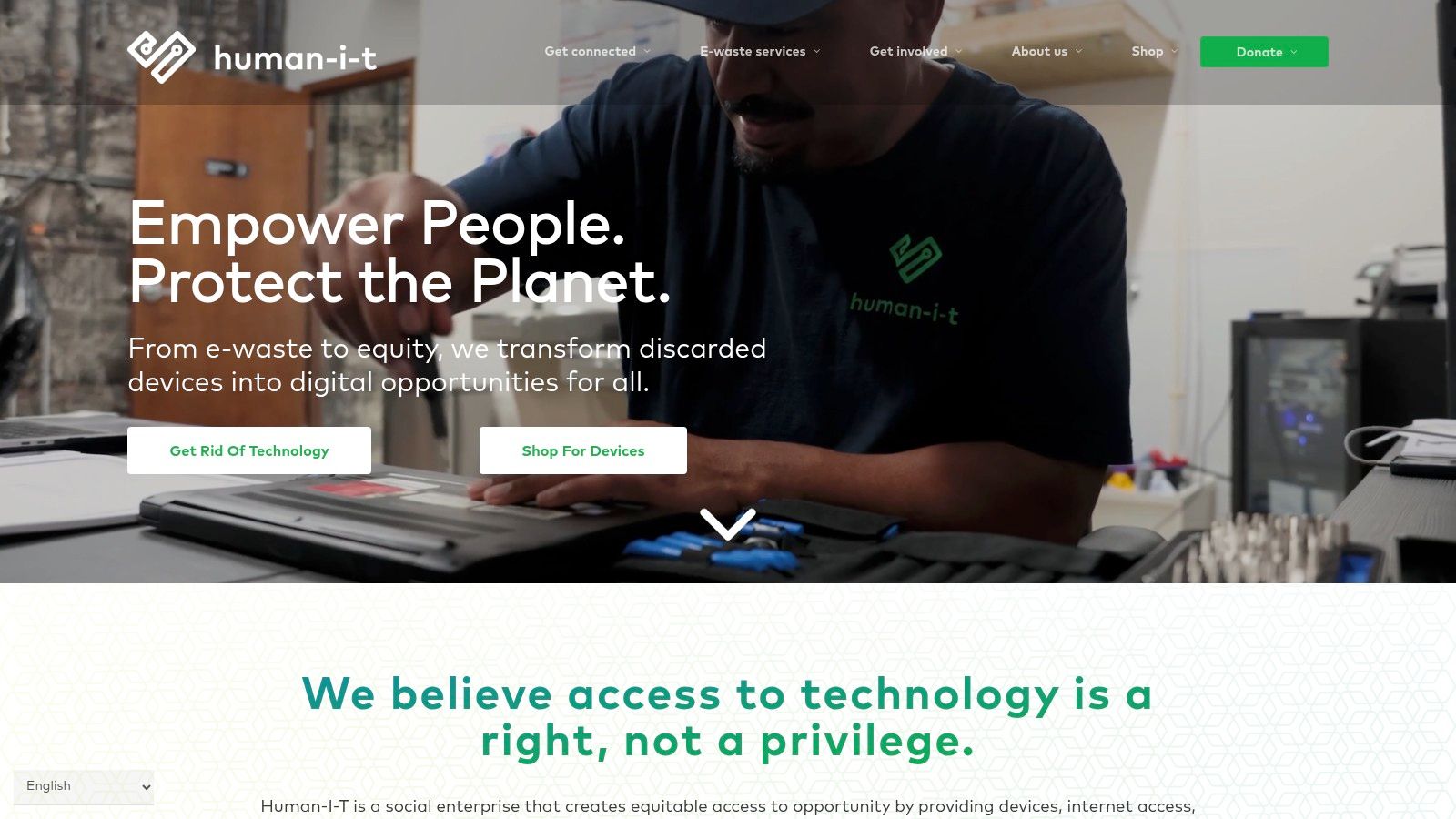
2. Human-I-T
Human-I-T is a national nonprofit focused on digital inclusion, offering a multifaceted approach to providing free computers for low income individuals. They achieve this through community events hosted with local partners and by granting verified low-income individuals access to a special "Members" program for deeply discounted technology. Their model emphasizes not just device access but also comprehensive support, including affordable internet options and technical assistance.
This organization stands out by combining one-time free distribution events with a sustainable, ongoing source for affordable tech. Eligibility for their programs is typically based on participation in government aid programs like SNAP or Medicaid, or by having an income below a certain threshold relative to federal poverty guidelines. The verification process unlocks access to their exclusive member benefits and low-cost store.
Key Features and Offerings
- Community Distributions: Human-I-T frequently partners with cities, housing authorities, and other community organizations to host events where free devices are distributed to pre-qualified residents.
- Member Pricing: Once an individual proves their low-income status, they gain access to special pricing on refurbished computers and other technology through an online portal.
- Wraparound Services: All devices come with a one-year hardware warranty and access to free bilingual tech support, providing crucial assistance after the device is in hand.
How to Apply
The process begins by visiting the Human-I-T website to check for local distribution events or to apply for their low-cost technology programs. Applicants will need to submit proof of income or enrollment in a qualifying assistance program. This verification is crucial for organizations that receive donated corporate equipment, as it ensures devices reach their intended recipients. Businesses concerned about their old data can partner with social enterprises that provide secure data destruction to ensure their donations are safe before refurbishment.
- Pros: Offers both free event-based distributions and ongoing low-cost options, includes valuable post-purchase support and warranty.
- Cons: Free computer availability is dependent on local partnerships and inventory levels, and the verification process can add a delay before you can receive a device.
Website: https://www.human-i-t.org
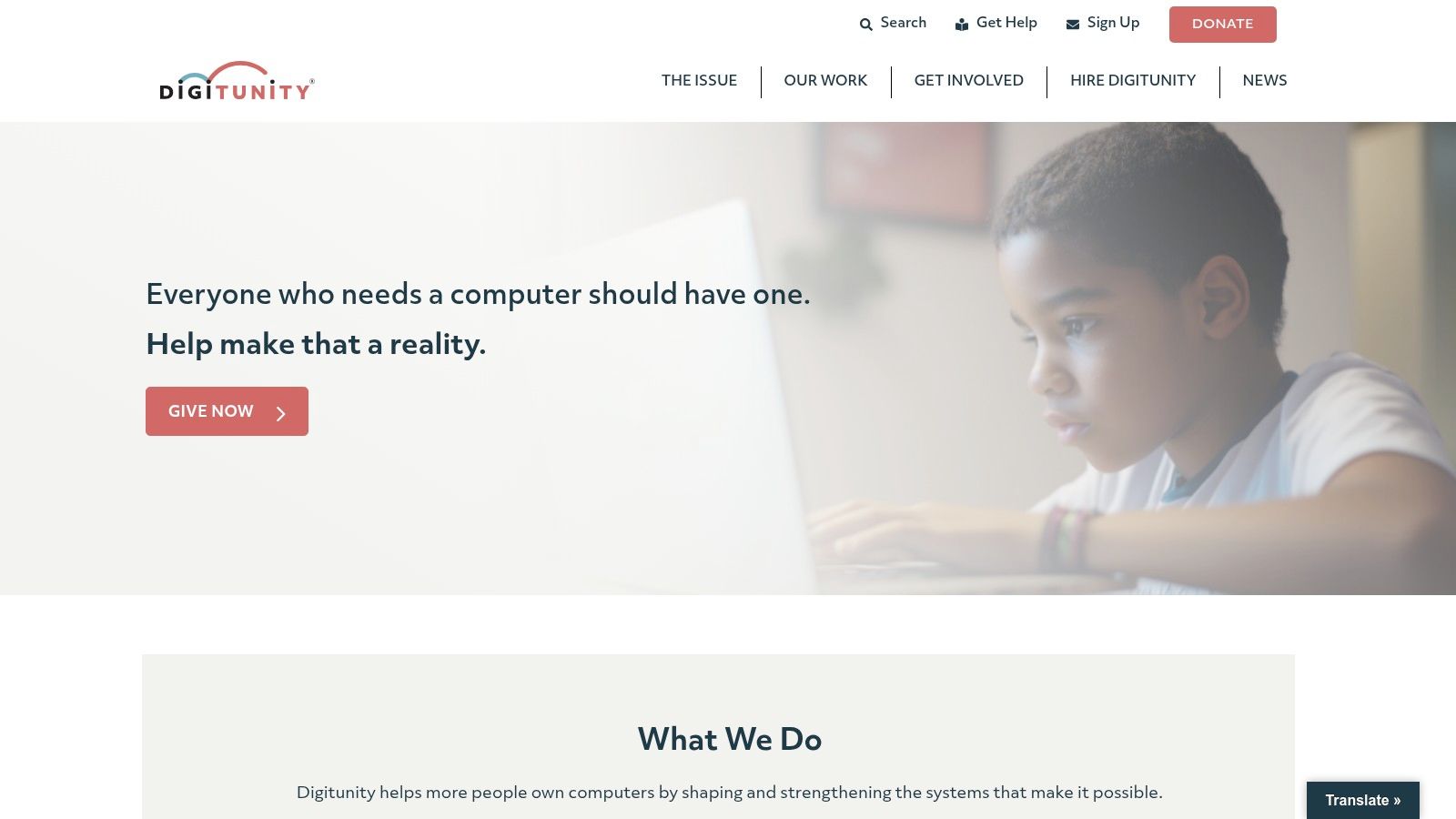
3. Digitunity
Digitunity functions less like a direct provider and more like a national matchmaker for digital inclusion. It operates as a nonprofit network connecting corporations that have surplus technology with vetted nonprofits that need those devices to serve their communities. While individuals cannot request free computers for low income directly from Digitunity, it serves as a crucial resource by offering a public directory of local refurbishing organizations that do.
This unique, two-pronged approach makes it a valuable hub. For nonprofit organizations, it’s a streamlined way to acquire technology donations at scale. For individuals, its searchable map is one of the most comprehensive tools available to find reputable, on-the-ground support in their own city or state, taking the guesswork out of finding a local program.
Key Features and Offerings
- Public Directory: The core feature for individuals is the interactive map that lists nearly 90 nonprofit technology refurbishers across the country, providing direct links and contact information.
- Matching Platform: For schools, libraries, and other public agencies, Digitunity offers a free registration to join its network and become eligible to receive large-scale technology donations from corporate partners.
- Knowledge Library: The site provides extensive resources, guides, and best practices for organizations looking to start or improve their own digital inclusion programs. This is part of the mission fueled by corporate donors who understand what happens to recycled electronics when handled responsibly.
How to Apply
For individuals, there is no application process with Digitunity itself. The primary action is to use the "Find a Local Refurbisher" tool on their website. You enter your location, and the map populates with nearby partner organizations. You must then contact those local groups directly to learn about their specific eligibility rules and application procedures for receiving a device.
- Pros: Excellent central resource for finding local providers, a great tool for nonprofits seeking donations, and completely free to use.
- Cons: Does not provide computers directly to individuals, the availability of local partners varies significantly by region, and it requires an extra step to contact a third-party organization.
Website: https://www.digitunity.org
4. EveryoneOn
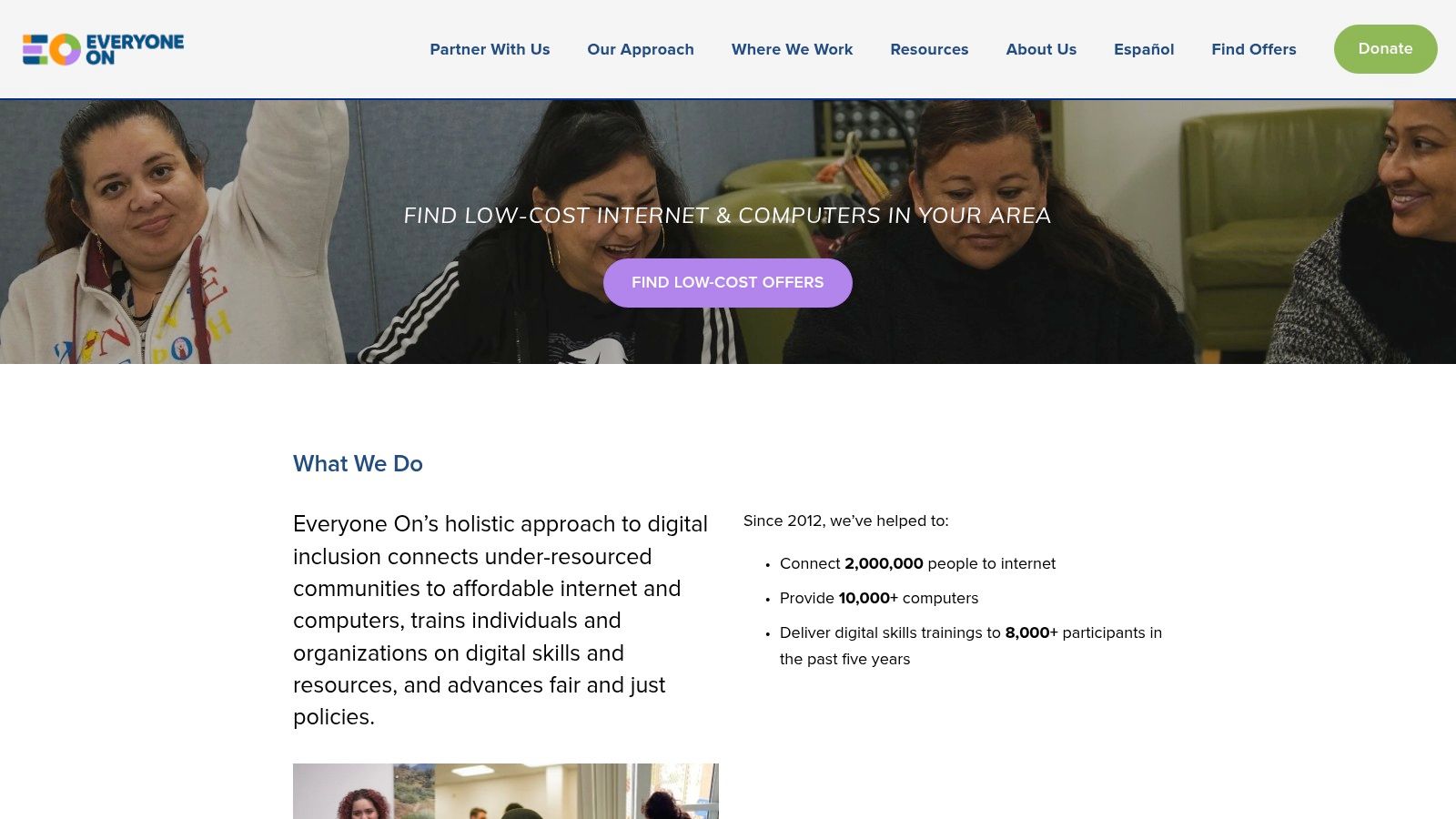
EveryoneOn operates not as a direct provider but as a crucial national nonprofit focused on connecting low-income families with existing resources. It functions as an offer-locator and information hub, helping individuals find low-cost computers and internet plans from a curated list of partners. This approach empowers users by consolidating various local and national offers into a single, searchable platform, making it an excellent starting point for those unsure where to begin their search.
The platform simplifies the complex landscape of digital inclusion programs. By entering a ZIP code, users can instantly see available offers for both devices and internet connectivity in their area. EveryoneOn vets its partners, ensuring the listed programs meet minimum quality and pricing criteria, which helps filter out unreliable or overpriced options.
Key Features and Offerings
- ZIP Code Search Tool: The core of the platform is a simple search tool that aggregates low-cost device and internet offers from various providers based on the user's location.
- Curated Partner Listings: EveryoneOn only lists offers from vetted partners, ensuring a baseline of quality and affordability for users seeking free computers for low income or heavily discounted options.
- Educational Resources: The site provides valuable information about federal subsidy programs like the Affordable Connectivity Program (ACP) and other digital literacy resources.
How to Apply
Using EveryoneOn is less about applying and more about discovering. You simply visit their website and use the offer locator tool with your ZIP code and some basic eligibility information. The tool then directs you to the websites of partner organizations where you can apply for their specific programs. If you find a low-cost device offer, understanding the pros and cons of second-hand tech can be helpful, and you can learn more by exploring resources on buying a refurbished laptop.
- Pros: Easy-to-use search tool to compare active local offers, simplifies finding both internet and device deals simultaneously.
- Cons: Does not provide computers directly; availability and offers are entirely dependent on partner organizations in your specific region.
Website: https://www.everyoneon.org
5. Free Geek (Portland)
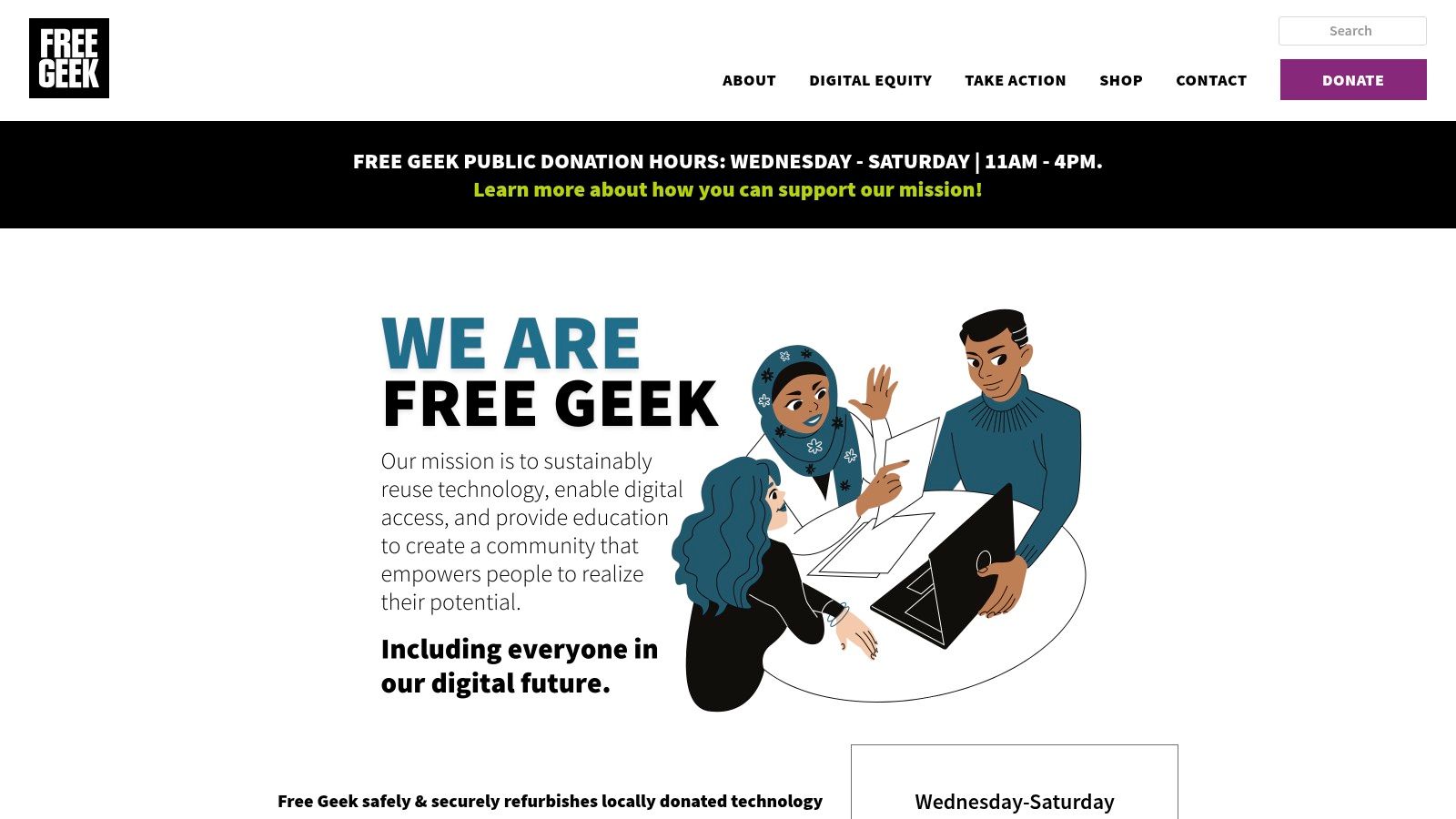
Free Geek stands as a model for community-based digital inclusion, operating primarily from its Portland, Oregon, location. It combines a commitment to environmental sustainability with a mission to provide free computers for low income individuals through hands-on volunteer and training programs. This unique approach empowers the community through education while diverting e-waste from landfills.
The organization's strength lies in its deep local integration. While not a national shipping provider like some others on this list, Free Geek offers a powerful template for how local nonprofits can create a self-sustaining cycle of donation, refurbishment, and community distribution. This focus on local impact and sustainable recycling makes it an essential resource for those in the Portland metro area.
Key Features and Offerings
- Computer Adoption Programs: Eligible individuals, often those referred by partner organizations or who complete volunteer hours, can receive a free desktop or laptop computer. These programs are designed to build skills and foster community engagement.
- Low-Cost Tech Store: For those who don't qualify for free programs or need a device immediately, Free Geek runs a retail thrift store with very affordable, professionally refurbished computers, parts, and accessories available to the general public.
- Volunteer & Training Opportunities: A core part of its model is the "build-a-computer" program, where volunteers can learn valuable tech skills and earn a free computer in the process.
How to Apply
Accessing a free computer typically involves engaging with Free Geek's community programs. Prospective recipients in the Portland area should visit the website to learn about current volunteer opportunities or check the eligibility requirements for direct adoption, which often involves a referral from a partner nonprofit. The process highlights the importance of responsible e-waste management, and companies can learn more about the environmental impact of electronic waste to understand why programs like this are so crucial.
- Pros: Multiple pathways to get a computer (volunteer, referral, or purchase), strong community focus, and opportunities for hands-on tech education.
- Cons: Primarily serves the Portland, Oregon, metro area, with limited to no options for national shipping or remote participation in free programs.
Website: https://www.freegeek.org
6. Compudopt
Compudopt focuses on providing technology access and education to underserved youth and their families through a large-scale distribution model. It partners with local school districts, municipalities, and corporate sponsors to host massive giveaway events, making it a powerful resource for communities where it operates. Their model is event-driven, offering truly free computers for low income families who pre-register for local distributions.
Unlike online storefronts, Compudopt's approach is hyper-local and hands-on, often using a lottery or registration system to manage high demand for specific events. Eligibility is typically tied to having a child in the K-12 school system and not having a working computer at home. This focus on students ensures that the devices directly support educational needs and digital literacy from a young age.
Key Features and Offerings
- Event-Based Giveaways: The core of their program involves large, scheduled distribution events in specific cities. Families must register online in advance for a chance to receive a device.
- Integrated Training: Compudopt doesn't just hand over hardware; they often pair their distributions with free digital skills training and resources to help families navigate connectivity options.
- Significant Scale: Having distributed over 160,000 computers, their operational scale is a key differentiator, capable of serving thousands of families in a single event.
How to Apply
The process is entirely dependent on scheduled events in your area. You must monitor the Compudopt website for announcements of a computer drive near you. When a registration window opens, you complete an online form. If selected through the lottery or registration process, you will receive instructions for an in-person pickup time and location. Programs like these are powered by forward-thinking businesses that recycle electronics responsibly, turning old IT assets from an office cleanout into community opportunities.
- Pros: Devices are completely free with no hidden costs, and the program integrates hardware with valuable digital skills training.
- Cons: Availability is limited to specific cities and event schedules, and it often requires in-person pickup, which can be a logistical challenge.
Website: https://www.compudopt.org
7. InterConnection
Based in Seattle, InterConnection is a long-standing nonprofit refurbisher dedicated to providing access to technology. While not a source for entirely free computers for low income individuals directly, its mission is to make technology affordable and accessible. It primarily serves nonprofits and income-constrained buyers through its online store, offering professionally tested and refurbished systems at a significant discount, making it a vital resource in the digital inclusion landscape.
Eligibility is generally based on being below a certain income threshold or participating in government assistance programs, similar to other major refurbishers. The organization's strength lies in its established history and commitment to quality, ensuring that even budget-friendly devices are reliable. Their model supports a circular economy, taking in corporate donations and giving technology a second life in the community.
Key Features and Offerings
- Tested Refurbished Systems: InterConnection provides high-quality, professionally refurbished desktops and laptops that have been thoroughly tested and restored.
- Mission-Driven Focus: As a nonprofit, every purchase supports their mission to provide technology to underserved communities and other charitable organizations.
- Tech Support: The organization often includes limited tech support with its products, offering a degree of post-purchase assistance that adds value for new computer users.
How to Apply
To access their low-cost computers, individuals typically need to visit the InterConnection website and browse their online store. While specific eligibility verification processes have varied, you should be prepared to demonstrate low-income status or enrollment in an aid program during the checkout or account creation process. Because their retail operations and partnerships can change, checking their website for the most current purchasing and eligibility requirements is the best first step.
- Pros: Longstanding, reputable presence in the nonprofit tech space; budget-friendly pricing tiers for reliable hardware.
- Cons: Physical retail access has changed over time, product selection can be variable, and it is not a direct source for completely free devices.
Website: https://www.interconnection.org
8. Tech Exchange (Bay Area)
Tech Exchange is a prominent Bay Area nonprofit that delivers a comprehensive approach to digital equity. Rather than simply providing hardware, it offers an ecosystem of support, including free and low-cost computers, digital skills training, and assistance with internet connectivity. This holistic model makes it an invaluable resource for low-income residents in its service area, focusing on wraparound services to ensure technology is not just accessible but also usable.
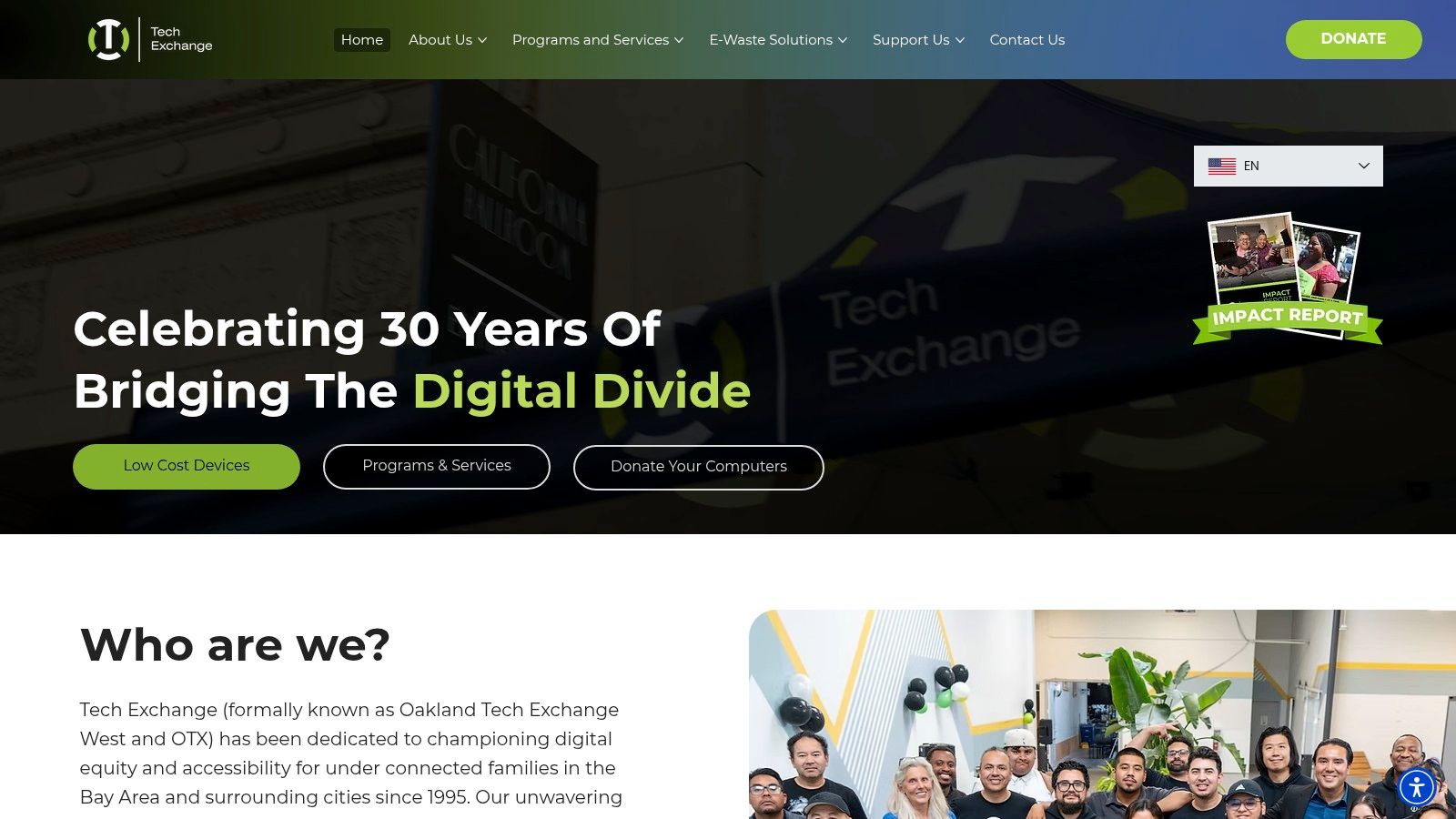
The organization is particularly noteworthy for its deep community integration and commitment to multilingual support, ensuring that language is not a barrier to accessing its programs. By providing free computers for low income families alongside robust technical support and training, Tech Exchange empowers its community for long-term success. Their model also serves as a prime example of how local businesses can partner with a social enterprise recycling partner to achieve sustainability goals and community impact.
Key Features and Offerings
- Comprehensive Programs: Access to technology is provided through various channels, including local pickup events (TecHubs), partner programs, and an online store for Bay Area residents.
- Warranty and Support: All devices come with a one-year warranty and ongoing free technical support, providing peace of mind and assistance well after the initial acquisition.
- Multilingual Services: The organization offers assistance in multiple languages, including English, Spanish, Mandarin, Cantonese, Korean, and Mam, making its services highly accessible to diverse communities.
How to Apply
Residents in the Bay Area can explore programs and eligibility on the Tech Exchange website. The process often involves registering for a local distribution event or applying through a partner organization. For direct purchases, the online store requires a Bay Area shipping address. Like Tech Exchange, many nonprofits rely on corporate support; businesses looking to make a difference can donate a laptop through social enterprises like Reworx Recycling to fuel similar digital inclusion efforts.
- Pros: Strong wraparound services including training and support, excellent multilingual assistance, and clear regional access points.
- Cons: Primarily serves the Bay Area, so program access and shipping are geographically limited; some offerings require local pickup.
Website: https://www.techexchange.org
9. Computers with Causes
Computers with Causes operates as a national nonprofit organization with a distinct, application-based model for providing free computers for low income individuals, families, and organizations. Rather than an online store, it functions more like a grant program, accepting online applications from those in need and fulfilling requests based on available inventory from corporate and individual donations. This approach targets a wide range of deserving recipients, including students, veterans, seniors, and community shelters.
The program's strength lies in its broad eligibility and direct-donation focus. It is an excellent option for those who have a clear need but are not in an immediate rush, as the process is dependent on donation cycles and a thorough verification of the applicant's story. This system ensures that devices are directed to those who can benefit most significantly from the digital lifeline a computer provides.
Key Features and Offerings
- Online Application Portal: The primary way to request a computer is through a detailed online form where applicants explain their situation and need.
- Broad Eligibility: The program serves a diverse group, including low-income families, students needing technology for school, returning veterans, and the elderly.
- Focus on Gifting: Unlike low-cost stores, this organization gifts refurbished computers at no cost to approved applicants, making it truly free.
How to Apply
The application process is entirely online via their website. You will need to fill out a request form that asks for personal details and a narrative explaining your circumstances and why you need a computer. The organization emphasizes the importance of a compelling and verifiable need. Decisions are made as suitable donated equipment becomes available, so patience is key.
- Pros: Truly free for approved applicants, simple online request form, and serves a wide national audience with diverse needs.
- Cons: No guarantee of receiving a computer, wait times can be long and are unpredictable, and the outcome depends on donation availability.
Website: https://www.computerswithcauses.org
10. Computer Reach
For residents of Western Pennsylvania, Computer Reach offers a highly localized and impactful solution for digital inclusion. This nonprofit focuses on providing free computers for low income individuals and families through a community-focused distribution model. They refurbish devices donated by local schools, businesses, and partners, then distribute them as complete desktop bundles at no cost to eligible recipients.
What sets Computer Reach apart is its collaboration with a network of Digital Navigators. These community guides help individuals identify their needs, determine eligibility, and coordinate the pickup of their free desktop system. This hands-on approach ensures that technology is paired with the human support needed to use it effectively, making it a great option for those new to computers.
Key Features and Offerings
- Free Desktop Bundles: The core offering is a complete desktop computer system, which includes a PC tower, monitor, keyboard, and mouse, all provided entirely for free.
- Digital Navigator Coordination: Instead of a direct application portal, Computer Reach works through partners who schedule weekly awards and giveaways based on available inventory.
- Community-Sourced Technology: All devices are sourced from local organizations, reinforcing a cycle of community support and sustainable recycling.
How to Apply
Unlike online stores, obtaining a computer from this organization requires connecting with one of their designated partner agencies or a Digital Navigator in the Western Pennsylvania region. These navigators assess an individual’s needs and eligibility before scheduling them for a pickup at a distribution event. The best first step is to visit the Computer Reach website and find a partner organization to contact directly.
- Pros: Entirely free desktop systems for eligible locals, consistent giveaway schedule when inventory permits, and supportive coordination through community partners.
- Cons: Strictly limited to the Western Pennsylvania area, requires local pickup, and laptop availability is very limited as the focus is on desktops.
Website: https://www.computerreach.org
11. Kramden Institute
Based in North Carolina, the Kramden Institute offers a powerful, community-focused model for digital inclusion. Rather than operating a national online store, Kramden provides free computers for low income residents through two primary, hands-on programs: one for K-12 students and another for adults seeking digital skills. This approach ensures that recipients not only get a device but also the training needed to use it effectively.
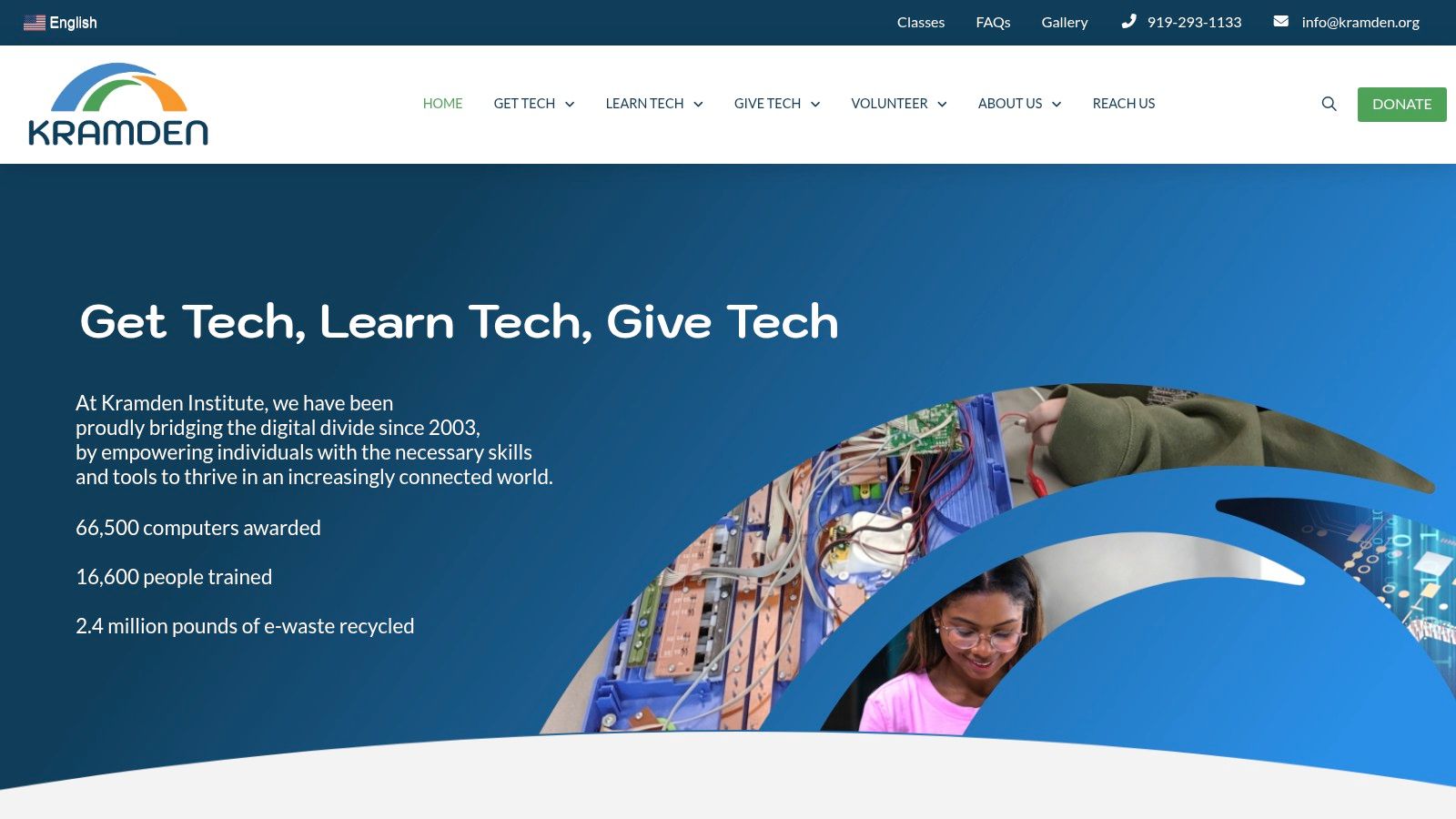
The institute's programs are deeply rooted in the local community, relying on partnerships and nominations to identify need. For students, a teacher or community leader must typically nominate them, after which eligibility is confirmed based on household need. For adults, completing a digital literacy course is the pathway to earning a free, professionally refurbished computer, creating a direct link between education and access. This model of community engagement is vital for organizations that depend on corporate donation programs to provide technology. Companies looking to make an impact can find out how to donate a laptop and contribute to programs that empower individuals with essential digital tools.
Key Features and Offerings
- Student Computer Awards: K-12 students in North Carolina can receive a free desktop computer system after being nominated and meeting household income requirements.
- Adult Digital Literacy Classes: Adults can enroll in free courses covering essential computer skills. Upon successful completion, graduates are awarded a refurbished computer to take home.
- Community-Based Model: Kramden partners with schools, nonprofits, and local agencies to distribute devices and deliver training, ensuring resources reach those most in need.
How to Apply
For the K-12 program, students must be nominated by a school official or a partner organization. Interested parents should contact their child's school to inquire about a potential nomination. Adults interested in the digital literacy courses can find a schedule and register directly on the Kramden Institute website. All programs require local participation for class attendance and device pickup.
- Pros: Combines device distribution with essential training, clear and predictable program flows, and a strong community focus.
- Cons: Primarily serves residents of North Carolina, requires in-person pickup with no routine national shipping, and student access depends on a nomination.
Website: https://kramden.org
12. E2D (Eliminate the Digital Divide)
E2D (Eliminate the Digital Divide) is a highly focused, community-driven nonprofit with a mission to ensure every student and family has affordable access to essential technology. Based in Charlotte/Mecklenburg County, North Carolina, E2D partners with schools, corporate donors, and community organizations to collect and refurbish donated laptops. This powerful local model provides a direct pipeline for free computers for low income families within its service area.
What makes E2D special is its integrated approach. It doesn't just hand out devices; it combines them with comprehensive digital inclusion resources, including support for finding affordable broadband and basic digital skills training. This holistic strategy, supported by partners like the Center for Digital Equity, addresses the core barriers to digital access.
Key Features and Offerings
- School Partnerships: E2D works directly with K-12 schools in its region to identify families in need and coordinate device distribution, streamlining the process for parents and students.
- Student-Led Refurbishing: A unique aspect of their model involves student-led labs where young people gain valuable STEM skills by helping refurbish the donated laptops for their peers.
- Complete Digital Inclusion: The organization goes beyond hardware, providing families with crucial support for navigating affordable internet options and accessing digital literacy resources.
How to Apply
Access to E2D's computers is typically facilitated through its network of partner schools and community organizations in the Charlotte/Mecklenburg area. Families interested in receiving a device should contact their child’s school or a local community resource center to inquire about current E2D programs and distribution events. Information about corporate donation programs and how they fuel this mission can be found by researching how to donate a laptop through social enterprises that support digital equity.
- Pros: Strong community integration, combines device access with support and training, and provides skills-building opportunities for students.
- Cons: Primarily serves a specific geographic area (Charlotte/Mecklenburg, NC), and device availability is dependent on local donation and funding cycles.
Website: https://www.e-2-d.org
Free Computers for Low-Income: 12-Provider Comparison
| Organization | Core offerings | 👥 Target | Reach / Access | 💰 Value & Warranty ✨ | ★ / 🏆 Notable |
|---|---|---|---|---|---|
| PCs for People | Refurb sales + free distributions; discounted LTE; online store | Low-income households | Nationwide shipping; eligibility verification required | 💰 Very low-cost; 1‑yr warranty | ★★★★ / 🏆 Transparent eligibility & national reach |
| Human‑I‑T | Free device events; Member pricing; tech support | Income-qualified individuals (Members) | National via local partners/events | 💰 Low-cost Member pricing; 1‑yr warranty | ★★★★ / 🏆 Strong post‑acquisition support |
| Digitunity | Donor→recipient matching platform; refurbisher directory | Nonprofits, schools, public agencies (not individuals) | National network & public map | 💰 Free for organizations to register | ★★★★ / 🏆 Centralized matching for institutional sourcing |
| EveryoneOn | Zip-code offer locator for devices & internet; resources | General public seeking low-cost connectivity/devices | National — points to curated partners | 💰 Helps surface low-cost offers (no direct sales) | ★★★☆ / 🏆 Easy ZIP search for comparing offers |
| Free Geek (Portland) | Free adoption programs; discount tech store; training | Portland-area residents & community learners | Local (Portland metro) | 💰 Free if eligible; low-cost retail option | ★★★★ / 🏆 Community training + local pipeline |
| Compudopt | Large-scale giveaways + training & connectivity help | Students, families via local events | National events (inventory/timing varies) | 💰 Typically free (lottery/registration) | ★★★★ / 🏆 High distribution scale (160k+ historically) |
| InterConnection | Tested refurbished systems; online sales; partnerships | Nonprofits & income-constrained buyers | Seattle-based with online reach | 💰 Budget pricing tiers; mission-driven | ★★★★ / 🏆 Longstanding refurbisher reputation |
| Tech Exchange (Bay Area) | Free/low-cost devices; classes; multilingual support; warranty | Bay Area residents, nonprofits, small businesses | Regional (Bay Area) | 💰 Low-cost; 1‑yr warranty; free tech support | ★★★★ / 🏆 Multilingual wraparound services |
| Computers with Causes | Online application for free refurbished computers | Individuals & organizations in need (broad categories) | Nationwide application-based (inventory dependent) | 💰 Free if approved (timing varies) | ★★★☆ / 🏆 Simple national request portal |
| Computer Reach | Free desktop bundle giveaways; Digital Navigator coordination | Western PA residents needing full desktop kits | Regional (Western Pennsylvania) | 💰 Free desktop kits when available | ★★★☆ / 🏆 Regular local desktop distributions |
| Kramden Institute | K–12 student awards; adult digital literacy + device on completion | Students (K–12) & adult learners in Durham/NC | Local (Durham, NC area) | 💰 Free with program or course completion | ★★★★ / 🏆 Training + guaranteed device for graduates |
| E2D (Eliminate the Digital Divide) | Student-led refurb labs; laptop collection & distribution | Charlotte/Mecklenburg families & schools | Regional (Charlotte/Mecklenburg County) | 💰 Low/no-cost via partners & grants | ★★★☆ / 🏆 Student labs + strong community partnerships |
Turn Your Company's Surplus Tech into a Community Asset with Reworx Recycling
Navigating the landscape of programs offering free computers for low income families reveals a powerful, interconnected ecosystem. From national powerhouses like PCs for People and Human-I-T to hyper-local heroes like Tech Exchange and Free Geek, the mission is clear: digital equity is not a luxury, but a necessity for modern participation in education, employment, and civic life. This comprehensive guide has detailed the specific eligibility requirements, application processes, and unique strengths of numerous organizations dedicated to bridging the digital divide.
The core takeaway for business leaders is that while the need is vast, the network of support is equally robust. Each organization we've explored, whether it's Digitunity’s national affiliate network or Compudopt’s direct-to-student distribution model, relies on a critical resource: a steady stream of donatable technology. This is where your business can move from being a passive observer to an active participant in community empowerment.
Key Insights for Business Leaders
The journey to digital inclusion is a collaborative effort. As an IT manager, sustainability director, or business owner, understanding this dynamic transforms routine operational tasks like IT equipment disposal into opportunities for significant social impact.
- Your IT Refresh Cycle is a Community Lifeline: The laptops, desktops, and monitors you decommission are not just e-waste. They are potential homework stations, job application portals, and telehealth access points. Partnering with a donation-based recycling social enterprise like Reworx Recycling channels this potential directly into the hands of those who need it most.
- Data Security and Social Good are Compatible: A primary concern during IT asset disposition (ITAD) is data security. Reputable partners like Reworx Recycling prioritize secure data destruction, providing certified services that give you complete peace of mind. You don't have to choose between protecting your company and supporting your community; you can and should do both.
- Strategic Action Creates Lasting Value: Choosing the right disposal method is a strategic decision. Landfilling e-waste is environmentally irresponsible and represents a squandered opportunity. A donation-focused approach, however, builds corporate social responsibility, enhances your brand's reputation, and makes a tangible difference in local lives.
From Surplus to Solution: A New Perspective on E-Waste
Consider your next office cleanout or data center decommissioning. Instead of viewing it solely as a logistical challenge involving electronics recycling and equipment disposal, see it as a chance to fuel the missions of the organizations listed in this article. Your retired assets are the raw materials they need to refurbish and distribute, creating a circular economy that benefits everyone.
This proactive approach to sustainable recycling does more than just divert waste from landfills. It directly supports workforce development by providing the tools needed for training and job searches. It empowers students to compete academically in an increasingly digital world. For businesses in specialized sectors, even the disposal of laboratory equipment or medical equipment disposal can be managed responsibly, ensuring that usable components find a new purpose.
Ultimately, the path to providing free computers for low income households is paved by the conscious decisions of businesses like yours. By integrating social enterprise recycling into your operational model, you turn surplus technology from a liability into a powerful community asset. This is not just responsible e-waste management; it is a direct investment in a more equitable and connected future for all.
Ready to transform your company's retired IT equipment into a powerful force for good? Partner with Reworx Recycling to manage your electronics disposal responsibly while directly supporting digital inclusion initiatives. Schedule a pickup or learn more about our corporate donation programs today and join us in bridging the digital divide, one device at a time.