Your lease is signed. The movers are booked. Department heads are already asking when phones, monitors, printers, lab gear, and shared conference room systems will be live in the new space.
That’s when most first-time move teams realize an office relocation isn’t really about furniture. It’s about control. Control of assets, access, downtime, chain of custody, and what happens to the equipment you no longer want to pay to move.
Traditional office relocation movers are still essential. They handle loading plans, building access, staging, and the physical transition. But a modern move also forces decisions about IT asset disposition (ITAD), secure data destruction, electronics recycling, donation planning, and whether obsolete equipment should be transported at all.
Handled well, a move becomes a cleanup point for your entire environment. Handled poorly, it creates duplicate labor, lost equipment, surprise invoices, and data risk that didn’t exist before the first crate was packed.
Beyond Boxes and Trucks The Modern Office Move
A facilities manager planning a first major move usually starts with square footage, furniture counts, elevator reservations, and seating charts. That’s normal. It’s also incomplete.
The harder part is the equipment that doesn’t fit neatly into a moving label. Retired laptops in a storage room. A rack with old switches nobody wants to touch. Copiers still holding scanned documents. Spare monitors. Badge readers. Test devices. Conference room systems with missing remotes and unknown wiring.
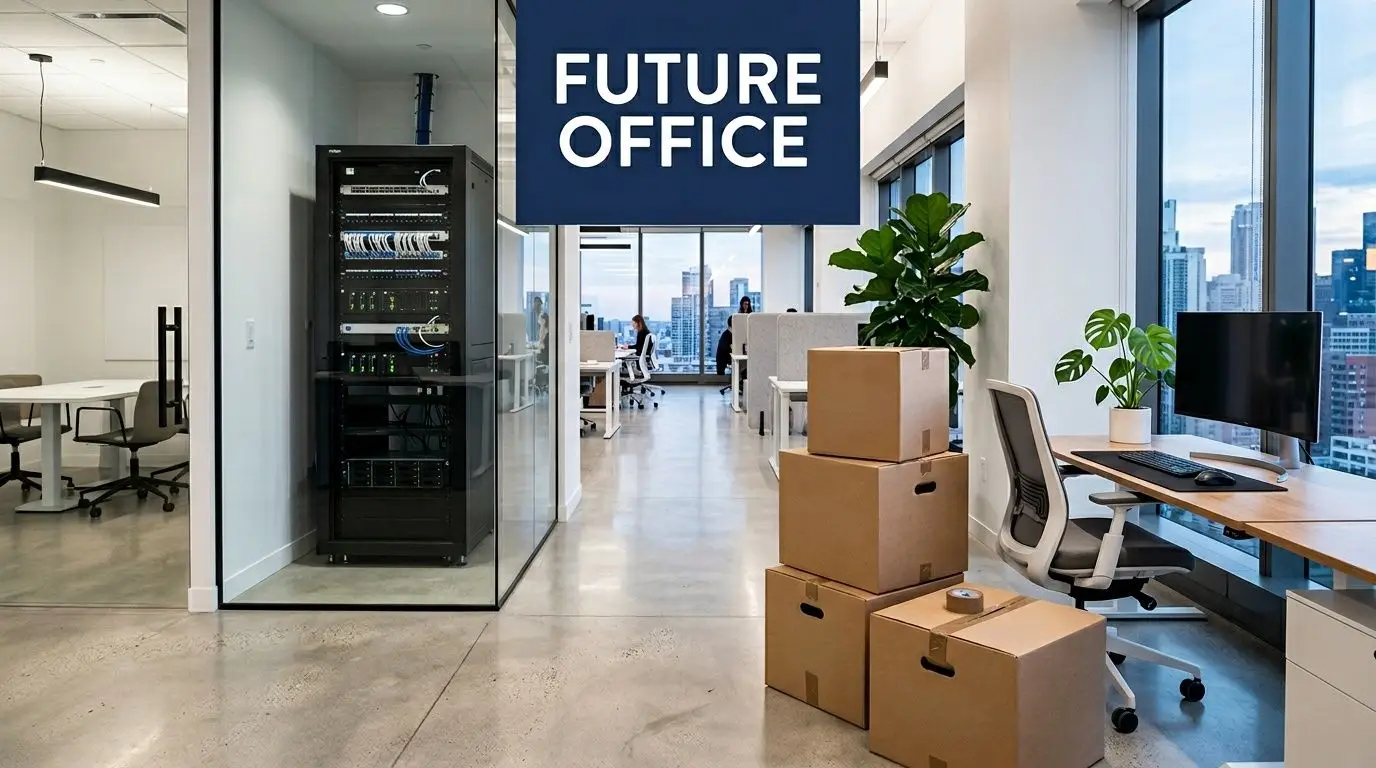
Corporate moves aren’t rare edge cases anymore. 593 public companies, or 8.9% of roughly 6,700 listed firms, relocated headquarters between March 2022 and March 2023, up 29% from 458 the prior year, according to this review of corporate relocation data. More moves mean more handoffs, more asset decisions, and more chances for technology to be mishandled.
What office relocation movers do well
Good office relocation movers bring discipline to physical logistics:
- Building coordination so dock times, certificates of insurance, and freight elevator use don’t derail the schedule
- Packing and transport for workstations, files, furniture, and general office contents
- Sequenced delivery that supports phased occupancy instead of dumping everything into the new site at once
- On-site labor management so your internal team isn’t pulling cables and pushing carts all weekend
That work matters. But movers usually aren’t responsible for deciding whether a server gets redeployed, wiped, shredded, donated, remarketed, or recycled.
Why the move is really a reset point
A relocation forces a question many teams delay for years. Why are we paying to move obsolete equipment?
That question changes the entire project. Once you separate “move” from “retire,” the plan gets cleaner. Your trucks carry less. Your new site opens with less clutter. Your IT team spends time on live infrastructure instead of babysitting junk hardware.
Practical rule: If an asset won’t be installed, supported, or assigned in the new office, decide its end-of-life path before move week.
This is also the right time to align your floor plan with technology reality. If hybrid work changed how often people come in, your inventory should reflect that. The furniture team may benefit from a planning resource like the Ultimate Office Space Planning Guide, but your IT side needs a separate asset and disposition workflow.
A strong move plan treats desks and devices differently. Furniture moves by location. Technology moves by risk category. Equipment with storage media, licensing history, or resale value needs tighter handling and better records. That’s where a formal IT asset management process becomes part of relocation planning, not an afterthought.
The Pre-Move Blueprint Assembling Your IT Relocation Strategy
The move goes wrong long before move day. It goes wrong when nobody can answer a simple question two months out: What exactly are we moving, and what exactly are we not moving?
That answer starts with an inventory, but not the lazy version. “About 60 laptops and some monitors” isn’t an inventory. You need a working list that ties each asset to a destination, owner, and handling method.
Build the inventory before you call final shots
Technology is one of the easiest budget items to underestimate in a commercial move. IT infrastructure represents 20% to 25% of a mid-size office relocation budget, and those costs are often the most underestimated part of the project, as noted in Bailey’s guidance on office relocation planning mistakes.
That’s exactly why the inventory can’t wait until crates arrive.
Create a spreadsheet or asset register that includes:
- Asset type such as laptop, desktop, server, firewall, switch, monitor, dock, copier, medical device, or lab equipment
- Serial number or service tag for anything with resale, warranty, or audit significance
- Current location down to room or closet, not just building
- Assigned user or department if one exists
- Data risk flag for anything with internal storage
- Final disposition such as move, redeploy, donate, recycle, or destroy
- Handling notes like “requires technician shutdown” or “do not tilt”
Use a four-lane disposition map
Most organizations make this too emotional. They keep equipment because someone thinks it might be useful later. A better method is to sort every item into one of four lanes.
Move
This lane is for equipment that will be installed and supported in the new location. Include production printers, active network gear, current-user devices, conference room hardware, and specialty systems that are still operationally relevant.
Redeploy or hold
Some equipment shouldn’t go straight onto the truck or into the recycler stream. Spare monitors, backup laptops, or standardized peripherals may be worth retaining if they match your current environment.
Keep this lane tight. If nobody owns the item and no use case is documented, it usually drifts into permanent storage.
Retire through donation, resale, or recycling
Office moves reveal hidden value. Surplus but usable devices may fit a donation-based recycling or remarketing path. Non-working equipment belongs in a recycling stream designed for business electronics, not a junk hauler.
Destroy
Anything with sensitive data, failed media, or compliance exposure may need secure destruction rather than simple redeployment or resale.
An unlabeled storage room is usually your most expensive room during a move. It contains labor, uncertainty, and assets no one wants to make a decision about.
Tie the inventory to business continuity
A relocation strategy isn’t just a moving list. It’s also a continuity plan.
If your internet handoff slips, can staff work remotely for a few days? If the copier vendor misses installation, does accounting have a workaround? If conference room systems are delayed, do teams have laptops and headsets ready?
For that reason, I like seeing the move plan reviewed against the company’s broader disaster recovery plan. Not because an office relocation is a disaster, but because the same thinking applies. Critical functions need backup paths.
Audit by exception, not by hope
You don’t need a committee to debate every keyboard. You do need decision-makers for exceptions.
Use a short review list for assets that trigger questions:
- Anything with storage media
- Anything leased
- Anything with unclear ownership
- Anything in a server room or telecom closet
- Anything with possible donation or resale value
- Anything tied to regulated data
A pre-move audit becomes much easier if your team works from a formal checklist and a documented review process like the one described in this guide on why IT inventory audits matter before recycling.
When this work is done early, the moving company gets cleaner instructions. Your IT team gets a smaller cutover burden. Your finance team gets fewer surprises. Most important, your new office opens with the equipment you need, not the equipment nobody had time to question.
Secure Data Destruction and Equipment Decommissioning
The most dangerous device in an office move is often the one nobody thinks is dangerous anymore.
That old laptop in a drawer. The retired copier in the hallway. The decommissioned server that was “wiped a while back.” The firewall waiting for disposal after a network refresh. Once equipment is no longer in daily use, teams stop treating it like a live risk. During a move, that’s a mistake.
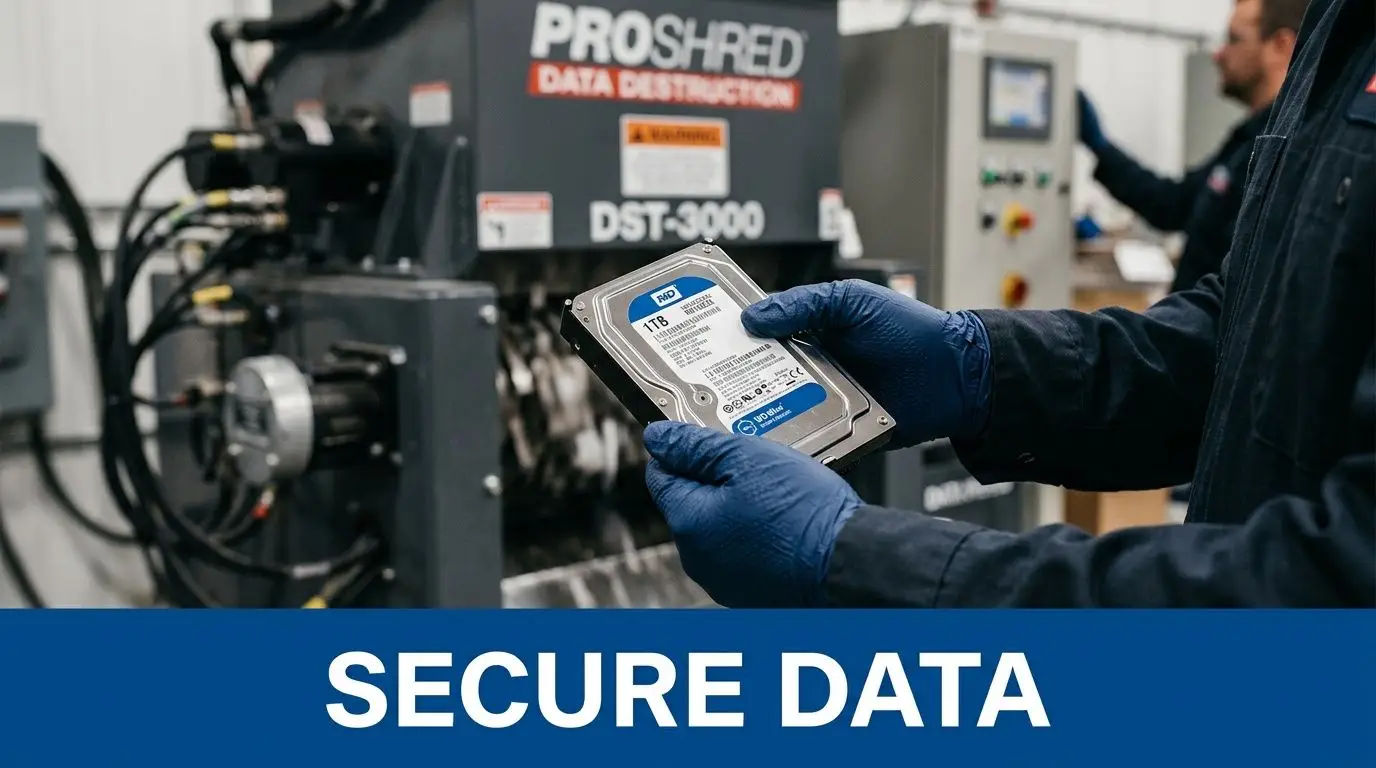
A move concentrates hardware in staging areas, loading docks, temporary holding rooms, and trucks. That creates more access points and more opportunities for loss, mix-ups, or improper disposal.
Deletion isn’t destruction
Many teams still rely on informal language. “We reset it.” “We formatted the drive.” “It should be blank.” None of that is enough if the device contains regulated, confidential, or customer data.
You need a documented method that matches the asset and the risk. In practice, that usually means one of these paths:
- Certified data wiping for reusable devices that can be remarketed, donated, or redeployed
- Physical destruction for failed drives, high-risk media, or equipment that won’t be reused
- Controlled decommissioning for servers, arrays, and network hardware that need technical shutdown before transport or disposition
The key issue is proof. If a regulator, auditor, customer, or internal security team asks what happened to those drives, “we think they were cleared” won’t help.
Office moves are where e-waste and data risk collide
The environmental side and the security side are connected. When teams rush disposal, they usually get both wrong.
The UN’s 2024 Global E-waste Monitor reported that only 22.3% of the 62 million metric tons of e-waste generated in 2022 was properly recycled, and the same verified data set notes that data breaches affect 80% of businesses according to Verizon’s 2025 DBIR, cited in this business mover context page at the BBB office movers category reference. That combination should change how you treat retired electronics during a move.
A discarded device isn’t just waste. It may be a data container.
“If you don’t have chain of custody for a retired device, you don’t have a complete data security story.”
What proper decommissioning looks like
For infrastructure gear, the disposal conversation starts before disconnection.
Servers and storage
Have your IT team document shutdown order, dependencies, rack positions, cable labeling, and any drives being removed before transport. If a server won’t be redeployed, separate media destruction from chassis handling so nobody pays to move equipment that should be retired.
Network equipment
Switches, firewalls, wireless controllers, and telecom gear often contain saved credentials, logs, and configuration files. Treat them as data-bearing devices, not simple metal boxes.
Printers and multifunction devices
These are regularly overlooked. Many store job history, scanned files, address books, and credentials. They need the same disposition discipline as laptops and servers.
User devices
Laptops, desktops, tablets, and phones should be boxed by final disposition, not by who found them first. Mixing redeployable devices with scrap piles creates confusion and weakens accountability.
Documentation matters as much as the physical process
You need records for each retirement path. That usually includes:
- Asset list by serial or tag
- Pickup or transfer documentation
- Chain of custody records
- Method of destruction or sanitization
- Certificates for destruction and recycling where applicable
Without documentation, even a well-executed process becomes hard to defend later.
A secure provider should be able to explain methods clearly, show how assets are tracked from pickup through final disposition, and provide auditable output. A dedicated service such as secure data destruction services gives you a model for the level of control to expect.
What doesn’t work
I’ve seen the same failed patterns repeat across office moves:
- Last-minute collection bins where anyone can toss electronics without asset logging
- General movers handling drives with no security protocol beyond packing tape
- Facilities-only disposal decisions made without IT or compliance review
- Transporting obsolete hardware to the new office because no one approved destruction in time
- Assuming factory reset solved the problem
These shortcuts usually come from schedule pressure, not bad intent. But schedule pressure is exactly why the process has to be defined before move week.
Choosing Your Partners A Checklist for Movers and ITAD Vendors
One of the most common relocation mistakes is hiring one vendor and expecting them to own every risk. That rarely works.
Office relocation movers and ITAD vendors solve different problems. Sometimes they coordinate closely. They should. But they are not interchangeable, and your scope should reflect that.
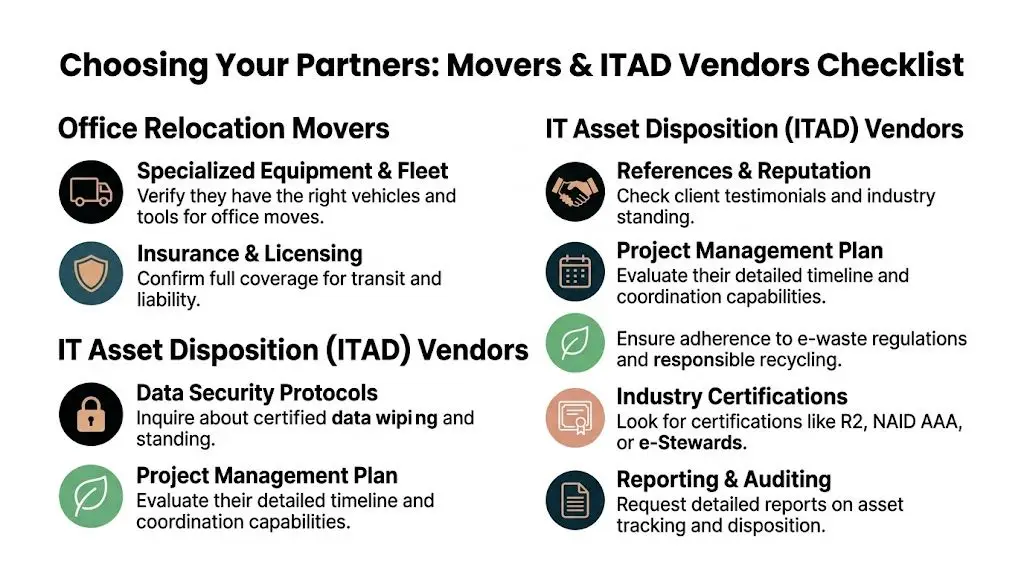
Know the division of responsibility
A mover should excel at access, transport, labor planning, packing systems, and delivery sequencing. An ITAD partner should excel at chain of custody, data-bearing asset handling, sanitization, destruction, recycling downstreams, and disposition reporting.
If either side gets vague about the other’s job, slow down.
Vendor Vetting Checklist Movers vs ITAD Specialists
| Evaluation Criterion | Questions for Office Movers | Questions for ITAD Partner (like Reworx) |
|---|---|---|
| Scope clarity | What exactly are you moving, packing, staging, and installing? | What assets do you accept, and which ones require separate review? |
| Chain of custody | How are high-value items tagged and handed off during loading and delivery? | How are serialized devices tracked from pickup through final disposition? |
| Data-bearing equipment | Will your team touch servers, copiers, laptops, or storage devices? Under what instructions? | What sanitization or destruction methods do you use for data-bearing assets? |
| Insurance and liability | What transit coverage and liability terms apply to office equipment? | What coverage applies during pickup, storage, processing, and destruction? |
| Environmental handling | Do you provide any recycling, and if so, who performs it downstream? | How do you document responsible recycling and downstream compliance? |
| Reporting | What post-move inventory or exception reporting do you provide? | What reports, certificates, and asset-level documentation are included? |
| Project coordination | Who is the day-of contact, and how do you coordinate with IT and facilities? | Who manages scheduling, pickups, audit records, and final documentation? |
| Exceptions | How do you handle unlabeled rooms, loose equipment, and after-hours finds? | What happens when devices arrive without tags, ownership info, or disposition instructions? |
Questions that expose weak vendors quickly
Ask direct questions. Don’t settle for broad claims like “we handle everything.”
For office relocation movers
- Who disconnects and reconnects technology? If the answer is unclear, your day-of schedule will break.
- How do you separate live equipment from surplus equipment? Good crews need visual and written distinction.
- What happens if unlabeled electronics appear on move day? The answer should involve escalation, not guesswork.
- Can you work around controlled pickup windows for retired IT? Coordination matters if ITAD and movers share the site.
For the ITAD partner
- How do you maintain chain of custody?
- What documentation do you provide after processing?
- How do you handle equipment that still has asset tags or unknown ownership?
- Can you support pickups timed around a relocation schedule?
- How do you separate devices for reuse, resale, donation, recycling, and destruction?
Vendor rule: If the proposal doesn’t clearly assign responsibility for data-bearing equipment, the proposal isn’t finished.
Watch for the false overlap
Some movers offer disposal. Some ITAD firms offer logistics support. That can be helpful, but don’t assume the words mean the same thing.
“Disposal” might just mean hauling away electronics. That tells you nothing about data handling, downstream recycling, or reporting. “Logistics support” might mean dock coordination, not full relocation management.
This is why procurement should compare capabilities, not category labels.
What a strong team arrangement looks like
A clean model usually includes:
- Facilities lead controlling building access, timing, signage, and move governance
- IT lead approving shutdowns, reconnections, asset classification, and exceptions
- Office relocation movers handling physical move execution for approved assets
- ITAD partner taking custody of retired electronics through documented processes
If you need a benchmark for evaluating recyclers and downstream handling expectations, this checklist on factors in choosing an e-waste recycling partner is the kind of standard worth applying before contracts are signed.
The Sustainable Move Recycling Donations and Value Recovery
Most office moves uncover a forgotten inventory of useful equipment and true scrap mixed together. Teams usually see that pile as a disposal headache. A better view is that it contains three separate opportunities: environmental compliance, community benefit, and budget recovery.
That shift matters because the relocation sector is large and still growing. The global office relocation services market was valued at US$ 10.6 billion in 2022 and is projected to reach US$ 14.6 billion by 2032, with North America holding 42% market share, according to Fact.MR’s office relocation services market analysis. At that scale, sustainable handling isn’t a niche add-on. It should be standard operating practice.
Recycling is not the only end point
A smart disposition plan doesn’t send everything into one stream.
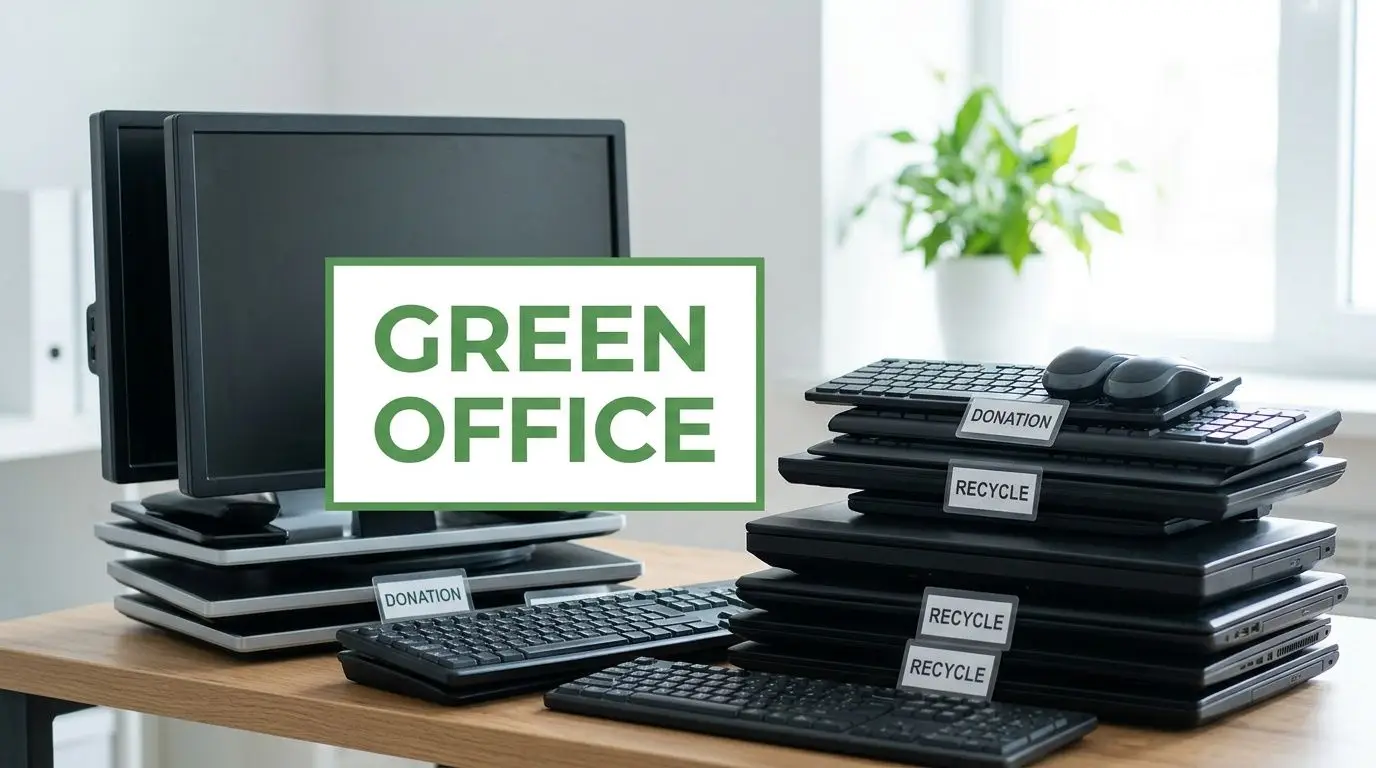
Some assets still have useful life. Those may belong in corporate donation programs, internal redeployment, or a resale channel. Other devices have no practical reuse path but still need compliant electronics recycling. Damaged or high-risk media may require destruction before any downstream handling happens.
This is why “haul it all away” is usually the wrong answer. You lose visibility and give up options.
Sustainable handling works best when finance and ESG align
Facilities, IT, sustainability, and finance often treat end-of-life equipment as separate concerns. During a move, they become the same conversation.
A useful framework looks like this:
Environmental goal
Keep obsolete electronics out of landfill-bound disposal streams and route them into documented recycling channels.Operational goal
Remove surplus equipment before the move so the new office opens cleaner and easier to support.Community goal
Identify devices that can support donation-based recycling and digital inclusion instead of immediate destruction.Budget goal
Recover value from marketable hardware where appropriate and reduce the cost of moving nonessential assets.
The cheapest item to move is the item you correctly remove from scope before the first truck arrives.
Donation and buyback need screening, not guesswork
Not every retired device is donation-ready. Not every working device is worth remarketing. Screening matters.
A practical review should consider:
- Functional condition
- Age and business relevance
- Presence of storage media
- Licensing constraints
- Cosmetic state
- Transport cost compared with residual value
An asset recovery workflow proves helpful. Devices with remaining value should be identified before they get buried in mixed e-waste. A process built around asset recovery solutions reflects the kind of structure companies need if they want recovery and documentation, not just removal.
What sustainable office relocation movers coordination looks like
The mover doesn’t become the recycler. The recycler doesn’t become the mover. The sustainability win happens when both schedules are designed together.
That usually means retired equipment leaves first, active equipment moves second, and the new site receives only what the business intends to use. This sequence prevents old hardware from colonizing the new office’s closets, storage rooms, and under-desk spaces on day one.
For B2B teams, especially those handling computer recycling, laptop disposal, medical equipment disposal, product destruction, or data center decommissioning, the move is one of the rare moments when executive attention, labor availability, and vendor access all line up. It’s the right time to clear backlog responsibly.
Execution Day and Post-Move Reconciliation
Move day rewards teams that made decisions early. Everyone else ends up making policy in the hallway.
Your job that day isn’t to carry boxes. It’s to protect the plan. That means making sure each vendor touches only the assets assigned to them and that every exception gets documented before it turns into a missing-item argument later.
Day-of controls that actually help
Use one command sheet with named contacts for facilities, IT, the move foreman, building management, and the ITAD pickup lead. If a question comes up about a closet, printer, rack, or unlabeled cart, the crew should know who has authority to decide.
A simple day-of checklist works better than a long binder:
- Confirm staging zones for move, hold, and retire categories before crews start loading
- Walk server rooms and copier areas early so no one improvises around sensitive equipment
- Require sign-off on custody handoffs when retired devices change hands
- Keep one exception log for unlabeled, damaged, or newly discovered assets
- Stop mixed loading if active equipment and retired equipment start blending together
The first post-move audit
When the trucks leave, the project isn’t over. The new office needs a reconciliation pass.
Check what arrived against the approved move list. Then check what didn’t arrive against the retirement list. Those are two different audits, and both matter.
Use the first business day to verify:
| Post-move check | What to confirm |
|---|---|
| Live asset presence | Assigned laptops, monitors, phones, conference gear, and key peripherals are in the right locations |
| Infrastructure readiness | Network, printing, shared spaces, and specialty equipment are operational or on a tracked issue list |
| Retirement completion | Surplus devices were picked up or processed as planned, not left in corners or storage rooms |
| Documentation file | Bills of lading, chain of custody forms, recycling records, and destruction certificates are collected and filed |
| Exception resolution | Missing tags, found-after-the-fact electronics, and damage claims have named owners and due dates |
A relocation closes cleanly only when your asset records match physical reality at both sites.
Don’t skip the paperwork closeout
Facilities teams often focus on occupancy and overlook the final evidence file. Keep all disposition and movement records in one location with finance, IT, and compliance access. If a question surfaces months later about a retired drive or a missing desktop, you’ll need more than memory.
The best office moves don’t feel heroic. They feel quiet. Quiet means the inventory was right, the handoffs were controlled, and the cleanup happened before clutter had a chance to follow you.
FAQs about Office Relocation and IT Asset Disposal
Do office relocation movers handle electronics recycling too
Sometimes they offer removal, but that isn’t the same as a full ITAD process. If equipment contains storage media, regulated information, or resale value, treat recycling and data handling as a separate specialized workstream. Ask exactly who tracks the assets, who sanitizes or destroys data, and what documentation you’ll receive afterward.
When should we separate assets for moving versus disposal
As early as possible in planning. If you wait until packing starts, crews will default to moving whatever is in the room. That drives up cost and increases confusion. The cleanest projects tag assets by final disposition well before move week.
Should old servers be moved to the new office and dealt with later
Usually not. If a server won’t be redeployed, don’t spend labor and truck space transporting it unless there’s a specific business reason. Retire it through a planned decommissioning and disposition process before the move, with IT oversight and documented handling.
What equipment is most often overlooked in an office move
Copiers, printers, spare laptops, dock stations, drives in desk drawers, conference room hardware, networking gear in small closets, and equipment stored by former employees. These items get missed because they aren’t part of daily workflows, but they still create cost and security exposure.
Do we need secure data destruction if devices are broken
Yes. A broken device can still hold recoverable data. Physical damage doesn’t equal sanitized storage media. Any device with data-bearing components should go through a documented destruction or sanitization process based on its condition and your risk requirements.
What if we discover extra electronics after the move
That happens often. The important thing is not to fold those items into regular trash or general junk removal. Put them into a controlled exception process, record what was found, and route them through the same approved disposition path used for the main move.
How do donation-based recycling and corporate donations fit into relocation
A move is one of the best times to review reusable equipment. Devices that still function and fit program requirements may support donation-based recycling and community benefit instead of immediate scrap processing. The screening has to happen after data security decisions, not before them.
What documents should we keep after the move
Keep your move inventory, final disposition list, handoff records, any chain of custody paperwork, and any destruction or recycling certificates provided by your vendors. Store them where facilities, IT, procurement, and compliance can all access them if needed.
If your team is planning an office cleanout, facility cleanout, secure data destruction project, computer recycling pickup, or broader IT equipment disposal program, Reworx Recycling can help you retire business electronics responsibly. The company supports donation-based recycling, sustainable recycling, IT asset disposition, product destruction, and business pickup coordination while advancing community impact through technology donations, digital inclusion, and workforce development. If you’re ready to donate old equipment, schedule a pickup, or build a practical relocation-era recycling plan, connect with Reworx Recycling.