The Coal Township Compost and Recycling Center serves an area of approximately 31,000 residents across 49 square miles, but it does not accept electronics, computers, monitors, or other IT equipment. If you're trying to retire office tech, servers, laptops, or data-bearing devices, the local center is the wrong stop, and this guide will help you avoid that wasted trip and choose a secure business option instead.
A lot of local searches start the same way. An office manager is clearing a storage room, an IT lead is replacing laptops, or a facilities team is handling a move and types in “Coal Township recycling center” hoping for a simple drop-off answer. That instinct makes sense. The problem is that general recycling and business e-waste handling are not the same thing.
For a company, school, municipal office, or healthcare-related operation, old electronics create two separate jobs. One is physical removal. The other is risk management. A retired desktop may still hold drives, account access, or internal records. A pile of old monitors may be harmless from a data standpoint, but it still needs proper downstream handling. Treating all of that like ordinary recycling is where mistakes happen.
Navigating Electronics Disposal in Coal Township
Businesses with outdated computers, printers, networking gear, or a stack of old laptops should not load them for the Coal Township Recycling Center. The local center isn't set up for electronics recycling or IT equipment disposal.
That misunderstanding happens often because people use “recycling center” as a catch-all term. In practice, there's a big difference between a community drop-off site and a provider that handles computer recycling, secure data destruction, and broader IT asset disposition (ITAD) needs. Businesses need the second category.
What usually goes wrong
Most failed disposal plans start with good intentions and bad assumptions. A team wants to move fast, frees up closet space, and looks for the nearest local facility. But electronics aren't the same as cardboard, leaves, or mixed household recyclables. If your equipment holds data, belongs on an asset list, or came from a regulated work environment, convenience can't be the only filter.
A useful comparison is how donation rules work for household goods. Even large donation networks reject certain items because the handling requirements are different. The Bin Finder's Goodwill donation policy is a good example of why item-specific acceptance rules matter. The same logic applies to retired business technology.
Businesses shouldn't ask, “Where can I drop this off?” first. They should ask, “Who can document what happened to it?”
What works better for business e-waste
A sound process starts with identifying whether the equipment is unwanted, still reusable, or sensitive enough to require verified destruction. That's why businesses often use a specialized electronics partner instead of a general local site. The right workflow usually includes asset review, pickup coordination, chain-of-custody handling, and documentation after processing.
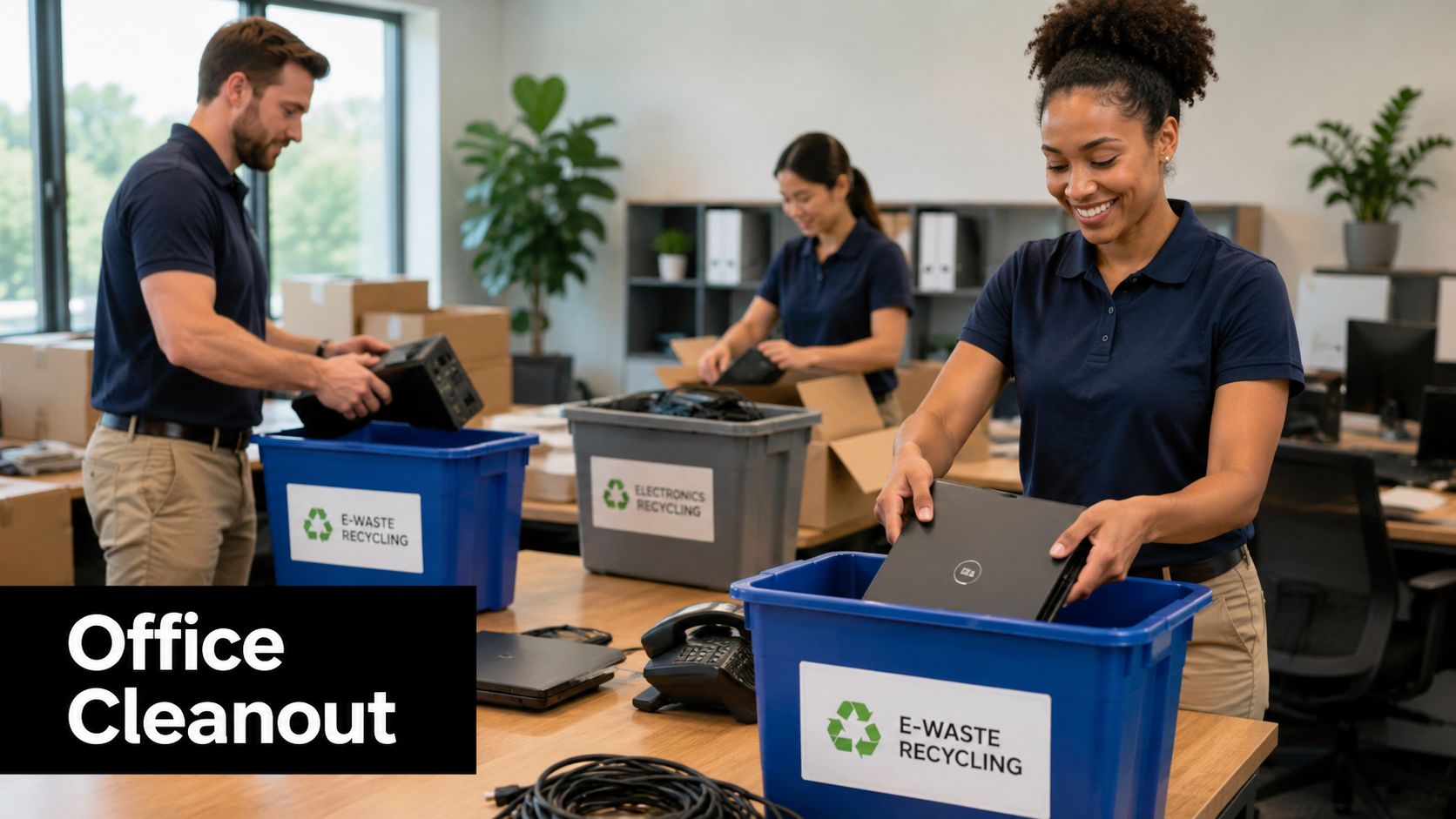
If you need a practical overview of responsible disposal options, this guide to how to dispose of electronic waste gives a solid starting point. It's especially useful for teams planning an office cleanout, a refresh cycle, or a small facility cleanout where devices vary widely in age and condition.
What the Local Coal Township Center Actually Handles
The local facility has a legitimate purpose. It's just not the purpose many business users assume.
According to the Pennsylvania Department of Environmental Protection materials for the site, the Coal Township Compost and Recycling Center is located at 805 West Lynn Street, Coal Township, PA 17866, serves a combined service area with an approximate population of 31,000 residents spread across 49 square miles, and operates as a yard waste management resource rather than an electronics drop-off location (PA DEP facility materials).
What the site is for
Its role is straightforward. It handles organic materials such as leaves, grass, yard waste, and trees up to 8 inches in diameter. For residents managing seasonal cleanup, that's useful. For a business retiring desktops, docking stations, or old backup hardware, it doesn't solve the problem.
The township center's listed phone number is 570-644-0395, and that contact information is helpful if your question is about yard debris operations, not e-waste processing.
What your team should not bring there
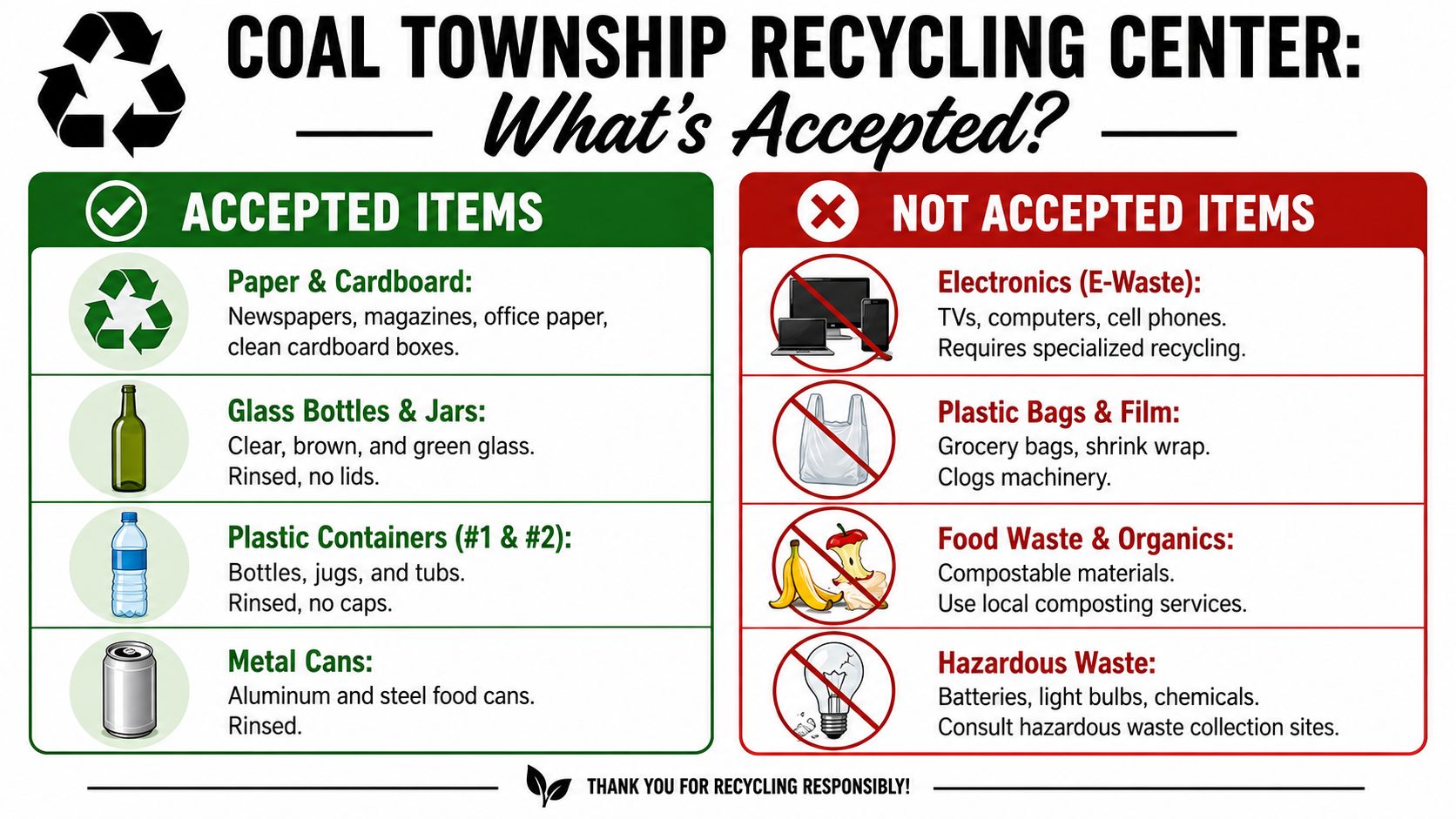
The critical detail is the exclusion list. The center explicitly excludes electronics and business IT assets.
Excluded from the Coal Township facility: electronics, IT equipment, computers, and monitors.
That matters because many business disposal projects involve mixed loads. A team may have old office chairs, packaging, paper files, and a pile of endpoints all in the same cleanup. If someone assumes the local center can take everything, the electronics portion becomes a same-day problem.
Here's the practical split:
| Material type | Good fit for the Coal Township center | Needs a specialized electronics partner |
|---|---|---|
| Leaves and grass | Yes | No |
| Tree debris within the listed limit | Yes | No |
| Desktop computers | No | Yes |
| Monitors | No | Yes |
| Laptops and docks | No | Yes |
| Network gear and servers | No | Yes |
If your inventory includes retired technology, review accepted electronics and related items before you dispatch staff or schedule internal labor. That one check can save a half day of loading, driving, unloading, and re-planning.
Why Businesses Need a Specialized E-Waste Partner
For households, the wrong recycling choice is usually inconvenient. For businesses, it can create legal exposure, data security problems, and avoidable reputation damage.
The biggest mistake I see is treating e-waste like junk removal. A scrap hauler can clear a room. That doesn't mean they can support secure data destruction, product destruction, or documented ITAD workflows.
Data security is the first filter
Every organization should assume that old equipment may still contain something sensitive. That includes hard drives, SSDs, copiers, phones, firewalls, point-of-sale devices, and even lab or medical-adjacent electronics with stored settings or records.
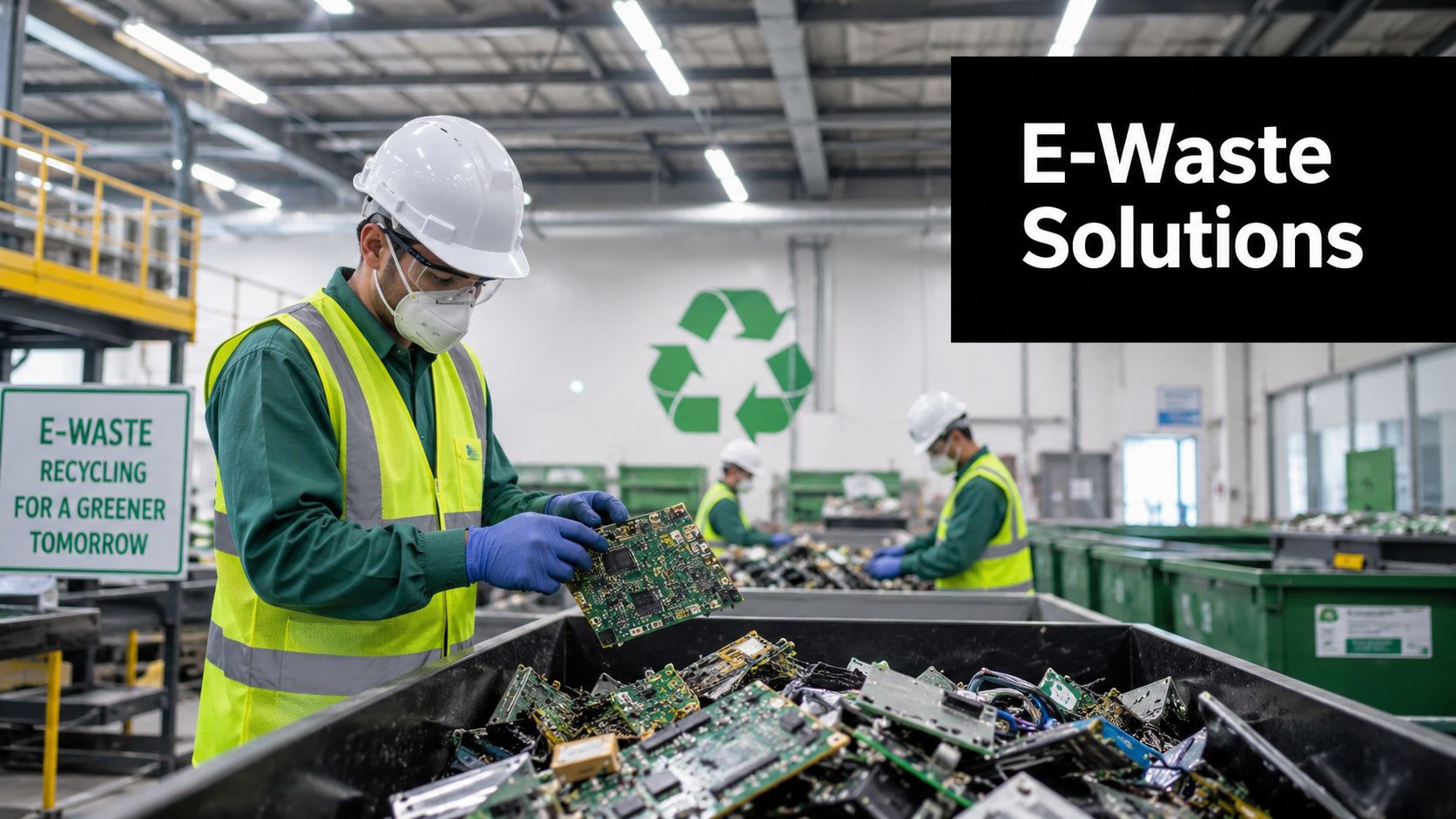
A specialized partner is valuable because they don't just remove equipment. They define what gets wiped, what gets destroyed, what gets remarketed if appropriate, and what gets recycled. More importantly, they document it.
A loading dock handoff is not a disposal policy.
Environmental handling still matters
The national recovery picture is one reason businesses shouldn't improvise. The EPA data cited in local center-related materials says only about 15% of e-waste is formally recycled, which means companies that don't use a certified partner risk having data-containing assets landfilled or processed improperly, creating liability (Coal Township electronics recycling guidance).
That doesn't mean every informal route ends badly. It means the margin for error is too thin for organizations with regulated data, public visibility, or internal sustainability targets.
Brand and reporting concerns are real
Sustainability leaders often focus on landfill diversion. IT leaders focus on data. Operations teams focus on speed. A strong e-waste partner has to satisfy all three.
Look for capabilities such as:
- Documented chain of custody so your team can show where assets went
- Separation of reusable and non-reusable devices for better resource recovery
- Support for specialty streams like medical equipment disposal, laboratory equipment disposal, and data center decommissioning
- Clear destruction options for damaged or high-risk devices
If you're evaluating vendors, these factors for choosing an e-waste recycling partner are the right decision criteria. Price matters, but process quality matters more once drives, internal records, or compliance expectations enter the picture.
A Step-by-Step Plan for Your Office or Facility Cleanout
When a business has old technology piling up, the fastest route is rarely the cleanest one. The better approach is controlled, simple, and documented from the start.
Start by treating the project as an asset retirement workflow, not a trash run. That mindset changes how your team handles laptops, monitors, access control hardware, test equipment, and storage media.
Build the inventory before you move anything
You don't need a perfect spreadsheet to begin, but you do need a usable one. Separate by device type and by sensitivity.
For example, a typical Coal Township area business cleanout may include:
- End-user devices like desktops, thin clients, laptops, tablets, and phones
- Display hardware such as monitors, conference room screens, and accessories
- Infrastructure equipment including switches, routers, rack gear, UPS units, and retired servers
- Specialized equipment tied to healthcare, research, production, or security operations
This is also the point where teams decide what belongs in donation-based recycling, what belongs in standard computer recycling, and what requires destruction because of condition, policy, or data exposure.
Match handling to risk
Not every device needs the same treatment. A broken keyboard and a laptop with a solid-state drive should not move through the same decision path.
Use a simple internal sort:
| Category | Examples | Best handling approach |
|---|---|---|
| Reusable equipment | Newer laptops, working desktops, usable monitors | Evaluate for donation or remarketing |
| Data-bearing equipment | PCs, servers, drives, copiers, firewalls | Secure data destruction and documented processing |
| Commodity e-waste | Cables, dead peripherals, damaged electronics | Responsible recycling |
| Sensitive specialty gear | Lab tech, medical-adjacent systems, branded devices | Controlled disposition or product destruction |
That classification step reduces confusion on pickup day. It also prevents the common problem where reusable equipment gets scrapped too early or risky hardware gets mixed into a generic load.
Prepare the site for pickup and decommissioning
Once the inventory is organized, prepare access and staging. This matters more than many teams expect. Elevators, loading docks, parking constraints, server room access, and building management rules can slow a job that looked easy on paper.
A good internal checklist includes:
- Assign one owner who can answer operational questions on pickup day
- Stage by category so laptops, monitors, drives, and loose accessories aren't mixed together
- Remove personal items from bags, drawers, and laptop sleeves
- Flag restricted assets that require special approval before release
- Confirm any on-site data destruction needs in advance
If you're planning a broader retirement effort, these office equipment decommissioning steps are useful for aligning facilities, IT, and compliance teams before the load moves.
Practical rule: if your team can't explain what each pallet contains, the load isn't ready.
Don't forget the paper trail
The last stage is where many businesses under-plan. They remove the hardware but fail to collect the records they'll need later for internal audit, sustainability reporting, vendor review, or leadership signoff.
Ask for documentation that matches your risk profile. For some organizations, that means a simple pickup record. For others, it means serialized asset reporting, data destruction confirmation, or support for a formal facility cleanout or data center decommissioning archive.
This matters long after the equipment is gone. Six months later, someone may ask what happened to the retired laptops from a staff refresh, whether drives were destroyed, or whether any reusable equipment entered a donation stream. Good documentation answers those questions without guesswork.
The Social Impact of Your Corporate Donations
The best electronics programs don't end with “disposed of.” They create a second life for equipment that still has practical value.
That's where donation-based recycling and social enterprise recycling stand apart from simple liquidation or scrap removal. When a business retires usable devices through a community-oriented model, the result can support digital access, refurbishing pathways, and local workforce development instead of sending everything directly to commodity recycling.

Why usable equipment should be screened, not dumped
Many organizations assume old equals worthless. That's often not true. Business-class laptops, monitors, and accessories may still be suitable for refurbishment, training environments, or donation channels if they're handled correctly and cleared through the right internal approvals.
For sustainability leaders, operational disposal marks the point of connection with community value. An office cleanout can also become part of a broader corporate donation program if the equipment is assessed early enough.
Community value isn't accidental
The social upside comes from process. Devices need to be collected, sorted, tested where appropriate, and routed with discipline. Without that, good intentions turn into piles of mixed hardware no one can use.
This is also why some businesses look beyond one-time recycling events and think in terms of recurring partnerships. If your team is exploring ways to support public-facing initiatives, workforce pipelines, or community engagement models, it can help to explore impact partner opportunities and compare how mission-driven partnerships are structured in other sectors.
The strongest donation programs protect data first, then maximize reuse.
Organizations that want disposal decisions to support broader ESG or CSR goals should also look at how electronics recovery fits inside corporate responsibility planning. This perspective on electronics recycling in corporate social responsibility is useful because it connects day-to-day IT turnover with community outcomes like digital inclusion and skills development.
Common E-Waste Questions for Coal Township Businesses
Can we use the local Coal Township center for office computers if we call ahead
No. The local center's role is yard waste handling, not business electronics intake. For office computers, servers, monitors, and related devices, your team should use a specialized electronics recycler instead of trying to fit business assets into a community organic waste site.
What does business e-waste pickup usually cost
It varies by the mix of items, volume, pickup logistics, and whether the load contains reusable equipment, low-value scrap, or materials that need extra handling. Some business loads can be more favorable than others, especially when equipment has reuse potential. The only reliable answer comes from a review of your inventory and site conditions.
We have more than laptops. Can specialty equipment be handled too
Usually yes, but it depends on what's in the load. Many organizations need help with more than laptop disposal. They may also have networking gear, storage media, telecom hardware, laboratory equipment disposal, medical equipment disposal, or branded items requiring product destruction. The key is to identify those categories before scheduling removal.
Can employees add personal electronics to the company pickup
Sometimes, but that should be a planned policy, not an informal add-on. Personal devices raise separate questions around liability, accepted items, and tracking. If your company wants to include staff devices in a recycling event, define the scope first so business assets and employee property don't get mixed together.
We're a school, nonprofit, or public agency. Should we handle this differently
Yes. Those organizations often need a tighter approval path, clearer reporting, and stronger alignment with mission goals. They may also benefit more from donation-focused reuse strategies, especially when replacing classroom, office, or public-access technology.
If you're in the Coal Township area and need the right outlet for business electronics, skip the yard waste facility and work with a specialist. Reworx Recycling helps organizations manage electronics recycling, secure data destruction, IT equipment disposal, pickups, and donation-based recycling programs in a way that supports both compliance and community impact. If your team is planning an office cleanout, retiring old laptops, or evaluating a larger ITAD project, donate old equipment, schedule a pickup, or partner with Reworx Recycling for a responsible next step.