
Your office manager is in Century City. Your attorneys, producers, or account leads are split between Pasadena, Burbank, Santa Monica, and home offices across the county. Your field staff are answering customers from Long Beach or the Inland Empire. If your phone system still treats Los Angeles like one building with one front desk, it is the wrong system.
Unified communications fixes that operational mess by putting calling, messaging, meetings, voicemail, and mobile access in one platform. For LA businesses, the true buying decision is not just feature depth. It is fit. A media company with production schedules and frequent client calls needs something different from a logistics operator running dispatch and warehouse coordination, and both need something different from a professional services firm that cares most about reliability, compliance, and clean call routing.
Provider type matters too. Some Los Angeles companies should start with local-first specialists that can pair voice with network accountability across multiple sites. Others are better served by national UC leaders with mature apps, large ecosystems, and strong infrastructure in Southern California. If your company is also standardizing hardware and cleaning up retired devices during a communications refresh, it makes sense to align that project with IT asset disposal solutions for businesses in Los Angeles.
There is also a practical reason to separate hype from fit. LA is a spread-out operating market with offices, clinics, studios, warehouses, and remote staff working across the same system every day. The right provider for a two-location accounting firm is rarely the right one for a multi-site distributor or a fast-moving production company. Even comparisons outside the U.S., such as UK SME hosted phone systems, point back to the same lesson: buy for operating model first, feature checklist second.
The providers below made this list because they match real Los Angeles business profiles, not because they all sell the same package under different branding.
1. AireSpring
A Los Angeles company with three offices, a warehouse, and a remote leadership team cannot afford the usual finger-pointing between the phone vendor and the internet carrier. If that sounds familiar, put AireSpring at the top of your shortlist.
AireSpring is the right pick for LA businesses that want one accountable provider for connectivity and communications. That matters most for firms with multiple sites, strict call quality requirements, and a mix of cloud voice, private networking, and location-specific support needs. You can review the company directly at AireSpring.
Its appeal is simple. AirePBX UCaaS covers softphone access, mobile apps, meetings, messaging, visual voicemail, and call recording. AireSpring also sells internet access, SD-WAN, Microsoft Teams Direct Routing, SIP trunking, contact center options, and private network services. That combination makes it stronger than app-first UC platforms for companies that care as much about network accountability as user features.
Best fit in Los Angeles
AireSpring fits media groups, logistics operators, healthcare organizations, and professional services firms with several Southern California locations. A production company moving large files between offices needs stable connectivity and clear voice service. A distributor with dispatch, admin, and field teams needs the same. A regional law or accounting firm benefits when one provider handles both the WAN and the phone system across every office.
Here is the practical recommendation. Choose AireSpring when the cost of downtime, poor call quality, or multi-vendor escalation is higher than the appeal of a cheaper standalone UC app.
That local operating profile matters in Los Angeles. This is a spread-out business market with headquarters, clinics, studios, and warehouses often tied into the same system. National UC leaders can be a better fit when app experience is your top priority. AireSpring is the stronger choice when your LA business needs network-backed communications and one throat to choke when service fails.
Pros and drawbacks
- Best advantage: One provider can handle internet, SD-WAN, UCaaS, SIP, Teams connectivity, and related services.
- Best for: Mid-market and multi-site LA companies that want fewer vendors and tighter operational control.
- Main drawback: Pricing is quote-based, so comparison shopping takes more work.
- Watch-out: The value is highest when you buy both connectivity and communications, not just cloud calling.
If your communications refresh includes retiring desk phones, switches, conference hardware, or old network gear, pair the rollout with IT asset disposal solutions for businesses in Los Angeles. It keeps storage rooms from turning into graveyards for obsolete equipment.
For buyers comparing hosted voice models across regions, UK SME hosted phone systems offer a useful outside reference point on packaging and deployment choices.
2. Broadvoice
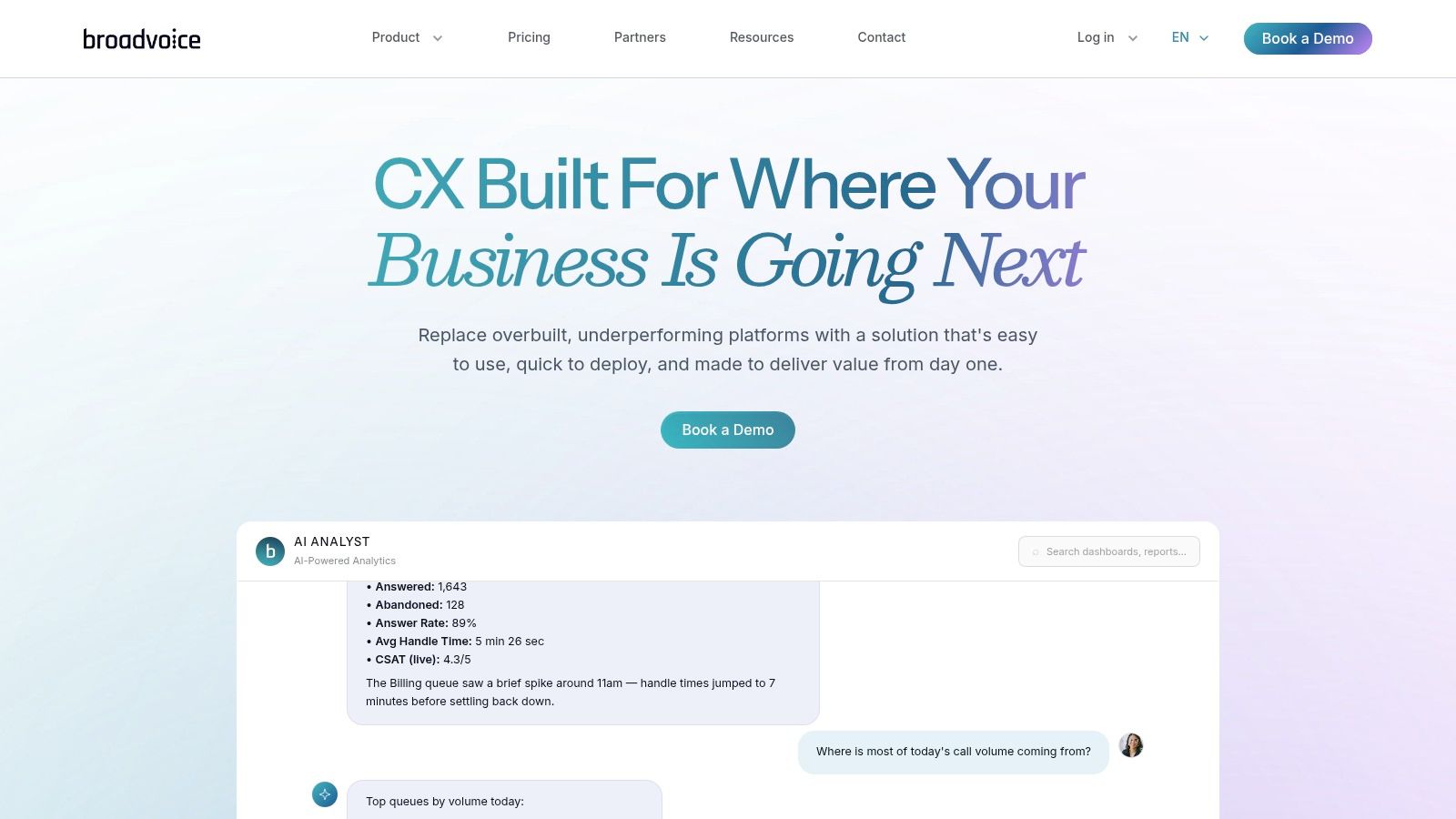
Broadvoice is the easiest recommendation for Los Angeles SMBs that want a local-headquartered provider with a simpler buying experience. If you're a law firm, agency, clinic, property management group, or business services company that needs modern calling without enterprise-heavy complexity, Broadvoice belongs near the top of the list.
Its b-hive platform bundles voice, messaging, meetings, softphone access, voicemail-to-email, SMS/MMS, and Cloud PBX capabilities, with optional contact center functionality. Visit Broadvoice for current packaging and demos.
Why SMB buyers like it
Broadvoice tends to appeal to teams that want practical functionality first. You're not trying to architect a sprawling global communications environment. You need employees to answer calls anywhere, message colleagues quickly, and support customers without jumping across disconnected tools.
Los Angeles buyers also benefit from broad market choice. TechTarget says there are at least 30 UCaaS providers in the market and that UCaaS has become the predominant delivery model for enterprise communication and collaboration in its provider evaluation guide. That means smaller organizations don't need to chase the biggest brand by default. They need the provider that fits their admin capacity and support expectations.
Broadvoice is a strong pick when your team wants modern UC features without building an enterprise telecom program around them.
Pros and drawbacks
- Best advantage: Straightforward platform for SMB and mid-market use.
- Local appeal: Southern California roots help when you want a provider familiar with LA business needs.
- Main drawback: Some buyers may prefer the polish or ecosystem depth of larger global vendors.
- Pricing note: You'll still need to talk to sales for exact seat costs and promotions.
Broadvoice also fits well for businesses replacing aging phone closets as part of an office refresh. If that's your situation, pair the migration plan with a responsible retirement process for the old gear. Reworx Recycling covers that side of the project in its guide to navigating telecom services in Los Angeles.
3. TPx Communications (UCx)
TPx is the right call when unified communications is only one part of a bigger managed services requirement. If your Los Angeles organization wants voice, meetings, messaging, connectivity, firewall, SD-WAN, and broader IT support under one umbrella, TPx deserves serious attention.
Its UCx offering centers on Cisco Webex for calling, messaging, and meetings, layered into a California-born managed services model. You can review the current portfolio at TPx Communications.
Where TPx stands out
This is a good match for healthcare groups, regulated businesses, distributed nonprofits, and organizations that don't want to juggle separate UC, security, and network vendors. The Cisco Webex foundation can feel heavier than lighter-weight UC tools, but that's often acceptable when governance and standardization matter more than minimalist UX.
Cloud is also now the dominant model in this category. Mordor Intelligence reports that cloud deployment accounts for 71.23% of the global Unified Communications and Collaboration market share in 2025 and forecasts a 26.99% CAGR through 2031 in its UCC market report. For Los Angeles buyers, that shifts evaluation toward security, geo-redundancy, integrations, SBC compatibility, and identity management instead of old on-prem PBX comparisons.
Pros and drawbacks
- Best advantage: One provider can cover UC, managed security, and connectivity.
- Operational strength: Useful for companies that need regional deployment experience in California.
- Main drawback: Pricing is quote-based and contract-driven.
- User experience note: Very small teams may find the Webex-centric environment more than they need.
If your migration involves retiring handsets, network gear, storage devices, or branch equipment, don't leave data-bearing hardware sitting in a closet after cutover. Reworx Recycling's secure data destruction services in Los Angeles are a practical complement to any UC modernization plan.
4. Spectrum Enterprise
Spectrum Enterprise is a smart option for larger Los Angeles businesses that want managed unified communications delivered alongside local fiber connectivity. If your priority is service accountability, local access infrastructure, and enterprise process over do-it-yourself flexibility, Spectrum Enterprise is worth a close look.
The company offers managed unified communications with RingCentral, along with Webex options and enterprise-focused terms. Its Los Angeles positioning also ties enterprise voice into broader communications transformation. Explore the portfolio at Spectrum Enterprise.
Best for fiber-led buying decisions
This provider works best when the network itself is part of the buying decision. Multi-site offices, education environments, public sector agencies, and organizations with formal procurement processes often prefer a vendor that can support both the circuit and the UC deployment lifecycle.
That matters because feature overlap across vendors keeps growing. TechTarget notes that major providers now bundle calling, video, messaging, file sharing, and AI into cloud or hybrid platforms, while Spectrum's Los Angeles page positions enterprise voice within that broader transition, according to this Spectrum Enterprise Los Angeles overview. In plain terms, the harder problem often isn't choosing features. It's managing the migration, support model, and old hardware left behind.
The bigger your footprint, the more valuable a single escalation path becomes when connectivity and calling issues collide.
Pros and drawbacks
- Best advantage: One vendor for local fiber and managed UC simplifies troubleshooting.
- Enterprise fit: Useful documentation and structured commercial terms help formal buyers.
- Main drawback: Quotes vary by build, licenses, and deployment scope.
- Small-team caution: The service model may feel too heavy for lean SMBs.
If your migration includes ripping out old telecom racks, conference phones, cabling, or branch office hardware, build disposal and resale planning into the project from day one. Reworx Recycling outlines that side of the process in its guide to top telecom equipment buyers in Los Angeles.
5. RingCentral
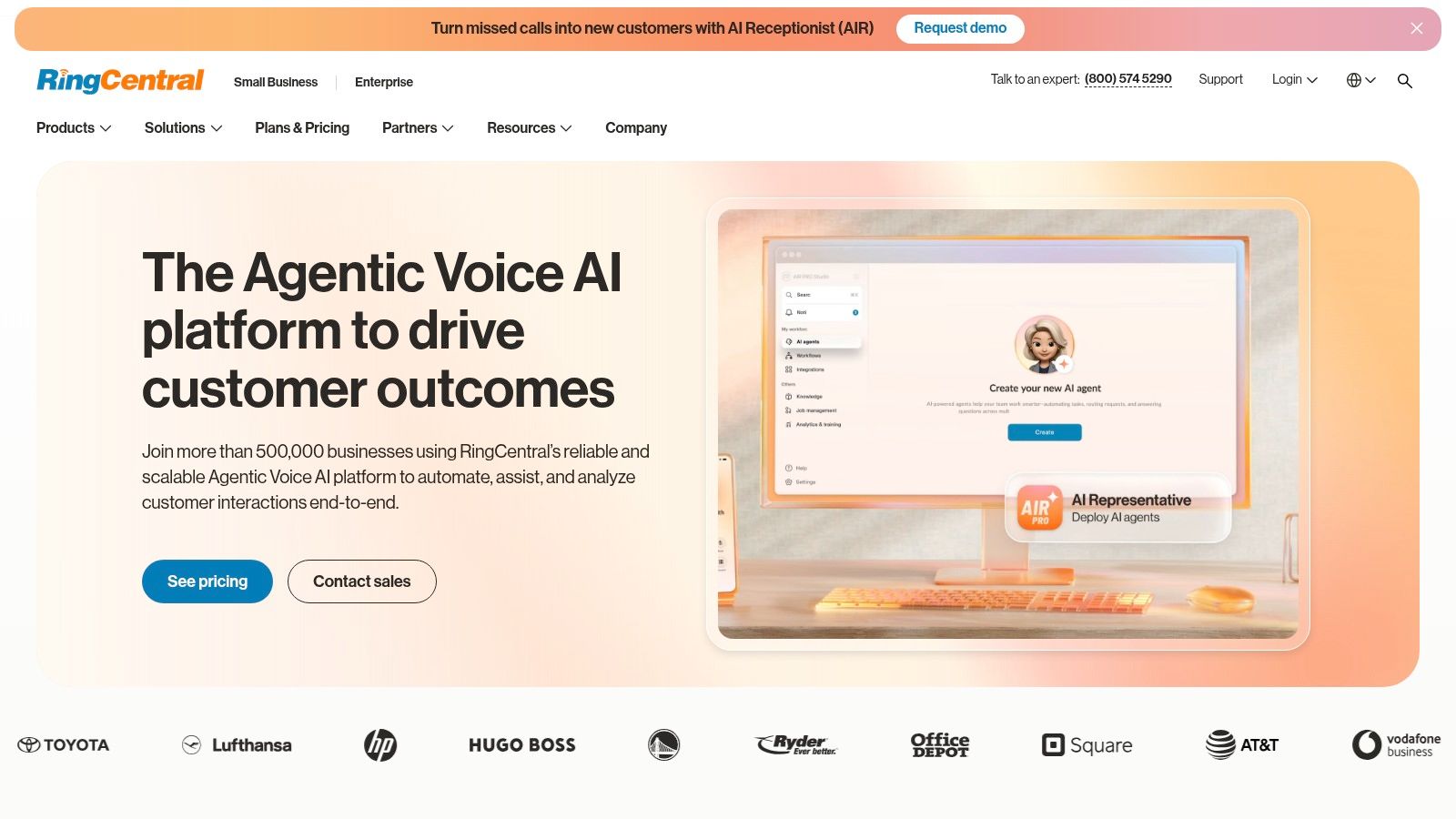
Your Los Angeles firm opens an office in Century City, keeps a support team in the Valley, and sends staff across the county every day. You need one UC platform that works the same way everywhere, integrates with the apps people already use, and does not turn every admin change into a ticket. RingCentral is the right pick for that job.
It is the strongest fit here for businesses that want a national leader rather than a local-first specialist. The Message Video Phone suite covers calling, messaging, meetings, analytics, call recording, and a large integration marketplace. It also supports contact center options and can be bought direct or through channel partners. See the current product lineup at RingCentral.
Who should choose it
RingCentral fits Los Angeles professional services firms especially well. Law firms, accounting groups, consultants, and multi-office business services companies usually care more about administration, integrations, and policy control than carrier bundling. RingCentral delivers that.
It also makes sense for regional healthcare groups, citywide field service operators, and public-sector organizations that need a familiar platform with a broad partner ecosystem. For media and production companies with highly custom network needs, or logistics operators that want one provider to own both connectivity and voice, a local-first option may fit better. But if your priority is proven UCaaS scale across multiple locations, RingCentral is one of the safest buys in this list.
The category itself is mature. Buyers are no longer choosing between basic calling platforms and full collaboration suites. They are choosing between operating models, integration depth, admin control, and support quality. That plays directly to RingCentral's strengths.
Pros and drawbacks
- Best advantage: Strong admin controls, mature integrations, and broad support for multi-site organizations.
- Best LA fit: Professional services and distributed office-based teams that want a recognizable national platform.
- Main drawback: Pricing rises fast if you add advanced features without negotiating terms.
- Small-team caution: Tiny offices may pay for more platform depth than they will use.
If a RingCentral rollout replaces desk phones, conference room gear, or older telecom hardware, include end-of-life planning in the project. Reworx Recycling's guide to sustainable telecom recycling in Los Angeles is useful for secure disposal and responsible equipment handling.
6. Dialpad
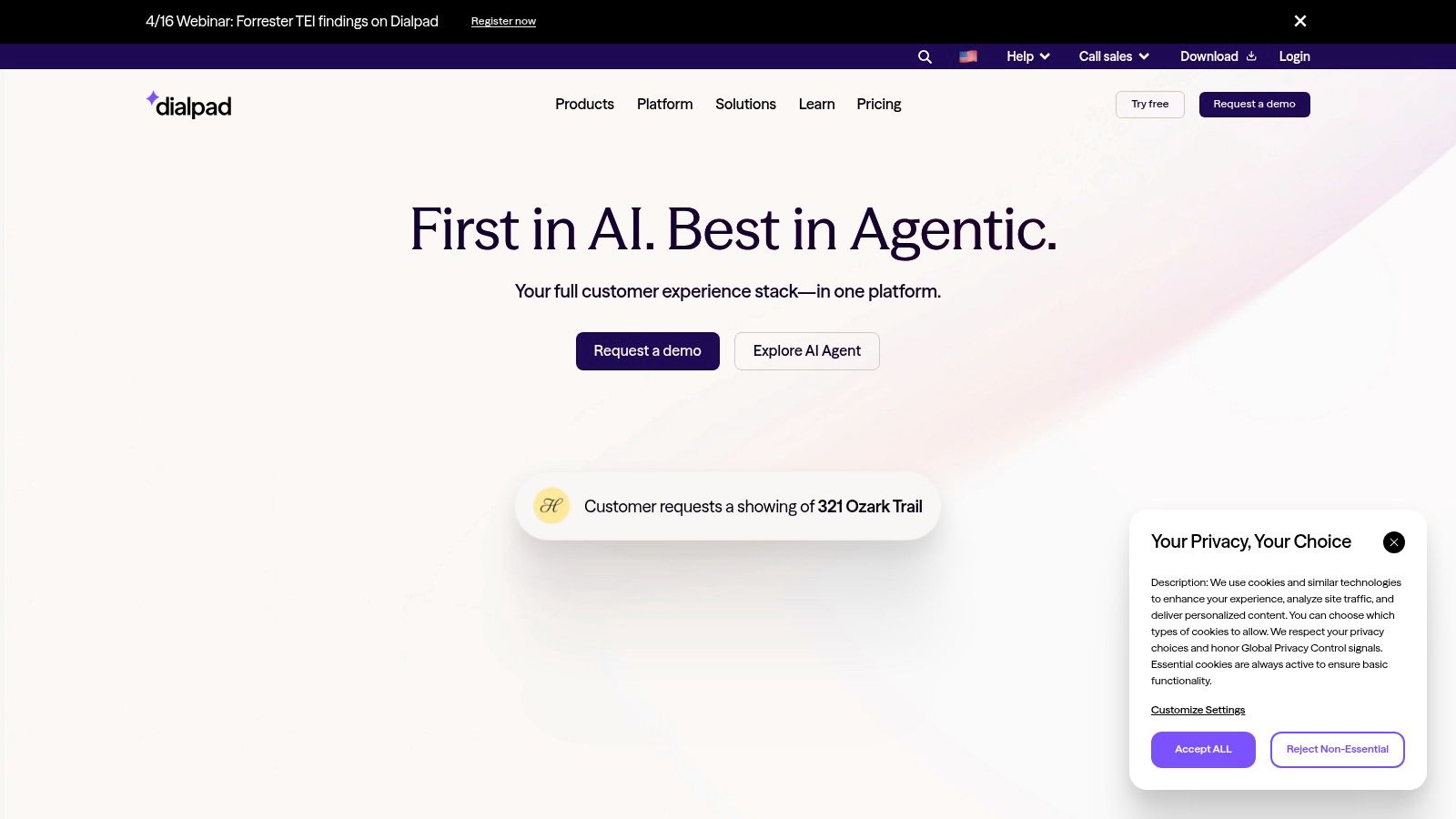
Dialpad is the best fit for Los Angeles teams that want speed, simplicity, and AI built into everyday communication. If your workforce is hybrid, distributed, or sales-heavy, and you care about fast deployment and post-call insight, Dialpad should be high on the shortlist.
The platform offers browser, desktop, and mobile access, plus native transcription, summaries, and sentiment-related insight features across voice and meetings. It also supports optional contact center modules and enterprise-grade service options. Explore the platform at Dialpad.
Where it shines
Dialpad works especially well for startups, recruiting firms, agencies, field sales teams, and modern professional services businesses that don't want communications software to feel old. Setup tends to be more self-service friendly than carrier-led implementations, which matters when IT teams are small.
This recommendation also fits the direction of the category. UC providers increasingly overlap on core bundles such as voice, video, messaging, contact center, and AI. That makes migration support, resilience, interoperability, and fit for hybrid operations more important than a long feature checklist, as discussed in TechTarget's overview of unified communication products and hybrid options.
Choose Dialpad when your users need adoption to happen fast. A slightly lighter platform that people actually use beats a larger platform that sits half-configured.
Pros and drawbacks
- Best advantage: AI features reduce manual note-taking and speed follow-up.
- Deployment benefit: Quick rollout for remote and hybrid teams.
- Main drawback: Add-ons can complicate total cost over time.
- Buying note: Final pricing depends on billing terms and extra modules.
Dialpad is less ideal for organizations that want a fully managed network-plus-UC bundle from one provider. It's better for teams comfortable with cloud-first software and lighter deployment overhead.
7. 8×8
A Los Angeles support center misses calls from customers while internal teams juggle a separate phone system, CRM workflow, and contact center tool. That setup creates delays, weak reporting, and handoff problems. 8×8 fixes that by putting employee communications and customer interactions under one provider.
For LA businesses that treat the contact center as a core operation, 8×8 deserves serious consideration. Review the current platform at 8×8.
Best for service-driven organizations
8×8 fits logistics operators coordinating dispatch and customer updates, healthcare organizations managing appointment and service volumes, hospitality groups handling reservations and guest issues, and SaaS companies with busy support teams. It also makes sense for larger professional services firms that want one system for internal collaboration and client-facing call flows.
That is the key buying case here. Choose 8×8 if your business needs UCaaS and CCaaS to work together, not as adjacent purchases managed by different vendors. In Los Angeles, that makes 8×8 a better match for service-heavy operations than local-first providers that focus more on connectivity, managed circuits, or standard office telephony.
The category has moved well beyond basic business phone replacement, as noted earlier. Buyers should judge 8×8 on whether it improves customer operations, reporting, and cross-team coordination, not just whether it checks the voice, video, and messaging boxes.
Pros and drawbacks
- Best advantage: One vendor for UCaaS, CCaaS, and CPaaS.
- Operational benefit: Shared administration and reporting help teams that manage both employee and customer communications.
- Main drawback: Pricing is less transparent than simpler SMB-focused platforms.
- Buying note: Expect a sales-led process if you need advanced contact center functions or custom packaging.
My recommendation is simple. Put 8×8 on the shortlist if your LA business runs a real service operation and wants to consolidate tools. If you only need straightforward calling and messaging for office staff, other providers on this list will be easier to buy and deploy.
Los Angeles UC Providers, Top 7 Comparison
| Provider | 🔄 Implementation complexity | ⚡ Resource requirements | ⭐ Expected outcomes | 💡 Ideal use cases | 📊 Key advantages |
|---|---|---|---|---|---|
| AireSpring | Medium–High, managed connectivity + UC orchestration | High if buying SD‑WAN/access; lower if BYO (ROI best with provider access) | Reliable QoS and integrated UC + connectivity, Teams Direct Routing support | Multi‑site LA deployments needing single vendor for network + UC | Local LA presence, end‑to‑end network+UC, CCaaS and private network options |
| Broadvoice | Low–Medium, packaged tiers simplify rollout | Moderate, SMB‑friendly support and published plans | Straightforward UC experience with solid support (occasional app quirks reported) | SMBs and mid‑market customers wanting easy setup and support | Ease of use, responsive US‑based support, local HQ knowledge |
| TPx Communications (UCx) | Medium–High, Cisco Webex + managed services integration | High, managed IT, security, SD‑WAN and connectivity needs | Enterprise‑grade UC with bundled security/network services | Organizations that want UC combined with managed IT/security | Single provider for UC, security and network; deep regional/regulatory experience |
| Spectrum Enterprise | Medium–High, fiber provisioning plus managed UC delivery | High, fiber build/outage coordination and SLA management | Stable UC over local fiber with formal SLAs and vendor accountability | Enterprises needing local fiber + UC with enterprise terms | Single vendor for last‑mile and UC, SLA-backed service and documented terms |
| RingCentral | Low–Medium, cloud native with published tiers and integrations | Moderate, admin overhead for integrations and multi‑site management | Feature‑rich, scalable UC with analytics and contact‑center options | Multi‑site businesses, public agencies, orgs needing wide integrations | Extensive feature set, large integration ecosystem, transparent pricing tiers |
| Dialpad | Low, fast self‑service deployment, browser/desktop/mobile apps | Low–Moderate, minimal infra; AI add‑ons and usage may increase cost | Rapid deployment with real‑time transcription, recaps and call insights | Distributed/hybrid teams seeking AI‑driven meeting and call insights | Native AI transcriptions/recaps, intuitive UI, quick time‑to‑value |
| 8×8 | Medium, unified UC + CC + CPaaS platform integration | Moderate–High, contact center scale and global calling needs | Consolidated communications and contact center analytics, global reach | Organizations that want a single vendor for employee and customer communications | One‑stack approach simplifies vendor mgmt, Teams routing options, global footprint |
How to Choose the Right UC Provider for Your LA Business
Los Angeles buyers shouldn't choose a UC platform the way they choose office software. This is an infrastructure decision. It affects how your staff answers customers, how your teams collaborate, how resilient your operations are during outages, and how much cleanup work IT and facilities inherit after the migration.
Start by matching the provider to the shape of your business. AireSpring and Spectrum Enterprise make the most sense when connectivity ownership matters as much as the app itself. Broadvoice is the practical SMB pick when you want capable UC without enterprise drag. TPx is the right choice when UC sits inside a larger managed services requirement. RingCentral is the safest broad-market option. Dialpad is the speed and usability play. 8×8 is the better fit when customer contact operations sit close to employee communications.
Your industry profile should drive the shortlist. Media firms and production environments usually benefit from providers that can support demanding network conditions and multi-site coordination. Logistics businesses should prioritize mobility, dispatch continuity, and clear vendor accountability. Professional services firms should focus on ease of administration, mobile access, integrations, and call handling polish. Schools, universities, healthcare groups, and public agencies should put extra weight on resilience, retention controls, admin automation, and migration risk.
There's another issue most UC content ignores. The migration leaves behind physical equipment. Desk phones, conference units, switches, cabling, and storage devices don't disappear just because the new platform is cloud-based. That creates an ITAD, office cleanout, and secure data destruction project many organizations fail to plan for until the new system is already live.
That's where Reworx Recycling belongs in the conversation. Reworx helps organizations handle electronics recycling, donation-based recycling, computer recycling, laptop disposal, product destruction, medical equipment disposal, facility cleanout, office cleanout, and broader IT equipment disposal needs with a sustainability-focused approach. For businesses managing a UC refresh, that means you can align the communications migration with secure decommissioning, responsible downstream handling, and social enterprise recycling goals instead of treating old hardware like an afterthought.
You also need to ask better questions in demos. Don't spend the whole meeting on seat features. Ask how the provider handles number porting, E911, admin controls, identity integration, call recording retention, API depth, branch survivability, and support escalation. For hybrid environments, ask whether the provider supports phased migration safely. For larger organizations, ask where the SLA obligations sit across access, voice, and support.
If you're comparing final contenders, narrow it to two or three providers and test them in real workflows. Run sample calls, mobile use, voicemail routing, meeting scheduling, and handoff scenarios between teams. Then look beyond launch day. The best provider for your Los Angeles business is the one that fits your operating model cleanly and leaves you with fewer systems, fewer vendors, and fewer unresolved hardware problems. For additional context on evaluating practical phone system needs, see Voicedial.ai on small business phone systems.
If your Los Angeles business is upgrading phones, retiring legacy telecom gear, or planning a broader office or facility cleanout, Reworx Recycling can help you handle the equipment side responsibly. Partner with Reworx for donation-based recycling, secure data destruction, IT asset disposition, and sustainable recycling services that support community impact while reducing risk. Donate old equipment, schedule a pickup, or connect with the team to build a smarter end-of-life plan for your UC migration.