Since 2004, regional collections in Pulaski County have diverted over 3 tons, about 6 million pounds, of electronics from landfills. Little Rock businesses still can't place TVs, computers, stereos, or other electronics in the city's regular bulky-pickup service, so those items must go through an approved facility or business recycling partner.
That distinction matters during an office cleanout. A facility manager may have a storage room full of monitors, retired laptops, printers, servers, and miscellaneous cables, while the scheduled pickup handles furniture and ordinary bulky waste but leaves the electronics behind. The practical question is not just where to dispose of the equipment. It's which route accepts your device types, your volume, and your data risk.
Understanding the Local Recycling Landscape
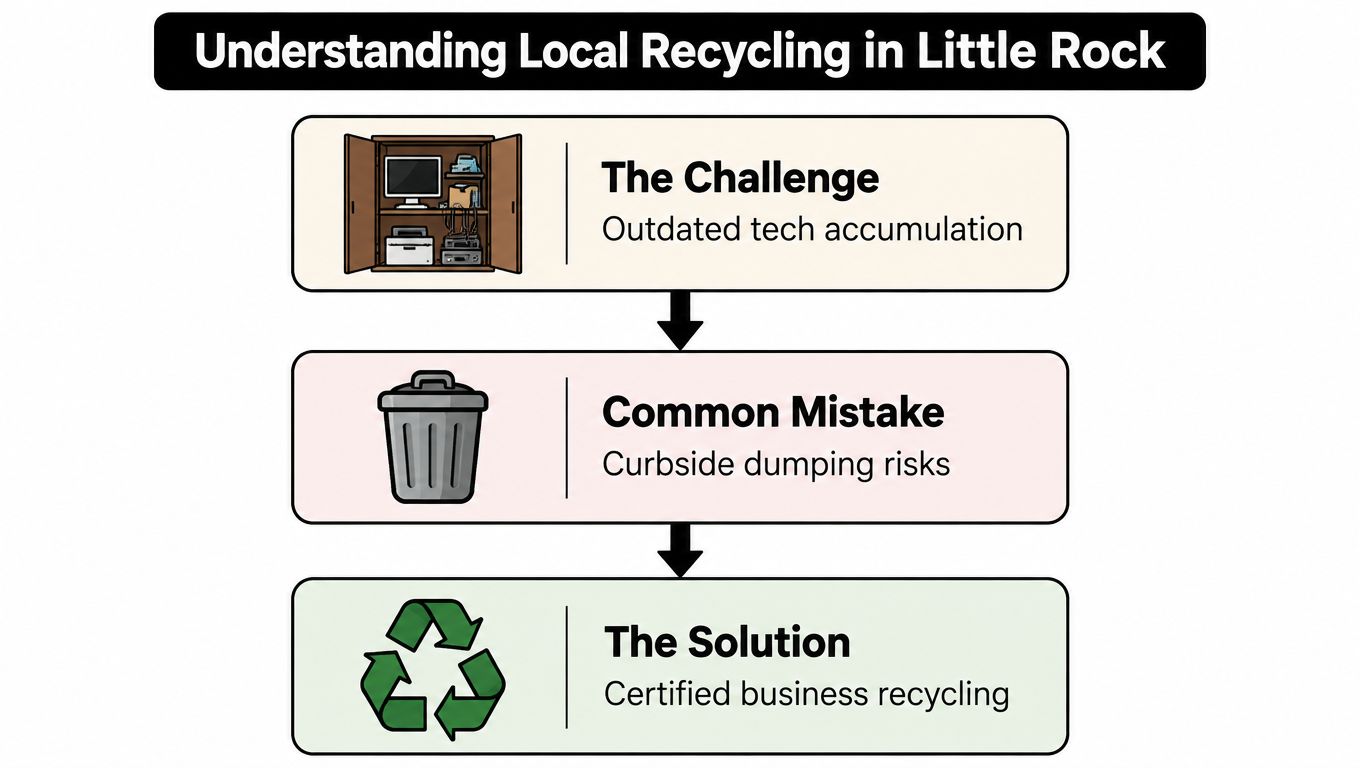
A typical Little Rock technology refresh starts without much notice. A few laptops are replaced, a department moves to new monitors, and an old server rack sits in a locked room because nobody has time to decide what happens next. Months later, the room contains equipment from several upgrade cycles, with no clear inventory and no agreement about whether the devices should be donated, refurbished, recycled, or destroyed.
The city's bulky-pickup rules remove one tempting shortcut. Little Rock does not accept TVs, computers, stereos, or other electronic waste through that service. The Arkansas Department of Energy and Environment's electronics guidance directs users toward appropriate collection options, while the City of Little Rock points electronics toward the Pulaski County Green Station instead of ordinary bulky pickup.
Why Arkansas policy creates a local logistics problem
Arkansas gives the state authority to ban electronic waste from municipal solid-waste landfills beginning in January 2010, but the statewide ban has never been fully implemented. That leaves local programs and collection sites as the practical control point for many organizations. Businesses, schools, government offices, and healthcare facilities therefore need to confirm the rules of the channel they plan to use rather than assume a general landfill policy answers the question.
The compliance issue becomes more serious for non-household generators. State guidance notes that businesses and government offices may be subject to hazardous-waste requirements, depending on the material and handling circumstances. That doesn't mean every old keyboard requires a complex regulatory project. It does mean a commercial IT refresh deserves more care than a casual curbside disposal decision.
Pulaski County has already built a recovery network with meaningful history. A county solid-waste planning document reports that special collections, together with residents, businesses, and organizations, diverted over 3 tons, approximately 6 million pounds, since 2004. The same document cites a 2009 statewide estimate of about 2.37 million tons of discarded TVs, computers, peripherals, mice, keyboards, and cell phones, demonstrating why sustained collection capacity matters. Read the Pulaski County solid-waste planning document for the local program context.
Practical rule: Treat electronics as a separate waste stream before the truck arrives. The right destination depends on the equipment, the owner, the quantity, and the information stored on it.
For a business planning electronics recycling in Little Rock AR, the first useful move is to create a short equipment list and identify the responsible decision-maker. A donation-based recycling partner such as Reworx Recycling's Arkansas electronics recycling service can fit into that process when the organization needs coordinated handling rather than a residential drop-off trip.
Preparing Devices for Responsible Disposal
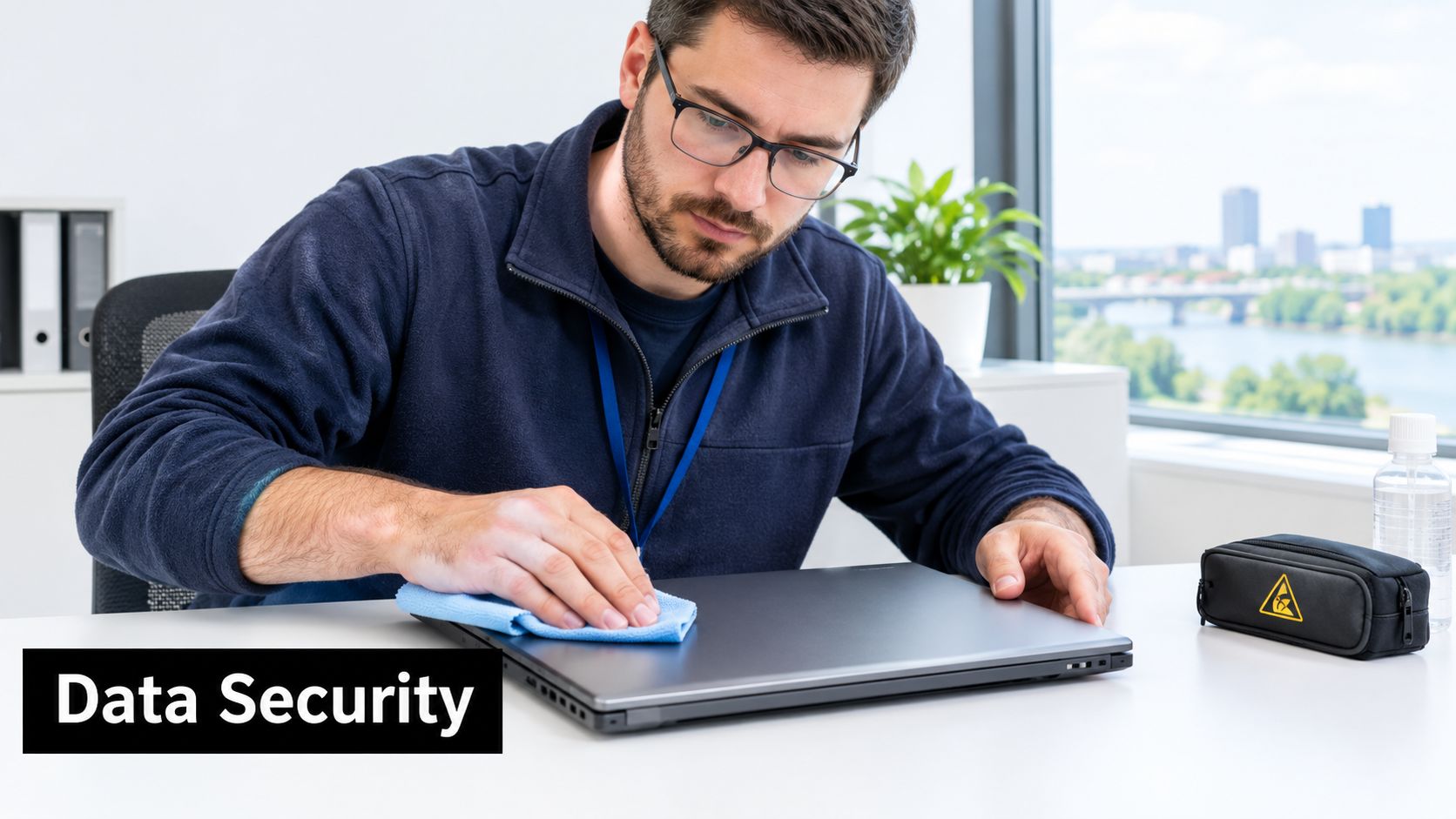
A device shouldn't leave your building until someone has decided what happens to its data. That decision belongs with IT, security, compliance, or an assigned asset owner, not with the employee who happens to load the truck.
Start by separating equipment into three working groups:
- Potential reuse, including functional laptops, desktops, monitors, phones, and networking equipment.
- Recycling or material recovery, including broken devices, obsolete peripherals, damaged displays, cables, and equipment with little reuse value.
- Data-bearing assets, which may overlap with either group and require documented sanitization or destruction before final disposition.
The third group is the control point. A laptop that still works may be suitable for refurbishment, but its drive can't be treated casually because the organization wants the hardware reused. A server that no longer powers on may still contain storage media. A multifunction printer can retain information as well. Include those devices in the inventory even when they aren't normally described as computers.
Build an inventory before you pack
Record the asset tag or serial number, device type, department, condition, storage media, and intended disposition. Note whether the equipment contains a hard disk drive, solid-state drive, removable media, or another form of storage. This simple record gives the organization a way to reconcile what left the building with what was processed.
A spreadsheet can work for a small office, provided someone owns the reconciliation. Larger office cleanouts benefit from barcode scanning or an IT asset management system. The tool matters less than the control. If an unlisted laptop appears in a pallet, stop and resolve its ownership and data status before shipping it.
Clean, test, and triage
Remove labels and obvious debris, but don't dismantle equipment casually. Test functional devices, record missing components, and keep reusable equipment separate from damaged scrap. Mixing everything together makes it harder to identify donation candidates and can reduce recovery value.
Use a clear handoff process:
- Freeze the list: Stop adding equipment informally once the collection begins.
- Separate storage media: Place drives and data-bearing devices in a controlled container.
- Protect reusable equipment: Package laptops, desktops, and monitors so they don't arrive damaged.
- Document exceptions: Flag locked devices, failed drives, unknown ownership, and specialized equipment.
- Confirm acceptance: Check whether the selected facility or partner accepts business, institutional, and manufacturer sources.
The company electronics preparation guide can help teams organize the physical preparation, but the security decision should remain with the organization that owns the data.
A factory reset or reformat isn't automatically equivalent to secure destruction. It may be appropriate in a controlled, low-sensitivity reuse scenario, but it shouldn't be the default for devices containing personally identifiable information, confidential records, regulated data, or valuable intellectual property. If the organization can't verify the sanitization method and maintain a chain of custody, physical destruction may be the safer disposition route.
Choosing Between City Services and Partners
Little Rock offers useful public infrastructure, but public access and commercial logistics aren't the same thing. The Green Station lists categories such as computers, servers, hard drives, LCD displays, CPUs, cables, and CRT monitors, and says hard drives will be securely destroyed there. That makes it relevant for certain loads, but a business still needs to confirm its quantity, transport capacity, and documentation requirements before committing to self-delivery.
Arkansas DEQ's collection-center listings show several Little Rock options, including Goodwill locations accepting monitors, notebooks, desktops, laptops, hard drives, printers, phones, and televisions. The state listing identifies residential, business, institutional, reseller, and manufacturer sources for those Goodwill locations. Review the Pulaski County electronics collection-center listing before loading a vehicle, because accepted items and operating details can change.
The pickup threshold changes the decision
For businesses in Pulaski County, Little Rock's business recycling program says pickup is free when the organization has two or more pallets. A business with fewer than two pallets can choose a $75 pickup fee or free drop-off at eSCO's Little Rock site. Those rules turn volume into a planning variable, not a minor detail.
| Option | Business Eligibility | Cost |
|---|---|---|
| Pulaski County Green Station | Suitable accepted electronics, with business requirements to confirm before delivery | Not specified in the cited city information |
| Arkansas DEQ-listed collection center | Locations may accept business and institutional sources, depending on the site and equipment | Confirm directly with the location |
| Little Rock business pickup | Businesses with two or more pallets qualify for free pickup | Free pickup for two or more pallets |
| Little Rock business pickup below the threshold | Businesses with fewer than two pallets may request pickup | $75 pickup fee |
| eSCO Little Rock drop-off | Businesses with fewer than two pallets can use the listed fallback option | Free drop-off |
The Little Rock business recycling guidance is the right place to verify the current threshold and route. Don't assume a half-full truck is cheaper than a scheduled partner. Staff time, loading labor, vehicle access, insurance, and chain-of-custody requirements all belong in the calculation.
Match the route to the operation
Self-delivery can work for a small, sorted load when the organization has a suitable vehicle, a clear appointment or acceptance path, and no requirement for detailed downstream reporting. It becomes less attractive when the equipment is heavy, the loading dock is busy, the site has multiple floors, or the inventory includes servers and medical devices.
A professional partner is more useful when the project involves a facility cleanout, office relocation, data center decommissioning, or recurring corporate donation program. Reworx Recycling is one option businesses can evaluate through its local e-waste recycling service. Compare providers on accepted equipment, pickup scope, data handling, reporting, reuse decisions, and final disposition, not just on whether they remove the boxes.
Ensuring Secure Data Destruction
Secure data destruction starts with classification. The same hard drive can require different treatment depending on whether the organization plans to reuse it internally, donate the device, sell the asset, or send it to material recovery. A business shouldn't choose a method based solely on convenience.
NIST SP 800-88-style sanitization provides three levels:
- Clear applies to lower-sensitivity situations where media remains in a controlled environment and is intended for appropriate internal reuse.
- Purge is intended for confidential data and can involve cryptographic erase or advanced overwrite methods.
- Destroy physically renders the media unusable, which is appropriate for classified information or non-reusable media.
The correct choice depends on the media, the data, the destination, and the organization's risk tolerance. A factory reset does not establish the same assurance as a documented sanitization process. Reformatting a drive may change how the operating system sees the disk, but it doesn't automatically prove that prior information is unrecoverable.
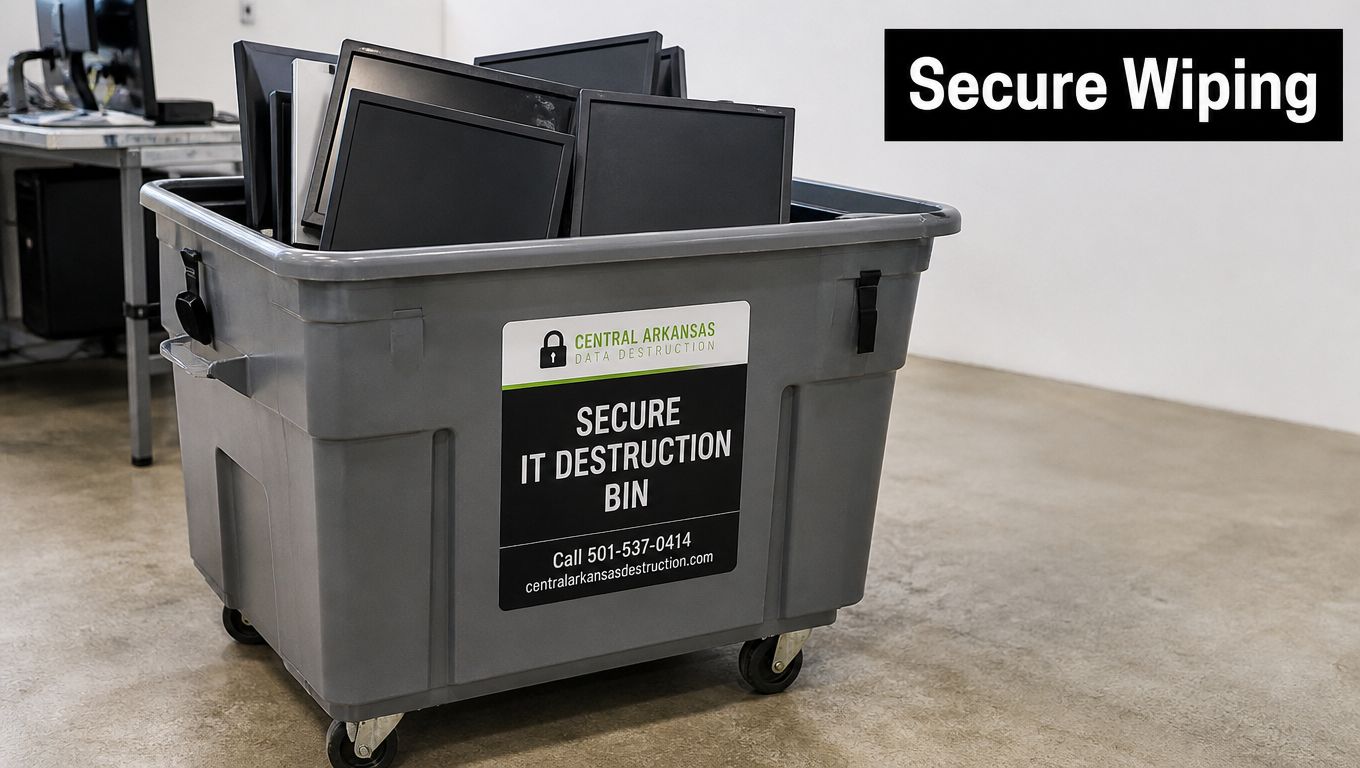
Use documentation as a control
For every data-bearing device, retain an asset record, transfer record, sanitization or destruction result, and final disposition record. A certificate is useful only when it connects to the actual equipment, so generic paperwork that says “hard drives destroyed” is weaker than a report tied to serial numbers or asset tags.
Organizations should also define who can authorize destruction and who reviews exceptions. That matters during laptop disposal, server retirement, medical equipment disposal, and office copier removal, where storage media may be overlooked. The secure data destruction services from Reworx Recycling can be evaluated alongside the organization's internal security policy.
Data security ends when the organization can prove what happened to the device, not when someone places it beside a loading dock.
The global context reinforces the need for disciplined downstream handling. The United Nations and International Telecommunication Union report that the world generated 62 billion kilograms of e-waste in 2022, while only 22.3% was formally collected and recycled in an environmentally sound manner, as summarized by Human-I-T's e-waste cybersecurity resource. The figures describe a worldwide system, not Little Rock's local performance, but they illustrate why collection alone isn't enough. Businesses need trustworthy processing after the truck departs.
Organizations comparing technical background on storage recovery can also review this resource on secure data recovery in New York City. It offers useful context for understanding why a failed or erased device may still require specialist handling when information has business value.
Maximizing Value Through ITAD
IT asset disposition is more than a removal service. It is a sequence of decisions that determines whether an old device becomes a useful second-life asset, a source of recovered materials, or a documented destruction item.
The first decision should be made before the equipment is packed. Functional laptops, desktops, monitors, networking equipment, and peripherals should be separated from damaged or obsolete material. That early triage protects reuse value and prevents working technology from disappearing into a mixed scrap load.
Reuse comes before recycling
A device suitable for refurbishment may support a community donation, employee program, resale channel, or internal redeployment. The organization still needs secure data sanitization before that second life begins. Reuse doesn't eliminate the security requirement. It adds a disposition decision after sanitization.
Equipment that can't be reused may still contain recoverable metals, plastics, glass, and components. Proper demanufacturing keeps those materials in an accepted recovery stream instead of sending mixed equipment into ordinary waste handling. The result is a more responsible form of sustainable recycling because the organization considers both the product's remaining utility and its material composition.
A practical ITAD workflow looks like this:
- Inventory: Identify every asset and storage device.
- Test: Determine whether the equipment works and whether repair is sensible.
- Sanitize or destroy: Select the appropriate data treatment and document it.
- Recover value: Route reusable assets and valuable components separately.
- Report: Keep disposition records for internal audit and sustainability reporting.
This approach applies to computer recycling, laptop disposal, product destruction, and data center decommissioning. It also needs adjustment for laboratory equipment disposal and specialized medical equipment disposal, where the device may contain embedded storage, regulated components, or operational materials that require separate review.
Social enterprise recycling adds another dimension. A donation-based recycling model can connect usable equipment with digital inclusion and workforce development while still routing unusable material through responsible recovery. That won't make every old monitor valuable, and it shouldn't replace technical screening. It does give businesses a way to align an unavoidable technology refresh with corporate donation programs and community objectives.
Partnering with Reworx Recycling
A workable Little Rock program begins with four decisions: identify what the city service accepts, measure the load, separate reusable devices from scrap, and control every data-bearing asset. That sequence prevents the common failures, including sending electronics with bulky waste, mixing working equipment into a scrap pile, and treating a factory reset as proof of destruction.
Reworx Recycling can serve as a business partner for organizations evaluating donation-based recycling, IT equipment disposal, secure data destruction, equipment pickups, and IT asset disposition. Its social enterprise model connects environmental responsibility with community impact through technology donations, digital inclusion, and workforce development. That makes the partner choice relevant not only to IT managers, but also to facilities leaders and sustainability directors measuring the wider effect of an office cleanout.

The right provider should be able to explain what happens at collection, how assets are tracked, which equipment can be reused, how storage media is treated, and what documentation the business receives. Those questions matter whether the project is a few pallets of laptops or a larger facility cleanout involving servers, monitors, printers, and specialized electronics.
A partnership can also reduce the internal burden of coordinating labor, transport, sorting, and final disposition. Learn more about partnering with Reworx for community impact and evaluate whether its services fit your equipment profile, security requirements, and pickup plan.
Reworx Recycling helps businesses coordinate electronics recycling, ITAD, responsible equipment donation, and secure data destruction for office cleanouts and technology refreshes. Visit Reworx Recycling to review practical guidance, then request a pickup or discuss a recycling plan for your Little Rock facility.