An Atlanta operations manager is trying to shorten customer response times while handling shared documents, connected applications, aging laptops, and files that may contain customer or employee information. The business wants practical productivity gains, but adding another ungoverned AI account can create new exposure, duplicate software costs, and a difficult equipment retirement problem when older systems are replaced.
The strongest choice depends on the organization's existing collaboration stack, workflow maturity, administrative controls, usage-based pricing, and data-retirement process. Feature volume matters less than whether a tool fits the systems employees already use and whether the business can control what information enters the workflow.
AI has moved beyond a niche experiment. The Federal Reserve reported that about 18% of U.S. firms had adopted AI by year-end 2025, with adoption at about 78% among firms with at least 250 employees. About 9% of firms planned to adopt AI within six months at the start of 2025, according to the Federal Reserve's monitoring note. For Atlanta business owners, that makes tool selection an operating decision, not a software trend exercise.
The ten tools below cover workplace productivity, CRM, meetings, documents, automation, scheduling, and customer workflows. Each comparison focuses on where the tool fits, what it costs to manage, which integrations matter, and where governance can fail. Reworx Recycling also belongs in that conversation as a donation-based electronics recycling and IT asset disposition partner for secure equipment retirement when AI adoption changes laptops, servers, storage devices, or office hardware.
1. Microsoft Copilot for Microsoft 365
Microsoft Copilot for Microsoft 365 makes the most sense for Atlanta companies already working in Word, Excel, PowerPoint, Outlook, Teams, OneNote, and SharePoint. Instead of forcing employees into a separate assistant, it brings drafting, summarization, analysis, and meeting support into the applications they already open every day. Microsoft publishes current plan information on its Copilot for Microsoft 365 pricing page.
A proposal manager can use Copilot to shape an RFP response from approved documents. An operations lead can turn a Teams conversation into tasks, while a finance employee can ask Excel to help interpret a worksheet. Outlook and Word are particularly useful for first drafts, summaries, and standard operating procedure updates.
Where it works best
Copilot's advantage is its relationship with Microsoft identity, permissions, and collaboration data. That advantage can also expose poor SharePoint permissions. If employees already have access to an over-shared folder, an AI assistant may make that information easier to discover.
- Best fit: Microsoft-first businesses with organized SharePoint and Teams environments.
- Useful workflows: Policy drafting, meeting recaps, reporting, SOP creation, and proposal preparation.
- Management cost: Administrators need licensing reviews, permission cleanup, employee training, and usage monitoring.
- Main limitation: The value depends on Microsoft 365 eligibility, plan configuration, and adoption. Rollout and change management aren't optional.
Practical rule: Clean up identity and document permissions before connecting an AI assistant to the business's most important files.
When a Microsoft environment expands, older laptops may no longer meet security or performance requirements. Plan secure data destruction and responsible computer recycling before devices leave the business. Reworx Recycling can support IT equipment disposal, equipment decommissioning, and broader ITAD planning without treating retired hardware as ordinary trash.
2. Google Workspace with Gemini for Work
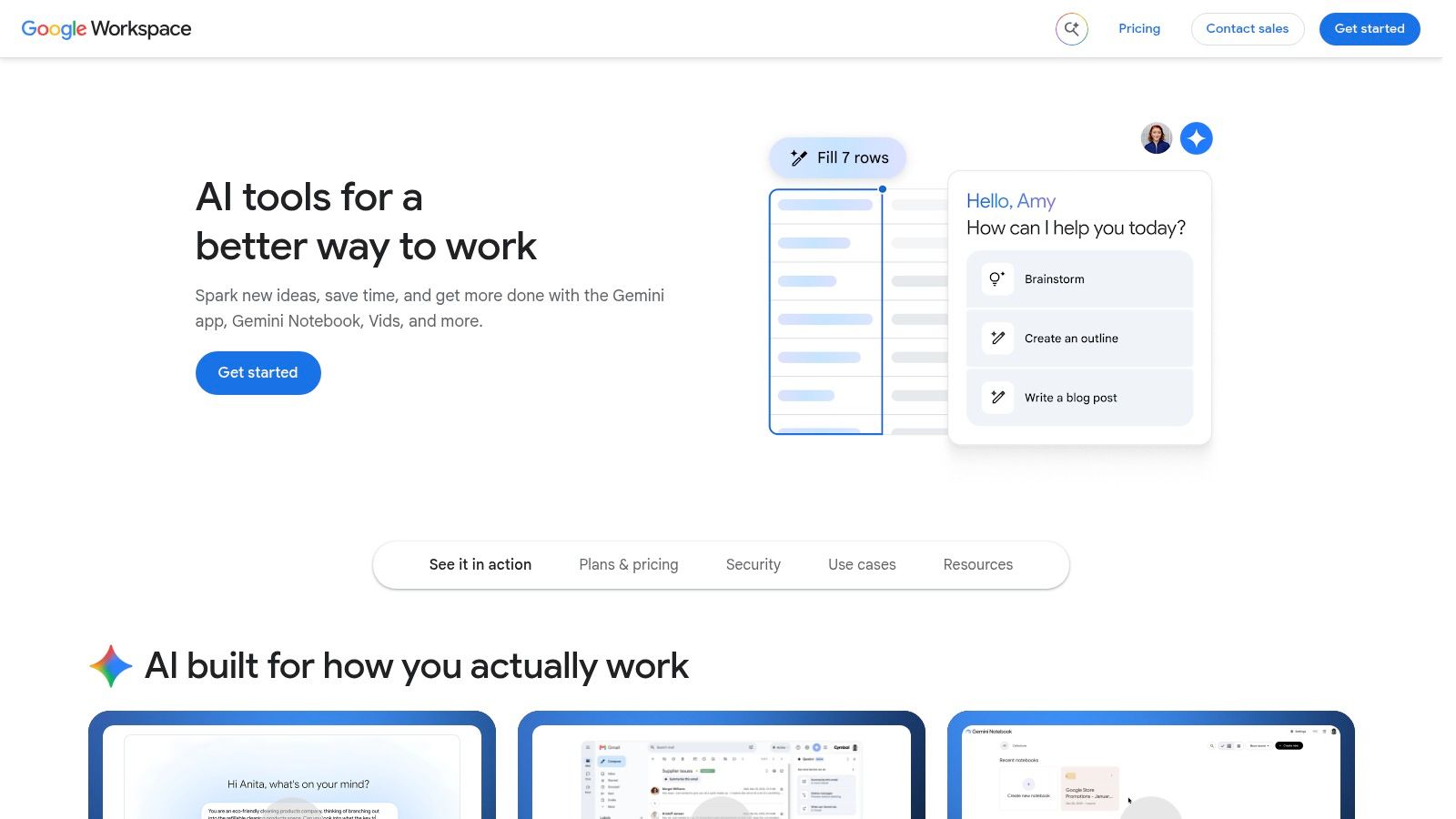
An Atlanta company already running on Gmail, Docs, Sheets, Slides, Meet, and Drive can add Gemini without introducing another work hub. Employees can draft customer emails in Gmail, revise documents in Docs, analyze spreadsheets in Sheets, prepare slides, and capture meeting follow-ups in Meet. Keeping those tasks inside the existing workspace reduces context switching and simplifies user adoption.
Google outlines its current AI capabilities on the Workspace AI solutions page. Gemini Notebook can organize research from a team's own files, including project briefs, vendor records, and internal operating material. That convenience still depends on accurate file access rules.
Fit depends on administration
The operational advantage is a shared Drive and an established identity system. The management work sits in edition selection, permissions, retention, and user access. Capabilities differ across Workspace and Gemini editions, and some advanced functions require Business or Enterprise tiers.
Best fit is a Google-first business with organized Drive folders and browser-based collaboration. Useful workflows include customer email drafting, document summaries, spreadsheet assistance, slide creation, and Meet follow-ups. Management cost includes reviewing edition limits, cleaning up Drive permissions, configuring retention, and training users. Main limitation is that a low-tier pilot may not show the controls or experience available in the intended production plan.
Before enabling broad access, test representative files and meeting records with department owners. Atlanta companies can also review this local business AI perspective from Reworx Recycling when connecting adoption planning to equipment retirement. Identify which Chromebooks, laptops, monitors, and storage devices will be retained, donated, refurbished, or sent for secure data destruction as collaboration systems change.
3. OpenAI ChatGPT for Team and Enterprise
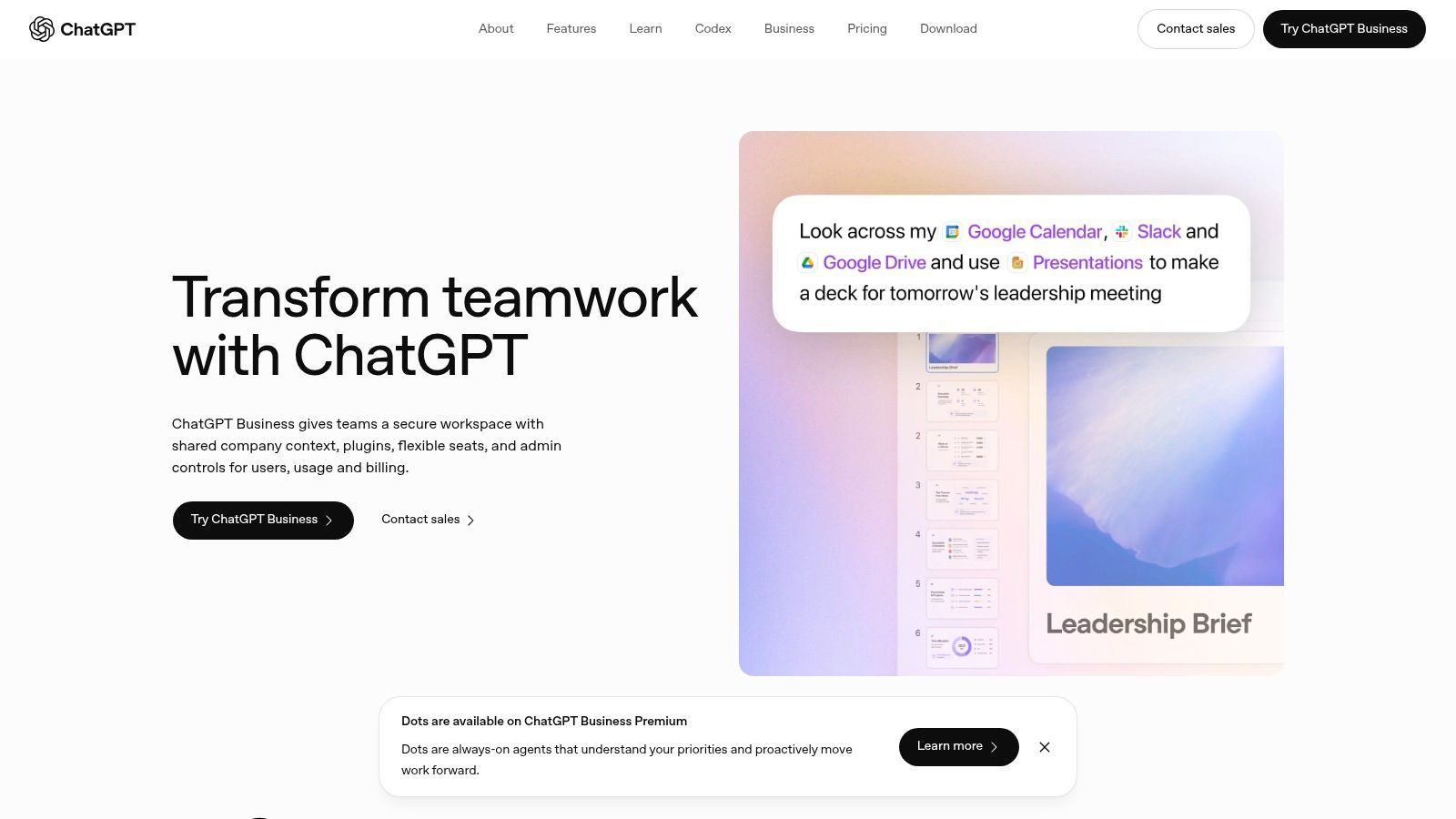
An Atlanta operations team can put ChatGPT to work before it builds a complex automation. Use it to turn an intake email into pickup-scheduling fields, draft an internal policy, classify service requests, or translate program guidance into plain language. Marketing, customer service, facilities, and IT can share the same workspace while applying the tool to different tasks. The ChatGPT Team page describes the business workspace approach, while Enterprise adds broader administration and governance options.
The practical question is where human review belongs. An IT manager might ask for a first draft of a laptop-disposal SOP, then verify each step against company policy, vendor requirements, and data-handling procedures. A facilities coordinator could structure an office cleanout request, but a person should confirm asset details before scheduling collection.
Set guardrails before expanding access
Team and Enterprise workspaces separate business use from casual personal accounts. For those offerings, business data is excluded from training by default. Enterprise can provide SSO, advanced admin controls, connectors, custom GPTs, and higher usage limits. Enterprise pricing is usage and contract based, so finance and IT should forecast costs before departments build recurring workflows.
Start with one defined process, such as SOP drafting or service-intake classification. Set approved prompts, role-based access, and clear rules for sensitive information. Measure time saved alongside review effort, corrections, and recurring usage.
ChatGPT can produce confident but incorrect output. It should not approve a destruction certificate, make a compliance decision, or send a customer commitment without human review. Prompt-hygiene training belongs in the operating budget.
As devices change, connect refresh planning with secure data destruction services from Reworx Recycling. Reworx Recycling's donation-based electronics recycling and ITAD work can support responsible equipment retirement while contributing to its community mission.
4. HubSpot with HubSpot AI and Credits
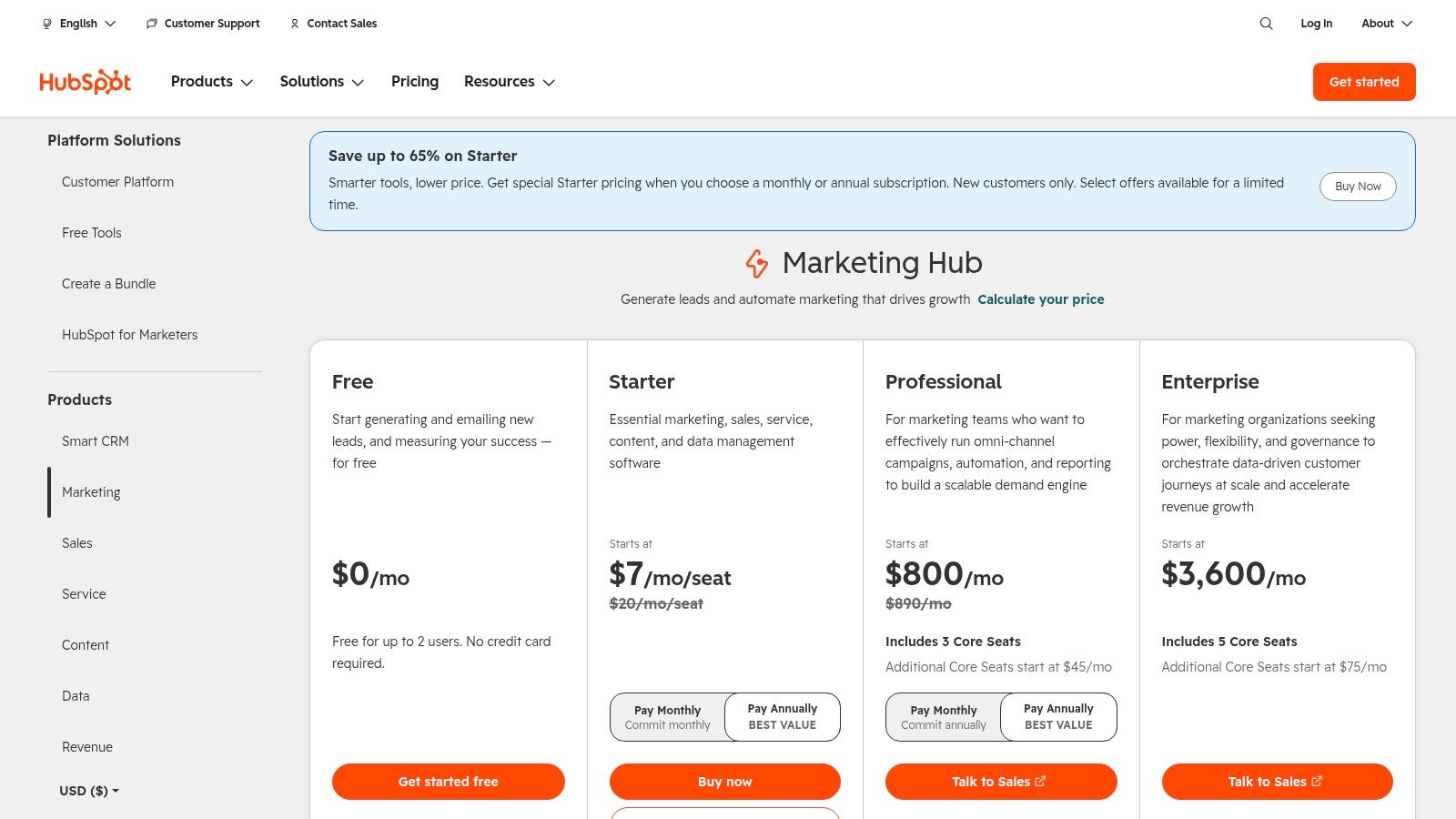
An Atlanta company managing marketing, sales, and service in one CRM can use HubSpot AI to assist with content, recommendations, customer service workflows, and tasks across its Hubs. Review the current packaging on the HubSpot pricing page, since features and availability vary by hub and product tier.
The operational benefit is shared context. Marketing can draft campaign material, sales can organize follow-up, and service can route tickets against the same customer record. HubSpot's Credits model adds a control point for selected AI actions, allowing administrators to set limits, monitor consumption, and plan recurring automation instead of leaving usage untracked.
Start with a defined customer workflow. A form submission could qualify a lead, draft a response, and assign an owner. A service request could classify a ticket and suggest a reply. Each action needs its own approval threshold, especially when generated text reaches customers.
HubSpot fits SMB and enterprise teams already using the platform for customer engagement. Useful starting points include lead nurture, ticket triage, campaign drafting, and sales follow-up. The management work includes Credit monitoring, usage caps, reporting, and regular workflow reviews. Advanced automation can consume more Credits, so total cost depends on how broadly the business deploys it.
CRM records may contain device inventories, contracts, and asset pickup details. Restrict access by role, review automation permissions, and keep a human accountable for sensitive customer commitments. During a technology refresh, IT asset disposition services for Atlanta corporate IT teams can support responsible equipment retirement while HubSpot manages the customer-facing process. Reworx Recycling's donation-based electronics recycling, secure data destruction, and community mission connect that transition to a broader social outcome.
5. Salesforce Einstein
A Salesforce workflow can qualify an opportunity, summarize a service case, or flag a customer follow-up before an employee opens the record. Salesforce Einstein supports opportunity scoring, conversation insights, case summaries, service automation, and extensions across Sales and Service Clouds. See the Salesforce AI overview for current product details.
The strongest fit is an Atlanta sales, service, or operations team that already keeps account history, contacts, cases, and pipeline activity in Salesforce. A B2B recycling program could organize corporate donation programs, track facilities contacts, and identify service follow-up needs in the same system. Einstein can also assist with coaching and quality reviews for complex customer conversations, but generated recommendations still require accountable staff.
Match Einstein to the operating model
Start by mapping one customer workflow and its decision points. For example, a service case might receive an AI summary and suggested response, while a manager approves any customer-facing commitment. This approach makes the benefit visible without granting automation broad authority across the CRM.
Salesforce's native security model supports role-based controls, yet Einstein still requires implementation work and ongoing oversight. Packaging and pricing vary, and some capabilities require add-ons or coordination with a Salesforce implementation partner. Management effort includes maintaining the data model, reviewing permissions, monitoring outputs, and documenting approval rules.
Before enabling features, check:
- Data quality: Confirm that account, contact, case, and asset fields are accurate.
- Access controls: Limit which roles can view AI summaries and recommendations.
- Human approval: Keep people responsible for customer-facing recommendations and automated case actions.
- Lifecycle planning: Include hardware inventory, device retirement, retention, and secure data destruction requirements.
AI can summarize a case, but it can't decide whether a device contains regulated information or whether a destruction process meets your organization's requirements.
Healthcare, education, government, and technology organizations should connect CRM modernization with documented ITAD procedures and equipment decommissioning. Reworx Recycling's guidance on data security in IT asset disposition is relevant when a Salesforce rollout coincides with hardware refreshes, donation-based electronics recycling, and secure data destruction tied to its community mission.
6. Slack AI
A service manager at an Atlanta recycling company can ask Slack AI, “Summarize #atlanta-pickups from the last 48 hours and list unresolved requests with owner and due date.” The result can support a morning handoff without reading every message. An employee should verify the summary, then move approved details into the dispatch system, not leave Slack as the only record.
Slack AI can summarize conversations, answer questions from workspace knowledge, and support Slackbot interactions across connected sources. Its AI features page describes current capabilities. Search works best when teams use consistent channel names, document decisions, and keep project files accessible in predictable locations. It cannot resolve scattered files, inconsistent channel structures, or decisions buried in private messages.
Use Slack for operational context. A dispatch coordinator can check pickup status, an account manager can review a customer escalation, and an IT lead can find the reasoning behind a laptop refresh. Each workflow needs an owner who confirms the output before it guides a customer promise, equipment move, or retirement decision.
- Strong use case: Shift handoffs and cross-team updates.
- Useful capability: Answers across channels, files, and connected applications.
- Management cost: Channel design, retention settings, access reviews, and prompt training.
- Main limitation: Availability varies by plan and add-ons, while broad search can reveal information to users whose existing permissions are too broad.
Store sensitive customer records, device serial numbers, compliance evidence, and destruction documentation in systems built for those records. Slack can direct employees to the approved source, but it should not become an uncontrolled archive during office cleanout, facility cleanout, medical equipment disposal, or data center decommissioning. Reworx Recycling's donation-based electronics recycling, ITAD, and secure data destruction services connect that technology transition to community impact.
7. Zapier with AI by Zapier and Central AI
Zapier fits Atlanta businesses that need automation across existing software without assigning every workflow to engineering. AI by Zapier and Central AI can connect forms, calendars, CRMs, ticketing platforms, messaging tools, and other applications. The Central AI integration page provides current product context, including supported connections.
Start with one workflow that has a clear owner and measurable outcome. A service business could turn a web form into a qualified request, notify the appropriate employee, create a CRM record, and propose a calendar slot. A recycling coordinator could route an equipment donation inquiry, attach intake details, and alert the pickup team. The visual builder lets operations staff configure these steps, but each automation still needs testing with real exceptions.
Cost control requires more than checking the base subscription. Zapier's AI and model steps use different pricing multipliers across Standard, Advanced, and Premium options, so high-volume workflows can cost more than a basic app connection suggests. Review task volume, model usage, failed runs, duplicate records, and unintended actions before expanding the workflow.
Set approval gates before customer messages, record deletion, or other irreversible actions. Limit the information sent to AI steps, and avoid passing full customer files or drive contents unless the workflow has been reviewed and approved. Keep logs and version history available for troubleshooting and access reviews.
Automation can initiate a secure destruction request when a business retires storage devices, but trained personnel must still manage the physical media and document chain of custody. Reworx Recycling supports hard drive shredding alongside donation-based electronics recycling, ITAD, and secure data destruction, connecting technology retirement with community impact. Entrepreneurs comparing calendar automation tools can review SyncThemCalendars for entrepreneurs.
8. Zoom AI Companion
Zoom AI Companion fits businesses that already run meetings, webinars, chats, and phone calls in Zoom. It can summarize meetings, extract action items, support follow-up, and create searchable notes across Zoom Workplace. Check the Zoom AI Assistant page for current plan availability.
A Zoom-first Atlanta team might use it for client intake, internal standups, vendor discussions, or project reviews. After an office cleanout meeting, a facilities manager could receive a structured list of assignments. A sales representative could capture customer requirements without splitting attention between note-taking and conversation.
Assign ownership before relying on summaries
A meeting summary needs a named reviewer. That person should verify names, deadlines, requirements, and customer commitments, then move approved tasks into the system of record. Misheard comments or missing context can create incorrect work, especially when summaries become the basis for customer follow-up.
Use Zoom AI Companion where recurring meetings and distributed teams create a steady documentation burden. The management work includes account-level privacy settings, participant notices, retention rules, access reviews, and a defined correction process. Review the administrative effort alongside any added fees or separate products required for advanced capabilities, since availability varies by plan.
Keep sensitive information out of automated workflows unless the organization has approved its handling. A summary should support follow-up, not serve as proof that equipment was received, secure data destruction occurred, or a regulatory requirement was satisfied. Those events require controlled records and appropriate documentation.
Zoom can create the follow-up task while the responsible ITAD or recycling partner manages the physical asset workflow. Reworx Recycling connects donation-based electronics recycling, ITAD, and secure data destruction with community impact, helping Atlanta businesses treat technology retirement as part of responsible AI adoption.
9. Adobe Acrobat AI Assistant and PDF Spaces
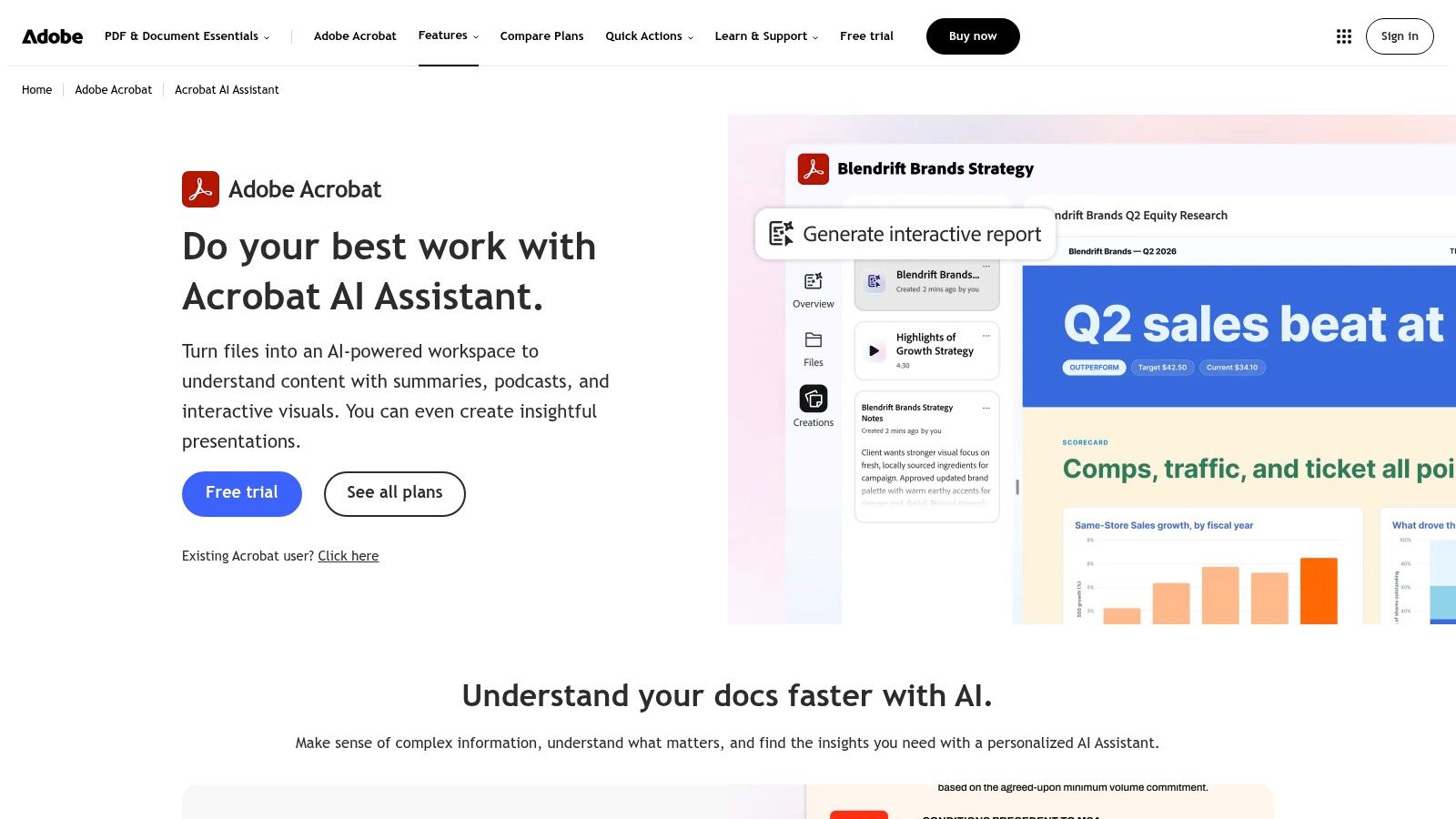
Atlanta businesses often keep contracts, policies, compliance files, reports, and equipment records in PDF form. Adobe Acrobat AI Assistant can answer questions across long documents, summarize file collections, extract tasks, draft emails from source material, and cite the passages behind its answers. Adobe describes these capabilities on its generative AI for PDF page.
PDF Spaces extends the review across multiple files. An IT manager can compare vendor terms, a sustainability lead can examine recycling documentation, and a government team can organize procurement and disposal requirements. Citations give reviewers a direct path back to the source, which makes the tool more useful for accountable document work than an unsupported summary.
Start with the document set
The quality of the files determines the quality of the review. Scanned pages, weak OCR, conflicting versions, and missing attachments can produce incomplete or misleading results. Before adding documents to an AI workflow, assign an authoritative version for each contract, policy, or record.
Use Acrobat for contract summaries, compliance checks, policy comparisons, and task extraction when staff need citations and traceability. Plan for generative credits, document organization, access permissions, and human review. Heavy use may require add-ons, and every output still needs comparison with the source.
Apply a defined retention policy to destruction certificates, asset inventories, and chain-of-custody records. Acrobat can help staff locate information, but it does not replace retention, access, or disposal controls. The same rule applies to laboratory equipment disposal, product destruction, and medical equipment disposal documentation.
For Atlanta companies replacing devices or changing systems, connect document workflows with responsible retirement practices. Reworx Recycling combines donation-based electronics recycling, ITAD, and secure data destruction with a community mission, giving teams a practical way to manage records and technology retirement together.
10. Calendly with Callie and Notetaker
A facilities team arranging an equipment pickup may spend more time coordinating calendars than preparing the site. Calendly reduces that friction through booking links, while Callie can negotiate meeting times across email threads. AI Notetaker supports workflows before, during, and after meetings, giving teams a way to organize scheduling and meeting follow-up in one system. Check Calendly's pricing page for current tiers and feature availability.
Atlanta businesses can apply this beyond sales demonstrations. A recycling coordinator can schedule a site assessment, a facilities team can arrange a pickup window, and a corporate donation program can bring multiple stakeholders into one planning call. The practical gain depends on whether customers and employees will use booking links or permit email-based coordination.
Best fit: Teams arranging consultations, vendor calls, equipment pickups, donation planning, and recurring internal meetings.
Useful workflows: Site assessments, customer intake, pickup scheduling, and stakeholder calls related to responsible equipment retirement.
Management cost: Administrators must choose the right tier, configure calendar permissions and privacy settings, train staff, and maintain shared availability rules. If each employee follows a separate calendar process, Callie cannot fix the underlying coordination problem.
Main limitation: AI features may differ by plan and rollout stage, so confirm availability before standardizing the workflow.
Scheduling records may contain addresses, contact details, building access instructions, and equipment descriptions. Limit access to staff who need it, and keep sensitive device or data details out of public booking fields. Calendly can arrange a pickup, but the final asset inventory, chain-of-custody record, and secure data-destruction documentation should remain in the appropriate operational system. Reworx Recycling can connect that retirement process with donation-based electronics recycling, ITAD, secure data destruction, and community impact.
Top 10 AI Tools for Atlanta Businesses, Features & Business Fit
| Product | Core features (✨) | UX / Quality (★) | Pricing / Value (💰) | Target audience (👥) | Top strength (🏆) |
|---|---|---|---|---|---|
| Microsoft Copilot for Microsoft 365 | ✨ Inline drafting (Word/Outlook), Teams recaps, M365 governance | ★★★★☆ Enterprise-grade integration | 💰 Included with eligible M365 plans / add-on tiers | 👥 M365-first orgs, IT & compliance teams | 🏆 Deep native integration & admin controls |
| Google Workspace with Gemini for Work | ✨ AI in Gmail/Docs/Sheets/Meet, Gemini Notebook grounded in files | ★★★★☆ Strong collaboration UX | 💰 Available in Business/Enterprise plans | 👥 Google-first teams, collaborative workgroups | 🏆 Real-time collaborative AI + file-grounded research |
| OpenAI ChatGPT (Team & Enterprise) | ✨ General drafting, custom GPTs, connectors, secure team workspace | ★★★★☆ Fast pilot & extensible | 💰 Team/Enterprise: contract/credits-based; budget planning needed | 👥 Cross-functional teams, devs, knowledge workers | 🏆 Flexible ecosystem of GPTs & integrations |
| HubSpot (with HubSpot AI & Credits) | ✨ AI content generation across Hubs, agent credits model | ★★★★☆ CRM-native UX for marketing/sales | 💰 💰 Credits-based actions; tiered pricing by Hub | 👥 SMBs to enterprises using HubSpot CRM | 🏆 Clear admin controls for AI spend & marketing fit |
| Salesforce Einstein | ✨ Opportunity scoring, convo insights, case summarization | ★★★★☆ Robust analytics within Salesforce | 💰 Add-ons & feature pricing; varies by cloud | 👥 Sales/service teams, enterprise B2B | 🏆 Native data-model insights & extensibility |
| Slack AI | ✨ Channel/thread summaries, workspace Q&A, Slackbot agent | ★★★★☆ Improves knowledge flow | 💰 Plan/add-on dependent | 👥 Ops & distributed teams using Slack | 🏆 Reduces information overload; contextual answers |
| Zapier (AI by Zapier & Central AI) | ✨ AI steps + Central AI across 6,000+ apps, visual builder | ★★★★ Fast automation wins | 💰 Tiered model pricing; monitor AI step costs | 👥 Ops, IT, non-engineering automators | 🏆 Rapid cross-app automations without dev work |
| Zoom AI Companion | ✨ Meeting summaries, action items, searchable notes | ★★★★☆ Tight meeting-first UX | 💰 Feature tiers; some advanced features may cost extra | 👥 Teams relying on Zoom meetings & webinars | 🏆 Converts meetings into actionable documentation |
| Adobe Acrobat AI Assistant | ✨ PDF Q&A with citations, PDF Spaces for multi-file review | ★★★★ Saves document review time | 💰 Some generative credits; subscription tiers | 👥 Legal, compliance, docs-heavy teams | 🏆 PDF-native citations & long-doc intelligence |
| Calendly (Callie & Notetaker) | ✨ Callie negotiates times, AI agenda & notetaker | ★★★★ Reduces scheduling friction | 💰 Tiered plans; AI features on paid tiers | 👥 Scheduling-heavy teams, vendors, field ops | 🏆 Automates scheduling & meeting prep end-to-end |
Turn AI Adoption Into a Managed Technology Lifecycle
The best AI tool for an Atlanta business is usually the one that fits the systems and workflows employees already understand. A Microsoft 365 organization should start with its identity, permissions, and document environment. A Google Workspace team should examine Drive structure and edition controls. A Salesforce or HubSpot company should begin with customer records, service ownership, and CRM data quality rather than adding a disconnected chatbot.
Choose one workflow with a named owner. Customer intake, meeting follow-up, document review, service ticket routing, and pickup scheduling are useful starting points because the business can define the input, output, review step, and success measure. A measurable owner should record whether the tool reduces manual work, creates correction effort, introduces delays, or increases the number of unapproved actions.
Use this sequence:
- Start with the existing ecosystem: Select the assistant or automation layer that fits the company's collaboration, CRM, meeting, or scheduling platform.
- Confirm plan limits: Review licensing, credits, model usage, add-ons, retention settings, and administrator controls before promising a department-wide rollout.
- Test data handling: Separate public information, internal business data, customer records, employee information, and highly sensitive files. Don't assume every tool treats those categories the same way.
- Document integrations: Record which systems connect, what fields move between them, who can approve actions, and how failed runs are handled.
- Review usage before expanding: Examine logs, costs, output quality, corrections, and user adoption. Expand only when the first workflow is stable.
Governance should cover more than prompts. Small businesses often adopt AI faster than they formalize permissions, retention, and shadow IT rules. The NFIB Technology Survey highlights the uncertainty many small businesses face around AI use and technology controls. For a business handling customer records, device inventories, or internal documents, the question isn't only whether AI produces a useful answer. It's whether the organization can control the information entering the system and explain what happened afterward.
Microsoft environments may benefit from Purview Data Security Posture Management for AI, which monitors AI interactions, prompts, and responses across Microsoft Copilot and other AI tools while applying data loss prevention and governance policies. Regardless of platform, businesses should define approved tools, prohibit sensitive data in unapproved accounts, review permissions, and retain required business records in the correct system.
Technology retirement belongs in the same plan. AI adoption can lead to laptop disposal, office cleanout, facility cleanout, server replacement, storage media retirement, or data center decommissioning. Before equipment leaves a site, identify the asset owner, preserve required records, remove data through an approved process, and decide whether the hardware will be reused, donated, resold, or recycled. The EPA's guidance on electronics donation and recycling provides a credible starting point for responsible electronics management.
Reworx Recycling connects that lifecycle work with a community mission. As a donation-based recycling and ITAD social enterprise based in Smyrna, Georgia, Reworx helps organizations retire outdated devices through business pickups, equipment decommissioning, IT asset management, recycling consultations, secure hard drive shredding, and equipment buyback options. Its work supports sustainable recycling while helping divert e-waste from landfills and advancing digital inclusion and workforce development.
For teams publishing educational content about responsible technology transitions, a related resource on performing AI search engine optimization can support the marketing side of the rollout. The operational side still depends on accurate records, trained employees, controlled integrations, and a responsible end-of-life process.
AI should improve a workflow without creating an invisible technology pileup. Start with the application ecosystem you already manage, give one person responsibility for one process, control the data, review the costs, and plan the equipment retirement before new devices arrive.
Reworx Recycling helps Atlanta businesses manage electronics recycling, donation-based recycling, IT equipment disposal, secure data destruction, equipment decommissioning, and responsible ITAD for outdated technology. Visit Reworx Recycling to learn how to donate old equipment, schedule a business pickup, and support sustainable recycling, digital inclusion, and workforce development.