Household recycling is often free at city stations, but businesses must plan around specific volume thresholds or partner with a social enterprise like Reworx to keep computer recycling compliant and cost-effective. In Pulaski County, two or more pallets qualify for free business pickup, while smaller pickup loads carry a $75 charge.
An office upgrade rarely ends when the new computers arrive. Retired laptops sit in a conference room, servers remain powered down in a rack, and monitors gradually fill a storage area. The equipment still contains data, materials, and potential reuse value, but every day it remains unmanaged adds another point of risk.
For Little Rock business owners, IT managers, facilities teams, and sustainability leaders, the practical question isn't just where to discard old hardware. It's which recycling route fits the generator, volume, equipment type, and data-security requirements. The right answer may involve a municipal program, a county business collection, a commercial recycler, or a donation-based partner that can coordinate pickup and IT asset disposition.
Why Computer Recycling Matters for Little Rock Businesses
A technology refresh can create a surprisingly complicated cleanup. A growing Little Rock office may replace workstations across several departments, leaving desktops, LCD displays, docking equipment, hard drives, cables, and networking hardware in a locked room. If nobody inventories the equipment, working devices get mixed with failed ones, storage media lose their chain of custody, and the organization eventually pays someone to move the same load more than once.
The local system gives organizations several collection routes, but those routes aren't interchangeable. The regional solid-waste district has historically managed electronics through five public Green Station drop-off centers, two countywide residential and business collection events each year, and an annual partnership with the Saline County recycling district focused on CRT televisions, other televisions, and monitors. That structure gives residents, businesses, schools, and public agencies more than one way to manage obsolete electronics instead of placing them in ordinary trash. (Regional Recycling and Waste Reduction District presentation)
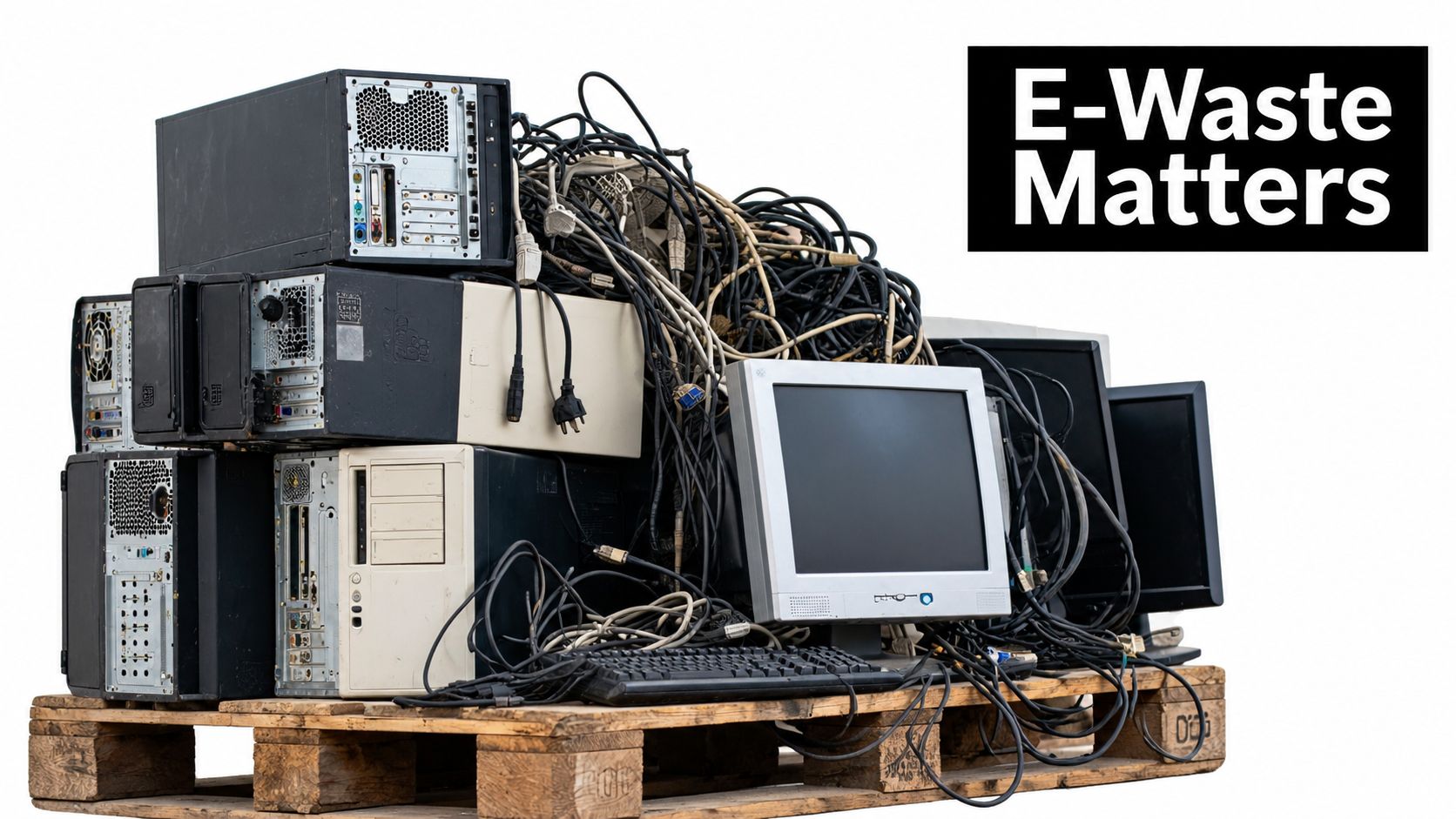
The operational risk behind an old computer
The waste figures show why an occasional household event can't serve as the entire business strategy. The district reported total waste of 177,001 tons in 2016, 199,646 tons in 2017, 303,042 tons in 2018, and 307,895 tons in 2019. The same regional presentation reported approximately 6,000 tons of e-waste collected and processed across Arkansas in 2018, while only 12.5% of the state's e-waste was being recycled. Those figures support a straightforward facilities principle: organizations need planned takeback, secure handling, and documented downstream processing.
A responsible program protects more than the environment. It helps a facilities manager account for every asset, separates equipment suitable for reuse from material destined for recycling, and gives the organization evidence that storage media were handled deliberately. The practical benefits of e-waste recycling include a cleaner facility, fewer abandoned devices, and a more defensible process for technology retirement. Businesses can also review the operational benefits of e-waste recycling when building an internal approval case.
Practical rule: Treat retired IT as a controlled material flow until each device has a recorded destination.
Understanding the Little Rock E-Waste System
A Little Rock business can have a full storage room of retired computers while a nearby household program advertises free electronics recycling. Those services are not interchangeable. EPA data estimated that Americans generated 2.7 million tons of selected consumer electronics in 2018, including computer equipment, televisions, cellphones, and fax machines. 1.04 million tons were collected for recycling, a 38.5% recovery rate. (EPA electronics-waste facts and questions)
The national figures provide context, not a direct measurement of Little Rock's business stream. The EPA category covers selected consumer electronics, while Arkansas estimates may use different definitions and collection boundaries. Recovery remains incomplete at both levels. Local drop-off access does not ensure that every retired computer reaches a qualified processor.
Why the material stream keeps expanding
Earlier EPA analysis documented a large and growing volume of electronic products reaching end-of-life management, with only a minority sent for recycling. Historical estimates also showed millions of obsolete computers and substantial quantities of unwanted electronics entering the waste stream. Those figures describe a persistent supply of equipment, not a temporary cleanup issue.
For a business, the challenge is sorting that material correctly. A laptop may contain a usable display, memory, battery, storage device, and other recoverable components. It may also contain confidential information and materials that require controlled downstream handling. A failed server, point-of-sale computer, or monitor from a healthcare setting needs a disposition decision based on condition, data exposure, and processing requirements.
Why “free recycling” can mislead businesses
Household programs can accept small quantities under rules designed for residents. Business loads are different. Even when a provider accepts equipment at no charge, a small commercial load can still create internal labor, palletizing, transport, scheduling, storage, and documentation costs. The advertised collection fee may be zero while the total cost of preparing and moving the material remains significant.
Volume thresholds also affect the economics. A larger, consolidated load may qualify for a business pickup arrangement, while a few scattered devices may require delivery or a paid small-load service. Confirm the generator eligibility, minimum volume, accepted equipment, and downstream documentation before treating “free” as a complete recycling plan.
A recurring technology refresh requires more control than a one-time back-room cleanup. A documented process can separate reuse, donation, product destruction, or material recovery, while reducing mixed loads and abandoned equipment. Organizations comparing local collection with commercial IT asset disposition can review electronics recycling options serving Arkansas. The practical question is whether the program accepts the business's load and manages the full material flow without shifting the remaining work back to staff.
Local Options for Computer and Electronics Recycling
A facilities team can have a pallet of retired desktops, monitors, and networking gear ready for removal, then discover that the nearest free-looking option serves households only. That eligibility mistake can leave staff responsible for transport, scheduling, storage, and documentation. Confirm the program and load requirements before moving equipment.
Little Rock's Green Station accepts computers, laptops, servers, hard drives, LCD displays, CRT monitors, networking equipment, cables, and mobile devices. Its guidance designates hard drives for secure destruction, but the electronics service is limited to households, not businesses. An office should not bring a commercial load to a residential station and assume the same acceptance rules apply. Review the Green Station electronics guidance before using that route.
The city identifies a separate Pulaski County business route through eSCO. Businesses located anywhere in Pulaski County can use the business electronics recycling pickup mechanism, subject to its volume and scheduling rules. Two or more pallets qualify for free pickup. A business with fewer than two pallets must schedule a delivery appointment at least 24 hours in advance, and pickup for a smaller load carries a $75 charge. Businesses can also deliver materials at no charge during operating hours to eSCO's collection center at 1807 E. 23rd Street in Little Rock. City of Little Rock business recycling information
Business Recycling Pathways in Little Rock
| Pathway | Eligibility | Cost |
|---|---|---|
| Green Station household drop-off | Households using the city's accepted electronics route. Listed equipment includes computers, laptops, servers, hard drives, monitors, networking equipment, cables, and mobile devices. | City household service. Businesses should not treat household eligibility as commercial authorization. Green Station electronics guidance |
| Pulaski County business pickup | Businesses anywhere in Pulaski County with two or more pallets for pickup, or smaller loads arranged through the business program. | Two or more pallets qualify for free pickup. Smaller pickup loads carry a $75 charge. Smaller loads may also be delivered at no charge during operating hours after the appointment requirements are met. |
| Commercial ITAD partnership | Organizations needing serialized inventory, secure data destruction, scheduled logistics, reuse decisions, or support for office cleanouts, facility cleanouts, and data center decommissioning. | Pricing depends on equipment, volume, transport, labor, and data services. Obtain a written scope instead of assuming a household or municipal rate. |
Choose the route that matches the generator and the load. Use Green Station for eligible household material, not as a workaround for business equipment. For a palletized technology refresh, consolidate the equipment and compare the county program with commercial ITAD. Confidential storage media, multiple sites, medical or laboratory equipment, and formal chain-of-custody requirements generally justify the commercial comparison.
The Arkansas e-waste collection directory provides other options to investigate. It lists eSCO Processing and Recycling at 1807 E. 23rd Street for monitors, notebooks, speakers, hard drives, printers, desktops, laptops, scanners, pocket PCs, digital cameras, phones, fax machines, photocopiers, and televisions. Its service categories include residential, reseller, business, institution, and manufacturer participants. The directory also lists Goodwill Industries of Arkansas locations at 7001 Cantrell Road and 9700 Rodney Parham, with broad electronics categories and eligibility for residential, business, institutional, charity, and other participants.
Preparing IT Assets for Responsible Disposal
A smooth office cleanout starts before anyone loads a truck. The person responsible for the project should establish the generator, destination, equipment categories, data-bearing devices, and expected volume. That short planning exercise prevents a common failure: sending working laptops, broken monitors, printers, batteries, and prohibited materials together without a usable record.
Build an inventory that follows each asset
Create a manifest before transport. At minimum, record:
- Asset type: Identify desktops, laptops, servers, hard drives, displays, networking equipment, cables, phones, and peripherals.
- Serial number: Capture the serial number or asset identifier for every trackable device.
- Condition: Mark equipment as working, repairable, damaged, or uneconomical to refurbish.
- Ownership: Note the department, location, client, or legal owner where applicable.
- Storage media: Identify whether the item contains a hard drive, SSD, flash storage, tape, or another data-bearing component.
- Disposition decision: Record whether the asset is pending reuse, donation, recycling, or product destruction.
This manifest supports chain-of-custody control and helps a provider separate assets for refurbishment from those requiring destruction. It also gives facilities teams a realistic view of palletization, labor, and transportation needs. A serial-number record is far more useful than a broad note such as “old office equipment.”
Prepare the load for safe movement
Separate prohibited materials before pickup. The city guidance identifies Freon-containing devices as prohibited from the relevant electronics route, so don't mix cooling equipment into a computer load. Remove loose items from cabinets, protect screens from impact, and keep storage media identified rather than placing them in an unmarked box.
For multi-site companies, schedule collection around a planned technology refresh instead of allowing equipment to accumulate in unsecured storage. Schools, public agencies, and businesses with several buildings can consolidate compatible material into palletized batches, but they should preserve the location and asset records that explain what each batch contains.
Use this electronics preparation checklist before loading equipment. The objective isn't perfect packaging. It's a controlled handoff where the organization knows what is leaving, why it is leaving, and which treatment each category requires.
A pallet is a transportation unit, not an inventory system. The manifest still needs to identify the assets inside it.
Ensuring Secure Data Destruction and ITAD Compliance
Deleting files isn't a sanitization strategy. A defensible process begins by classifying the media, considering the sensitivity of the information, and selecting a method that makes recovery or reconstruction infeasible for the applicable level of effort.
NIST SP 800-88 defines three sanitization categories: clear, purge, and destroy. Clear applies logical techniques intended to remove data through the device's normal interfaces. Purge uses methods designed to make recovery substantially more difficult, including techniques suited to the storage technology and risk. Destroy makes the media unusable through physical methods. NIST emphasizes defined responsibilities, documented evidence, and trained personnel as part of a mature sanitization program. (NIST SP 800-88 Rev. 2)
Match the method to the media and risk
A functioning, lower-risk drive may qualify for a documented clear or purge process if the organization can verify the method and retain the resulting evidence. A defective drive, a drive with an unverified encryption state, or media containing highly confidential information may require destruction. NIST describes destruction methods including disintegration, pulverization, melting, and incineration.
SSDs and flash devices deserve particular attention. A simple file deletion or volume reformat may not address data distributed through overprovisioned cells and wear-leveling regions. The same caution applies to phones, removable media, multifunction printers, and networking devices that store configurations or credentials.
For teams documenting a broader data removal process, the key operational question is whether the selected method matches the device and the information risk. A spreadsheet saying “wiped” doesn't establish that the organization used an appropriate technique or that the correct device was processed.
Keep evidence tied to the asset
A sound ITAD record should connect each serial number to the sanitization decision, processing date, responsible personnel, and certificate. Retain certificates of sanitization or destruction, transport records, and exception notes for devices that could not be processed normally. If a provider can't explain how its documentation maps to the assets in your manifest, the process has a traceability gap.
Physical destruction is often the right choice when the drive is defective or the organization can't verify the encryption state. It can reduce residual resale value, but that trade-off may be justified when confidentiality and chain-of-custody risk outweigh recovery value. Professional secure data destruction services can help organizations separate lower-risk reuse candidates from media that should never re-enter circulation.
How Reworx Supports Sustainable IT Asset Disposition
A workable ITAD program must clear equipment from the facility, protect business data, identify reuse opportunities, control downstream processing, and leave records that withstand internal review. It also needs to account for community value when usable equipment could support digital inclusion rather than go directly to scrap.
Reworx Recycling provides donation-based electronics recycling and IT asset disposition for organizations that want these tasks coordinated. Its services include computer recycling, hardware recycling, secure data destruction, equipment disposal, business pickups, equipment decommissioning, and reverse-logistics guidance. Managers should provide an inventory and request a defined scope, since the right process depends on the equipment, volume, condition, and data risk.
Household recycling programs can advertise free drop-off, but that does not make every business load free to process. Business volumes, pickup requirements, sorting, documentation, and equipment that needs special handling can create costs for smaller loads. A provider should explain those conditions before scheduling, so a facilities team can compare donation, pickup, buyback, and recycling options on the same basis.
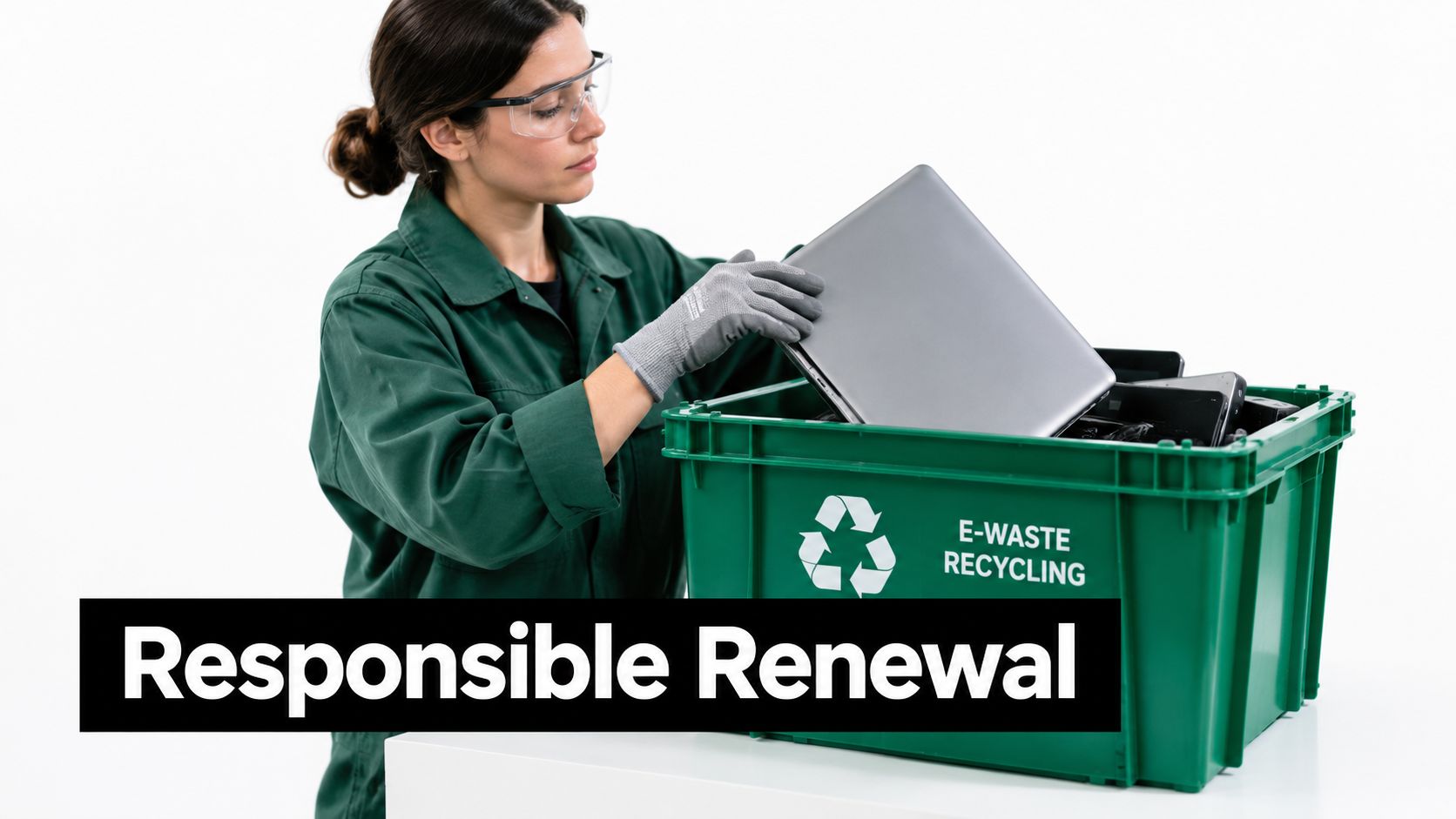
Donation supports practical reuse
Donation-based recycling gives functional equipment a route into refurbishment and community use. Reworx can help organizations assess whether a planned donation program fits their goals and operating constraints. Learn how Reworx Recycling helps reduce electronic waste through donation-based ITAD and material recovery.
That approach can support digital inclusion, community technology access, and workforce development while keeping unsuitable equipment in the correct processing stream. It also gives a corporate donation program a clear operating structure. The organization can document donated assets, items routed for recycling, and services included in the engagement instead of labeling the whole load as a generic contribution.
Apply the model to complex facilities
An office pickup may include routine computers and peripherals, while a larger facility may require separate planning for data center decommissioning, medical equipment disposal, laboratory equipment disposal, laptop disposal, or product destruction. These items can involve different safety, ownership, data, transport, or downstream requirements. Provide those details before loading day, not after a truck reaches the dock.
Arkansas has a public-sector basis for expanding electronics recovery. The Arkansas Computer and Electronic Waste Recycling Grants Program was established under Act 512 of 2007. Arkansas rules identify cities, counties, governmental entities, schools, colleges, universities, and other educational institutions as eligible applicants for recycling and e-waste funding. Eligible projects may include recycling, donation, demanufacturing, or disposal options that make services more convenient for residents and businesses. (Arkansas recycling grants program)
That framework makes donation-based and social enterprise recycling relevant to schools, agencies, nonprofits, and corporate sustainability teams, as well as private offices.
Next Steps for Your Organization's Recycling Plan
A Little Rock business should start with its generator type, pallet count, equipment list, and data risk. Confirm whether a municipal route accepts the load, use the Pulaski County threshold to evaluate pickup economics, and select a documented ITAD process when the equipment or information requires more control. Then schedule the office cleanout, facility cleanout, donation, buyback, or secure recycling before retired assets accumulate.
Reworx Recycling offers businesses a way to coordinate donation, secure data destruction, pickup, and responsible equipment disposition through one planned engagement. Visit Reworx Recycling to review its recycling resources, then prepare your asset manifest and request a scope for the next Little Rock computer recycling project.
Bring your retired computers, laptops, servers, and other electronics into a documented process that supports secure data destruction and community reuse. Contact Reworx Recycling to discuss a business pickup, donation-based recycling plan, or IT asset disposition partnership for your next technology refresh.