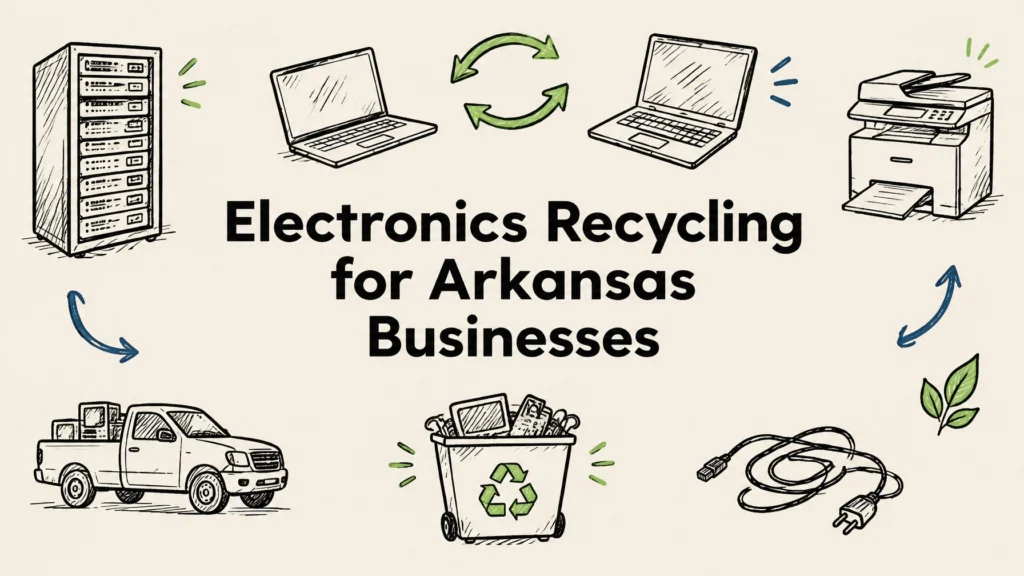
Arkansas businesses should inventory retired electronics, protect the data on them, and send them to a qualified electronics recycler instead of putting them in regular trash. A good IT asset disposition (ITAD) partner can arrange pickup, wipe or shred data-bearing devices with documentation, and route reusable equipment and recyclable materials responsibly.
Whether your office is in Little Rock, Fayetteville, Fort Smith, Springdale, or Jonesboro, a clear process makes equipment cleanouts easier to manage. Here’s what to consider and how to get started.
Why responsible electronics recycling matters
Retired laptops, servers, phones, and network devices can hold confidential business information long after they leave daily use. Simply deleting files or resetting a device may not be enough to meet your organization’s security needs. Before equipment is reused, resold, or recycled, decide how its data will be securely handled and keep a record of the outcome.
Electronics also contain materials that should be managed through responsible recycling rather than casually discarded. A qualified recycler can help keep equipment in a reuse or recycling stream and explain how it handles materials downstream. That supports your sustainability goals while giving you a clear record of where retired assets went.
Arkansas requirements may depend on the type of equipment and where your business operates. Local waste districts and municipalities can have their own guidance, so check with local authorities when you’re unsure. For a business cleanout, choose a provider that can explain its process, data safeguards, documentation, and downstream handling.
What a business ITAD partner should provide
ITAD covers the planning and handling of retired technology, from pickup through data destruction, reuse, buyback, or recycling. For businesses, the right partner should make the process traceable and straightforward, not leave you guessing about what happened to each device.
Look for a provider that can offer:
- Free nationwide pickup and free data destruction, with service details confirmed for your equipment and location.
- Secure data wiping using a NIST 800-88-style approach when devices may be reused, or physical hard drive shredding when that better fits your policy or the media’s condition.
- A certificate of destruction for destroyed media, along with clear records and chain-of-custody information.
- Certified eco-friendly recycling and responsible downstream processing.
- Equipment buyback evaluation for newer, working assets that may retain value.
- Flexible scheduling, including after-hours options where available, and tamper-proof drop-off boxes for suitable programs.
Ask how the provider tracks devices from handoff to final disposition. If your company has HIPAA, PCI DSS, state data breach law, or other policy obligations, check with your compliance or legal team about the records and controls you need. A recycler can explain its own process, but your organization is responsible for confirming that the process fits its requirements.
Reworx Recycling serves businesses nationwide across all 50 states, with its headquarters in Smyrna, Georgia, in metro Atlanta. Our IT asset disposition services support secure handling, data destruction, and responsible disposition for business equipment.

What equipment can businesses recycle?
A business electronics cleanout may include more than computers. Common equipment to ask a recycler about includes:
- Desktop computers, laptops, servers, and storage devices
- Hard drives, solid-state drives, and other data-bearing media
- Monitors, keyboards, mice, docks, and accessories
- Network switches, routers, and other networking equipment
- Mobile phones, tablets, and office telephones
- Printers, copiers, and other office electronics
- Cables, power supplies, and related peripherals
Acceptance can vary by provider and by item condition. Batteries, UPS units, CRT displays, lamps, and toner may have special handling requirements, so confirm how to prepare and separate them before pickup. Share an inventory or photos with your recycler if you have unusual equipment or a large quantity.
Drop-off or pickup: which is right for your business?
The best option depends on the volume of equipment, your location, and how much coordination you need. Confirm availability and requirements before moving devices.
| Option | Works well when | What to plan for |
|---|---|---|
| Drop-off | You have a smaller, manageable batch and a convenient location | Confirm accepted items, operating hours, and how data-bearing devices are handled |
| Tamper-proof drop-off box | Your organization has an arranged collection program and needs a secure, convenient place for devices | Confirm box availability, what fits, and how pickup and tracking are managed |
| Scheduled pickup | You have bulk equipment, servers, or devices spread across an office or facility | Prepare an inventory, choose a staging area, and coordinate access and timing |
A pickup can reduce the work of moving a large load yourself. Reworx offers free nationwide pickup, with flexible scheduling options; after-hours arrangements may help businesses work around regular office operations. You can also text us for a fast response about service availability and next steps.

Five steps for a smooth equipment cleanout
-
Choose an owner and make an inventory. List device type, asset tag or serial number, location, and whether it contains a hard drive or other storage. A basic spreadsheet helps your team reconcile what leaves the building.
-
Separate reusable equipment from recycling material. Identify newer, working devices that may be redeployed, donated, or evaluated for buyback. Keep equipment with sensitive data under your control until its data-handling plan is confirmed.
-
Prepare devices and accounts. Back up any business records you need to retain. Sign out of accounts, remove SIM cards where applicable, and follow your IT team’s instructions for device management and de-registration. Don’t rely on a factory reset as your only data-security step.
-
Arrange secure handling and collection. Confirm whether devices will be wiped or shredded, how chain of custody is recorded, and what documents you’ll receive. For bulk equipment or a server room cleanout, ask about logistics and access needs in advance. Reworx’s equipment decommissioning services can help coordinate larger removal projects.
-
Keep the closeout records. Match your inventory against the pickup or receiving record. Store the certificate of destruction and other disposition documents with your asset records, following your organization’s retention policy.
For reusable drives, secure wiping may be appropriate when the media is functional and the process suits your requirements. When a drive is damaged, cannot be reliably wiped, or your policy calls for physical destruction, shredding may be the better route. Ask for the method used and documentation that ties the work to the devices or media in your inventory.
Make sustainability part of the disposition plan
Responsible electronics handling is not only about removing equipment from a storage closet. A thoughtful ITAD plan considers whether items can be used again, whether newer assets may qualify for buyback, and how equipment that cannot be reused will be recycled.
Reworx works to bridge the digital divide by giving refurbished technology to marginalized and vulnerable communities for education and career readiness. When equipment is suitable for refurbishment, this can help extend its useful life while supporting access to technology.
Our electronics recycling service helps businesses manage a range of retired devices through pickup, data security, and responsible recycling. Before scheduling, prepare an equipment list and ask about any special handling needs.
FAQs
How do businesses recycle electronics in Arkansas?
Start with an inventory, decide how data-bearing devices will be sanitized, and arrange delivery or pickup with a provider that accepts business equipment. Check local guidance if you have questions about particular materials or disposal requirements.
Can I schedule a pickup for old office equipment?
Yes. Reworx offers free nationwide pickup for business electronics. Share your location, equipment list, quantity, and scheduling needs to confirm the best arrangement.
How do I destroy data on old company laptops?
Use secure wiping when devices are eligible for reuse and the method fits your organization’s requirements. Hard drive shredding is an option when physical destruction is needed; ask for chain-of-custody documentation and a certificate of destruction.
Is there free electronics recycling for businesses?
Reworx offers free nationwide pickup and free data destruction. Confirm the details for your equipment and location when arranging service, especially if the load includes items requiring special handling.
What equipment can be recycled?
Businesses commonly recycle computers, laptops, servers, drives, phones, tablets, networking equipment, printers, monitors, cables, and peripherals. Ask about batteries, UPS units, CRTs, and other special items before packing them.
Ready to plan an Arkansas office cleanout? Make a simple inventory, note any data-bearing devices, and text Reworx for fast service and help arranging a pickup or appropriate drop-off option.