For corporate laptop disposal in Florence, Kentucky, start with an accurate asset list, keep devices secure while they’re waiting for pickup, and make sure every data-bearing device is wiped or shredded with documentation. Then route reusable laptops for responsible reuse and equipment that can’t be reused to a qualified electronics recycler. Reworx Recycling offers free nationwide pickup and free data destruction, serving businesses in Florence and across all 50 states.
Why corporate laptop disposal needs a plan
A retired laptop may still contain company files, employee information, customer records, or access credentials. Deleting files or signing out of a user account isn’t the same as securely sanitizing the drive. A controlled process helps your team protect data and show what happened to each device.
Environmental handling matters, too. Kentucky businesses should not assume that household recycling bins or community drop-off programs accept corporate laptops. Check the local program’s rules, and choose a recycler that explains how it handles equipment and downstream processing.
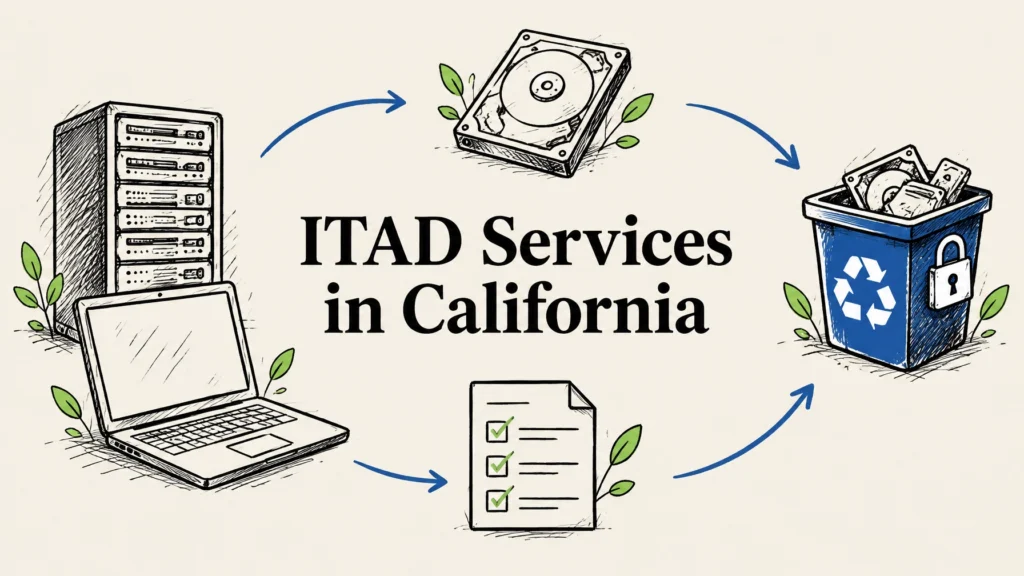
For a larger refresh, IT asset disposition (ITAD) can coordinate inventory, secure handling, data destruction, and final disposition in one process.
Choose a disposal route that fits each laptop
Not every laptop needs the same outcome. A working device might be suitable for reuse, while a damaged or obsolete one may need responsible recycling. Consider data sensitivity, device condition, and your organization’s approval process before deciding.
| Option | When it may fit | What to consider |
|---|---|---|
| Store for later | You have a documented reason to retain the device | Keep it secured, assigned, and on a review schedule |
| Resale or buyback | The laptop has reuse or market value | Sanitize data first and document the transfer |
| Donation or refurbishment | The device is usable and approved for reuse | Confirm data is removed and the device is ready for a new user |
| Certified recycling | The laptop can’t reasonably be reused | Ask how data-bearing parts and downstream materials are handled |
If some equipment may retain value, ask about equipment buyback. Reworx can assess eligible equipment for potential value recovery; the outcome depends on the equipment and its condition.
Corporate laptop disposal checklist before pickup
A little preparation makes collection smoother and supports a clear record from your office to final disposition.
- Approve the retirement. Confirm the laptops are no longer needed for business, legal, or records-retention purposes. Check for legal holds before wiping or destroying anything.
- Create an asset list. Record asset tags, serial numbers, model, assigned department or user, and condition. Note whether devices have hard drives, solid-state drives, or other storage media when known.
- Back up what you need. Move required work files to approved storage before data destruction. After a drive is wiped or shredded, recovery may not be possible.
- Remove accounts and access. Follow your IT offboarding process to sign out of accounts and revoke access to device management, VPN, and other company systems as appropriate.
- Separate special cases. Set aside damaged laptops, swollen batteries, and devices with missing or failed drives. Ask the recycler how these should be packaged and handled.
- Secure the staging area. Keep devices in a restricted room, locked cage, or controlled collection area until handoff. Avoid leaving them unattended in a lobby or loading area.
- Agree on the handoff record. Confirm the pickup count and how assets will be tracked. Keep a copy of the manifest and reconcile it against the final disposition records.

Wiping or shredding: choose the right data method
For a laptop that may be reused, a documented data wipe can be appropriate when the storage device is functional and the method fits your organization’s risk requirements. Ask for a process aligned with NIST 800-88-style media sanitization practices, and confirm how failed wipes or unreadable drives are handled.
For a failed drive, or when your policy requires physical destruction, hard drive shredding is another option. Shredding destroys the media itself, so the drive cannot go back into service. The choice depends on your security policy, data sensitivity, device condition, and whether the equipment is intended for reuse.
Whichever method you choose, ask for a certificate of destruction or sanitization and a clear record of exceptions. Keep the documents with your asset inventory and pickup manifest. These records can support internal audits and help your team demonstrate that devices were handled through a defined process.
That documentation is especially useful for organizations managing sensitive information or working under requirements such as HIPAA, PCI DSS, or state data breach laws. Requirements vary by organization and situation, so confirm the controls your compliance or legal team expects. A recycler should be able to explain its chain of custody, data process, and downstream handling in plain language.

What to ask an electronics recycler
Before you schedule laptop disposal in Florence, ask a few direct questions:
- Do you provide free pickup for our location and the equipment we have?
- How do you protect devices from handoff through processing?
- Can you wipe functional drives and shred drives that cannot be securely wiped?
- What does your certificate of destruction include?
- How do you handle exceptions, damaged laptops, and loose or swollen batteries?
- What happens to equipment that can be reused, and how are non-reusable materials processed?
- Can you provide a pickup manifest and final disposition documentation?
- What current environmental certifications and downstream controls can you verify?
Look for a recycler with a defined, responsible process, not just a promise to “take the old computers.” Reworx provides free data destruction and eco-friendly certified recycling, with responsible downstream processing in an R2-style approach. Ask about the documentation available for your specific project.
For organizations that need a secure collection option, ask about tamper-proof drop-off boxes and after-hours or flexible scheduling. Reworx can discuss the right arrangement for your site and pickup needs. You can also text Reworx for a faster service response.
From Florence pickup to community benefit
Reworx Recycling serves customers nationwide from its headquarters in Smyrna, in metro Atlanta. Florence businesses can arrange free nationwide pickup, whether they’re retiring a laptop batch or coordinating a broader IT equipment refresh.
Usable devices may have a second life after data is securely handled and the equipment is assessed for reuse. As a social enterprise, Reworx helps bridge the digital divide by getting refurbished technology to marginalized and vulnerable communities for education and career readiness. Devices that cannot be reused are directed through responsible recycling.

FAQs about laptop disposal in Florence, Kentucky
Where can a Florence business recycle old laptops?
Use a recycler that can explain its data destruction, pickup records, and downstream recycling process. Don’t assume a household or community drop-off program accepts corporate equipment or provides the documentation your business needs.
Is wiping a company laptop enough before recycling?
A standard file deletion or factory reset may not meet your organization’s data security requirements. Ask for documented, NIST 800-88-style wiping for reusable drives, or hard drive shredding when the drive cannot be wiped or your policy calls for destruction.
Can Reworx pick up corporate laptops in Florence, KY?
Yes. Reworx offers free nationwide pickup, including for businesses in Florence, Kentucky. Contact the team to discuss the number and type of devices, pickup details, and documentation for your project.
What should a certificate of destruction include?
Ask for documentation that identifies the devices or media processed, describes the destruction or sanitization method, and notes any exceptions. Keep it with your inventory and transfer records.
Can retired business laptops be refurbished for reuse?
Some laptops may be suitable for refurbishment after data is securely removed and the devices are assessed. Reuse depends on the equipment’s condition and suitability; devices that can’t be reused should be responsibly recycled.
Plan your Florence laptop pickup
Gather your asset list, separate any damaged devices, and decide whether each laptop is intended for reuse or recycling. Then contact Reworx Recycling to arrange free nationwide pickup and discuss free data destruction, certificates, and the right handling for your equipment. Call 678-449-0003 or text us for fast service.