Businesses in Lafayette can recycle computers through a documented IT disposal process that protects company data and sends equipment to responsible reuse or recycling. Reworx Recycling provides free nationwide pickups, including in Louisiana, and free data destruction through secure wiping or hard drive shredding, with a certificate of destruction.
A retired laptop or server can hold sensitive information long after it leaves daily use. With a clear inventory, secure handling, and a record of what happened to each device, your business can clear out old equipment without losing track of data or environmental responsibility.
What can Lafayette businesses recycle?
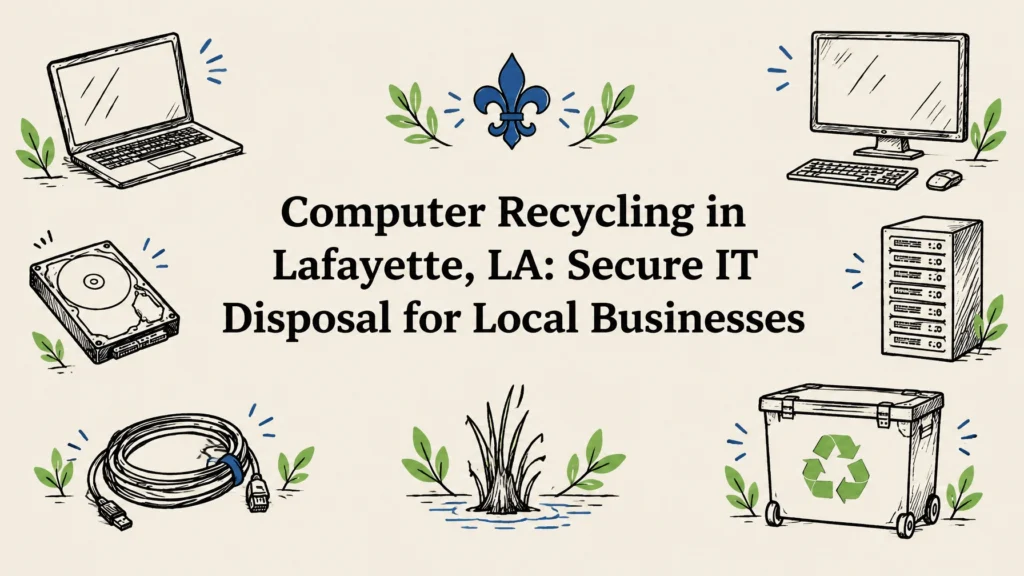
Business computer recycling can include more than desktop towers and laptops. Common equipment to discuss with your recycler includes:
- Desktop computers, laptops, and servers
- Monitors, keyboards, mice, and docking stations
- Network equipment, such as routers and switches
- Hard drives and other data-bearing storage
- Printers, phones, tablets, and accessories
Accepted items can vary, so make a list before arranging a pickup. If you have unusual equipment, damaged devices, or a mix of electronics, ask the recycler what they can take and how each type will be handled.
Our electronics recycling service supports businesses looking to manage retired computers and other electronics responsibly. Reworx serves organizations across all 50 states from its headquarters in Smyrna, in metro Atlanta.

Choose a secure route for each device
A good recycling plan distinguishes between equipment that may be reusable and equipment that should be destroyed or recycled. The right choice depends on the device, its condition, and your organization’s data-handling requirements.
| Equipment | Common next step | What to confirm |
|---|---|---|
| Laptops and desktops | Wipe data before reuse when suitable, or recycle responsibly | How drives are sanitized and documented |
| Hard drives | Wipe for appropriate reuse, or shred when physical destruction is required | Whether you receive a certificate of destruction |
| Servers and network devices | Inventory, secure data-bearing components, then reuse or recycle | How equipment is tracked through processing |
| Monitors and accessories | Reuse where practical or process through responsible recycling | Which items are accepted and how they are handled |
For devices that may be reused, ask whether the data can be wiped using a NIST 800-88-style process. If a drive is not suitable for reuse, or your policy calls for physical destruction, hard drive shredding is another option.
Ask for a certificate of destruction for devices that undergo data destruction. For a business project, also ask how equipment is identified during pickup and processing, how custody is documented, and whether the final report can be matched to your inventory. These records can help your team support its own privacy and security procedures, including those related to HIPAA, PCI DSS, state data breach laws, or internal policies. A recycler can support a responsible process, but your organization remains responsible for determining its specific compliance requirements.
How to prepare computers for pickup
A little preparation can make collection smoother and reduce the chance that equipment gets mixed up or missed. You do not need to dismantle computers or remove storage devices unless your IT policy requires it.
- Identify the equipment. Make a list of devices and, where practical, record asset tags or serial numbers. Note which devices contain data and flag equipment that requires shredding.
- Back up needed files. Confirm that important business records have been moved to approved storage before equipment leaves your site.
- Sign out of accounts. Remove personal or company accounts and disconnect devices from services as your internal process allows. For mobile devices, remove SIM cards and memory cards.
- Group and label items. Keep computers, monitors, servers, drives, and accessories organized. Separate items with special handling needs and label the groups clearly.
- Secure the staging area. Store equipment in a controlled location until pickup. Limit access, especially for data-bearing devices, and avoid leaving them in an unlocked public area.
- Confirm collection details. Share your item list, site access needs, preferred timing, and any after-hours requirements when you schedule. Reconcile the pickup record with your inventory.
Do not place retired computers or storage devices in ordinary trash. If your business uses a tamper-proof electronics drop-off box, confirm availability and approved items before using it. For larger cleanouts, a scheduled pickup can help keep equipment together and make handoff easier to document.

What happens after you schedule?
Reworx’s process starts with coordinating a free pickup for your business. Pickup planning can include the equipment types, approximate quantity, site access, and the timing that works for your team. After collection, data-bearing devices can be securely wiped or hard drives can be shredded, depending on the device and your needs.
After data destruction, the equipment can be evaluated for reuse or directed into responsible recycling. Reworx offers certified eco-friendly recycling programs with responsible downstream processing. Ask what records will be available for your project and how the equipment’s chain of custody is tracked from handoff through its next step.
For organizations retiring a mix of computers, servers, and other IT hardware, our IT asset disposition service can help structure the process around your equipment and requirements. If you need flexible timing, ask about after-hours scheduling. You can also text Reworx for a fast response about service and pickup planning.
Make retired technology useful where it can be
Not every working computer needs to become scrap. When equipment is suitable for refurbishment, extending its useful life can help put technology to work again. Reworx’s mission is to help bridge the digital divide by getting refurbished technology and support to marginalized and vulnerable communities for education and career readiness.
If equipment cannot be reused, responsible recycling gives its materials a more appropriate route than disposal in ordinary waste. Either way, sorting devices by type and data needs helps make the process clearer.
Questions to ask before choosing a recycler
Before handing over company equipment, ask:
- Do you offer pickup at our Lafayette location, and is it free?
- How do you handle data-bearing devices, including hard drives?
- Can you provide a certificate of destruction?
- How is the equipment tracked between pickup and processing?
- What electronics do you accept, and what happens to devices that can’t be reused?
- Can we arrange after-hours collection or use a tamper-proof drop-off box?
- How should we prepare our inventory and site for collection?
Clear answers help you compare providers and understand what your organization will receive at the end of the project. For larger cleanouts, confirm the expected logistics and documentation before pickup so your IT, facilities, and compliance teams know what to expect.
FAQs about computer recycling in Lafayette
How can a Lafayette business recycle old computers?
Make an equipment list, identify data-bearing devices, and arrange collection with a recycler that explains its data-destruction and recycling process. Reworx offers free nationwide pickups, including in Lafayette.
Is computer recycling pickup free in Lafayette, LA?
Reworx offers free nationwide pickup. Contact us with your location and equipment list to coordinate the details.
How do you destroy data on old business computers?
Depending on the device and its intended next step, data can be wiped using a NIST 800-88-style process or the hard drive can be physically shredded. Ask which method applies to each device and request a certificate of destruction.
Can businesses recycle servers and network equipment?
Many business recycling projects include servers and network hardware. Share the equipment types and quantity when you arrange service, and confirm what is accepted and how data-bearing parts will be handled.
What should we do before a computer recycling pickup?
Back up needed files, sign out of accounts, remove SIM cards from mobile devices, prepare an inventory, and secure equipment in a controlled staging area. Confirm pickup access and timing in advance.
Ready to clear out retired computers or plan a larger IT disposal project? Contact Reworx Recycling at 678-449-0003 or text us to discuss a free pickup for your Lafayette business.