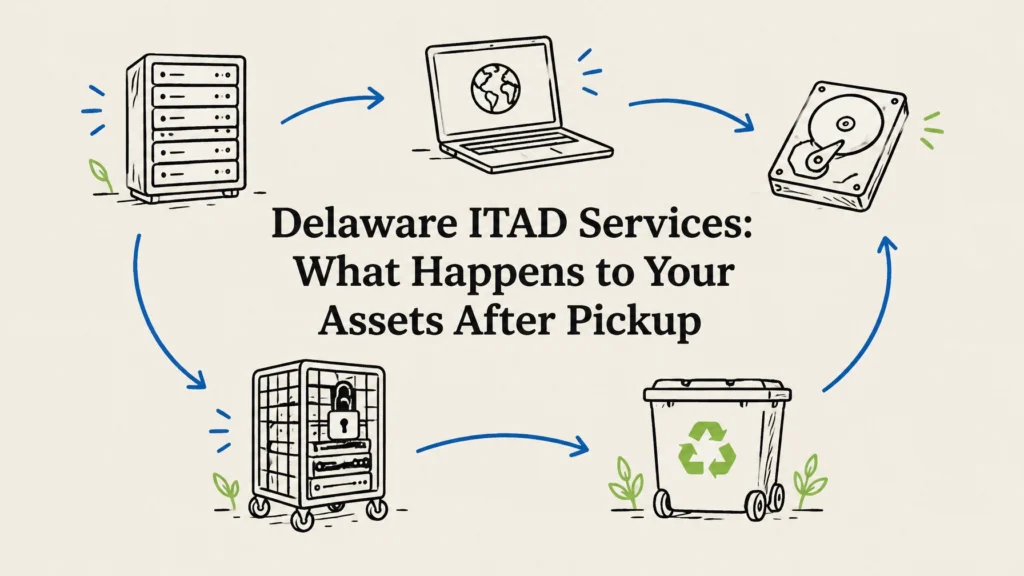
IT asset disposition in Georgetown, Kentucky, gives businesses a secure, documented way to retire laptops, servers, networking equipment, and other electronics. A good plan tracks equipment from pickup through data destruction and final reuse or recycling, so you know what happened to each asset. Reworx Recycling provides free nationwide pickup and free data destruction, including service for businesses in Georgetown.
What IT asset disposition covers
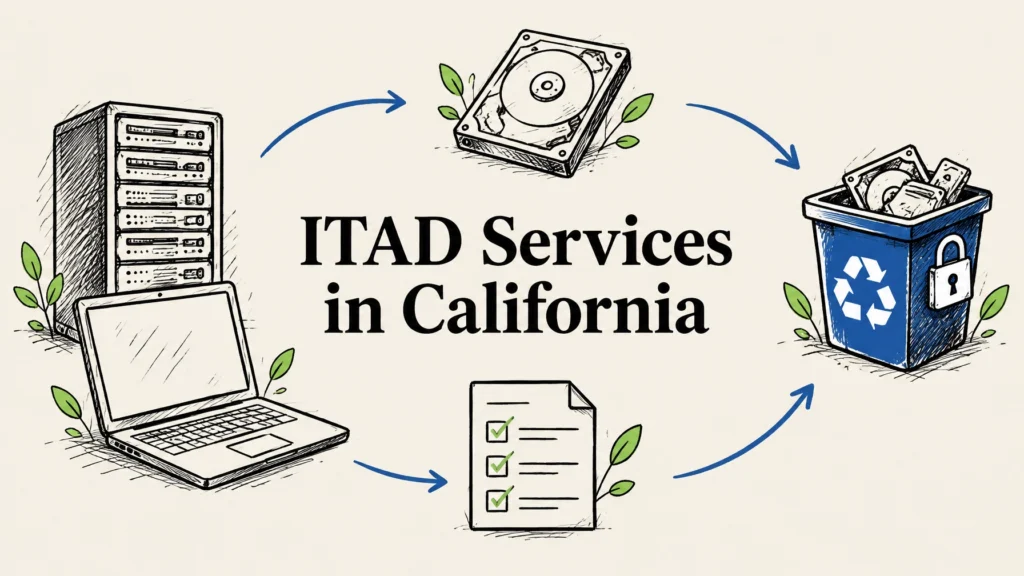
IT asset disposition, or ITAD, is the process of retiring business technology responsibly. That can mean preparing equipment for reuse, recovering value through buyback, recycling devices that cannot be reused, and securely handling any stored data.
A practical plan covers more than computers. Consider desktops, laptops, servers, storage devices, network switches and routers, phones, tablets, monitors, printers, and related cables or peripherals. Some devices, such as printers and network equipment, can hold storage too, so include them in your inventory rather than assuming they are data-free.
For Georgetown organizations, ITAD can make an office refresh, relocation, or equipment cleanout easier to manage. Kentucky’s electronics recycling guidance is also a useful reference when choosing a responsible path for business electronics.
Match each asset to the right outcome
Not every retired device needs the same treatment. Working equipment may be suitable for reuse or buyback, while failed equipment or storage that cannot be reliably sanitized may need physical destruction. Any route should include a clear record of what happened.
| ITAD goal | How it is addressed |
|---|---|
| Protect company information | Wipe eligible devices or shred data-bearing drives, based on device condition and your policy |
| Track equipment | Reconcile an inventory against pickup and processing records |
| Recover value | Assess eligible working equipment for reuse or buyback |
| Reduce e-waste | Send non-reusable electronics through responsible recycling |
| Document completion | Request a certificate of destruction and a clear final disposition record |
Wiping or shredding: which should you choose?
Deleting files, emptying a recycle bin, or restoring a device to factory settings does not necessarily remove data in a way that meets your organization’s security requirements. Before equipment leaves your control, decide how its storage will be sanitized.
A secure wipe may be appropriate when the device and storage media support the process and the equipment may be reused. Ask your ITAD provider to explain the method used, how the result is checked, and how the work is recorded. Solid-state drives and other flash storage can require a different approach from traditional hard disk drives, so ask about the specific media in your inventory.
Hard drive shredding is a direct option for drives that are damaged, cannot be reliably wiped, or must not be reused under your organization’s policy. Reworx offers free data destruction through wiping or hard drive shredding, with a certificate of destruction. You can read more about hard drive shredding.

If your organization handles regulated or sensitive information, confirm the process with your security or compliance lead before scheduling disposition. HIPAA, PCI DSS, state data breach laws, and contract or government requirements may shape what evidence you need. A certificate helps document the work, but you should confirm that the chosen method, recordkeeping, and custody controls fit your own obligations.
A practical ITAD process for Georgetown businesses
A little preparation helps prevent missing equipment, unclear responsibilities, or last-minute security decisions. Use these stages to organize a project:
-
Set scope and approval. Identify the business owner for the disposition project and get approval from the teams responsible for IT, security, facilities, and finance as needed. Check whether any equipment is leased, under warranty, subject to a legal hold, or still needed for records retention.
-
Create an inventory. Record device type, make and model, serial number or asset tag, location, and condition. Note which devices store data and flag any equipment that is damaged or has special handling needs. A list does not need to be complicated, but it should help you reconcile what leaves your site.
-
Prepare devices. Back up business information that needs to be retained. Sign out of accounts, remove personal or company SIM cards where applicable, and ask your IT team to revoke credentials, device enrollment, certificates, and remote access. Do not treat a factory reset as a substitute for your approved data destruction process.
-
Agree on handling and custody. Before pickup, confirm how equipment will be packed, collected, and recorded. Use secure staging for data-bearing devices, and request a pickup record that can be matched to your inventory. Ask how exceptions, such as a missing serial number or a damaged drive, will be reported.
-
Choose the disposition route. Determine whether equipment may be reused, assessed for buyback, recycled, or destroyed. Reworx’s IT asset disposition services support secure data handling, equipment recycling, and business pickups.
-
Review records and close the project. Reconcile the pickup details with the final processing documentation. Keep the certificate of destruction and any asset-level records your business needs, then update your internal asset list so the equipment is no longer shown as active.

What to ask an ITAD provider
A provider should be able to explain the full journey of your equipment in plain language. Before choosing one, ask:
- Do you offer pickup for Georgetown, Kentucky, and how is collection documented?
- How do you protect assets between pickup and processing?
- Which data destruction options are available, and how do you determine the method for each device?
- What information appears on the certificate of destruction?
- How do you handle failed drives, missing inventory items, and other exceptions?
- What happens to equipment that can be reused, and what is the recycling route for the rest?
- Can eligible equipment be assessed for buyback?
Kentucky organizations can also ask recyclers about their environmental practices and downstream handling. Reworx provides certified eco-friendly recycling programs and responsible downstream processing. For eligible equipment, its equipment buyback program may help recover value rather than sending usable technology directly to recycling.
Plan pickup around your workplace
Reworx serves businesses nationwide across all 50 states, including Georgetown, with free nationwide pickup. The company is headquartered in Smyrna, in metro Atlanta, and works with organizations to arrange practical collection plans.
For a larger equipment refresh, prepare an inventory before requesting pickup and share the general device types and quantities. This helps clarify logistics and whether any items need special handling. If your schedule is tight, ask about after-hours or other flexible scheduling options. Tamper-proof drop-off boxes may also be useful for planned collections; confirm availability and instructions for your location. You can text Reworx for a fast response.
Reworx’s mission is to help bridge the digital divide by providing refurbished technology and support to marginalized and vulnerable communities for education and career readiness. When equipment is suitable for another use, a responsible second life can benefit people as well as reduce waste.
Frequently asked questions
Does Reworx pick up IT equipment in Georgetown, KY?
Yes. Reworx offers free nationwide pickup for businesses, including Georgetown, Kentucky. Contact the team with your equipment list to discuss scheduling and handling.
Should I wipe or shred old business hard drives?
That depends on the drive, its condition, your reuse plans, and your organization’s security policy. Wiping may suit media that can be reliably sanitized for reuse; shredding is an option for failed drives or when physical destruction is required.
What equipment can a business include in an ITAD pickup?
Businesses commonly retire laptops, desktops, servers, storage devices, networking equipment, phones, monitors, and peripherals. Share your inventory with the provider and ask about any unusual or specialized items before pickup.
What documentation should I keep after IT asset disposition?
Keep your inventory, pickup or custody record, certificate of destruction, and any final disposition documentation you receive. Reconcile these records with your asset list and retain them according to your organization’s policies.
How do we get started with IT asset disposition in Georgetown?
Prepare a basic inventory and decide which devices contain data or may be eligible for reuse. Then contact Reworx to discuss a free nationwide pickup, data destruction options, and recycling.