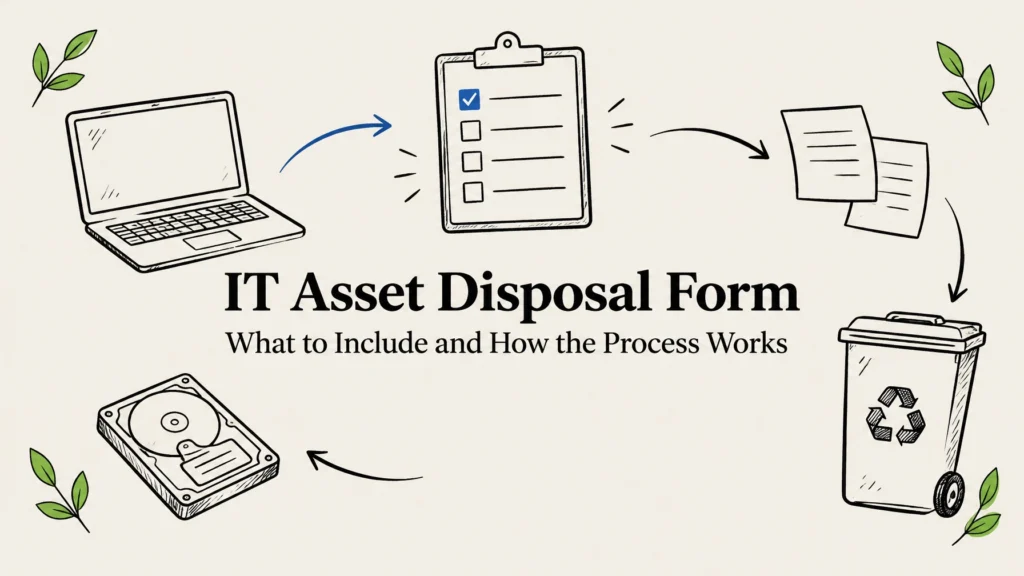
An IT asset disposal form records what equipment is leaving service, who approved its retirement, how its data was handled, and where it went. It connects the physical handoff to the organization’s asset register, financial records, and audit evidence. A good form follows the asset from the decision to dispose through its final disposition.
What does an IT asset disposal form do?
Think of the form as the cover sheet for a complete disposal record. It identifies the equipment and captures approvals, data-handling instructions, custody details, and final outcome. It can also point to supporting documents, such as a data destruction certificate, recycler receipt, or accounting journal entry.
A pickup receipt alone usually cannot answer every question an auditor or finance team may ask. The form helps show that a device was authorized for disposal, matched to the right inventory record, protected during transfer, and properly closed out in business systems.

What should an IT asset disposal form include?
A useful form is specific enough to trace each asset without becoming so complicated that staff avoid completing it. For a batch of equipment, list assets individually or attach a controlled inventory that identifies each device.
| Field group | Details to record | Typical owner |
|---|---|---|
| Request and approval | Request ID, date, department, reason for disposal, approver names and dates | Requester and manager |
| Asset identification | Asset tag, serial number, device type, make and model, assigned department or user | IT or asset manager |
| Financial details | Purchase date, original cost, current book value, asset-register reference | Finance |
| Data handling | Storage media, planned wipe or destruction, completion date, evidence reference | IT or security |
| Transfer and final outcome | Handoff date, receiving party, final route, receipt or certificate reference | IT and service provider |
Add the equipment’s condition and any useful notes, such as missing parts, a failed drive, or an unresolved discrepancy. If the device is leased, under warranty, subject to a legal hold, or otherwise restricted, flag that before approving the transfer.
The data section should distinguish a wipe from physical destruction. A NIST 800-88-style sanitization process may be suitable when the media and reuse plan support it. Hard drive shredding may be appropriate when a drive cannot be reliably wiped or when your organization’s requirements call for destruction. Whichever route you choose, retain evidence tied to the relevant device or batch, such as a certificate of destruction.
If your organization handles sensitive information, align the form and process with your own security policies and applicable obligations. Those may include HIPAA, PCI DSS, state data breach laws, or contractual requirements. A form helps document what your organization did; it does not, by itself, establish compliance.
IT asset disposal workflow: from request to final record
Use the form throughout the process rather than filling it in after the equipment has left your building. That makes it easier to catch missing approvals or mismatched serial numbers before they become hard to resolve.
- Request retirement. Record who is asking for disposal, why the equipment is leaving service, and the requested timing. Identify whether the plan is to redeploy, return, sell, donate, recycle, or destroy the asset.
- Match equipment to inventory. Check the asset tag and serial number against your asset register. Note the device type, assigned department, condition, and any accessories that are part of the transfer.
- Review ownership and restrictions. Confirm that the organization owns the equipment or has instructions for a leased or managed device. Check for legal holds, retention needs, warranty terms, and other reasons the asset may not be ready to leave.
- Approve the route. Get the required manager, IT, security, or finance approval before collection. Record the decision and date so it is clear who authorized the next step.
- Prepare the device and data. Back up anything your organization needs to retain, sign out of accounts, and follow internal instructions for removable media or SIM cards. Decide whether storage will be wiped or physically destroyed, and record how the result will be documented.
- Record collection and custody. At handoff, reconcile the items against the inventory. Record when and where equipment was released, who received it, and any shipment or collection reference your team uses.
- Confirm final disposition. Attach or reference the supporting record, such as a destruction certificate, recycling receipt, sale document, or return confirmation. Resolve any missing items or count differences before closing the file.
- Close the books and systems. Finance should confirm the appropriate accounting treatment and update the fixed-asset register. IT should update relevant inventory or device-management records so the equipment is not still listed as active.

How the form supports write-offs and audit records
Disposing of a device physically and removing it from the books are related tasks, but they are not the same event. A recycler’s receipt may show that equipment was received. Finance still needs to determine how the asset should be treated in the organization’s records.
The form should give Finance enough information to review the asset’s value and disposal route. That may include original cost, accumulated depreciation, current book value, proceeds from a sale, and the date the asset left service. The correct write-off or gain-and-loss treatment depends on your organization’s accounting policy, so Finance should approve the entry rather than relying on the recycling record to make that decision.
Keep the supporting evidence together under a shared request number or asset reference. A complete disposal packet may include the approved form, inventory list, custody records, data destruction certificate, final disposition receipt, and accounting entry. Make sure the records agree on asset identifiers, dates, and quantities.

What to ask your ITAD or recycling provider
Before collection, ask how the provider will identify the equipment received and how you will get confirmation of the final outcome. For data-bearing devices, ask which options are available: wiping in a NIST 800-88 style or hard drive shredding. Ask what the certificate of destruction identifies and how the provider documents custody from pickup through processing.
Also confirm the practical details: what equipment is accepted, how to prepare it, and when collection can happen. A clear handoff matters whether you are retiring a few office computers or coordinating servers, laptops, and network equipment across multiple locations.
Reworx Recycling provides free nationwide pickup and free data destruction. We can wipe eligible devices in a NIST 800-88 style or shred hard drives, with a certificate of destruction for the documented work. Our eco-friendly certified recycling programs use R2-style responsible downstream processing, and we can help your team structure the disposal record around the equipment and evidence involved.
We serve organizations across all 50 states. Reworx is headquartered in Smyrna, Georgia, in metro Atlanta, and offers flexible scheduling, including after-hours options. Tamper-proof drop-off boxes may suit some collection needs, and you can text us for a fast service response. Learn more about our IT asset disposition services or data destruction services.
Frequently asked questions
Do I need a separate IT asset disposal form for every device?
Not necessarily. You can use one request for a batch if each asset is individually identifiable in the form or in a controlled attachment. Keep the records clear enough to match each item to its outcome.
What is the difference between an asset disposal form and a certificate of destruction?
The disposal form records the request, approvals, asset details, planned route, and closeout. A certificate of destruction documents that specified media or devices were destroyed. Keep the certificate with the form when destruction is part of the process.
What information should I give Finance for an IT asset write-off?
Provide the asset identifier, disposal date and reason, current book information, and any proceeds or supporting receipt. Your Finance team should confirm the accounting treatment under your organization’s policy and record the related entry.
Can an IT asset disposal form cover equipment sent for recycling?
Yes. Record which equipment is being recycled, how any data-bearing media were handled, who received the equipment, and what final documentation is available. Recycling evidence and data destruction evidence may be separate records.
Put the record and the process together
A reliable disposal form makes it easier to follow each device from approval to final disposition, protect sensitive data, and close the loop with Finance. Reworx can help you structure the record around your project and coordinate pickup, data destruction, and responsible recycling. When equipment is suitable for another use, our mission includes bridging the digital divide by giving refurbished technology to marginalized and vulnerable communities for education and career readiness.
To discuss your equipment or arrange service, visit Reworx Recycling or call 678-449-0003.