If you’re comparing data destruction services near me, ask how each drive will be wiped or destroyed, how it will be tracked from your office to processing, and what proof you’ll receive. The right method depends on the media type and whether you want equipment to remain reusable. Before handing anything over, get clear answers on the method, chain of custody, and certificate.
This checklist is for IT managers and operations leads making that decision. It’s designed to help you compare what vendors actually do, not just what their service pages promise.
Compare the methods used by data destruction services near me
A vendor should explain which methods work for your specific media and what outcome each one provides. “Data destruction” can mean several different things, and a method that suits a spinning hard drive may not suit an SSD or phone storage.
| Method | What it does | Media it works on | Best suited to | What to ask |
|---|---|---|---|---|
| Wiping (software overwrite / cryptographic erase, NIST 800-88 style) | Software overwrite writes over data; cryptographic erase makes stored data unreadable by securely removing encryption keys when the drive and its encryption setup support it. The drive can remain reusable. | Drives that support the selected process; capabilities vary by drive type and condition. | Functional devices intended for reuse, when the method is appropriate and its completion can be checked. | Which technique will you use on each media type, how will you verify it, and will the device remain reusable? |
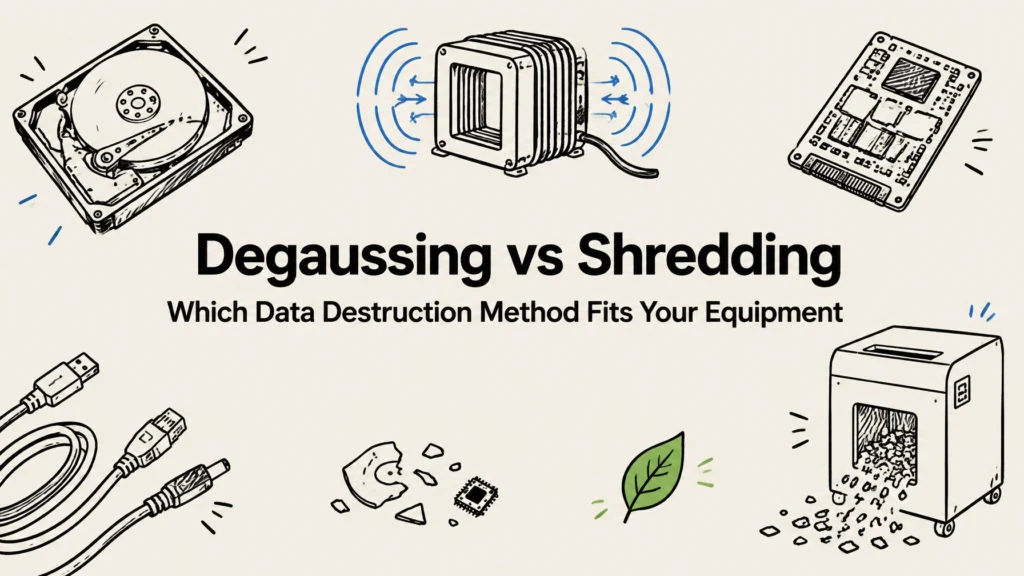
| Degaussing (magnetic) | Uses a strong magnetic field to disrupt recorded magnetic data. | Magnetic media, such as suitable spinning hard drives; it does not erase SSDs or flash storage. | Suitable magnetic media that do not need to be reused. | How do you confirm the media is magnetic, and what happens to it afterward? |
| Shredding (physical) | Cuts the drive into fragments, destroying the storage media. | Hard drives, SSDs, and other media if the equipment is designed to process them. | Drives that should not be reused or cannot be reliably wiped. | What media can your shredder handle, and how do you identify and document each drive? |
| Crushing / physical destruction | Deforms the device or storage media under force. Crushing does not always destroy every platter or chip surface. | Depends on the crushing equipment and media design. | Cases where crushing is part of a documented destruction plan and the result is suitable for your needs. | How do you confirm the data-bearing parts were destroyed, especially for SSDs? |
A vendor should not treat all drives as interchangeable. For example, degaussing a solid-state drive does not sanitize its flash chips. Likewise, wiping may be a reasonable choice for a reusable device, but the vendor should explain why the selected process suits that specific media and how it checks the result.
Vendor questions to ask before you hand over drives
Use these questions in a call, proposal review, or written vendor questionnaire. The answers should be specific enough that your team can compare providers on the same basis.
- Do you wipe or shred each drive? The method determines whether the drive may be reused and whether the media is physically destroyed.
- Is wiping or shredding included, or handled as an extra service? Knowing what is and isn’t included helps you compare the full service scope.
- Will I get a certificate with serial numbers? Serial-level records let you connect the vendor’s result to the devices in your inventory.
- Who handles the drive, and where is the work performed? You need to know which people and locations have responsibility for the media.
- How do you document chain of custody? A written trail helps show where the drive went and who accepted it at each handoff.
- Can our staff watch the destruction? Witnessing may suit projects where direct visibility matters, but it does not replace asset-level records.
- What happens to the drive after wiping or destruction? The answer should explain whether it is returned, reused, recycled, or otherwise processed.
- Can you handle SSDs and phones as well as spinning drives? Different storage technologies need methods suited to their design.
- Is the process documented in writing? Written procedures and records give your team something concrete to review and retain.
For regulated or sensitive data, ask how the vendor’s records fit your own written policies and obligations. If HIPAA, PCI DSS, state data-breach laws, or contractual requirements apply, confirm what evidence your organization needs with the appropriate internal compliance or legal lead.
Chain of custody: follow the drive from your office to its outcome
Chain of custody is the plain-language record of who had a drive, when they had it, where it went, and what happened next. A useful record starts with your inventory and continues through collection, transport, receipt, processing, and final disposition.
At each step, the record should make it possible to check:
- Which device or media item is involved, using a serial number or another unique identifier.
- When and where it changed hands, and who released and accepted it.
- How it was secured for transport, including any seal or container details if used.
- Whether the vendor’s received inventory matches what your team handed over.
- What method was applied, whether it completed, and what happened to the device afterward.
A weak handoff might be a box left with a general carrier without a reconciled inventory, a collection receipt that says only “one box,” or a gap between pickup and vendor intake with no clear record of responsibility. That gap is often between your office and the vendor’s door. Until the vendor records receipt and reconciles the shipment, you may not have a clear account of who controlled the drives or whether every item arrived.
Before collection, agree on the inventory format and handoff steps. Keep a copy of the pickup record, note any discrepancies before the driver leaves, and ask when you’ll receive the processing results.
What a certificate of destruction must contain
A certificate should connect the stated work to the equipment you actually handed over. Check that it includes:
- Your company name.
- The date of destruction.
- Device or serial identifiers.
- The method used.
- Where the work was performed.
- Who performed it.
- A statement that data destruction was completed.
- A signature.
A certificate with no serial numbers does not tie to your equipment. If a vendor uses a separate asset list, ask how that list is linked to the certificate and whether you’ll receive both. Keep the final paperwork with the project inventory and other retirement records.
On-site versus off-site destruction
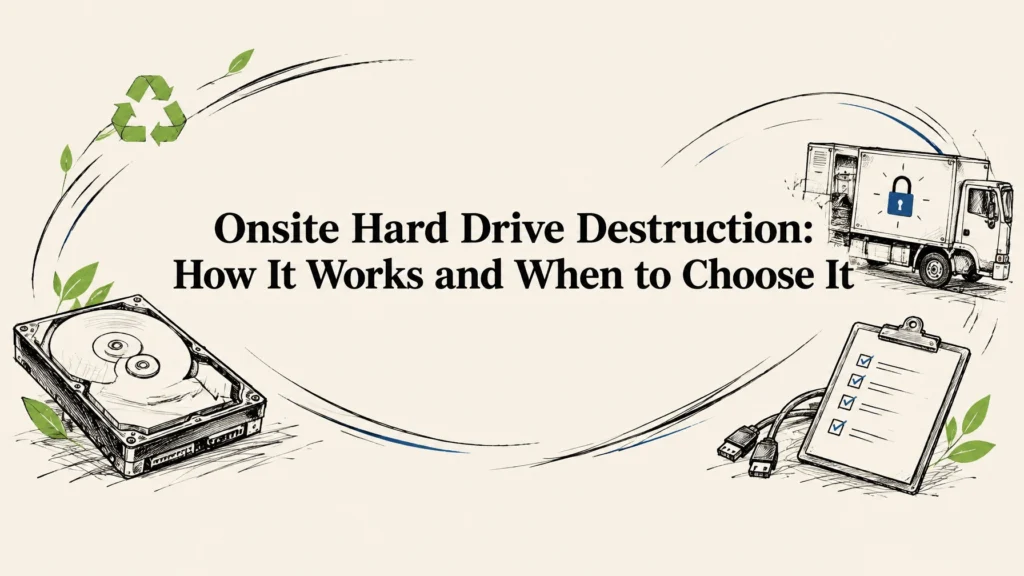
On-site service can make sense when your team wants to witness the work or prefers drives to be destroyed before leaving the premises. Confirm the vendor can handle your media types there and will provide a record of the specific devices processed.
Off-site service may be practical when you have a larger collection or want the vendor to process drives at its facility. In that case, focus on sealed or otherwise controlled transport, documented receipt, inventory reconciliation, and a clear certificate. Neither location is secure by itself; the handoffs and records matter.
Prepare the handoff and check what the vendor accepts
Before collection, make an inventory of hard drives, server drives, laptop storage, SSDs, and phones or other devices that may hold data. Match serial numbers where possible, note devices that are damaged or inaccessible, and confirm in writing how those items will be handled. Back up any information you need and remove SIM cards or removable media from devices if your organization’s instructions call for it.
Ask the vendor to confirm accepted equipment and any preparation requirements before scheduling. Reworx lists its accepted equipment in its accepted items guide. If your project includes drives that must be physically destroyed, review the hard drive shredding service and ask how your specific devices will be tracked and documented.
With Reworx, data-bearing devices are wiped or shredded free of charge, and a certificate of destruction is issued. Businesses can arrange free scheduled nationwide pickup; tamper-proof drop-off boxes and after-hours scheduling are also available, and you can text for fast service. Reworx serves all 50 states from its headquarters in Smyrna, Georgia, in metro Atlanta. For details, see the data destruction services page.
Once drives are safely wiped, equipment that can be reused may have a second life. That supports Reworx’s mission of bridging the digital divide by getting refurbished tech to marginalized and vulnerable communities for education and career readiness. Equipment that cannot be reused should still have a documented route through responsible downstream recycling.
FAQ: data destruction services and drive handoffs
What is the difference between data wiping and hard drive shredding?
Wiping removes data through a software process and leaves the drive reusable when the method is suitable and completes as intended. Shredding physically breaks the drive into fragments, so it cannot be reused as storage.
Do I need a certificate of destruction for every drive?
For a business handoff, ask for records that identify each drive, usually through serial numbers or another unique identifier. A certificate without those identifiers does not show which items in your inventory were processed.
Can you destroy SSDs and phone storage?
Yes, but the method must suit the storage and equipment. Degaussing is for magnetic media, not SSDs or flash storage, so ask the vendor to explain how it handles each device type and records the outcome.
Is data destruction really free?
Reworx wipes or shreds every data-bearing device free of charge and issues a certificate of destruction. Ask about accepted equipment and the pickup or drop-off arrangements for your project before scheduling.
How do I find data destruction services near me?
Look for a vendor that can explain its methods, track devices through every handoff, and provide a certificate tied to your inventory. Reworx serves all 50 states, with free scheduled nationwide pickup, tamper-proof drop-off boxes, after-hours scheduling, and text-for-fast-service.
Next step: Before you release a drive, send your vendor the checklist above and ask for written answers on method, custody, and the certificate you’ll receive.