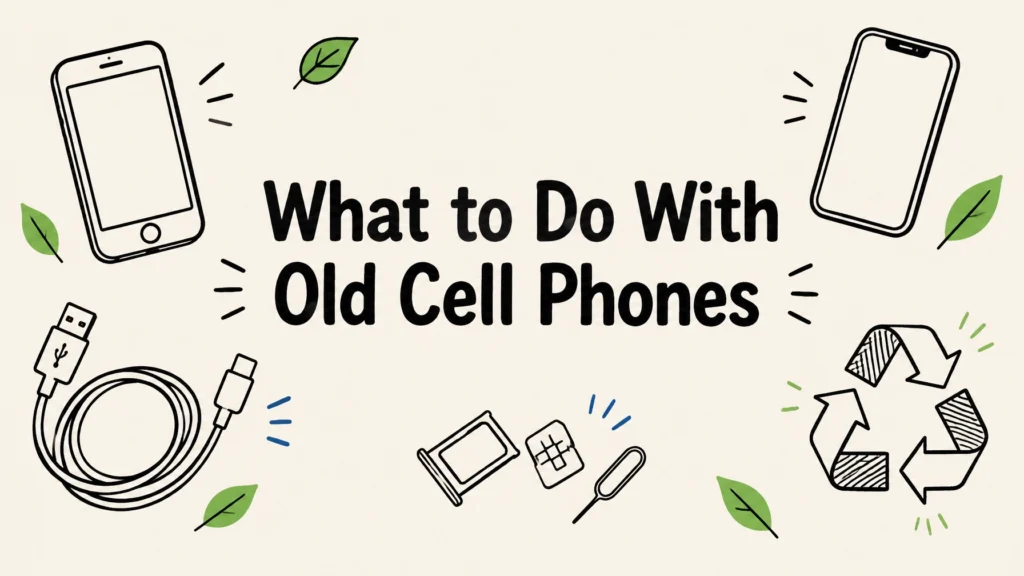
If an old phone still works, selling it, trading it in, or passing it on for reuse usually makes more sense than scrapping it. If it is broken or too old to use, it can still be recycled for its materials. Before any phone leaves your hands, back up what you need, sign out of your accounts, remove the SIM and memory card, and erase the device.
Four realistic options for what to do with old cell phones
Phones are small, often still usable, and usually hold more personal information than you might expect. A cracked screen does not necessarily make a phone worthless, but a locked phone may be difficult for someone else to reuse.
| Option | Best for | What you need to do first | What you get out of it |
|---|---|---|---|
| Sell or trade it in | A working phone in usable condition | Back up your data, sign out of accounts, remove cards, and erase the phone | A chance to recover value or put the device toward another purchase |
| Donate or pass it on for reuse | A phone that works and can be set up by someone else | Complete the same data steps and confirm account locks are off | More use from a working device |
| Hand it to a recycler for dismantling and material recovery | A broken, outdated, or unwanted phone | Remove SIM and memory cards; arrange safe handling if the battery is swollen | Recovery of materials such as metals and glass |
| Keep it as a backup or dedicated device | A working phone you still have a practical use for | Remove old accounts and set it up for its new purpose | A backup, music player, dashcam, or child’s first phone |
If you keep a phone, check that it can still receive security updates before using it for email, banking, or other sensitive accounts. A dedicated offline music player is a different proposition from a phone used for everyday internet access.
How to wipe a phone properly before selling, donating, or recycling
Deleting apps or photos is not the same as erasing a phone. Data may remain in storage, and the device may still be tied to your Apple or Google account. Activation Lock on an iPhone or Factory Reset Protection on many Android phones can prevent a new owner from setting it up. That account lock is one of the main reasons a donated phone may be unusable and end up recycled instead.

Follow these steps before handing over a working phone:
- Back up what you want to keep. Save your photos, contacts, messages, and other files, then check that the backup is usable. Move authenticator apps and account access to your new phone before you reset the old one.
- Sign out of your Apple or Google account. Turn off Find My and Activation Lock on an iPhone, or remove the Google account to turn off Factory Reset Protection on Android. Follow the phone maker’s steps if the device uses an additional account lock.
- Remove the SIM and any microSD card. The SIM may connect to your mobile account, and a microSD card can contain photos and files. Some newer phones use an eSIM instead of a removable SIM; remove or transfer the eSIM through the phone’s settings and your carrier as needed.
- Factory reset and erase the phone. Use the device’s reset option. Modern phones generally encrypt their storage, and a factory reset is designed to erase the data and encryption keys. If your phone offers an encryption setting and it is not enabled, enable it before resetting.
- Check the setup screen. After the reset, start the phone as a new user would. Confirm that it no longer asks for your old Apple or Google account.
For added peace of mind, review the phone maker’s instructions for your model. For organization-owned handsets, follow your company’s approved data-handling policy rather than relying only on a user reset.
Phone data destruction is different from laptop data destruction
A phone does not have a spinning hard drive like many older computers. Its storage is built into the device, so the process is different from removing and shredding a laptop drive. For a working phone, data sanitization followed by a factory reset is the practical route.
If the phone will not power on, the screen is dead and you cannot complete the reset, or your organization’s policy requires it, physical destruction may be the appropriate choice. At Reworx, we wipe data-bearing devices to a documented standard or physically destroy them when needed, with a certificate of destruction. Our data destruction services explain how documented data handling can support a secure device retirement.
A box of company handsets can be handled as one documented job, rather than turning it into thirty separate errands.
The phone battery problem: when not to put it in a bin
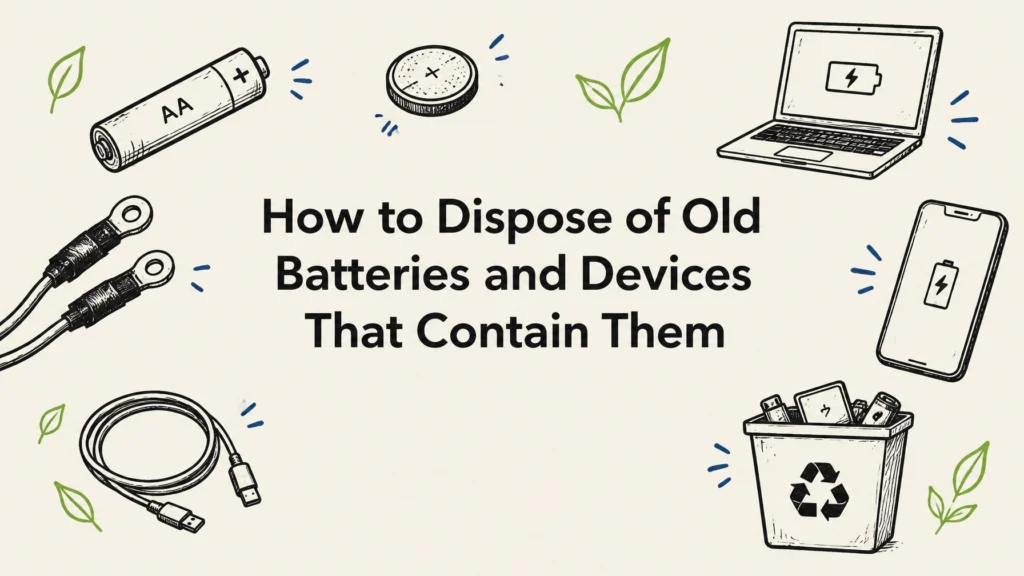
Phones contain rechargeable batteries, so they should not go into household trash or a curbside recycling bin. Keep an eye out for a bulging back, a screen lifting away from the case, a battery that will not hold a charge, or a phone that gets unusually hot.
A swollen, punctured, or very old battery needs extra care. Do not press, puncture, or try to remove a swollen battery yourself. Keep the phone out of a hot car and away from a pile of other devices while you arrange a safe handoff.
A phone with its battery still inside is fine for Reworx to accept. We do not accept loose batteries on their own. For a loose or swollen battery, ask a retailer take-back counter, local household hazardous waste site, or your city or county program how to bring it in safely. If the battery is swollen while still inside the phone, contact a local program for instructions before taking it to a collection point.
Where can you take old phones?
Choose a destination that fits the phone’s condition and your main concern: reuse, data security, or safe material recovery. Realistic options include:
- An electronics recycler. Ask how it handles data and batteries, where devices go after collection, and whether its downstream partner holds a current certification. Ask to see the certificate.
- A retailer or carrier trade-in counter. Check what condition and models it accepts, and erase the phone before handing it over.
- A manufacturer take-back program. Review its instructions for preparing the device and removing account locks.
- A municipal collection event. Check your city or county’s rules for phones and batteries, especially if the battery is damaged.
- A charity that refurbishes phones. Confirm it accepts your model and can make use of it. An unlocked, working phone is easier to reuse.
Reworx accepts smartphones and other electronics. You can review our accepted electronics and devices or learn about our electronics recycling service. We serve businesses nationwide across all 50 states, with free pickup for business equipment and free data destruction.
For businesses and nonprofits: treat a box of phones as records first
A box of retired handsets is a records problem before it is a recycling problem. Company phones can contain email, authenticator apps, saved passwords, and other credentials. Signing out of the accounts matters just as much as preparing the hardware.
Before collection, inventory each phone’s serial number and IMEI, and keep a disposition record for each device. Decide whether it should be wiped for reuse or physically destroyed under your policy. Ask for documentation, including a certificate of destruction where applicable, and keep it with the asset records. Organizations should also follow their own data-retention and security requirements, including relevant HIPAA, PCI DSS, and state data breach obligations.
Free nationwide pickup and free data destruction are available for business pickups through Reworx. Newer equipment may sometimes be eligible for buyback rather than recycling; ask about equipment buyback options without assuming every phone will qualify or have resale value. If you are also clearing out laptops, see our guide to what to do with an old laptop.
FAQs about old cell phones
Can I recycle a phone with a cracked screen?
Usually, yes. A cracked screen does not automatically prevent recycling, though it may affect whether the phone can be reused. Remove your SIM and memory card, and erase the phone if it still works.
Is it safe to recycle a phone with the battery still in it?
A phone with its battery installed can go to an electronics recycling program that accepts phones. Do not put it in household trash or curbside recycling. If the battery is swollen or damaged, ask your local hazardous waste program how to handle it.
What do I do with a phone that won’t turn on?
Remove any SIM or memory card you can access, and check whether you can erase the device through its account or device-management settings. If you cannot confirm the data has been erased, choose a service that can explain its data destruction process before recycling.
Should I sell my old phone or recycle it?
If it works and can be unlocked, selling, trading, or passing it on for reuse is often the better first choice. If it is broken, locked, or no longer useful, recycling is a sensible next step.
Do I need to remove my SIM card before recycling a phone?
Yes. Remove the SIM card and any microSD card before handing over the phone. If the phone uses an eSIM, remove or transfer it through the device settings and your carrier.
Refurbished technology from Reworx helps bridge the digital divide by supporting marginalized and vulnerable communities with resources for education and career readiness.
If you’re local, you can drop off household phones at our Smyrna, Georgia facility in metro Atlanta. For business equipment, schedule a free pickup anywhere in the country. Text or call 678-449-0003 to ask about your phones and the best next step.