You've probably heard the term data sanitization, but what does it really mean for your business? It’s the process of deliberately and permanently erasing every trace of data from a storage device, making it impossible to recover. This goes way beyond just hitting "delete," which is a common but dangerous mistake. For any business that handles confidential information—whether it’s customer data, financial records, or internal trade secrets—proper data sanitization isn't just a good idea, it's a critical component of risk management and corporate responsibility.
The Critical Difference Between Deleting and Sanitizing
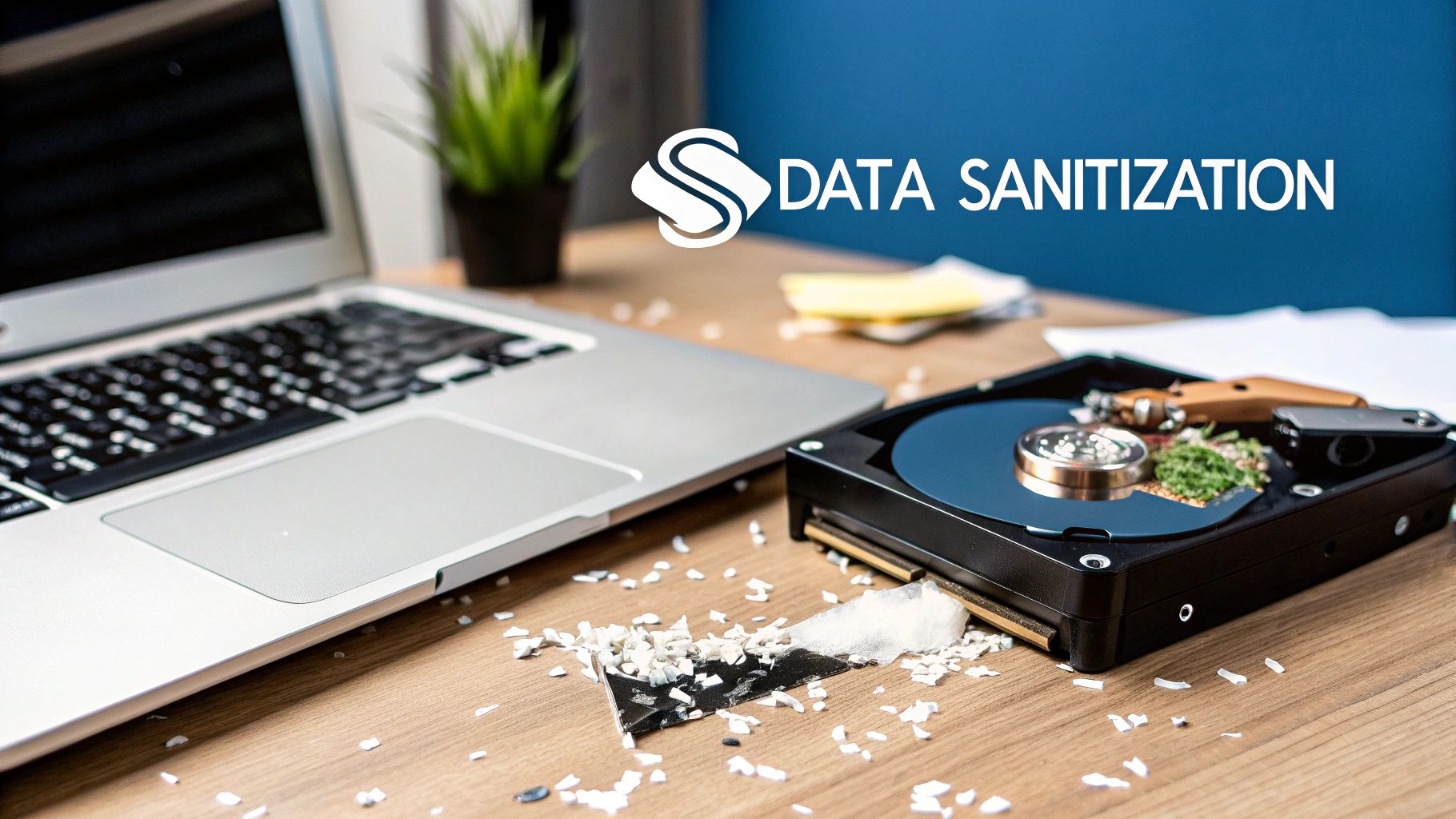
Many business owners assume that reformatting a hard drive or deleting old files is enough to protect their data during IT equipment disposal. That's a huge security blind spot, the kind that can lead to massive data breaches, regulatory fines, and a damaged reputation. The truth is, these simple actions are nowhere near secure enough for professional IT asset disposition (ITAD).
Think of your hard drive as a library. When you "delete" a file, you're just removing its card from the catalog. The book (your data) is still sitting on the shelf, ready for anyone with the right tools to come along and find it.
Why Standard Deletion Fails
Standard deletion and even a quick reformat are not security measures. They're just housekeeping. All they do is tell the operating system that the space is now "available" for new information. Until something new is written over that exact spot, the original data is still there, easily recoverable with free forensic software.
This creates a serious risk when you retire old computers, servers, or company phones. Here’s why just deleting files is never enough:
- Data Lingers: Even after a drive is reformatted, studies show a huge amount of the original data can be pieced back together. Forensic tools can rebuild sensitive files from these leftover fragments.
- No Audit Trail: Simple deletion leaves no proof that the data was securely destroyed. This leaves you completely exposed during a compliance audit or legal investigation.
- Regulatory Trouble: Regulations like HIPAA, GDPR, and CCPA have very strict rules for data disposal. Failing to properly sanitize data can lead to massive fines and legal headaches.
The True Meaning of Sanitization
Data sanitization, on the other hand, is a deliberate, verifiable process that renders data completely and permanently unreadable. It tackles the shortcomings of simple deletion head-on by using proven methods to overwrite, erase, or physically destroy the storage media itself.
This has become a non-negotiable part of modern data security. The global market for these tools is expected to hit USD 0.68 billion by 2033, which tells you everything you need to know about its importance. This growth is driven by the jaw-dropping cost of data breaches—which averaged $4.45 million in 2023—forcing businesses to get serious about security. Shockingly, basic formatting can leave up to 75% of data recoverable, making professional sanitization a must. You can learn more about the growing computer data sanitization and disposal tool market.
For any business planning an office cleanout or data center decommissioning, understanding this difference is the first step toward a secure and compliant ITAD program. Partnering with a specialist like Reworx Recycling guarantees every device is handled correctly, protecting your business while supporting sustainable, donation-based recycling.
Exploring the Core Methods of Data Sanitization
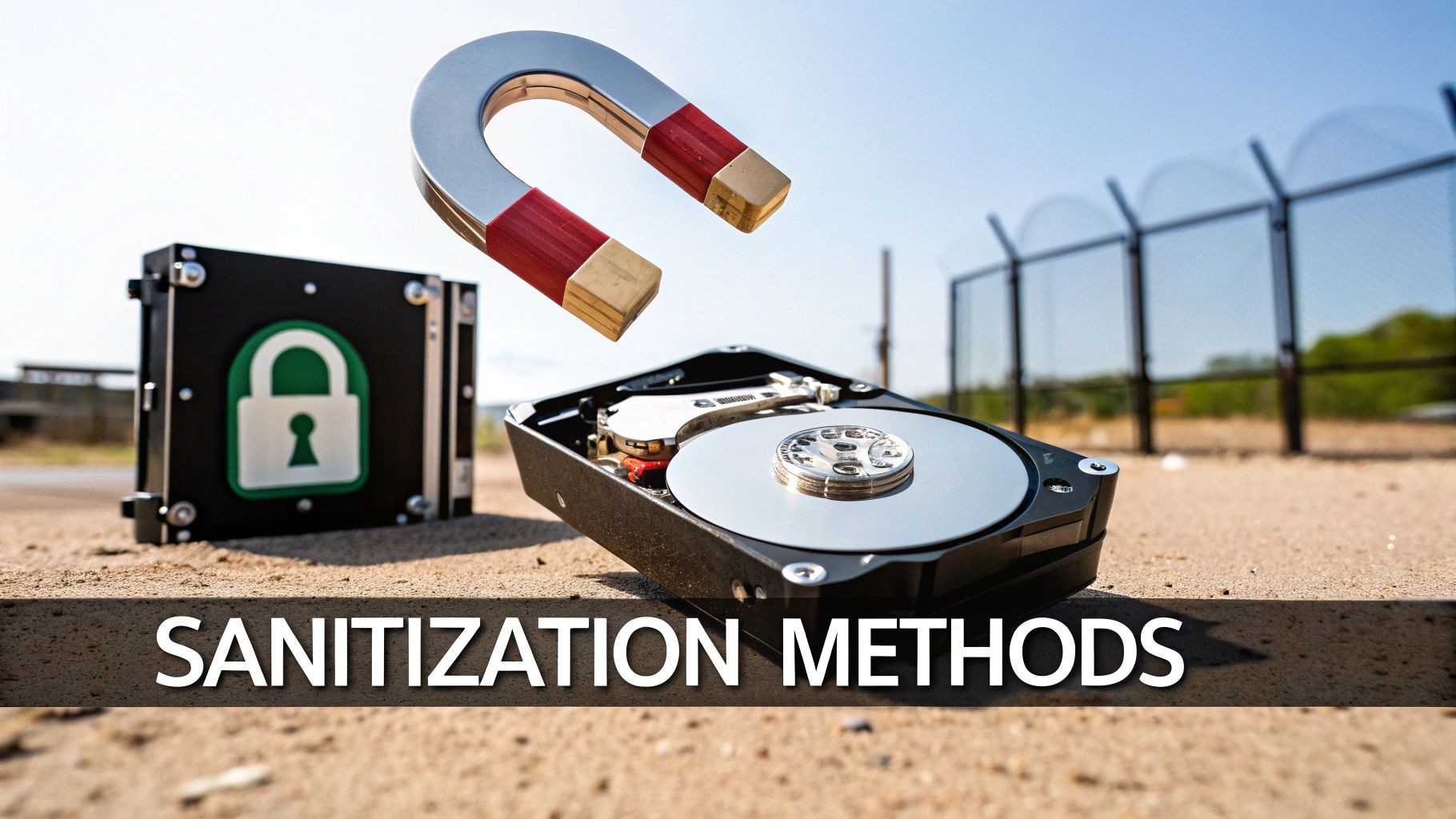
Understanding your options is the first step toward building a secure IT asset disposition (ITAD) program. Data sanitization isn’t a single action but a category of techniques, each with its own strengths, weaknesses, and ideal scenarios. The right choice always comes down to the type of device, its end-of-life plan, and your company's security policies.
Let's demystify the four primary methods. Each one offers a different path to the same destination—making sure your data is gone for good.
Overwriting: The Digital Paint-Over
Overwriting is one of the most common software-based approaches. It works by writing new binary patterns—sequences of ones and zeros—directly over the original data stored on a device. This isn't a one-and-done process; it's repeated multiple times, often following strict standards like the DoD 5220.22-M or NIST 800-88 Clear.
Think of it like painting over an old canvas. A single, thin coat of paint might let the original image show through. But after you apply several thick layers of random colors, what was once there is completely obscured. Overwriting does the same thing, making the original data forensically unrecoverable.
- Best For: Traditional hard disk drives (HDDs) in laptops, desktops, and servers that you plan to reuse, resell, or donate.
- Key Advantage: It preserves the hardware, making it a perfect fit for sustainable electronics recycling programs where devices can be refurbished and given a second life.
This technique is a cornerstone of responsible IT equipment disposal, allowing partners like Reworx Recycling to safely and securely put sanitized devices back into circulation through our corporate donation programs.
Degaussing: The Magnetic Reset
Degaussing is a hardware-based method that only works on magnetic storage media, like traditional HDDs and old-school magnetic tapes. It uses an incredibly powerful magnetic field to disrupt the magnetic domains where data is stored, effectively scrambling the information into an unreadable mess.
Imagine trying to wipe an old cassette tape by passing a powerful magnet over it. Degaussing is the industrial-strength version of that, instantly neutralizing the drive’s ability to store data.
Degaussing is a form of purging, as defined by NIST, meaning it protects data against even advanced laboratory recovery techniques. However, it also renders the hard drive permanently unusable.
This method is highly secure but destructive. It's best reserved for devices that have reached the absolute end of their lifecycle and contain extremely sensitive information.
Cryptographic Erase: The Digital Key Vaporizer
Modern storage devices, especially Solid-State Drives (SSDs), often come with built-in encryption. Cryptographic Erase cleverly takes advantage of this by destroying the unique encryption key used to secure the data. Without the key, the data on the drive becomes a block of indecipherable gibberish.
It’s like locking your data in an unbreakable digital safe and then vaporizing the only key that could ever open it. The data is still technically there, but it's permanently inaccessible. For all practical purposes, it's gone.
This method is incredibly fast and is the go-to for SSDs, which have a different internal architecture than HDDs and don't respond as reliably to traditional overwriting. It's a key technique used in data center decommissioning and for retiring newer laptops and servers.
Physical Destruction: The Final Guarantee
When data is so sensitive that no risk is acceptable, or when a device is faulty and can't be sanitized using other methods, physical destruction is the ultimate solution. This involves shredding, crushing, or pulverizing the storage device until the media is reduced to tiny fragments.
This is the most direct approach you can take. If the physical platter or chip that holds the data no longer exists in a readable form, the data is gone for good. Companies like Reworx Recycling offer secure data destruction services that provide a certified audit trail for this process, ensuring you meet compliance requirements.
Choosing between these methods—from the reusable approach of overwriting to the finality of shredding—is a critical decision in any facility cleanout or ITAD strategy. The right partner can help you select the appropriate, compliant method for every single asset.
Data Sanitization Methods At a Glance
To make the decision a little easier, here’s a quick comparison of the four primary methods and where they fit best.
| Method | Description | Best For | Device Reusability | Security Level (NIST) |
|---|---|---|---|---|
| Overwriting | Software-based process that writes random data over existing information multiple times. | Reusable HDDs, servers, and laptops planned for resale, donation, or redeployment. | Yes | Clear |
| Degaussing | Uses a powerful magnetic field to scramble data on magnetic media, rendering it unreadable. | End-of-life HDDs and magnetic tapes with highly sensitive data. | No | Purge |
| Cryptographic Erase | Destroys the encryption key, making the encrypted data on the drive permanently inaccessible. | SSDs, self-encrypting drives (SEDs), and newer mobile devices. | Yes | Clear |
| Physical Destruction | Involves shredding, crushing, or pulverizing the device to physically destroy the storage media. | Damaged devices, extremely sensitive data, or when total obliteration is required for compliance. | No | Destroy |
Ultimately, whether you're wiping a drive for reuse or shredding it for total security, the goal is the same: absolute peace of mind. Knowing which method to use, and when, is key to protecting your organization's data.
Navigating the Complex World of Data Privacy Compliance
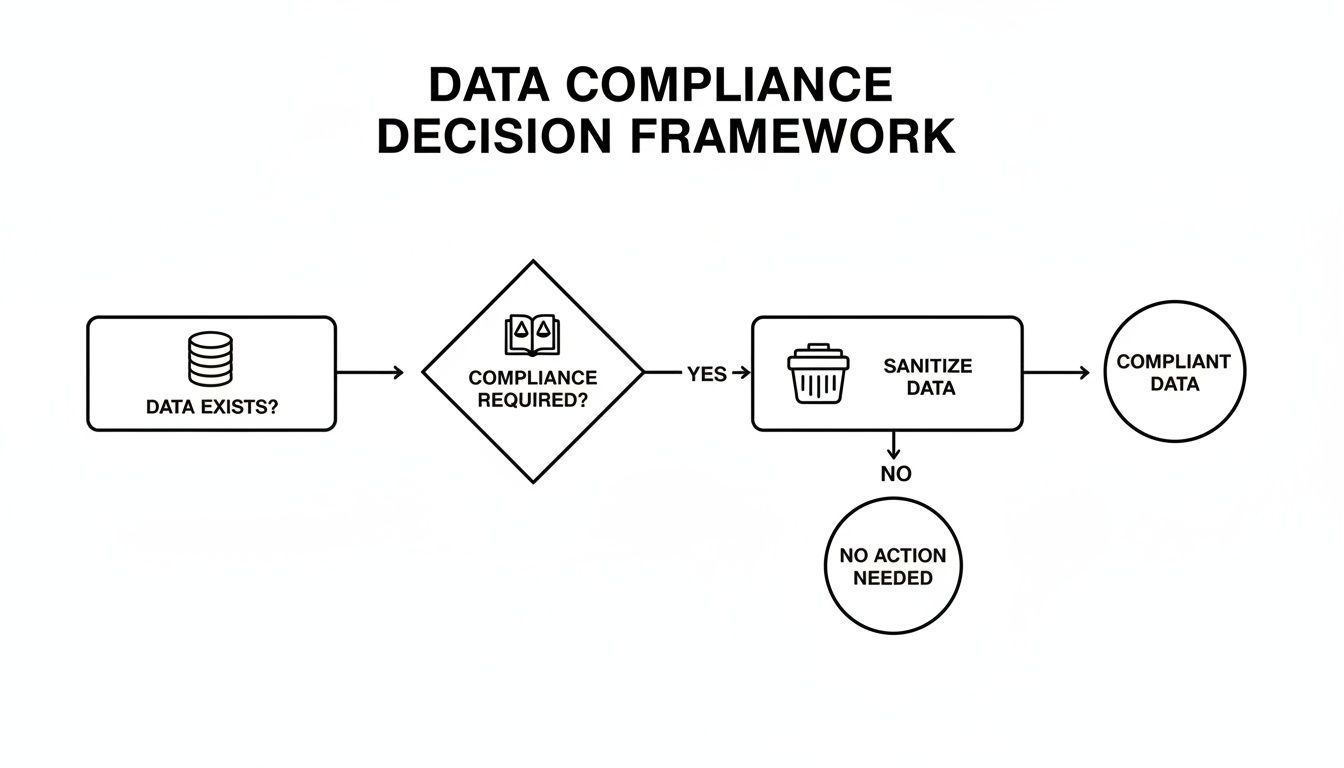
The technical methods we've discussed for sanitizing data don't just happen in an IT lab—they're driven by a massive business need: staying on the right side of the law. For any modern business, failing to properly wipe data from retired equipment isn't a simple mistake. It's a direct violation of privacy laws that come with eye-watering financial penalties and the kind of brand damage that’s hard to shake.
This is where the "what" of data sanitization meets the powerful "why."
Having a documented, verifiable sanitization program isn't just a nice-to-have IT task anymore. It's a core piece of corporate governance. It gives you the auditable proof you need to show regulators, partners, and your own customers that you take their privacy seriously, from the moment a device is powered on to the day it leaves your facility.
The Major Regulations Demanding Data Sanitization
Several landmark laws are the driving force behind data privacy, and they all have specific rules about securely getting rid of sensitive information. The legal language can get dense, but the core message is simple: if you collect private data, you're on the hook for destroying it securely when it's no longer needed.
Here are the heavy hitters your business needs to be aware of:
- GDPR (General Data Protection Regulation): This EU law has become the global benchmark for data privacy. Its famous "right to be forgotten" legally requires companies to permanently erase personal data when asked, making a documented sanitization process absolutely essential.
- HIPAA (Health Insurance Portability and Accountability Act): For any organization in the U.S. that touches protected health information (PHI), HIPAA's Security Rule is the law of the land. It lays out strict protocols for the final disposal of electronic PHI, demanding either complete sanitization or physical destruction.
- CCPA/CPRA (California Consumer Privacy Act/California Privacy Rights Act): This law gives Californians significant control over their personal information, including the right to have it deleted. Businesses must have a provable process for wiping this data from every system, including old, retired hardware.
And make no mistake, ignoring these rules is a costly gamble. These regulations have serious teeth, with fines that can soar into the millions for just a single slip-up.
Industry Standards Setting the Bar
Beyond the big government regulations, many industries have their own data security standards that get very specific about data disposal. These frameworks offer practical, step-by-step guides for protecting certain types of information and are often a requirement for doing business in those fields.
PCI DSS (Payment Card Industry Data Security Standard): This one is non-negotiable for any organization that handles credit card data. It mandates that all stored cardholder information on electronic media must be made completely unrecoverable before that media is thrown out or reused. For retailers, e-commerce platforms, and banks, certified data sanitization is a critical part of staying compliant.
Another key framework is the NIST Special Publication 800-88, Guidelines for Media Sanitization. While it was first developed for U.S. government agencies, it has become the gold standard for the private sector. It provides a detailed, risk-based approach to sanitization, defining the "Clear," "Purge," and "Destroy" methods that are the bedrock of modern ITAD practices. Following these guidelines is a clear signal that you're serious about data security.
For a deeper look into the bigger picture of security strategy, exploring topics in Cyber Security Governance, Risk, and Compliance can provide some valuable context.
The global push for proactive data protection is only getting stronger. The market for secure data destruction services is on track to hit roughly $35 billion by 2033, a surge driven by these tough new laws. Since 2018, GDPR alone has led to over 1,000 fines totaling more than €4 billion for data handling mistakes, showing just how massive the financial risk has become. You can read the full research about these market trends and regulatory impacts.
Building Your Secure IT Asset Disposition Program
Alright, we've covered the "what" and "why." Now let's get down to the "how." Moving from theory to practice means building a formal, repeatable IT Asset Disposition (ITAD) program that makes secure data sanitization a part of your company's DNA.
An effective ITAD strategy is more than just a technical checklist. It's a full-blown business process that protects your data, keeps you compliant, and manages the entire lifecycle of your tech. When done right, you can turn a major operational headache into a secure, managed, and even value-driven process. It just takes a clear policy, defined roles, and a trusted partner to pull it off.
Step 1: Inventory and Classify All Data-Bearing Assets
You can't protect what you don't know you have. It sounds simple, but it's the absolute foundation of any good ITAD program. The very first step is to create a complete inventory of every single device in your organization that stores data—and that list is probably longer than you think.
We're talking about more than just the obvious laptops and servers. Think about all the places data can hide:
- Workstations and Laptops: These are the most common sources, holding sensitive corporate files and employee data.
- Data Center Equipment: Your servers, storage area networks (SANs), and network-attached storage (NAS) are treasure troves of business-critical information.
- Mobile Devices: Don't forget company-issued smartphones and tablets. They're packed with emails, contacts, and direct access to your corporate networks.
- Networking Gear: Even routers and switches can store configuration data and sensitive network logs.
- Office Equipment: Those high-end printers and multifunction devices? Many have internal hard drives that keep copies of everything scanned or printed.
Once you have your list, the next job is to classify the data on these assets based on sensitivity. Is it public info, internal-only data, confidential customer PII, or highly regulated health and financial data? This classification is what will determine the exact sanitization method required for each device down the line.
Step 2: Establish a Secure Chain of Custody
A chain of custody is the documented, unbroken trail that follows every IT asset from the moment it’s taken offline until its data is certified as destroyed. This process is your single most important defense against assets getting lost, stolen, or mishandled during disposition.
A strong chain of custody isn't just a best practice; it's a critical requirement for proving due diligence under regulations like HIPAA and GDPR. It's your proof that you maintained control and security over sensitive data at every single stage.
This paper trail needs to track who handled the asset, where it was stored, how it was transported, and precisely when and how its data was wiped or destroyed. This is where working with a certified ITAD partner like Reworx Recycling is essential. We provide secure, GPS-tracked logistics and meticulous documentation to ensure that chain of custody remains perfectly intact.
Step 3: Mandate Third-Party Verification and Documentation
Internal processes are a great start, but when it comes to compliance, independent, third-party verification is the gold standard. A Certificate of Data Destruction is the formal document that proves sanitization was completed according to a specific, recognized standard, like NIST 800-88.
Think of this certificate as your official audit trail. It should detail the device's serial number, the exact sanitization method used, the date it was done, and the signature of the certified technician who did the work. This documentation is non-negotiable for any audit or legal inquiry you might face.
The sheer importance of data sanitization in ITAD is reflected in the market's explosive growth, which is projected to jump from $11.96 billion in 2025 to $23.66 billion by 2032. A key driver here is that proper sanitization allows for the reuse of up to 80% more hardware compared to just shredding everything. This lets businesses recover significant value from retired assets. It's why enterprises now dedicate 30-40% of their ITAD budgets specifically to sanitization, aligning with NIST guidelines to reclaim value while guaranteeing security. You can find more insights on the booming data center ITAD market and see where the industry is headed.
Partnering with an expert like Reworx Recycling brings all these steps together into one seamless service. We make sure every device is handled correctly, sustainably, and in full compliance with the rules that matter to your business.
The Reworx Advantage: Secure, Sustainable, and Socially Responsible ITAD
Picking an IT Asset Disposition (ITAD) partner is about more than just finding someone to shred old hard drives. The right partner becomes an extension of your team, protecting your data, defending your brand’s reputation, and helping you achieve your corporate social responsibility goals. This is where Reworx Recycling comes in, turning ITAD from a line-item expense into a strategic asset.
We don’t just stop at basic data destruction. We weave certified, audit-proof data sanitization into a powerful social enterprise mission. This gives you a solution that’s secure, sustainable, and socially responsible all at once, positioning your business as a leader in both data privacy and corporate citizenship.
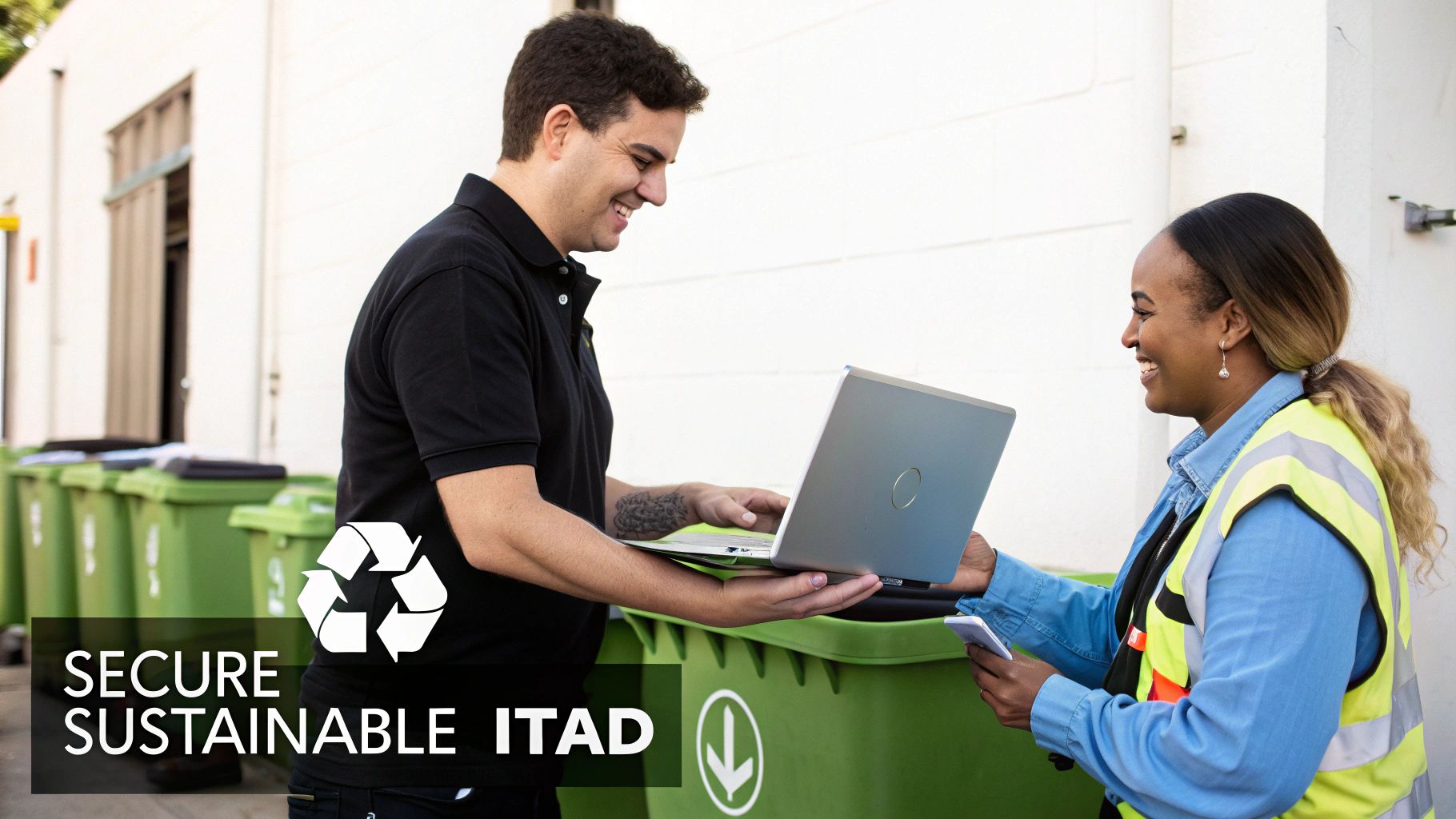
Uniting Data Security with Corporate Responsibility
Here at Reworx Recycling, we believe that ironclad data security and corporate social responsibility (CSR) aren't separate goals—they’re two sides of the same coin. Our entire process is built to deliver uncompromising security while creating real, positive impacts in the community. It’s a way for your business to meet compliance needs and CSR objectives at the same time.
Our services cover the entire spectrum of IT assets, so no device gets left behind:
- Office & Corporate Equipment: We handle everything from computer and laptop disposal to printers and mobile devices, performing NIST 800-88 compliant sanitization to protect employee and company data.
- Data Center Decommissioning: Our teams manage the complex logistics of retiring servers, storage arrays, and networking gear, using secure erasure methods that preserve asset value.
- Specialized Hardware: We have the expertise to manage the disposal of sensitive laboratory equipment and medical equipment disposal, ensuring compliance with industry-specific regulations like HIPAA.
When you partner with Reworx, you're not just getting rid of old tech. You’re making a strategic choice to enhance your brand's reputation as an environmentally and socially conscious organization.
The Power of Donation-Based Recycling
What truly sets Reworx Recycling apart is our donation-based social enterprise model. While we always offer physical destruction for non-functional or extremely sensitive devices, our main goal is to give technology a second life. This is where our meticulous data sanitization process shines.
After we perform certified data erasure, functional devices are refurbished and prepared for donation. This sustainable approach prevents valuable electronics from ending up in landfills and directly supports community development.
This model creates a powerful ripple effect. The sanitized laptops from your office cleanout could become the first computer for a student in an underserved community. Servers from your data center decommissioning might power a local nonprofit, helping them stretch their budget to better serve others.
This simple shift turns your retired assets from a liability into a powerful tool for social good. Your company directly contributes to:
- Promoting Digital Inclusion: We help bridge the technology gap by getting essential tools into the hands of those who need them most.
- Supporting Workforce Development: Donated equipment can be used in job training programs, equipping people with the digital skills they need to succeed.
- Enhancing Environmental Sustainability: By prioritizing reuse, we drastically reduce e-waste and conserve the resources needed to build new devices. The EPA notes that recycling electronics conserves natural resources and cuts down on pollution.
Choosing Reworx Recycling means picking a partner that aligns with your values. We help you protect your most sensitive information with uncompromising security while ensuring your old technology creates new opportunities for others. That’s the Reworx advantage: secure, sustainable, and socially impactful ITAD that strengthens both your business and your community.
Common Questions About Data Sanitization
As more businesses get serious about their data security, a few key questions about data sanitization pop up again and again. It's easy to get tangled up in the terminology, the tech, and the compliance rules, but getting the fundamentals right is the key to a smart IT Asset Disposition (ITAD) program.
Here are some clear, straightforward answers to the questions we hear most from IT managers, business owners, and sustainability leaders.
Clearing Versus Purging: What Is the Difference?
You’ll hear words like wiping, clearing, and purging thrown around, sometimes even interchangeably. But in the world of data security, they have very specific meanings laid out by the National Institute of Standards and Technology (NIST). Knowing the difference is what keeps your ITAD program compliant.
- Wiping: Think of this as a casual, non-technical term for deleting data. It isn't tied to any official standard, so you should never use it in a formal security policy.
- Clearing: This is an official sanitization method where software overwrites data with random, meaningless information. The whole point of clearing is to stop basic data recovery tools in their tracks. Standard overwriting is the most common form of clearing.
- Purging: This is the next level up. Purging is designed to protect data against determined, laboratory-grade recovery efforts. Methods like degaussing and cryptographic erase are considered purging techniques, offering much higher security for sensitive information.
In short, clearing is usually good enough for devices that will be reused within your company or sold. Purging is for when the data is high-risk and you need absolute certainty it's gone for good.
Is Physical Destruction Always More Secure?
This is one of the biggest myths in the ITAD world. While smashing a hard drive to bits feels final, it isn’t automatically more secure than a certified, software-based sanitization. When done correctly according to NIST 800-88 guidelines, both methods achieve the same top-tier level of data security.
The real difference isn’t security—it’s what you can do with the device afterward.
Physical destruction guarantees the data is gone, but it also creates e-waste and destroys any remaining value in the hardware. Certified sanitization also guarantees the data is gone, but it keeps the hardware intact for reuse, resale, or donation.
This makes sanitization a much more environmentally friendly and financially savvy choice for a sustainable ITAD strategy. The right path depends on your internal security policies, the asset’s value, and your company's green initiatives. A partner like Reworx Recycling can help you figure out when to sanitize for reuse and when secure destruction is the better call.
Do I Really Need a Certificate of Sanitization?
Yes. 100% yes. A Certificate of Sanitization (or Certificate of Data Destruction) is far more than just a piece of paper. It's your official, auditable proof that your company’s data was properly and permanently destroyed according to recognized industry standards.
Think of it as your get-out-of-jail-free card during a regulatory audit or legal challenge. It must include key details like:
- The unique serial number of each sanitized device.
- The exact sanitization method used (e.g., NIST 800-88 Purge).
- The date and time the process was finished.
- Confirmation that the sanitization was successful.
- The signature of the certified technician who did the work.
Without that certificate, you have zero verifiable proof of due diligence. That leaves your organization wide open to massive legal and financial risks. It’s an absolute must-have for any compliant ITAD program.
How Does Sanitization Work for SSDs Versus HDDs?
The technology inside a classic Hard Disk Drive (HDD) and a modern Solid State Drive (SSD) is completely different, which means they need different approaches to sanitization. If you use the wrong method, you might leave data behind while thinking you’re secure.
An HDD stores data on spinning magnetic platters. For these drives, software overwriting works perfectly because you can directly write new patterns over every single sector, effectively burying the original information for good.
SSDs are a different beast. They use flash memory and smart internal controllers that manage where data is stored. Because of this, a simple overwrite command might not hit the right spot—the drive itself might just redirect the data to a new block, leaving the original untouched.
For SSDs, the best and most reliable methods are:
- Cryptographic Erase (CE): This is the gold standard for self-encrypting drives. It instantly makes all data unreadable by simply destroying the internal encryption key. It’s incredibly fast and effective.
- Secure Erase Commands: These are built-in commands from the manufacturer that tell the drive to perform an internal, block-by-block erasure, resetting it to its original factory state.
Knowing this difference is vital for any IT team managing a mix of old and new hardware. Working with a knowledgeable ITAD partner ensures the right technique is used for every device, every single time.
Your IT assets are packed with sensitive data, and handling their disposal securely is vital for your company’s reputation and bottom line. At Reworx Recycling, we deliver certified secure data destruction and sanitization services that meet the highest industry standards, giving you auditable proof and total peace of mind. Don't leave your data security to chance. By partnering with us, you not only protect your business but also support communities through donation-based recycling.
Explore our secure data destruction services and schedule a pickup today.