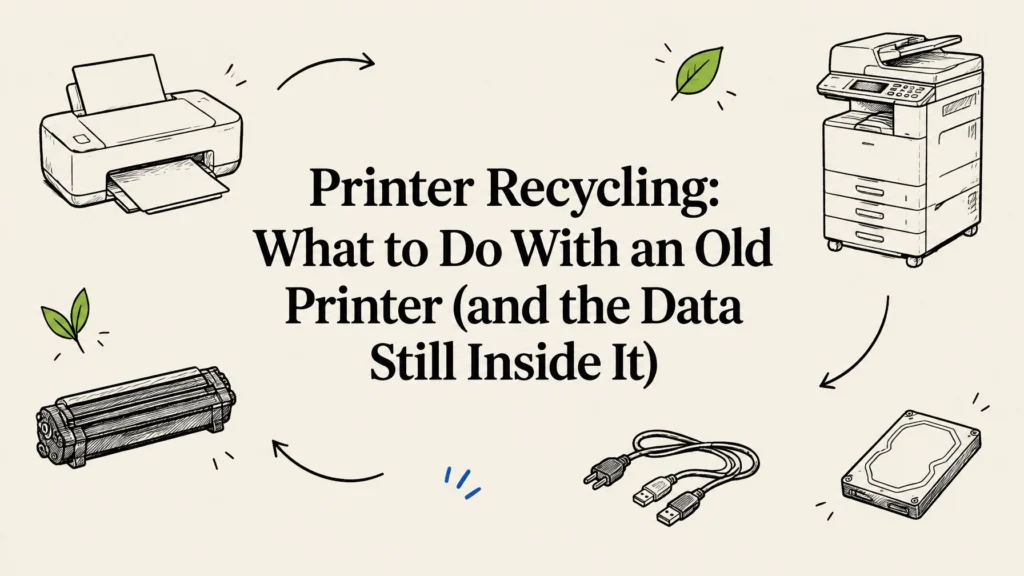
How you recycle a printer depends on its size and what it stores. A home inkjet usually goes to an electronics recycler, while a workgroup printer or copier may need its internal storage erased or physically destroyed first. Remove the ink or toner cartridges either way and send them through a separate take-back program.
Why a printer cannot just go in the trash
Printers combine plastic shells with metal parts, wiring, motors, circuit boards and other electronics. The plastic housing may have little scrap value, and toner residue or sealed toner and ink units need separate handling.
Many states and cities restrict electronics from the regular waste stream, but there is no single nationwide ban covering every printer. Check your city or county rules before deciding on printer disposal. You can also check a recycler’s accepted electronics list before loading the machine into your car or arranging a pickup.
The part most people miss: some printers have a hard drive
Small home inkjet and laser printers usually do not have a spinning hard drive. They may have a small amount of flash memory for settings or short-term tasks, but typically do not store jobs the way a business copier can.
Workgroup multifunction printers and floor-standing copiers often have a hard drive or document server. It can hold scanned pages, copies, faxes, saved print jobs, address books and other information. If the machine handled client records, payroll or patient paperwork, treat its storage like any other drive that may contain sensitive data.

How to find out whether yours has one
Check the model’s product manual or manufacturer support documentation for terms such as “hard disk” or “document server.” You can also print a configuration report from the printer’s control panel or web interface, check the machine’s specifications, or ask the service provider or leasing company.
A large floor-standing machine is more likely to have internal storage than a small home printer, but size alone is not proof. If you cannot confirm what is inside, ask the manufacturer or service provider before it leaves your control.
Erase the drive, or take it out and shred it
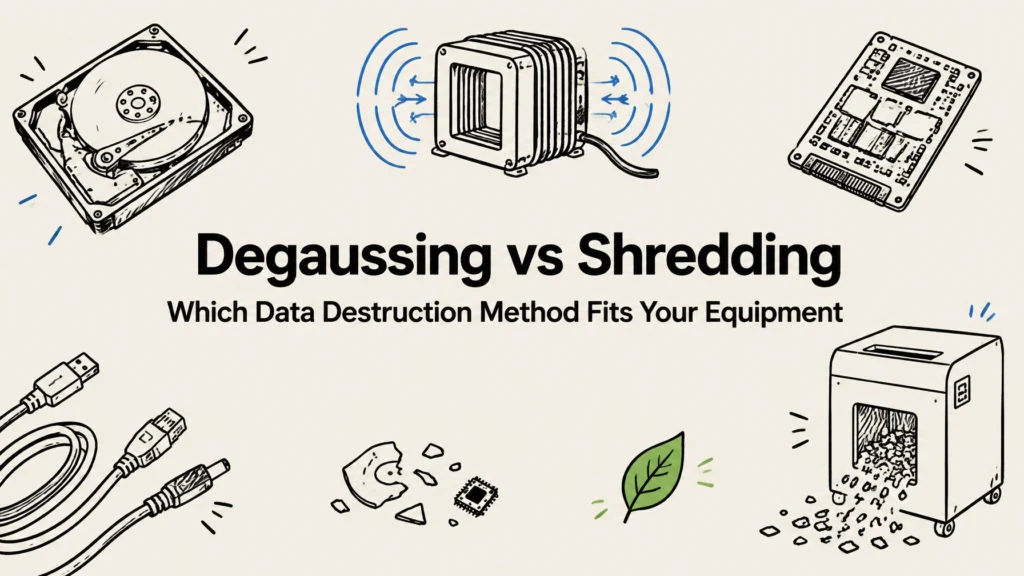
For an office printer or copier, plan the data step before arranging removal. A built-in erase feature may be appropriate if it fits your organization’s policy and the data’s sensitivity. If the drive is broken, the erase function is unavailable, or your policy calls for destruction, physical shredding may be the better route.
- Record the machine. Print its configuration page and note the serial number and asset tag before anything changes.
- Check the lease or service agreement. Wait for the machine to be released by the leasing company or service provider. Confirm whether the drive must stay in the machine or be returned separately.
- Use the manufacturer’s erase feature, if appropriate. Run the built-in disk overwrite or erase-all-memory feature and record when you completed it. Xerox offers guidance on erasing printer and hard disk memory, while Ricoh explains how to handle information assets stored on its products.
- Arrange destruction when needed. Have the drive removed and shredded through a documented, witnessed process. Keep the certificate of destruction with the printer’s asset record. Reworx offers hard drive shredding, with witnessed destruction available by request.
- Remove the cartridges. Send toner and ink through a separate take-back route.
- Recycle the printer shell. Use an electronics recycler or another local option that accepts the machine.
Documented erasure follows the same general idea as the media-sanitization guidance in NIST SP 800-88 Rev. 1, the federal guideline for sanitizing storage media. Reworx can provide a documented wipe using NIST 800-88-style methods, or physical shredding, and both fall under data destruction services with a certificate of destruction at the end. Keep your erasure record or certificate and any chain-of-custody paperwork with the asset file.
Printer recycling options at a glance
| Printer type | What’s usually inside | What to do before it leaves | Where it should go |
|---|---|---|---|
| Small home inkjet or laser printer | Settings memory; usually no spinning hard drive | Remove cartridges and check local rules | Electronics recycler or local collection option |
| Workgroup multifunction printer | May have a hard drive or document server | Check for storage, erase or shred as needed, remove cartridges | Business electronics recycler |
| Floor-standing copier or production printer | Often has a hard drive or document server | Record asset details, check lease, sanitize storage, remove cartridges | Copier service provider or commercial recycler |
| Leased machine being returned | Storage may remain, and the lease may specify who handles it | Confirm return requirements and get written confirmation of data handling | Leasing company or its approved return route |
Cartridges come out first
Toner and ink cartridges are their own waste stream. Don’t put them in the curbside recycling bin, and don’t leave a full toner cartridge rattling around inside a printer headed for the truck.

For toner cartridge recycling or ink cartridge recycling, check the manufacturer’s program page, an office-supply retailer’s collection options, or your city’s guidance. HP describes its options on its cartridge recycling page. Local rules can differ: for example, NYC Sanitation’s guidance explains its local approach. A program or drop-off option may not be available near every address.
Is printer recycling free? Sometimes, and here is the honest answer
Printers and copiers are mostly plastic and often have little scrap value. Many recyclers, including Reworx, charge a disposal fee for printers and a larger one for copiers when they are dropped off. That fee can be waived when printers are included with other equipment in a business pickup.
Before you choose where to recycle a printer, ask:
- Is there a fee for the printer or copier?
- Is the fee waived if it comes with other equipment?
- Is data destruction included, and will I receive a certificate?
Most standard electronics are accepted free through Reworx, but printers and copiers are an exception because of their limited material value. You can review the electronics recycling service before arranging a handoff.
Before the printer leaves your building
For an office printer or copier, add these checks to your retirement process:
- Remove it from print management and your asset list.
- Cancel the service contract or confirm the lease return requirements.
- Clear its address book and any stored documents.
- Erase or shred the drive, as appropriate for your policy.
- Get the certificate of destruction or erasure record, then file it with the asset record.
If the machine handled patient paperwork or card payments, stored information may fall within your organization’s HIPAA or PCI DSS obligations. State breach-notification laws may also be relevant to personal information stored on the device, including scanned records. Check with your compliance or legal team about the requirements that apply to your situation.
What happens to a printer after you drop it off?
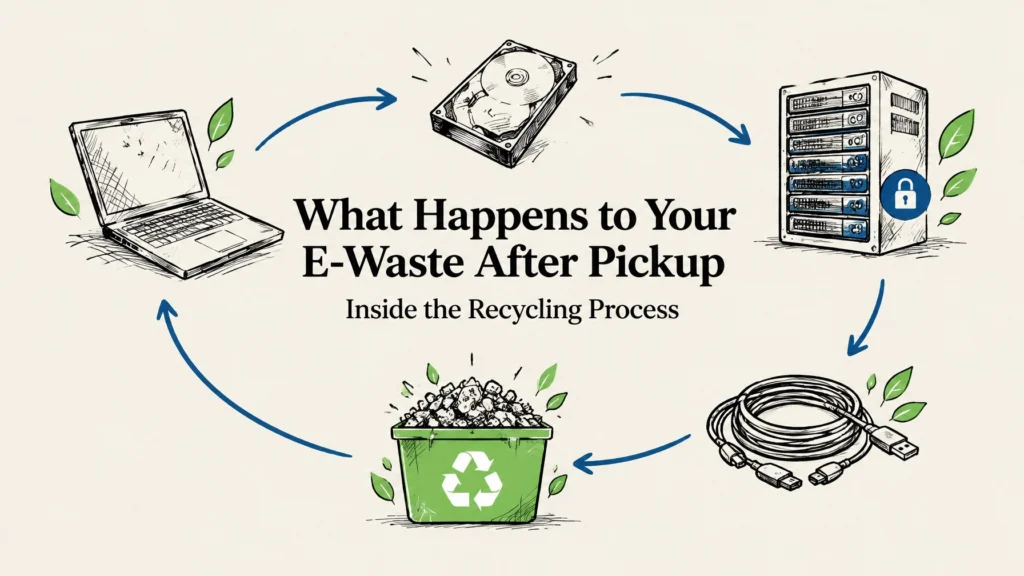
A recycler dismantles the machine and separates its plastic shell from metal parts, circuit boards, wiring and motors. Toner is handled as its own stream, rather than mixed in with the printer body. The separated materials are directed to responsible downstream processors for further recovery or handling.
For a closer look at the general process, see what happens to e-waste after pickup. The exact route depends on the materials and the equipment’s condition.
For offices retiring a whole fleet
If you are retiring several printers or copiers, confirm the return plan for any leased machines first. For the rest, one business pickup can be simpler than arranging many separate drop-offs. Reworx provides free business pickups across all 50 states, free data destruction with a certificate of destruction, and flexible scheduling, including after-hours arrangements for offices that cannot take a truck during business hours.
Printer and copier buyback usually will not apply because the hardware itself has little resale value. In a larger load, however, including printers alongside other IT equipment can mean the printer disposal fee is waived. Reworx’s IT asset disposition service can help offices plan a documented equipment retirement.
Refurbished equipment we can recover goes to community organizations supporting education and career readiness.
Frequently asked questions
Can I put a printer in the regular trash?
Check your city or county’s rules first. Many places restrict electronics from the waste stream, and a printer contains electronic components that may need a separate route. Look for local e-waste collection or a recycler that accepts printers.
Do I need to take the toner cartridge out before recycling a printer?
Yes, remove toner and ink cartridges before the machine goes for recycling. Send them through a manufacturer take-back program, retailer collection point or local option that accepts them. Don’t put them in curbside recycling.
Does my printer have a hard drive?
A small home printer usually does not have a spinning hard drive, though it may retain some settings or temporary data. Workgroup multifunction printers and floor-standing copiers often have a hard drive or document server. Check the product manual or ask the manufacturer or service provider.
How do I wipe a printer before recycling it?
Check the manufacturer’s documentation for an erase-all-memory or disk-overwrite feature, then follow the instructions for your model and record the result. If your policy requires physical destruction, or you cannot reliably erase the storage, arrange drive removal and shredding with documentation. Confirm the lease terms before removing anything.
Is it worth selling an old printer?
It depends on its condition and whether there is demand for that model. Many printers and copiers have little resale or scrap value, so recycling may be the more practical choice. Ask a recycler whether a fee applies and whether it can be waived as part of a larger equipment pickup.
Choose the next step
If you’re searching for “printer recycling near me,” check local city or county options and confirm whether they accept your printer type. Households can drop off at Reworx’s Smyrna, Georgia facility; businesses can arrange free nationwide pickup. Schedule a pickup, or text or call 678-449-0003 to ask about your printer, copier and data-handling needs.